OpenAI Codex App: The Free AI Coding Assistant That Outperforms Claude
Most developers waste hours juggling between IDEs, terminals, and AI tools. OpenAI's new Codex desktop app consolidates everything into one powerful interface where AI agents handle coding tasks while you focus on architecture. Best part? It's now free for all users.
Codex App Overview
Traditional AI coding assistants require constant context switching between tools, wasting precious development time. OpenAI's Codex desktop app solves this by providing a unified command center where developers can delegate coding tasks to AI agents while maintaining full oversight.
The app acts as a project management hub, integrating with external IDEs like Xcode and Android Studio while providing built-in version control features. Its standout feature is the diff view that lets developers review AI-generated changes line by line, with the ability to request specific edits through inline comments.
What sets Codex apart: Unlike standalone coding tools, Codex manages entire development workflows. You can run multiple AI agents simultaneously across different projects, each maintaining its own context and progress while you focus on high-level architecture.
Getting Started Guide
Getting started with Codex takes less than 5 minutes. First, download the app from openai.com/codex - currently available for Mac with Windows and Linux versions coming soon. After installation, sign in with your ChatGPT account or enter an OpenAI API key.
The onboarding process guides you through opening your first project folder. Codex scans your codebase to understand the tech stack and project structure. At the 2:15 mark in the tutorial video, you can see how Codex automatically identifies a Next.js project using TypeScript, Tailwind CSS, and Drizzle ORM.
Pro tip: Use your ChatGPT account rather than direct API keys to take advantage of free tier access and any existing paid subscription benefits.
Key Features Breakdown
Codex's interface combines the best aspects of an IDE, version control system, and AI assistant. The main command center features a prompt box where you instruct Codex to complete tasks, surrounded by essential controls:
- IDE integration: One-click opening in Xcode, Android Studio (VS Code coming soon)
- Version control: Commit, push, and create pull requests directly from the app
- Terminal access: Built-in terminal for the project directory
- Diff view: Side-by-side code comparison with commenting capabilities
In the tutorial, Codex demonstrates its capabilities by building a complete deals page for a CRM system in minutes - including CRUD functionality, search, and filtering - while maintaining consistent UX with the existing application.
Automation Workflows
Codex introduces a powerful new automation feature that schedules repetitive coding tasks. Accessed via the left sidebar, this functionality uses cron jobs to run specific prompts on defined schedules - perfect for daily code reviews, weekly maintenance, or other recurring tasks.
The interface provides templates for common automations like scanning recent commits or performing dependency updates. At the 7:30 timestamp, the tutorial shows how to configure an automation to review new code every weekday morning at 9 AM.
Automation potential: These scheduled workflows can save teams 5-10 hours per week on routine coding tasks while ensuring consistency across the codebase.
Extending with Agent Skills
Codex's skills system allows developers to extend the AI's capabilities beyond standard code generation. Skills are collections of instructions, references, and scripts that teach Codex to connect tools, run workflows, and complete specialized tasks.
The app includes pre-built skills for common development scenarios, and you can create custom skills tailored to your stack. Skills can be invoked explicitly with slash commands or automatically based on task context.
Skill examples: Code review templates, API documentation generators, test case writers, and deployment scripts can all be packaged as reusable skills.
Multi-Agent Development
Codex shines when managing multiple AI agents across projects. The tutorial demonstrates running one agent to build a CRM dashboard while simultaneously having another analyze a personal finance app - all from the same interface.
Each agent operates in its own thread, maintaining separate context and progress. Developers can switch between active projects, review changes in the diff view, and provide feedback - effectively acting as a technical lead overseeing multiple AI developers.
Enterprise potential: Teams can scale development by assigning specialized agents to different components while maintaining centralized oversight through Codex's unified interface.
Watch the Full Tutorial
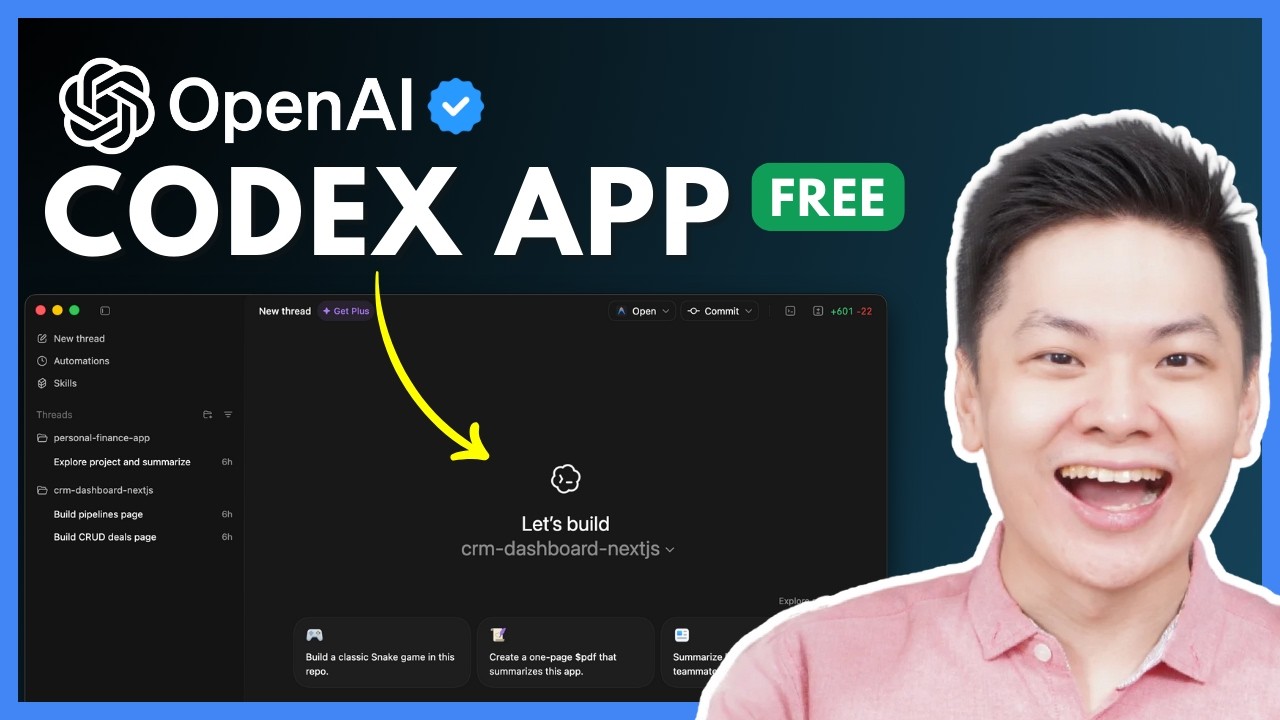
See OpenAI Codex in action building a complete deals page for a CRM system in minutes. The video tutorial walks through project setup, agent delegation, diff review, and automation configuration - including timestamped demonstrations of key features.
Key Takeaways
OpenAI Codex represents a paradigm shift in AI-assisted development by combining coding capabilities with project management and team collaboration features. Its unified interface eliminates tool fragmentation while its automation and skills systems allow for customized workflows.
In summary: Codex lets developers delegate implementation to AI agents while focusing on architecture and review. The app's availability to free users makes advanced AI coding assistance accessible to all developers, potentially accelerating software projects by 30-50%.
Frequently Asked Questions
Common questions about OpenAI Codex
OpenAI Codex stands out with its unified command center interface that lets developers manage multiple AI agents across projects simultaneously. Unlike standalone coding tools, Codex integrates directly with IDEs like Xcode and Android Studio while providing version control features and automated code review capabilities.
The app combines the functionality of several development tools into one streamlined interface. This eliminates context switching between terminals, IDEs, and AI tools - a common productivity killer in modern development workflows.
- Centralized management of multiple AI agents
- Built-in version control and diff tools
- Direct IDE integration (Xcode, Android Studio)
- Scheduled automation capabilities
Yes, OpenAI has made Codex available to free tier users as part of their recent launch. The app also doubled rate limits for all paid plans. Free users get access to core functionality including AI agent delegation, project management features, and basic automation capabilities.
While premium features may require a paid plan in the future, currently all users can access the complete Codex experience. This includes running multiple agents, skills integration, and scheduled automations - making it one of the most powerful free AI development tools available.
- Available to ChatGPT free tier users
- Doubled rate limits for all plans
- Full feature access at launch
- No credit card required
Currently, the Codex desktop app is only available for Mac users. However, OpenAI has confirmed that Linux and Windows versions are in development and will be released soon. The web version remains accessible across all platforms.
Mac users get the full native app experience with system integration and performance benefits. The upcoming Windows and Linux versions are expected to offer equivalent functionality, with potential platform-specific optimizations for each OS.
- Mac version available now
- Windows version coming soon
- Linux version in development
- Web access for all platforms
Codex's automation feature uses cron jobs to run specific prompts on schedules you define. You can configure automations to scan recent commits, perform code reviews, or run maintenance tasks at set intervals like daily or weekly. The interface provides templates for common automation workflows.
These scheduled automations operate similarly to CI/CD pipelines but focused on AI-assisted tasks rather than testing. Developers can review automation results in the diff view and approve or request changes before committing them to the codebase.
- Cron-based scheduling
- Pre-built workflow templates
- Results visible in diff view
- Manual approval before commits
Yes, Codex includes a skills management system where you can create or add custom skills. These skills extend what Codex can do by providing instructions, references, and scripts that teach it to connect tools, run workflows, and complete specialized tasks beyond standard code generation.
Skills can be as simple as documentation templates or as complex as full deployment scripts. The skills interface lets you organize and version these extensions, making them shareable across teams and projects while maintaining quality control.
- Create custom skills
- Import community skills
- Version control for skills
- Team sharing capabilities
Codex provides built-in Git integration that lets you commit changes, push to repositories, and create pull requests with one click. When authenticated with GitHub CLI, it can automatically generate pull requests with your changes. The diff view helps review modifications before committing.
The version control features are designed to work seamlessly with existing Git workflows. Codex maintains clean commit histories by isolating AI-generated changes in feature branches, making it easy to incorporate its contributions into your standard development process.
- One-click commits
- Automated pull requests
- Diff before committing
- Branch isolation
Codex allows you to run multiple AI agents concurrently across different projects. There's no hard limit on the number of simultaneous agents, though performance may depend on your hardware and OpenAI API rate limits. Each agent operates independently in its own thread.
In testing, developers have successfully run 3-5 agents simultaneously without performance issues. The interface makes it easy to switch between active agents, review their progress, and provide direction as needed - effectively acting as a technical lead overseeing multiple AI developers.
- No hard agent limits
- Independent threads
- Easy context switching
- Performance-based scaling
GrowwStacks helps businesses implement AI-assisted development workflows tailored to their tech stack. We can integrate tools like OpenAI Codex with your existing development environment, create custom automation workflows, and train AI agents on your codebase.
Our team provides everything from initial setup to ongoing optimization of your AI development pipeline. We'll configure Codex's skills system with your business logic, set up scheduled automations for routine tasks, and ensure seamless integration with your version control and deployment processes.
- Custom AI workflow design
- Codebase-specific training
- Automation configuration
- Ongoing optimization
Ready to Accelerate Your Development with AI?
Manual coding costs thousands in lost productivity each month. Let GrowwStacks implement OpenAI Codex in your workflow and cut development time by 30-50%. We'll have you up and running in days, not weeks.