The Complete OpenClaw Setup Guide for Beginners - Free AI Assistant in 20 Minutes
Most business owners waste hours daily on repetitive tasks that an AI assistant could handle. OpenClaw is the free, open-source solution that automates emails, file management, and even video creation - all controlled through simple messaging apps. This guide walks you through the exact setup process used by thousands of businesses to save 10+ hours weekly.
What Is OpenClaw?
Business owners constantly juggle emails, file management, and repetitive tasks that eat into productive time. Traditional AI chatbots can answer questions but can't actually perform these tasks. OpenClaw solves this by being an action-oriented AI assistant that executes commands through simple messaging.
Unlike ChatGPT or Claude which only provide information, OpenClaw connects directly to your business tools and performs real work. At 12:35 in the video, the creator demonstrates how asking OpenClaw to "draft and send an email to reschedule tomorrow's meeting" actually completes the entire process automatically.
Key differentiator: OpenClaw isn't just an information source - it's a virtual employee that takes action. It can manage files, control applications, send communications, and automate workflows 24/7 through messaging apps you already use.
Hosting Options Compared
Running OpenClaw requires it to be hosted on a computer that's always on. Many beginners make the mistake of trying to run it on their personal laptop, only to find it stops working when they close their device or lose internet connection.
The three main hosting options each have distinct advantages:
- Personal Computer: Free but unreliable (goes offline with your device)
- Dedicated Mini PC: More reliable but costs $500+ upfront
- Virtual Private Server (VPS): $5-$10/month for 24/7 reliability
For most businesses, the VPS option provides the perfect balance of affordability and reliability. At 8:20 in the video, the creator shows how a $5/month VPS from Hostinger provides all the power needed for OpenClaw while being accessible from anywhere.
VPS Setup Walkthrough
Setting up OpenClaw on a VPS might sound technical, but modern providers like Hostinger have simplified the process to just a few clicks. The key steps demonstrated at 10:45 in the video include:
- Selecting the KVM1 plan ($5/month)
- Choosing a 12-month term for best pricing
- Enabling the web scraping add-on (free 1000 credits)
- Deploying OpenClaw via one-click install
Pro Tip: Use coupon code CCM10 to save 10% on your VPS hosting. This brings the effective cost down to just $4.50/month for a fully functional OpenClaw server.
The entire setup process takes under 15 minutes, after which you'll have a always-on AI assistant ready for configuration.
AI Model Configuration
OpenClaw's intelligence comes from the AI models you connect to it. While you could use expensive models like Claude Opus for every task, this would quickly become cost-prohibitive.
At 18:30 in the video, the creator demonstrates using OpenRouter - a service that provides access to multiple AI models through a single API key. This allows you to:
- Use premium models only when needed
- Switch to cheaper models for routine tasks
- Monitor all usage through one dashboard
The configuration process involves generating an OpenRouter API key, adding $20-$50 in credits, and selecting your default model (Claude Sonnet is recommended for balance of cost/capability).
Messaging App Integration
The real power of OpenClaw comes from controlling it through messaging apps you already use daily. The setup differs slightly between platforms:
Telegram Setup
- Create a bot through BotFather
- Copy the API token provided
- Paste into OpenClaw configuration
WhatsApp Setup
- Generate QR code in OpenClaw terminal
- Scan with WhatsApp mobile app
- Verify phone number for security
At 22:10 in the video, you can see how Telegram provides the cleanest interface, while WhatsApp mirrors your personal account (which some users find less ideal).
Google Workspace Connection
Connecting OpenClaw to Google Workspace unlocks its most powerful business automation capabilities. The secure setup process shown at 26:45 involves:
- Creating a project in Google Cloud Console
- Enabling Gmail, Drive, Calendar APIs
- Setting up OAuth consent screen
- Downloading credentials JSON file
- Sending file to OpenClaw via Telegram
Once connected, you can command OpenClaw to "check my inbox for urgent emails" or "schedule a meeting with Alex for next Tuesday at 2pm" and it will execute these tasks just like a human assistant.
Practical Business Use Cases
Beyond basic email and calendar management, OpenClaw shines at automating specialized business workflows. At 30:15 in the video, several powerful examples are demonstrated:
Competitor Monitoring: "Check Amazon for top 10 wireless earbuds under $50 and send me pricing report" - OpenClaw scrapes the data and returns a formatted comparison.
Other valuable use cases include:
- Slack channel summarization (daily digests of key messages)
- Automated video creation (intro clips, data visualizations)
- CRM updates (logging calls/emails automatically)
- Data analysis (generating reports from spreadsheets)
Cost Optimization Tips
While OpenClaw itself is free, API costs can add up if not managed properly. The video at 35:20 covers several key strategies:
- Use OpenRouter instead of direct model APIs
- Configure cheaper models (GLM/MiniMax) for routine tasks
- Start new sessions frequently (/new command)
- Monitor usage through OpenRouter dashboard
Following these practices, most businesses spend $20-$50/month on API costs while saving 10+ hours of manual work weekly.
Watch the Full Tutorial
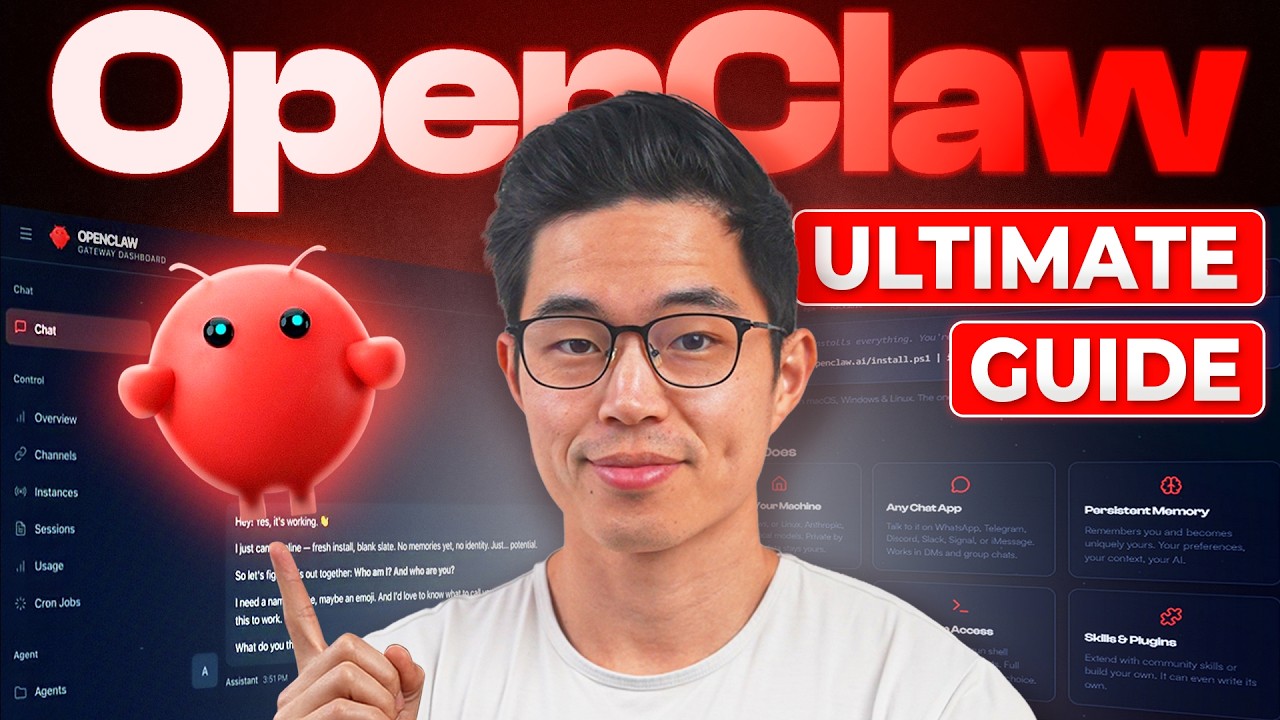
The video tutorial provides visual guidance for each setup step, especially helpful for the terminal configuration portions. At 15:40 you can see exactly how to deploy OpenClaw using Docker on Hostinger's VPS platform.
Key Takeaways
OpenClaw represents a paradigm shift in business automation - putting powerful AI capabilities directly in your messaging apps. Unlike traditional software that requires learning complex interfaces, OpenClaw works through natural language commands.
In summary: For under $15/month (VPS + API costs), OpenClaw provides 24/7 AI assistance that can handle emails, file management, data analysis, and even video creation - all controlled through simple messages on Telegram or WhatsApp.
Frequently Asked Questions
Common questions about OpenClaw
OpenClaw is a free open-source AI agent that functions as a virtual assistant. Unlike standard chatbots, OpenClaw can actually perform tasks like managing files, sending emails, controlling applications, and automating workflows.
It connects to messaging apps like Telegram and WhatsApp, allowing you to control it through simple text commands. Think of it as a supercharged version of Siri or Alexa that can actually execute business tasks rather than just answer questions.
- Open-source and completely free to use
- Connects to your existing messaging apps
- Can integrate with Google Workspace, Slack, and other business tools
The OpenClaw software itself is completely free. The main costs come from hosting it on a VPS ($5-$10/month) and API usage fees for the AI models you connect.
Most businesses spend between $20-$50 per month on API costs depending on usage volume. You can minimize these costs by using cheaper models for routine tasks and reserving premium models only for complex thinking tasks that require higher intelligence.
- VPS hosting: $5-$10/month
- API usage: $20-$50/month (varies by model selection)
- No licensing fees or subscription costs for OpenClaw itself
Running OpenClaw on your personal computer means it will only work when your device is on and connected to the internet. A VPS (Virtual Private Server) keeps OpenClaw running 24/7 for about $5/month.
More importantly, a VPS provides security isolation since OpenClaw has full access to whatever system it runs on. Running it on your main work computer could risk accidental file deletion or other issues if something goes wrong with the AI's actions.
- VPS provides 24/7 availability
- Better security isolation
- No performance impact on your local machine
Yes, OpenClaw connects to Google Workspace using standard OAuth authentication, the same secure method used by other apps. You control exactly which permissions it gets (Gmail, Drive, Calendar etc).
For maximum security, many users create a separate Google account just for their OpenClaw. This provides an additional layer of protection for sensitive files and communications in your primary account.
- Uses industry-standard OAuth security
- Granular permission controls
- Option to use separate Google account
OpenClaw supports Telegram, WhatsApp, Signal, and Discord out of the box. Telegram is the most popular choice due to its excellent bot API and clean interface for AI interactions.
WhatsApp requires slightly more setup but works well for teams already using it. The messaging app you choose becomes your primary interface to control OpenClaw, so select one you already check frequently throughout the day.
- Telegram (recommended for best experience)
- Signal and Discord also supported
Use OpenRouter (a single API for multiple AI models) instead of direct provider APIs. This allows you to easily switch between models based on task requirements.
Configure cheaper models like GLM or MiniMax for routine tasks, reserving premium models like Claude Opus only for complex work. Always start new sessions (/new command) to avoid burning tokens on old conversation history.
- OpenRouter provides access to multiple models
- Assign cheaper models to routine tasks
- Start fresh sessions frequently
Common business uses include automated competitor price monitoring, daily Slack channel summaries, email drafting and scheduling, web scraping for research, video content generation, calendar management, and data analysis/reporting.
The system is particularly valuable for solopreneurs and small teams who need to maximize productivity. OpenClaw can effectively function as an additional team member handling routine administrative work.
- Competitor/market monitoring
- Communication management (emails, Slack)
- Content generation (reports, videos)
GrowwStacks specializes in AI automation solutions for businesses. We can handle your complete OpenClaw setup including secure VPS configuration, custom workflow design, Google Workspace integration, messaging app connections, and ongoing maintenance.
Our team will work with you to identify the highest-impact automation opportunities in your business and implement OpenClaw solutions tailored to your specific needs. We handle all the technical setup so you can focus on using the system rather than configuring it.
- Complete end-to-end setup
- Custom workflow design
- Ongoing support and optimization
Let Us Build Your OpenClaw Assistant
Manually configuring AI automation takes hours most business owners don't have. Our team will set up your complete OpenClaw system in 1-2 business days, customized for your specific workflows.