Pi Agent: The Open-Source Terminal AI That Beats ChatGPT for DevOps Work
Most AI coding assistants drown you in permission popups and unnecessary features. Pi Agent cuts through the noise - a minimal open-source AI that runs directly in your terminal and executes commands without asking twice. Discover how DevOps teams are using it to automate infrastructure tasks 3x faster than with ChatGPT or Claude.
Why Pi Agent Stands Out in the AI Crowd
The AI tool market is flooded with bloated platforms that try to do everything. Pi Agent takes the opposite approach - it does less, but what it does, it does exceptionally well for terminal-based work. Unlike ChatGPT or Claude that interrupt with permission popups, Pi Agent executes commands directly based on your instructions.
What makes Pi Agent truly different is its philosophy of minimalism. There are no MCP setups, no sub-agents, and no complex configuration layers. It uses plain CLI commands with as little context as possible, making it faster and more predictable than general-purpose AI tools.
15+ provider support: Pi Agent works with OpenAI, Claude, GitHub Copilot, and 12 other providers out of the box. It even supports local LLMs through simple configuration, giving you flexibility in how you power your AI workflows.
Terminal Setup and Installation
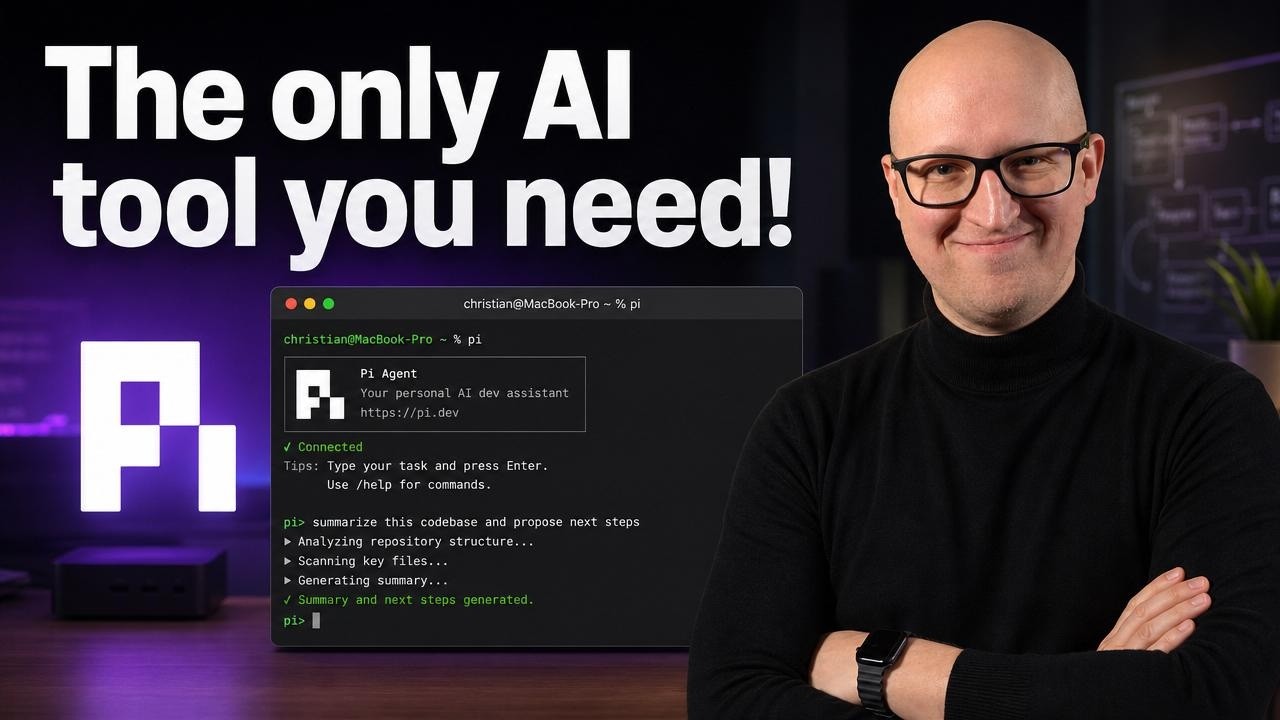
Getting started with Pi Agent takes less than 2 minutes. The one-liner install command works across Windows, Linux, and MacOS, compatible with most terminal emulators including Warp (which recently became fully open-source).
After installation, you simply:
- Run the
picommand to start the agent - Log in with your preferred provider (API key or OAuth)
- Select your model (GPT-3.5, Claude, etc.)
- Begin executing commands in your project directory
The video at 3:12 shows the exact installation process and initial configuration. Notice how there's no complex setup - just authenticate and start working.
Core Features That Make Pi Agent Powerful
Pi Agent's power comes from its focused feature set designed specifically for terminal work:
- Direct command execution: No "Are you sure?" popups - just pure CLI efficiency
- Session management: Resume previous sessions with
pi -ror fork them for experimentation - Context compression: Automatically compact long conversations to stay within model limits
- File operations: Read and write files directly using the @ symbol for context
- Shell commands: Prefix with ! to execute regular shell commands without leaving the session
At 8:45 in the video, you can see how Pi Agent handles Terraform file generation - creating resources based on patterns from existing files without manual intervention.
DevOps Workflows Transformed
Pi Agent shines brightest when automating routine DevOps tasks. Here are three transformative use cases:
1. Infrastructure as Code Management
Pi Agent can generate Terraform files following your existing patterns, validate configurations, and even push changes to your Git repository - all from terminal commands.
2. Container Orchestration
Check container statuses across servers, debug Docker compose issues, or generate new deployment files based on your standards.
3. CI/CD Troubleshooting
Analyze pipeline failures, suggest fixes, and test solutions directly in your terminal without switching contexts.
Real-world example: One team reduced Terraform file creation time from 15 minutes to 90 seconds by using Pi Agent with their standardized agents.md templates.
The Secret Weapon: agents.md Files
The agents.md file is Pi Agent's equivalent of a README for AI. This markdown file explains your project structure, deployment locations, and operational guidelines to the LLM.
Key elements to include:
- Repository structure and key directory purposes
- Deployment locations and server access patterns
- Preferred tools and execution methods (e.g., "Always use OpenTofu for Terraform")
- Safety boundaries and restrictions
At 12:30 in the video, you'll see how the agents.md file enables Pi Agent to SSH into remote servers and execute Docker commands without explicit instructions in each prompt.
Using Local LLMs with Pi Agent
Pi Agent's open architecture makes it ideal for local LLM experimentation. The models.json file lets you configure:
- LM Studio endpoints
- Ollama local instances
- Any OpenAI-compatible API
Benefits of local LLMs with Pi Agent:
- No data leaves your infrastructure
- Customize models for your specific workflows
- Reduce API costs for frequent operations
The video mentions community extensions like the LM Studio plugin that simplify local model integration (timestamp 16:20).
Safety Considerations for Production Use
Pi Agent's power comes with responsibility. Unlike Cloud Code or Codex, it has no built-in guardrails. Implement these safety measures:
- Git integration: Always work in tracked repositories
- agents.md boundaries: Define clear operational limits
- Staging environment: Test commands before production
- Prompt specificity: Avoid vague destructive commands
The video demonstrates at 17:45 how Pi Agent will execute destructive commands without confirmation - emphasizing the need for proper safeguards in your workflow.
Watch the Full Tutorial
See Pi Agent in action - from installation to advanced DevOps automation. The video at 6:12 shows a real-world example of managing GitLab repositories through Terraform with Pi Agent handling the heavy lifting.
Key Takeaways
Pi Agent represents a new approach to AI-assisted DevOps - minimal, direct, and optimized for terminal workflows. By removing unnecessary features and permission dialogs, it delivers faster results than general-purpose AI tools.
In summary: 1) Install in 2 minutes 2) Configure your agents.md 3) Enjoy 3x faster DevOps automation 4) Maintain control through Git and staging environments 5) Extend with local LLMs as needed.
Frequently Asked Questions
Common questions about Pi Agent
Pi Agent is designed specifically for terminal workflows with no unnecessary features. Unlike ChatGPT or Claude, it executes commands directly without permission popups or confirmation dialogs.
It supports over 15 different LLM providers including local models, and uses a simple agents.md file for project context rather than complex configurations.
- Direct command execution with no confirmations
- Simplified project context through agents.md
- Broad LLM provider support including local models
Pi Agent can be installed with a one-liner command from pi.dev that works across Windows, Linux and MacOS. The installation takes less than 2 minutes and doesn't require any complex setup.
After installation, you simply log in with your preferred LLM provider (OpenAI, Claude, local models etc.) and start using it immediately in your terminal.
- One-command installation from pi.dev
- Works on all major operating systems
- No complex configuration required
Pi Agent works with most terminal emulators including Warp (which recently went open-source), iTerm2, Hyper, and the default terminals on all major operating systems.
Warp terminal offers special integration with a coding agent toolbar that works particularly well with Pi Agent for an enhanced experience.
- Warp terminal provides enhanced integration
- Works with all standard terminal emulators
- No special requirements beyond basic terminal functionality
The agents.md file provides project-specific context to Pi Agent, similar to how a README helps human collaborators. It contains instructions about your project structure, deployment locations, and operational guidelines.
This allows Pi Agent to understand where to find resources and how to operate within your specific environment without needing explicit instructions each time.
- Acts as an AI-readable project manual
- Contains deployment locations and access patterns
- Defines operational boundaries and best practices
Yes, Pi Agent has excellent support for local LLMs through its extensible architecture. You can configure it to work with LM Studio, Ollama, or any other OpenAI-compatible local model.
The documentation provides examples for setting up local models in the models.json configuration file.
- Supports LM Studio and Ollama out of the box
- Works with any OpenAI-compatible API
- Configuration examples in official documentation
Pi Agent has no built-in guardrails, so safety depends on your agents.md instructions and prompt specificity. For production use, it's recommended to define clear boundaries in agents.md and use Git for change tracking.
Always test commands in a staging environment first and implement proper access controls at the system level.
- Requires careful agents.md configuration
- Git integration essential for change tracking
- Staging environment testing recommended
Common DevOps uses include Terraform file generation and validation, Docker compose management, CI/CD pipeline troubleshooting, and routine operational tasks automation.
Teams report 3x faster infrastructure as code workflows and significant time savings on repetitive operational tasks.
- Terraform file generation and validation
- Docker and Kubernetes management
- CI/CD pipeline troubleshooting
GrowwStacks specializes in implementing AI agent workflows tailored to your business needs. We can design custom agents.md templates for your projects and integrate Pi Agent with your existing DevOps tools.
Our team creates prompt libraries for repetitive tasks and implements safety protocols for production use. We also provide training to get your team up to speed with agentic workflows.
- Custom agents.md templates for your projects
- Integration with existing DevOps toolchain
- Safety protocols for production environments
Automate Your DevOps Workflows with AI
Manual infrastructure management wastes precious engineering time. Let GrowwStacks implement Pi Agent in your workflow - we'll have you automating Terraform, Docker, and CI/CD tasks 3x faster within 2 weeks.