Selectively Migrate n8n Workflows in 5 Minutes With GitHub Import
If you manage multiple n8n instances, you know the pain of manually transferring workflows between them. Either you import everything and waste hours cleaning up, or you transfer files one-by-one. This GitHub-powered solution lets you cherry-pick specific workflows from nested folders in minutes - with zero manual file handling.
The Migration Problem Every n8n User Faces
Managing multiple n8n instances across different clients or environments creates an operational headache. The traditional approaches to workflow migration - using shell commands, the n8n API, or manual imports - all share the same fundamental flaw: they force you to choose between bulk imports (with subsequent cleanup) or tedious one-by-one transfers.
At 2:15 in the video, we see how GitHub repositories often store workflows in nested folder structures by date or project. This organization makes perfect sense for version control but creates additional complexity when you only need to migrate specific workflows between instances.
The hidden cost: Manual workflow migration between n8n instances typically consumes 2-3 hours per transfer when accounting for folder navigation, selective imports, and error handling. This solution reduces that to under 5 minutes.
How the Queue-Based Solution Works
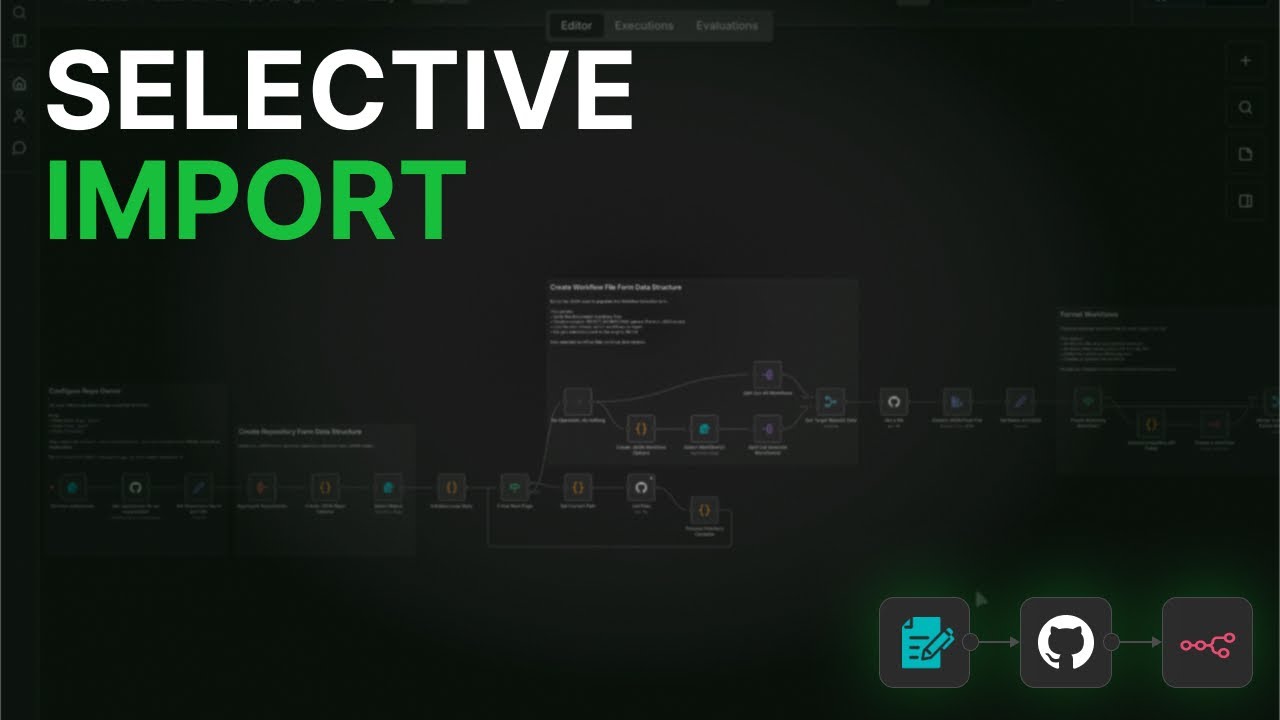
The breakthrough came from implementing a state-based queue system that mimics how operating systems traverse directory structures. When the workflow encounters a folder in your GitHub repository, it gets added to a "pending paths" queue while files get processed immediately.
This approach provides three key benefits:
- Handles arbitrarily deep folder nesting without getting "lost" in the directory structure
- Maintains a complete inventory of all workflow files encountered
- Processes files in the order they're discovered while queueing folders for later traversal
As shown at 3:40 in the tutorial, the system uses JavaScript's shift() method to process the queue in first-in-first-out order, ensuring methodical progression through even complex repository structures.
GitHub Integration in Action
Configuring the GitHub connection requires just three simple steps:
- Add your GitHub API credentials in the dedicated authentication node
- Specify the target repository (like 'railway-backup' in the demo)
- Let the queue system automatically discover all available workflows
The video at 4:15 demonstrates how the system populates the pending paths queue, starting with the root directory (2026 in the example) and then drilling down into monthly folders. Each discovered workflow gets added to a master list while new folders get queued for processing.
Pro tip: Organize your GitHub repository with consistent folder naming (like YYYY/MM) to make workflow selection even faster when using this system regularly.
Selecting Specific Workflows
The JSON-based selection form represents a significant usability improvement over traditional file pickers. By dynamically populating checkboxes with discovered workflows, it creates an intuitive interface for choosing exactly which automations to transfer.
Key features of the selection process:
- Multi-select capability for transferring several workflows simultaneously
- Clear visualization of the workflow's source folder path
- Immediate feedback when selections exceed API rate limits
At 5:30 in the tutorial, we see how selecting three different workflows triggers parallel imports while maintaining complete visibility into each transfer's status.
Important n8n API Considerations
The n8n API has specific requirements for workflow imports that differ from the JSON structure stored in GitHub. The solution includes a critical data transformation node that handles:
- Removing unsupported fields that would cause import failures
- Preserving all essential workflow configuration data
- Maintaining trigger and action node relationships
As emphasized at 6:50 in the video, this node should never be removed or modified unless you're certain about the API's current specifications. It serves as a safeguard against failed imports due to schema mismatches.
Other Storage System Applications
While built for GitHub, the queue-based architecture makes this solution adaptable to various storage systems:
- Google Drive: Similar folder nesting with API access to directory contents
- Dropbox: File organization with comprehensive API endpoints
- S3 Buckets: Object storage with prefix-based "folder" emulation
The core innovation - the state-based queue system - remains valuable regardless of the underlying storage platform. This makes the solution future-proof as new storage options emerge.
Watch the Full Tutorial
See the complete workflow in action from 3:10 to 5:45 in the video, where we demonstrate the queue system processing nested folders and the JSON form dynamically updating with available workflows.
Key Takeaways
This GitHub-powered solution transforms what was once a hours-long manual process into a 5-minute operation. By combining a queue-based folder traversal system with dynamic JSON forms for workflow selection, it solves one of the most persistent pain points in multi-instance n8n management.
In summary: The state-based queue handles nested folders automatically, the JSON form enables precise workflow selection, and the API adapter ensures clean imports - together eliminating the traditional tradeoffs between completeness and efficiency in workflow migration.
Frequently Asked Questions
Common questions about this topic
Manual migration requires either importing everything and then removing unwanted items (wasting time) or importing workflows one by one (tedious and error-prone).
The GitHub import solution solves both problems by letting you selectively choose exactly which workflows to transfer while automatically handling folder structures.
- Eliminates hours of manual file handling
- Prevents accidental import of unwanted workflows
- Maintains complete control over what gets transferred
The system uses a state-based queue that tracks pending paths. When it encounters a folder, it adds it to the queue and processes files first.
This allows it to methodically work through deeply nested directory structures without missing any workflows or getting stuck in infinite loops.
- Processes folders in discovery order
- Handles arbitrary nesting depth
- Maintains complete workflow inventory
The n8n API only supports certain input fields when importing workflows. The solution includes a dedicated node that automatically strips unsupported fields.
This node handles critical data sanitization while preserving all essential workflow configuration and node relationships.
- Removes GitHub-specific metadata
- Preserves trigger/action configurations
- Maintains credential references
Yes, the queue-based system is storage-agnostic. While built for GitHub, it can be adapted for Google Drive, Dropbox, or any directory-based storage system.
The core innovation - the state-based queue - remains valuable regardless of the underlying storage platform's specific implementation details.
- Requires only basic folder/file API access
- Uses standard directory traversal patterns
- Future-proof for new storage systems
The JSON-based form dynamically populates with available workflows from your GitHub repository. This creates a user-friendly checkbox interface.
Unlike traditional file pickers, this approach shows the complete organizational context (folder paths) while enabling multi-select capabilities.
- Shows workflow origin folders
- Allows bulk selection
- Updates dynamically as repository changes
The system includes error reporting that clearly indicates which workflows imported successfully and which failed.
This allows for targeted troubleshooting without having to re-import all workflows or guess which transfers didn't complete properly.
- Detailed error messages
- Success/failure indicators per workflow
- Option to retry failed imports individually
Traditional methods can take hours to manually transfer workflows between instances. This solution reduces that to minutes by automating the entire process.
Folder traversal, workflow selection, and the import process itself all happen automatically while maintaining complete control over which workflows get transferred.
- Eliminates manual folder navigation
- Removes repetitive import steps
- Reduces human error in transfers
GrowwStacks helps businesses implement automation workflows, AI integrations, and scalable systems tailored to their operations.
Whether you need a custom workflow migration solution, AI automation, or a full multi-platform automation system, the GrowwStacks team can design, build, and deploy a solution that fits your exact requirements.
- Custom automation workflows built for your business
- Integration with your existing tools and platforms
- Free consultation to discuss your automation goals
Stop Wasting Hours on Manual Workflow Transfers
Every minute spent manually migrating workflows between n8n instances is time stolen from building new automations. Let GrowwStacks implement this GitHub-powered solution for you - typically deployed and customized within 2 business days.