Stop Building Voice AI Agents Manually - Let Claude Do It For You
Most businesses waste days wiring up voice AI agents, debugging SIP trunks, and fixing integration errors. There's a better way. With Claude and LifeKit's MCP server, you can describe what you need in plain English and get a production-ready voice AI agent built automatically in minutes - no coding required.
The Pain of Manual Voice Agent Development
Building voice AI agents the traditional way is a nightmare of technical debt. Developers spend days wiring up SIP trunks, debugging edge cases, and manually integrating each tool in the stack. One API change or library update can bring the whole system crashing down.
This manual approach creates three major problems:
- Time waste: Days spent on configuration instead of business logic
- Brittle systems: Complex dependencies that break with updates
- Scaling limitations: Each new agent requires starting from scratch
80% of development time in traditional voice AI projects is spent on infrastructure setup and maintenance rather than creating valuable customer experiences.
How Claude Changes Everything
Claude, when connected to LifeKit's MCP server, can automate the entire voice agent development process. Instead of writing code, you describe what you want in plain English. Claude then:
- Researches the necessary documentation
- Plans the system architecture
- Writes all the code
- Tests and fixes any errors
This approach turns days of work into minutes. In testing, Claude successfully built a production-ready voice agent with RAD capabilities, Google Calendar integration, and chat history on the first attempt.
The Voice-to-Voice Method
The voice-to-voice method eliminates all manual coding. Here's how it works:
1. Describe: Tell Claude what you want your voice agent to do
2. Research: Claude uses MCP servers to access documentation
3. Build: Claude writes all necessary code and configurations
4. Deploy: You review and launch the completed agent
This method works because Claude has direct access to LifeKit's documentation through the MCP server, allowing it to always use the correct SDKs and APIs. The Context 7 MCP server ensures all library references are up-to-date.
Step-by-Step Setup
Step 1: Install Claude Desktop
Download and install Claude Desktop to get the visual interface for controlling Claude code. This provides a simple UI instead of working through the CLI.
Step 2: Create Project Folder
Create a new folder for your voice agent project and select it in Claude Desktop.
Step 3: Add claw.md File
This file contains all instructions Claude needs to build your agent. It serves as the brain of the operation, outlining the three-step formula Claude follows to create, test, and deploy your agent.
Step 4: Connect MCP Servers
Run these commands in your terminal to connect LifeKit Docs MCP and Context 7 MCP servers:
lk mcp add lifekit-docs lk mcp add context7 These connections give Claude access to the documentation it needs to build your agent correctly.
Building Your First Agent
With setup complete, building your agent is as simple as describing what you want. For example:
"Build me a production-ready LifeKit voice AI agent with RAD capability, Google Calendar integration for booking appointments, hangup functionality, and chat history for personalized greetings."
Claude will then:
- Create all necessary files and folders
- Set up the complete project architecture
- Configure integrations with your specified tools
- Write the dispatch rules and entry points
In testing, this process generated 28 files including model configurations, personalized greeting logic, and inbound trunk setup - all without manual coding.
Testing and Deployment
Once Claude has built your agent:
1. Set Environment Variables
Create a .env file with your API keys and configuration values. Claude will specify exactly what keys are needed.
2. Authenticate
Run lk cloud auth to connect to your LifeKit account.
3. Deploy
Use lk agent create to deploy your agent to LifeKit cloud. Monitor deployment with lk agent logs.
4. Test in Playground
Use LifeKit's playground to test your agent's functionality before going live.
Deployment time: From initial description to working agent typically takes under 30 minutes, compared to days with manual development.
Scaling and Customization
The real power of this method becomes apparent when scaling:
- Multiple agents: Spin up different agents for restaurants, clinics, or support services simultaneously
- Easy updates: Modify prompts or swap integrations by describing the changes
- CRM flexibility: Change from one CRM to another without rebuilding
Because Claude understands the full architecture, making changes is as simple as describing what you want differently. The boilerplate structure makes updates straightforward while maintaining production reliability.
Watch the Full Tutorial
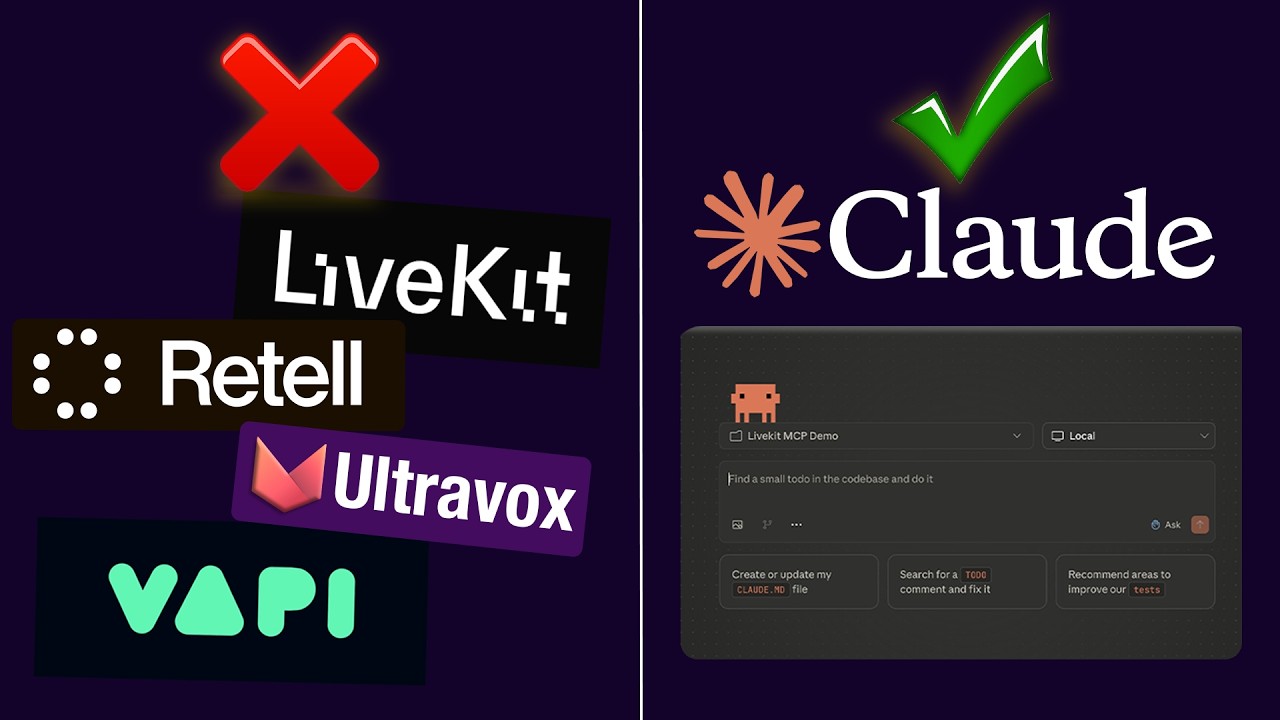
See the complete process in action, including the moment a fully-functional voice agent answers its first call (timestamp 11:30). The video demonstrates how Claude builds every file and configuration automatically.
Key Takeaways
The voice-to-voice method represents a fundamental shift in how we build AI systems. By combining Claude with LifeKit's MCP server, you can:
- Reduce voice agent development time from days to minutes
- Eliminate the need for manual coding and debugging
- Create more reliable systems that self-correct
- Scale your voice AI operations without proportional staffing increases
In summary: Stop building voice AI agents manually. Describe what you need in plain English and let Claude handle the technical implementation while you focus on your business.
Frequently Asked Questions
Common questions about voice AI agent automation
The main advantage is time savings. What previously took days of manual coding and configuration can now be done in minutes.
Claude can read documentation, write code, and fix errors automatically when given the right context through LifeKit's MCP server. This eliminates the most time-consuming parts of voice agent development while producing production-ready results.
- 80-90% faster than manual development
- Reduces technical knowledge requirements
- Creates more maintainable systems
No coding experience is required to get started. You simply describe what you want the voice agent to do in plain English.
Claude handles all the technical implementation details, though some technical understanding helps with troubleshooting and making advanced customizations. The method is designed to be accessible to business owners and operators, not just developers.
- No coding required for basic implementations
- Technical knowledge helps with advanced use cases
- Documentation is provided for all generated code
You can build various production-ready voice agents including customer support systems, appointment booking agents, restaurant reservation systems, and more.
The method supports advanced features like chat history, personalized greetings, and CRM integrations. Any use case that can be described clearly can potentially be automated using this approach.
- Customer service agents
- Appointment scheduling systems
- Order taking for restaurants
- Personalized concierge services
This method gives you more control and customization than platforms like Vapi or Retail while still being easier to implement.
You get the benefits of a production-ready system with complete infrastructure control without the manual work typically required. Unlike closed platforms, you can modify every aspect of your agent's behavior and integrate with any system.
- More customization options
- Lower long-term costs
- No platform lock-in
You need Claude Desktop, LifeKit's MCP server, and Context 7 MCP server to begin building voice agents automatically.
These components provide the interface, documentation access, and up-to-date library information needed for Claude to build your agent correctly. The setup process takes about 15 minutes and only needs to be done once.
- Claude Desktop (free download)
- LifeKit MCP server connection
- Context 7 for library documentation
Yes, the system is designed for easy maintenance and modification. You can update prompts, swap out integrations, or add new features by simply describing the changes to Claude.
The boilerplate structure makes updates straightforward while maintaining system reliability. Because Claude understands the full architecture, changes propagate correctly throughout the system.
- Prompt modifications take minutes
- CRM swaps require just a description
- New features can be added incrementally
The code is surprisingly reliable when Claude has access to proper documentation through the MCP servers.
In testing, the system worked correctly on first run about 80% of the time, with minor adjustments needed in other cases. The use of Context 7 ensures library references stay current, reducing compatibility issues.
- 80% first-time success rate in testing
- Self-correcting for many common errors
- Clear documentation for manual review
GrowwStacks helps businesses implement custom voice AI solutions using this automated approach. We handle the technical setup and optimization so you can focus on your business needs.
Our team can design, build, and deploy voice agents tailored to your specific requirements, whether you need customer support, appointment scheduling, or specialized industry solutions. We ensure seamless integration with your existing systems.
- Custom voice agent development
- CRM and tool integrations
- Free 30-minute consultation
Ready to Deploy Voice AI Agents in Minutes Instead of Days?
Every day you build agents manually is a day wasted on infrastructure instead of customer experience. GrowwStacks can have your first automated voice agent deployed and testing within 48 hours.