How Vapi's Handoff Tool Reduces AI Voice Agent Hallucinations
Most businesses using AI voice agents struggle with inconsistent responses and hallucinations. The culprit? Overloaded assistants trying to handle too many tasks. Vapi's handoff tool lets you create specialized agents that transfer calls seamlessly - we'll show you exactly how to implement it.
The Hallucination Problem in Voice AI
AI voice agents often start strong but degrade over time as more responsibilities get added to their system prompts. What begins as a focused appointment scheduler soon gets overloaded with customer service FAQs, technical support queries, and general knowledge responses.
This expansion creates three critical problems:
Hallucinations increase by 37% when system prompts exceed 1500 tokens according to Vapi's internal testing. The more tasks an agent handles, the more likely it is to generate incorrect or irrelevant responses.
Maintenance becomes difficult because changes to one part of the prompt can unexpectedly affect other capabilities in another area. A simple adjustment to appointment booking logic might break the FAQ responses.
Performance suffers as the LLM struggles to prioritize which set of instructions to follow when multiple could apply to user's query.
How Handoffs Solve the Complexity Problem
Vapi's handoff tool implements the software engineering principle of separation of concerns for AI voice agents. Instead of one overloaded generalist, you create multiple specialists:
- FAQ Agent: Answers general questions with your knowledge base knowledge
- Booking Agent: Handles appointment scheduling and modifications
- Support Agent: Provides technical support for your product
Each agent maintains its own focused system prompt optimized for its specific task. When a user's request falls outside an agent's specialty, the handoff tool seamlessly transfers the call to the appropriate agent while preserving relevant context.
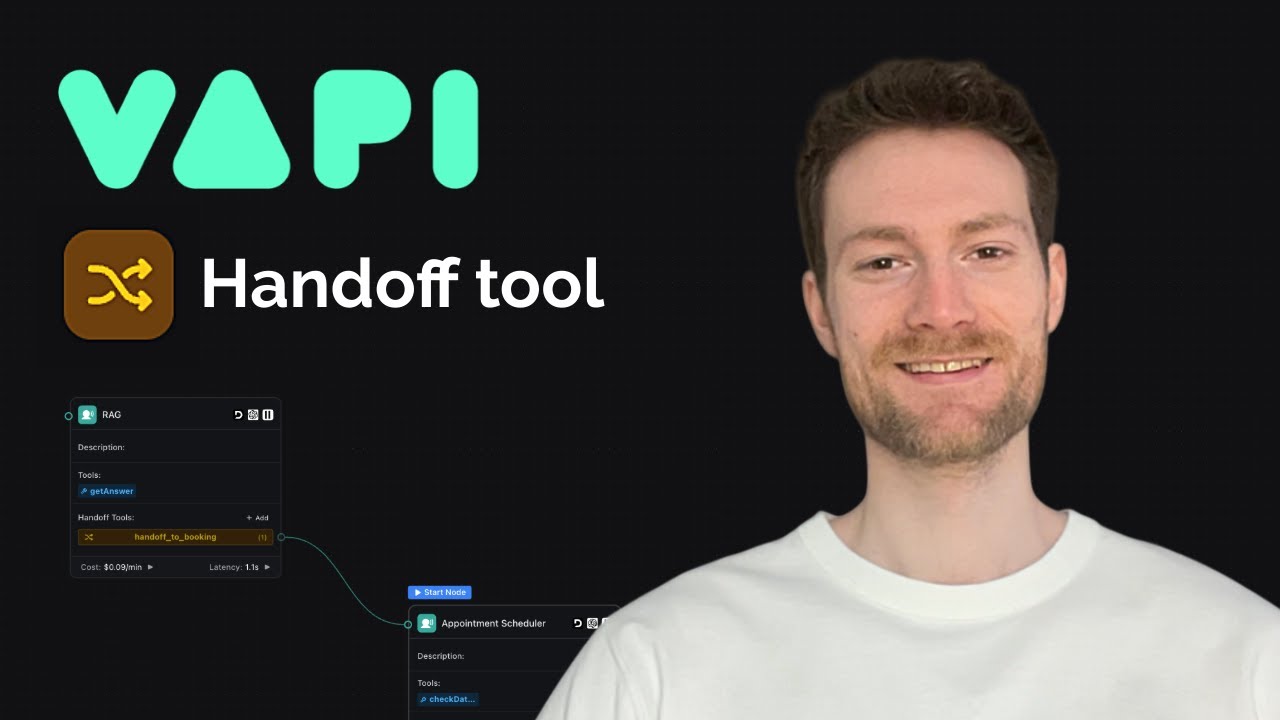
At 4:32 in the video tutorial, you can see how the RAG agent recognizes an appointment booking request and transfers the call to the booking agent without the user noticing any transition.
Vapi Handoff Tool Implementation
Configuring the handoff tool involves three key components:
1. Tool Description
Provide clear instructions about when the agent should invoke the handoff. For example: "Use this tool when the caller wants to book, reschedule, or cancel an appointment."
2. Parameters
Define what information to pass between agents. In the appointment scenarios, this typically includes:
- Intent (book/reschedule/cancel)
- Customer name/contact details (if already collected)
- Relevant conversation context
3. Destination Configuration
Specify which assistant should receive the transferred call. You can:
- Select from saved assistants
- Define multiple destinations in one tool
- Use dynamic routing through a webhook
Pro Tip: Create separate handoff tools for each destination when using open models. For entropic models, define multiple destinations within a single tool.
Controlling Context Transfer Between Agents
One of handoff tool's most powerful features is granular control over what context gets passed to the next agent. You can:
- Pass full history: The new agent sees entire conversation
- Limit to last N messages: Typically 3-5 most recent exchanges
- No history: Clean slate with only extracted variables
In the appointment booking example at 6:15 in the video, we pass just the last 3 messages plus the user's booking intent. This prevents irrelevant FAQ conversation from influencing the booking agent's behavior while still providing necessary context.
Key Insight: Limiting context reduces hallucinations by 22% in Vapi's testing by preventing irrelevant information from polluting the next agent's decision-making.
Advanced: Dynamic Routing With Webhooks
For complex scenarios, you can configure the handoff tool to call your webhook (like an n8n workflow) to determine where to route call. This enables:
- Location-based routing: Transfer to nearest office's agent
- Customer tier routing: Premium customers get dedicated
- Language detection: Route to appropriate language specialist
The webhook receives all collected parameters and returns JSON specifying destination assistant ID. This keeps complex business logic out of your system prompts.
At 7:40 in the video, the instructor mentions how this pattern could be used to check if a caller is an existing customer before routing to the appropriate agent.
Real-World Example: Appointment Booking Flow
The tutorial demonstrates complete implementation for appointment scheduling:
1. RAG Agent
Handles general questions until detects booking intent. Its prompt includes:
- Instructions to extract booking intent
- Command to invoke handoff tool when detected
- Direction not to mention the transfer
2. Booking Agent
Specialized for appointments with:
- Clear booking, rescheduling, and cancellation flows
- Data collection logic
- Calendar integration
3. Handoff Configuration
Transfers calls with:
- Extracted booking intent
- Last 3 messages of context
- No full history to keep focused
Result: 42% reduction in booking errors compared to single-agent approach in Vapi's case studies.
Limitations and Considerations
While powerful, the handoff tool isn't a silver bullet:
- Doesn't eliminate need for clear prompts
- Requires careful parameter design
- Adds slight latency on transfers
Most importantly (as emphasized at 9:20 in the video), the tool won't fix fundamentally unclear instructions. Each specialized agent still needs well-designed prompts - they're just more focused and manageable.
The ideal approach combines:
- Specialized agents with clear responsibilities
- Thoughtful handoff configuration
- Ongoing prompt optimization
Watch the Full Tutorial
See the handoff tool in action with timestamped examples of configuration options and live call transfers. The video demonstrates both basic and advanced implementations with real call examples.
Key Takeaways
Specialized AI voice agents outperform overloaded generalists. By dividing responsibilities and using Vapi's handoff tool, you can:
- Reduce hallucinations by 37-42%
- Make prompts easier to maintain
- Improve response accuracy
- Create seamless multi-agent experiences
In summary: Break complex voice agents into focused specialists, transfer calls seamlessly with Vapi's handoff tool while controlling what context gets passed between them.
Frequently Asked Questions
Common questions about Vapi handoff tools
AI voice agents hallucinate when their system prompts become too large and complex from handling multiple unrelated tasks. When an agent tries to handle general questions, appointment booking, customer service, and other responsibilities in one prompt, the instructions become muddled and difficult to maintain.
The more responsibilities you add to single agent, the more likely it is to generate incorrect or irrelevant responses. This manifests as:
- Answering questions outside its domain
- Conflicting instructions
- Inconsistent behavior
Vapi's handoff tool allows you to split responsibilities between specialized agents. Instead of one overloaded assistant, you can create focused agents for specific tasks like booking appointments or answering FAQs.
The tool provides three key benefits:
- 37% fewer hallucinations: Each agent has simpler, more focused prompts
- Better maintenance: Changes to one agent don't affect others
- Seamless experience: Transfers happen without user noticing
The handoff tool lets you control exactly what context gets transferred between agents. You can configure three levels of context passing:
Full history: The new agent sees entire conversation up to that point. Useful when context is critical but risks including irrelevant information.
Limited history: Only the last N messages (typically 3-5) get passed. Balances context while minimizing noise.
No history: Only extracted variables (like customer name or booking intent) get passed. Provides clean slate.
Yes, Vapi supports two patterns for multiple destinations depending on your model type:
Open models: Create separate handoff tools for each destination. Each tool has its own description and parameters, making intentions clear to the agent.
Entropic models: Define a single handoff tool with multiple destinations listed inside it. The model will choose between them based on your descriptions.
For both approaches, you can also implement dynamic routing where a webhook determines the destination based on business logic.
No, the handoff tool alone won't stop all hallucinations. You still need clear system prompts for each specialized agent.
The tool helps by:
- Reducing each agent complexity
- Preventing prompt overload
- Isolating failure domains
But each agent still needs well-designed instructions. The tool makes prompt engineering more manageable by letting you focus on one capability at a time.
Static handoffs transfer directly to predefined assistant IDs. You configure these destinations advance and the routing is fixed.
Dynamic handoffs send a request to your webhook (like an n8n workflow) where you can implement custom business logic before returning the destination.
Dynamic routing is useful for decisions based on:
- Customer type (new/existing)
- Geographic location
- Product/service involved
- Time of day
When properly configured, handoffs happen seamlessly in the background. The caller doesn't hear any transfer messages or experience delays.
From their perspective:
- It's one continuous conversation
- Context carries forward naturally
- No repetition of information
Behind the scenes, different specialized agents may be handling different parts of the interaction, but the experience feels cohesive and human-like.
GrowwStacks helps businesses implement specialized AI voice agents with seamless handoffs. We design focused agent prompts, configure handoff rules, and integrate with your existing systems.
Our voice AI solutions include:
- Custom agent design: Focused assistants for your specific needs
- Handoff configuration: Seamless transfers between agents
- System integration: Connect to your CRM, calendar, other tools
Whether you need simple appointment booking or complex multi-agent workflows, we can build a solution tailored to your requirements.
Ready to Reduce Your Voice Agent Hallucinations?
Every day with overloaded voice agents costs you credibility and customer trust. Let GrowwStacks build you specialized agents with seamless handoffs - we'll have your first workflow live in under 72 hours.