WhatsApp AI Chatbot That Captures Leads While You Sleep (No Code)
Most businesses miss WhatsApp leads after hours or waste time manually responding. This no-code AI chatbot solution greets customers instantly, qualifies them with intelligent questions, and captures their details - all while you're offline. See how to build it in under 15 minutes.
The WhatsApp Lead Problem
WhatsApp has become the default communication channel for customers worldwide, with over 2 billion monthly active users. Yet most businesses handle it poorly - either ignoring messages entirely or requiring staff to manually respond around the clock.
The result? Missed opportunities when you're offline, inconsistent responses, and valuable lead information slipping through the cracks. At 0:45 in the video, you'll see how this AI chatbot solves all three problems simultaneously.
84% of customers expect businesses to respond on WhatsApp within 60 minutes, yet only 37% of small businesses can meet this standard without automation.
How the Chatbot Works
The chatbot follows a structured yet intelligent flow to capture and qualify leads:
- Instant greeting: Sends a welcome message with your logo when a customer messages
- Option selection: Presents buttons for different products/services
- AI qualification: Asks intelligent follow-up questions based on the user's selection
- Lead capture: Collects contact details and stores them automatically
- Knowledge access: Answers additional questions by scanning your website content
At 3:20 in the video, you'll see the complete flow in action with a real test conversation.
Building the Chatbot Flow
The entire chatbot is built visually using Chatling.ai's drag-and-drop interface. No coding is required - you simply connect pre-built nodes that handle different parts of the conversation.
Key components you'll assemble:
- Start node: Where conversations begin
- Send message: For text, images, or buttons
- Capture response: Gathers user input
- AI response: Handles intelligent replies
- Google Sheets: Stores captured leads
At 4:10 in the tutorial, you can see how these nodes connect to form the complete workflow.
AI Response Configuration
The magic happens in the AI response node. Here you:
- Set instructions for how the AI should behave ("You are a lead generation agent...")
- Connect it to variables from previous user inputs
- Choose the AI model (GPT-4-0 Mini works well)
- Define how responses should be stored
Pro tip: The AI generates different follow-up questions based on which option the user selects, making each conversation feel personalized.
At 6:30 in the video, you'll see exactly how to configure these AI settings.
Knowledge Base Integration
To handle unscripted questions, you can connect the chatbot to your website content:
- Add your website URL as a knowledge base source
- The system scrapes all pages automatically
- AI uses this content to answer specific questions
This means customers can ask about your refund policy, shipping times, or product details - even if you never specifically programmed those responses.
At 8:15 in the tutorial, you'll see how this works with a real knowledge base query.
WhatsApp Connection
Connecting to WhatsApp requires:
- A Meta Business Account
- A WhatsApp Business Account
- A dedicated phone number (not on personal WhatsApp)
The connection process takes 5-10 minutes:
- Log in with your Meta account
- Select your business
- Verify your phone number
- Set up two-factor authentication
At 9:40 in the video, you'll see the complete WhatsApp setup walkthrough.
Testing the Chatbot
Before going live, use the built-in testing tool:
- Enter a test phone number
- Send sample messages
- Verify the conversation flow
- Check that leads appear in your Google Sheet
The testing interface (shown at 10:50 in the video) lets you simulate real conversations and identify any issues before customers use it.
Important: Test during off-hours when real customers are less likely to message, as the bot will respond to all incoming messages once activated.
Watch the Full Tutorial
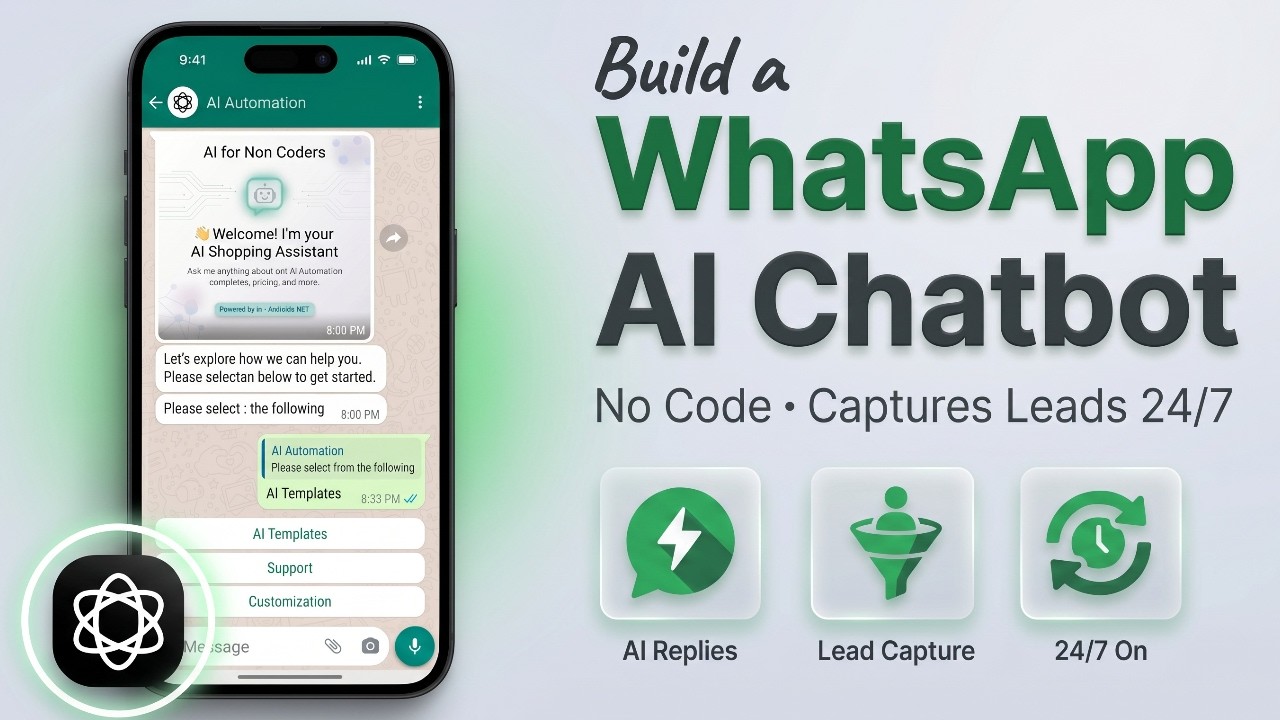
See the complete WhatsApp AI chatbot build from start to finish in this 10-minute tutorial. The video shows every step of creating the flow, configuring the AI responses, connecting to WhatsApp, and testing the final bot.
Key Takeaways
This WhatsApp AI chatbot solution provides 24/7 lead capture without requiring any coding or ongoing manual effort. Key benefits include:
- Never miss a lead, even outside business hours
- Consistent, professional customer interactions
- Automated lead qualification and data capture
- Ability to answer unscripted questions via your knowledge base
In summary: A WhatsApp AI chatbot lets you capture and qualify leads automatically while focusing on running your business. The entire system can be built in under 15 minutes using the no-code tools shown in this tutorial.
Frequently Asked Questions
Common questions about WhatsApp AI chatbots
A WhatsApp AI chatbot is an automated messaging system that uses artificial intelligence to communicate with customers on WhatsApp. It can greet users, answer questions, qualify leads, and collect contact information 24/7 without human intervention.
Unlike basic chatbots, AI chatbots can understand natural language and respond intelligently to unexpected questions while still following structured flows for lead capture and qualification.
- Works automatically 24/7
- Understands natural language
- Follows structured conversation flows
The chatbot follows a structured flow to capture leads: First, it greets the user with a welcome message. Then it presents options (like products or services) via buttons.
Based on the user's selection, the AI asks relevant follow-up questions to qualify the lead. Finally, it requests and stores the user's contact information directly in a Google Sheet or CRM system.
- Greeting message starts the conversation
- Buttons guide users to relevant options
- AI asks qualifying questions
- Contact details stored automatically
An AI agent operates autonomously, making decisions on the fly without a fixed conversation flow. An AI chatbot is flow-based, following predetermined paths with controlled interactions at each step.
For lead generation, the chatbot approach is better because it provides structured qualification and consistent data capture while still using AI to handle unexpected questions within the flow.
- AI agents: Fully autonomous
- AI chatbots: Structured flows
- Chatbots better for lead capture
Yes. By connecting the chatbot to a knowledge base (like your website content), it can answer unscripted questions. The AI scans your knowledge base to find relevant information and formulates responses.
This works alongside the structured lead capture flow for a complete customer service solution. At 8:15 in the video shows how this handles questions like "What is your refund policy?"
- Connects to your website content
- Answers policy/service questions
- Works with lead capture flow
The chatbot can integrate with Google Sheets for simple lead storage, or with CRM systems like Zendesk, Zoho, and HubSpot. It also supports email notifications and human handoff when needed.
The Google Google Sheets integration is particularly useful for small businesses as it requires no additional software. At 7:40 in the video, you can see how leads flow directly into a spreadsheet.
- Google Sheets (CRM integrations
- Google Sheets for simple setup
- Email notifications
No coding is required. The chatbot is built using a visual interface where you drag and drop conversation elements. The AI handles natural language processing automatically.
At 2:45 in the tutorial video, you can see how simple it is to connect the different components without writing any code. The platform handles all the technical complexity behind the scenes.
- Drag-and-drop interface
- No programming required
- AI handles language processing
You need three things: 1) A Meta Business Account, 2) A WhatsApp Business Account (usually created through Meta), and 3) A phone number not currently registered to a personal WhatsApp account.
The connection process takes 5-10 minutes and happens entirely within the chatbot platform's interface. At 9:40 in the video, you'll see the complete setup walkthrough.
- Meta Business Account
- WhatsApp Business Account
- Dedicated phone number
GrowwStacks specializes in building custom WhatsApp AI chatbots for businesses. We can design a complete lead capture flow tailored to your products/services, train the AI on your specific knowledge base.
Our team handles the entire setup process so you can start capturing leads automatically within days. We also provide training and ongoing support ensure your chatbot continues to perform optimally.
- Custom designed for your business
- Complete setup and training
- Ongoing support available
Ready to capture WhatsApp leads 24/7?
Every hour your team sleeping on potential customers? Let us build you a custom WhatsApp AI chatbot that works around the clock to qualify and capture leads.