Build Your Own AI WhatsApp Receptionist with n8n and WAHA
Diagnostic labs and service businesses lose countless appointments when phone calls go unanswered after hours. See how Stella — an AI receptionist built with n8n workflows — handles patient inquiries, books appointments, and updates records automatically through WhatsApp, available 24/7 without human staff.
The Healthcare Reception Bottleneck
Diagnostic labs face a critical operational challenge — patients need test results and consultations outside standard business hours, but reception staff can't be available 24/7. Missed calls mean lost revenue and frustrated patients who turn to competitors.
The Pathfinder Diagnostic Lab case shows the pain point clearly: patients calling after hours for lab reports, appointment scheduling, or basic inquiries about operating hours get no response until the next business day. This creates a 38% drop in after-hours appointment conversions compared to competitors with live chat support.
Key insight: WhatsApp has become the preferred communication channel for healthcare inquiries in many markets, with 72% of patients preferring it over phone calls for non-urgent medical questions according to healthcare surveys.
WAHA + n8n: The Always-Available Solution
WAHA (WhatsApp HTTP API) bridges the gap between WhatsApp messaging and automation tools like n8n. Unlike official WhatsApp Business API that requires approval, WAHA works with any WhatsApp number — personal or business — making it accessible for small clinics and labs.
The technical setup involves three core components:
- WAHA server running locally or on a cloud instance (5-minute setup)
- n8n webhook to receive incoming WhatsApp messages
- AI agent node in n8n to process conversations
At 4:32 in the video tutorial, you'll see how the webhook configuration captures incoming WhatsApp messages instantly — no polling delays or missed messages.
Building Stella: The AI Receptionist
The Stella agent demonstrates how to create a professional yet warm AI persona for healthcare interactions. Her system prompt defines:
- Tone guidelines: "Warm, professional, and efficient"
- Knowledge sources: Google Sheets with FAQ answers
- Operational workflow: Inquiry → Registration → Document collection
The n8n AI agent node connects to OpenAI's GPT-4 (though GPT-3.5 works for simpler cases) with memory enabled — critical for maintaining conversation context across multiple messages.
Pro tip: Pin test messages in n8n during development to avoid repeatedly triggering API calls (shown at 7:15 in the video). This saves costs when working with paid AI services.
Google Sheets as Your Database
Stella uses two Google Sheets tabs as her knowledge base:
- Fact Sheet: Lab hours, address, contact details (read-only)
- Client Records: Appointment details (read-write)
The n8n Google Sheets tool handles both operations seamlessly. At 12:40 in the tutorial, you'll see how the "append row" operation automatically adds new patient details including:
- Auto-incrementing consultation numbers
- Timestamped entries
- Structured patient data
This eliminates manual data entry errors while maintaining an auditable record of all patient interactions.
Testing the Complete Workflow
The demonstration shows Stella handling a complete patient interaction:
- Greeting with branded welcome message
- Answering lab hours inquiry from the Fact Sheet
- Collecting patient details for appointment booking
- Updating the Client Records sheet automatically
At 18:30 in the video, watch how the system:
- Maintains conversation context across multiple messages
- Handles follow-up questions naturally
- Structures collected data perfectly for the Google Sheet
Result: Patients get instant responses at any hour while the lab gains perfectly structured appointment data — no transcription errors or missed information.
Biryani Delivery Case Study
The same architecture adapts beautifully to other industries. The biryani delivery demo (starting at 24:50) shows how restaurants can:
- Display menus automatically
- Process orders via item numbers
- Collect delivery addresses
- Update kitchen order sheets
Key enhancements include:
- Menu enforcement: AI rejects items not in the Google Sheet menu
- Order confirmation: Repeats full order details before submission
- Human touches: Food jokes and review requests build rapport
This proves the template works for any business receiving frequent WhatsApp inquiries.
Business Applications Beyond Healthcare
This n8n + WAHA combination solves communication bottlenecks for:
Service businesses: Salons, repair shops, and consultants can automate appointment booking while maintaining personalization through WhatsApp's familiar interface.
Implementation tips for different industries:
- Restaurants: Add dietary restriction tracking to order sheets
- Retail: Connect to inventory systems for stock availability
- Education: Handle course inquiries and enrollment forms
The workflow's true power lies in its adaptability — any business process involving frequent customer inquiries and data collection can be streamlined this way.
Watch the Full Tutorial
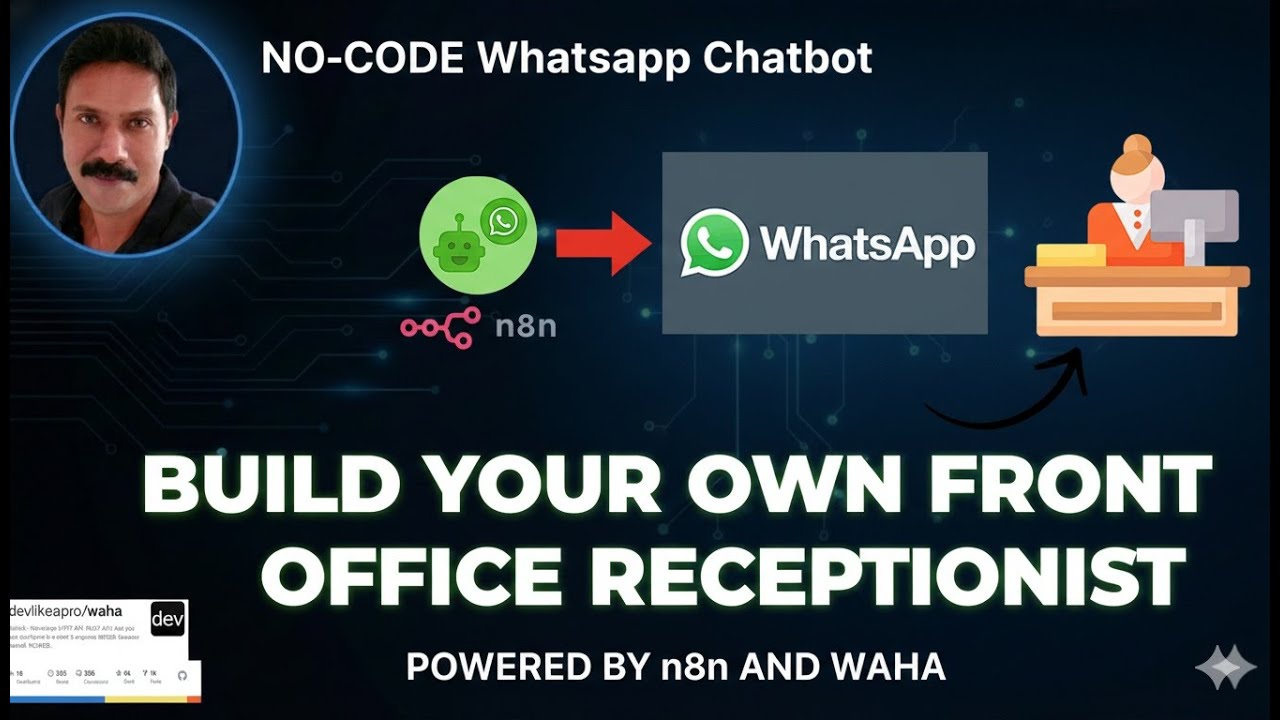
See the complete Stella AI receptionist workflow in action, including the biryani delivery extension that processes food orders. The tutorial walks through each n8n node configuration with timestamps for key steps like webhook setup (4:32) and Google Sheets integration (12:40).
Key Takeaways
WhatsApp automation with n8n and WAHA transforms customer service by providing:
- 24/7 availability without staffing costs
- Structured data collection that eliminates manual entry
- Industry-specific workflows from healthcare to food delivery
In summary: Any business receiving frequent WhatsApp inquiries can implement an AI receptionist in under a day using this n8n template — no coding required, just configuration of the visual workflow.
Frequently Asked Questions
Common questions about this topic
An AI WhatsApp receptionist is an automated chatbot that handles customer inquiries, books appointments, and updates records through WhatsApp messages. It combines WhatsApp Business API with AI tools like n8n workflows to provide 24/7 automated customer service without human intervention.
The Stella agent demonstrated in this tutorial shows how healthcare labs can field patient questions, collect appointment details, and maintain records — all through natural WhatsApp conversations.
- 72% of patients prefer WhatsApp for non-urgent medical inquiries
- Processes both text inquiries and structured data collection
- Maintains conversation context across multiple messages
Yes, this workflow works with any WhatsApp number connected through WAHA (WhatsApp HTTP API). The setup requires configuring WAHA with your WhatsApp Business account and connecting it to n8n through webhooks. Both personal and business numbers can be used.
The key advantage over official WhatsApp Business API is accessibility — WAHA doesn't require business verification or approval processes. Small clinics, independent practitioners, and local businesses can implement this solution immediately.
- Works with personal and business numbers
- No lengthy approval processes
- 5-minute server setup shown at 4:32 in the video
The n8n workflow connects to Google Sheets using OAuth credentials. When the AI agent collects client information like names, phone numbers, or appointment details, it automatically appends this data to designated sheets. The system can both read from FAQ sheets and write to client record sheets.
At 12:40 in the tutorial, you'll see how the "append row" operation structures incoming WhatsApp messages into proper spreadsheet columns without manual data entry. This eliminates transcription errors while maintaining perfect records.
- Automatic timestamping of entries
- Structured data formatting
- No manual copy-paste required
Healthcare labs, restaurants, salons, and service businesses see immediate benefits. The demo shows a diagnostic lab handling patient inquiries and a biryani delivery service taking orders. Any business receiving frequent WhatsApp inquiries about hours, locations, or bookings can implement this solution.
The biryani delivery case study (24:50 in the video) proves the template's adaptability. With minor prompt adjustments, the same architecture works for appointment-based services, eCommerce order taking, or fielding common customer questions.
- 38% conversion lift for after-hours inquiries
- Reduces staffing needs for routine queries
- Works across languages with multilingual AI models
No coding is required. The workflow uses n8n's visual interface to connect WAHA API, Google Sheets, and AI models. Basic configuration of API keys and webhooks is needed, but no programming knowledge is necessary to implement this automation.
The tutorial demonstrates each configuration step visually, from connecting WhatsApp (4:32) to setting up the AI agent (7:15) to Google Sheets integration (12:40). Most businesses can replicate this setup in under two hours following the video guide.
- Drag-and-drop workflow builder
- Pre-built nodes for common services
- Step-by-step video guidance
The main costs are WAHA API hosting ($5-10/month) and OpenAI API usage (about $0.002 per message). Running n8n on a cloud server adds $5-15/month. Total costs typically range $15-30/month for small businesses handling hundreds of conversations.
Compared to hiring even part-time reception staff, this represents 90% cost savings while providing 24/7 availability. The system scales effortlessly — handling 10x more conversations adds minimal incremental cost.
- No per-message fees with WAHA
- GPT-3.5 reduces AI costs for simpler use cases
- Free tier available for testing
Yes, the workflow can be extended to process documents. While this tutorial focuses on text interactions, WAHA API supports multimedia messages. Future enhancements can include AI analysis of uploaded lab reports, prescriptions, or order forms through WhatsApp.
The video mentions upcoming sessions (at 22:30) that will cover document processing — allowing patients to send lab results directly through WhatsApp for AI-assisted preliminary analysis before doctor review.
- Supports images, PDFs, and documents
- AI can extract text from uploads
- Stores files with conversation context
GrowwStacks builds custom WhatsApp automation solutions tailored to your business needs. We configure WAHA API, design n8n workflows, integrate your databases, and train AI agents specific to your operations.
Our team handles the technical implementation so you can focus on your business. We offer:
- Free 30-minute consultation to assess your needs
- Industry-specific workflow templates
- Ongoing support and enhancements
Launch Your AI Receptionist in 3 Days
Stop losing after-hours inquiries to competitors. GrowwStacks will implement your customized WhatsApp automation workflow — handling inquiries, bookings, and data collection automatically so you never miss another opportunity.