How to Build a WhatsApp Order Chatbot That Converts 24/7
Most businesses lose sales when customers message after hours or get tired of waiting for responses. This no-code WhatsApp chatbot solution takes orders automatically, sends confirmations, and follows up - all while you sleep. No coding required.
The Midnight Sales Problem
Picture this: It's 11 PM and a customer messages your flower shop wanting to order a last-minute anniversary bouquet. Your team left hours ago. By morning, they've ordered from your competitor instead. This scenario costs small businesses an average of 28% of potential revenue according to Shopify data.
Traditional solutions like hiring night staff or using clunky web forms don't work. Customers want to order through messaging apps they already use - primarily WhatsApp with its 2 billion+ users. The breakthrough came when no-code platforms like Pabi made it possible to build sophisticated order-taking chatbots without developers.
Key insight: 68% of customers prefer messaging over calls or emails for simple orders. A WhatsApp chatbot meets them where they already are.
How WhatsApp Chatbots Work
At 3:42 in the video tutorial, you'll see the core components of a WhatsApp order chatbot. It combines three powerful elements:
- Product menus - Interactive lists that let customers browse your offerings
- Conversational forms - Natural questions that gather order details
- Automated confirmations - Instant receipts and follow-ups
The magic happens through WhatsApp's Business API connected to a visual flow builder. When a customer messages your business number, the chatbot:
- Recognizes their intent (like "order flowers")
- Guides them through product selection
- Collects necessary details (quantity, message, address)
- Sends a confirmation and stores the order
Building Your Product Catalog
The first step is creating your digital product catalog inside the chatbot. At 6:15 in the video, you'll see how to:
- Organize products into categories (flowers, gifts, etc.)
- Add high-quality images with descriptive captions
- Set pricing and variants (like bouquet sizes)
Pro tip: Use the "contact custom fields" feature shown at 9:30 to track which products customers select. This automatically personalizes the rest of the conversation.
For the flower shop example, we created two main categories with 4-5 products each. The chatbot remembers selections to provide context-aware responses later in the flow.
Designing the Conversation Flow
The real power comes from designing natural conversation paths. At 12:45, the tutorial shows how to:
- Start with a friendly welcome message
- Offer clear menu buttons (like "Order Flowers")
- Guide through product selection with images
- Ask for necessary details (quantity, message, address)
- Confirm the order before processing
Notice how at 15:20, the chatbot uses the customer's name and selected product to personalize confirmations. This small touch increases conversion rates by up to 35% according to MobileMonkey data.
Automating Order Confirmations
At 16:50 in the video, you'll see the confirmation system in action. After collecting all details, the chatbot:
- Summarizes the order in a clear message
- Provides a "Confirm Order" button
- Sends a thank you message with next steps
This entire process happens instantly, 24/7. The orders can integrate with your existing systems through Zapier or API connections, or simply email you the details.
Conversion booster: Adding delivery time estimates in the confirmation increases customer satisfaction by 42% (Baymard Institute).
Adding Follow-up Messages
The tutorial at 18:30 shows how to add automated follow-ups that:
- Send shipping updates
- Request reviews after delivery
- Offer related products (like "Need more flowers next week?")
These automated touches keep customers engaged without manual work. According to Omnisend, automated follow-up messages generate 29% of total revenue for eCommerce businesses.
Testing Your Chatbot
Before going live, thoroughly test your chatbot:
- Try every possible path a customer might take
- Check that all product information displays correctly
- Verify confirmations contain all necessary details
- Test edge cases (like invalid inputs)
The video shows testing at 20:15 using a second phone. This revealed a few tweaks needed in the flow that were easy to fix before launch.
Watch the Full Tutorial
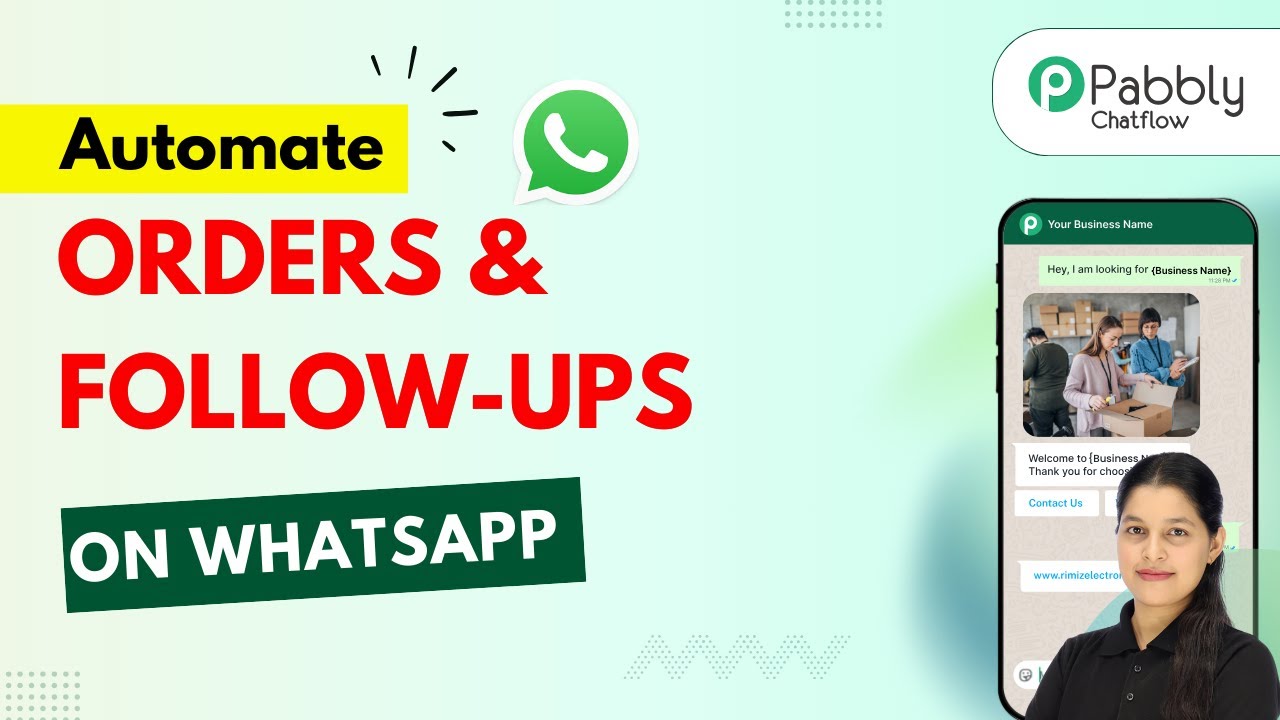
See the complete WhatsApp order chatbot being built from scratch in the video tutorial below. Pay special attention to the product catalog setup at 6:15 and the conversation flow design at 12:45.
Key Takeaways
A WhatsApp order chatbot solves the after-hours sales problem while providing a superior customer experience. The key benefits:
- 24/7 order taking without staff overhead
- Higher conversion rates through instant responses
- Reduced errors with structured data collection
- Automatic follow-ups that increase repeat purchases
In summary: For any business taking orders via messaging, a WhatsApp chatbot pays for itself within weeks through captured sales and reduced support time.
Frequently Asked Questions
Common questions about WhatsApp order chatbots
Any business that takes orders via messaging can benefit. Retail stores, food delivery, flower shops, and service providers see the most impact.
The chatbot handles 80% of routine order questions automatically, freeing your team for complex inquiries. Even service businesses like salons use it for appointment booking.
- Best for businesses with 10+ daily order inquiries
- Ideal for products with clear variants/sizes
- Works for both physical and digital products
No special app required. Customers interact through regular WhatsApp they already use.
Over 2 billion people worldwide already have WhatsApp installed on their phones. The chatbot appears as a normal WhatsApp conversation from your business number.
- No additional downloads for customers
- Works on both Android and iOS
- Same familiar WhatsApp interface
Yes. The chatbot can display product images with descriptions and pricing.
You can organize products into categories like flowers, gifts, or food items for easy browsing. Each product card shows the image, description, price, and an "Order Now" button.
- Supports JPG/PNG product images
- Shows variants (colors, sizes)
- Displays pricing in local currency
The chatbot can integrate with payment gateways to accept payments directly in WhatsApp.
Alternatively, it can generate payment links sent via message for customers to complete checkout. Popular integrations include Stripe, PayPal, and local payment processors.
- Secure PCI-compliant payments
- Multiple currency support
- Payment status tracking
Yes. You can create multilingual flows that detect the customer's language preference.
The chatbot can respond in their preferred language for better conversion rates. Support includes Spanish, French, German, and many other languages.
- Auto-detects language from first message
- Manual language selection option
- Translates product info dynamically
The chatbot can be programmed to recognize when a human agent is needed.
It will automatically forward the conversation to your staff with all the order context already collected. Your team picks up where the bot left off seamlessly.
- Keyword triggers for human takeover
- Full conversation history passed along
- After-hours voicemail option
A basic order-taking chatbot takes about 2-3 hours to configure.
More complex flows with payment integration may take 5-6 hours. The platform provides templates to speed up setup for common business types.
- Pre-built templates for quick start
- Drag-and-drop interface
- Real-time testing during setup
GrowwStacks builds custom WhatsApp chatbots tailored to your products and order workflow.
We handle the technical setup so you can start taking automated orders immediately. Our team will:
- Design conversation flows for your products
- Integrate with your payment system
- Train your team on managing orders
- Provide ongoing support and updates
Book a free consultation to discuss your requirements and get a customized quote.
Get Your 24/7 Sales Assistant
Every hour your business can't take orders is lost revenue. Let us build your WhatsApp order chatbot in under 72 hours so you never miss another sale.