Where to Find the Best n8n Templates (and How to Use Them)
Most businesses waste hundreds of hours building automation workflows from scratch. With over 10,000 pre-built n8n templates available, you can implement proven automations in minutes instead of days. Here's exactly where to find them and how to deploy them in your business.
Two Main Sources for n8n Templates
Businesses often struggle to justify the time investment needed to build automations from scratch. The solution? Leverage the thousands of pre-built templates already available for n8n. There are two primary repositories containing over 10,000 ready-to-use workflows.
The first is the official n8n workflows repository with more than 4,000 production-ready templates. As shown in the video at 0:45, this GitHub repository organizes workflows by category and includes detailed documentation for each template.
Key benefit: These templates have been tested by thousands of users, meaning you're getting battle-tested automation logic without the trial and error.
The second source is n8n's template library, which contains nearly 8,000 additional workflows. This library includes templates for social media automation, lead generation, CRM integrations, and more - all searchable and filterable by popularity and category.
How to Import Templates Into Your n8n Instance
Importing templates is simpler than most businesses realize. The process takes just minutes but can save dozens of development hours. Here's the step-by-step method demonstrated in the video at 1:15:
Step 1: Copy the Template JSON
From either repository, select your desired template and copy the entire JSON workflow. For GitHub templates, you'll need to click "Raw" to access the clean JSON code.
Step 2: Create New Workflow
In your n8n instance, create a new workflow and open the workflow editor. This is where you'll paste the template content.
Step 3: Paste Template Content
Paste the copied JSON into your new workflow. n8n will automatically parse the template and recreate all nodes with their configurations intact.
Pro tip: Some templates may require additional credentials for services like Gmail or LinkedIn. These will be marked with warning icons until configured.
Most Popular Template Categories
The template libraries cover nearly every common business automation need. Based on download statistics and community feedback, these are the most sought-after template categories:
- Social Media Automation: Templates for cross-posting content, auto-scheduling, and engagement tracking across platforms
- Lead Generation: Workflows for scraping and enriching LinkedIn leads, processing web forms, and CRM integrations
- Email Marketing: Automated sequences, list management, and performance tracking templates
- Data Processing: Templates for transforming CSV files, cleaning data, and preparing reports
At 2:30 in the video, we demonstrate finding a popular multi-platform social media template that automates content creation across Twitter, LinkedIn, and Facebook with a single workflow.
Setting Up Required Credentials
Most templates require some configuration before they'll work in your environment. The most common requirement is adding API credentials for the services the workflow interacts with.
As shown at 3:50 in the video, you'll typically need to:
- Create API keys in the respective service (Google, LinkedIn, etc.)
- Add these credentials to your n8n instance
- Map the credentials to the appropriate nodes in your workflow
The template documentation will specify exactly which credentials are needed. Common ones include:
- Google Services (Gmail, Calendar, Sheets)
- Social Media Platforms (LinkedIn, Twitter, Facebook)
- CRM Systems (HubSpot, Salesforce)
- Payment Processors (Stripe, PayPal)
Customizing Templates for Your Needs
The real power of templates comes when you adapt them to your specific business requirements. Every imported template can be modified without breaking the core functionality.
Common modifications include:
- Adding or removing nodes to extend the workflow's capabilities
- Adjusting trigger schedules to match your business cadence
- Changing data fields to match your CRM or database structure
- Incorporating additional services not in the original template
Implementation tip: Always test modified templates with sample data before deploying to production. The video at 4:20 shows how to use n8n's test feature to validate changes.
Watch the Full Tutorial
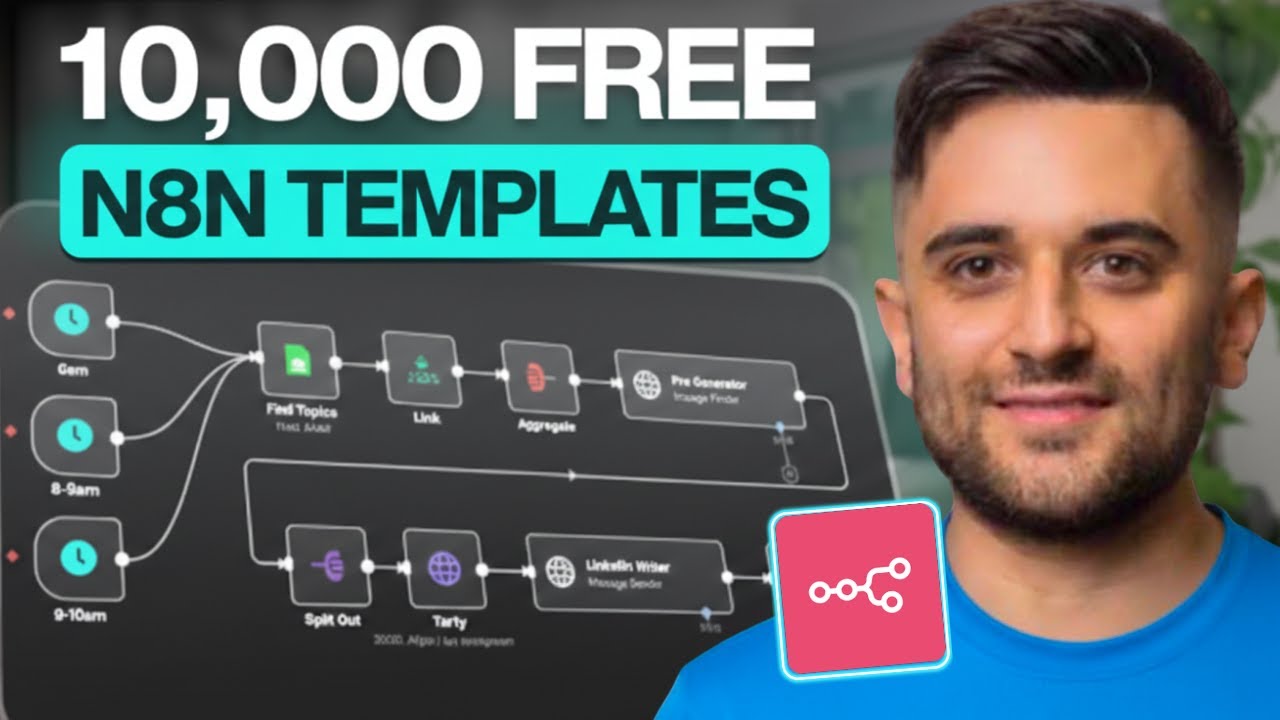
See the complete template import process demonstrated in the original video, including how to troubleshoot common credential issues that appear at 3:10.
Frequently Asked Questions
Common questions about n8n templates
There are two main sources for n8n templates: The official n8n workflows repository with over 4,000 production-ready templates, and the n8n template library with nearly 8,000 additional templates.
Both sources provide workflows for common business automation needs across categories like marketing, sales, operations, and data processing.
- Official repository: github.com/n8n-io/n8n-workflows
- Template library: n8n.io/workflows
- Both are free to use and constantly updated
Importing templates is a straightforward three-step process that takes just minutes.
First, copy the JSON workflow from the template source. Then create a new workflow in your n8n instance and paste the JSON content. The workflow will appear with all nodes configured.
- Copy the entire JSON workflow from the template source
- Create new workflow in your n8n instance
- Paste JSON content into the workflow editor
n8n templates cover a wide range of business functions and integration scenarios.
The most popular categories include marketing automation, sales processes, operational workflows, and data management solutions. There are templates for both simple and complex automation needs.
- Marketing: Social media posting, email sequences, lead tracking
- Sales: CRM integrations, lead enrichment, follow-up automation
- Operations: Calendar scheduling, task management, document generation
The vast majority of templates in the official n8n repositories are completely free to use.
Some third-party templates may have specific licensing requirements, but all templates provided directly by n8n are open for anyone to implement without cost.
- Official n8n templates: 100% free
- Community templates: Typically free
- Always check template documentation for usage rights
Credentials required vary by template but typically involve API keys for the services the workflow interacts with.
The most common credentials needed are for popular platforms like Google Workspace, social media networks, and business software suites.
- Google: Gmail, Calendar, Drive, Sheets
- Social Media: LinkedIn, Twitter, Facebook
- Business Tools: Slack, Trello, Airtable
Both template repositories offer robust search and filtering capabilities to help you find relevant workflows.
You can search by keyword, filter by category, or sort by popularity to discover templates that match your specific requirements.
- Use precise keywords related to your need
- Filter by category (marketing, sales, etc.)
- Sort by popularity to see most-used templates
Absolutely. Templates are meant to be starting points that you customize for your specific use case.
Once imported, you can add, remove, or adjust any nodes in the workflow. Common modifications include changing schedules, adding data fields, or incorporating additional services.
- Add nodes to extend functionality
- Remove unnecessary nodes
- Adjust configurations to match your systems
GrowwStacks specializes in implementing and customizing n8n workflows for businesses of all sizes.
Our team can help you identify the right templates for your needs, customize them for your specific requirements, and deploy them in your production environment.
- Template selection consultation
- Custom workflow development
- Full implementation and testing
Ready to Implement n8n Templates in Your Business?
Don't waste time building automations from scratch when proven solutions already exist. Our team can have your first template-based workflow live within 48 hours.