Why Your Cloud Code Agentic OS Sucks (And How to Fix It)
Most cloud code users waste time building flashy dashboards while neglecting the skill backbone that actually drives business value. Discover the three critical components of a functional agentic OS and how to implement them properly - starting with what really matters.
The Core Problem With Most Agentic OS Implementations
Most cloud code users are making a critical mistake - they're focusing on the wrong part of their agentic operating system. Instead of building the skill architecture that actually drives business value, they waste time creating flashy dashboards and command centers that look impressive but deliver little practical benefit.
The truth is, an agentic OS is only as valuable as its ability to execute your workflows reliably. At 3:15 in the video, the presenter makes this clear: "The problem is creating something like this at a high level takes time, isn't flashy, and can be kind of boring... But the truth is to get any value out of a cloud-coded agentic OS, especially when we're talking about the observability piece, the dashboard bees, the command center thing, it's only going to happen if this is locked in."
Key insight: The dashboard is just the interface - the real value comes from the skill backbone that powers it. Without this foundation, you're building a beautiful car with no engine.
The Three Critical Components of a Functional Agentic OS
A properly implemented agentic OS has three distinct layers that work together:
- The Skill and Automation Backbone: This is where you codify your daily workflows into executable skills. It's the foundation that makes everything else possible.
- The Memory Layer: This handles context engineering through systems like Obsidian or knowledge graphs, giving your AI the information it needs to operate effectively.
- The Dashboard/Command Center: The visual interface that brings everything together - but only makes sense after the first two components are in place.
Most implementations fail because they start with #3 while neglecting #1 and #2. As noted at 4:30 in the video: "It's only once we've locked all that in does any sort of dashboard or command center for an OS make sense because the value of a dashboard really comes in two parts."
Building Your Skill Backbone (Where the Real Value Lies)
The skill backbone is what transforms cloud code from a fancy chatbot into a true productivity multiplier. Here's how to build it effectively:
Step 1: Identify Your Daily Workflows
Start by listing all the repetitive tasks you currently do manually. These could be anything from email triage to content repurposing to data analysis. At 7:45, the presenter demonstrates: "You're pretty much just using it as a slightly better chat GPT. And if you're doing this all the time, why are we not codifying this into a skill?"
Step 2: Convert Tasks Into Skills
For each task, create a specific skill that executes it. The presenter shares a powerful example at 10:30: "I have a skill called the content cascade skill... It downloads the transcript. It creates a blog post. It creates a LinkedIn post. It creates a Twitter post. It spins up playwright. It then posts those things for me."
Step 3: Test and Refine
Use the skill creator skill to benchmark your new skills against manual execution. This helps ensure they're actually improving your workflow rather than just adding complexity.
In summary: Your skill backbone should mirror your actual work patterns. Focus first on the tasks that consume the most time or cause the most frustration when done manually.
Implementing the Memory Layer (Without Overcomplicating It)
The memory layer is often misunderstood. As explained at 15:20: "Remember the point of Obsidian is simply an organization layer. Obsidian isn't doing anything special to all these markdown files. It's simply giving us the human being a way to kind of figure out what the heck is going on in our files."
Key principles for your memory layer:
- Index everything: Create master index files at every folder level so both you and your AI can navigate the structure.
- Keep it practical: Don't get bogged down in complex knowledge graphs if a simple folder structure works.
- Focus on retrieval: The system should make it easy to find information when needed, not just store it beautifully.
The presenter notes at 16:45: "The truth is you don't have to do that at all. Alls you need to do is you need to figure out something that makes sense to you and it needs to be created in a way that you and Claude Code could snake your way through the folder system if there was a 100,000 files in there."
The Dashboard Myth: When It Actually Makes Sense
Dashboards get all the attention but should be the last component you implement. They serve two primary functions:
- Observability: Providing visibility into metrics and processes that would be hard to track in a terminal.
- Accessibility: Making your skills usable by team members or clients who aren't comfortable with the command line.
As noted at 13:10: "The second half of that value comes from here... all these sort of buttons. And that's the idea that if I want to bring the power of cloud code to a team member or to a client who's never going to jump into the terminal, I can instead build out that skill architecture for them, assign it to these buttons, and they can essentially just execute them on command by just clicking them."
Remember: A dashboard without a robust skill architecture is like a car dashboard without an engine - it might look nice but won't take you anywhere.
Obsidian vs Web App: Which Dashboard Approach Is Right For You?
There are two main approaches to implementing your dashboard:
Obsidian-Integrated Dashboard
Best for solo operators who want deep integration with their notes and terminal access. As explained at 19:30: "The Obsidian forward dashboard is a little bit different. You're trading distribution for really ergonomics at this point and I would argue a little bit more power because it's super easy as you can see here to also have an integrated terminal inside of your Obsidian command center."
Web App Dashboard
Better for teams or clients as it's easier to distribute. The presenter notes at 18:45: "The value play for the Streamlit applications or really any sort of web app that's your dashboard layer for Agentic OS is for distribution. If I want to bring this to a team or really if I want to package this for a client, having it set up like this is super easy."
The choice depends on your use case - neither is inherently better, just suited to different scenarios.
Cost Considerations and Platform Alternatives
Recent changes to Claude's headless usage policies have raised concerns, but as the presenter explains at 22:30: "For 200 bucks a month, you would have to be kind of like spamming these to get to that point... If it was an issue... I think the simple solution is you just move this all over to something like codex cli because codex is great and they don't have these issues."
Key points on costs:
- Most users won't hit Claude's $200/month API credit limit
- The entire system can be adapted to work with Codex or other backends if needed
- The real investment is in building the skill architecture - this transfers across platforms
As noted at 23:10: "This is something you could essentially like refactor in a matter of in minutes and you can even put like a button on the dashboard which I might do. It's like all right let's go to the codex version."
Watch the Full Tutorial
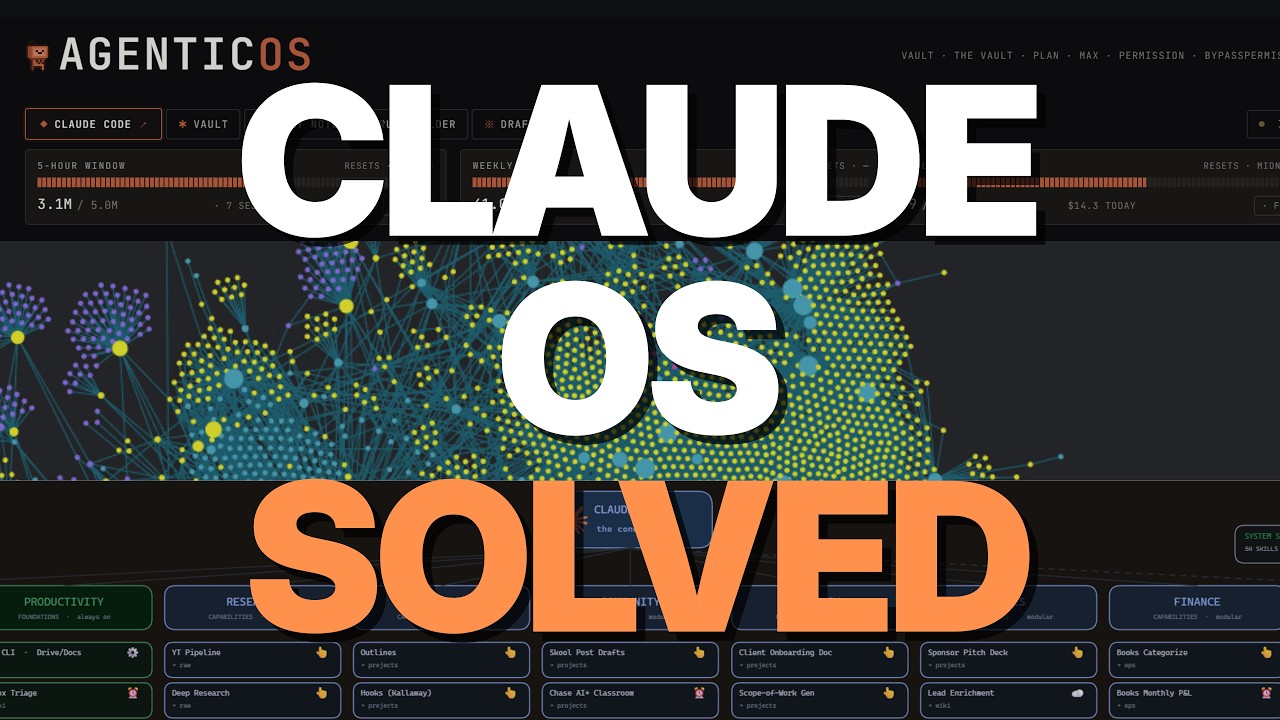
For a complete walkthrough of setting up a proper agentic OS - including live demonstrations of skill creation, memory layer implementation, and dashboard configuration - watch the full video tutorial below. Pay special attention to the segment starting at 7:45 where the presenter demonstrates how to convert daily workflows into executable skills.
Key Takeaways
Building a functional agentic OS requires focusing on the right components in the right order. Here's what you need to remember:
In summary: 1) Start with your skill backbone by codifying daily workflows, 2) Implement a practical memory layer for context, 3) Only then build your dashboard interface. The dashboard is the last 10% that makes the first 90% accessible - not a substitute for it.
By following this approach, you'll create a system that actually delivers business value rather than just looking impressive. As the presenter concludes at 24:10: "The dashboard and all this is somewhat of a facade. Like what's going on is behind it. And that's where sort of the focus I think should be."
Frequently Asked Questions
Common questions about this topic
A functional agentic OS has three components: 1) A skill and automation backbone that codifies your workflows into repeatable processes, 2) A memory layer for context engineering (like Obsidian or knowledge graphs), and 3) The dashboard/command center interface.
Most people focus only on the dashboard while neglecting the critical skill architecture that actually drives value. The skill backbone transforms your daily tasks into executable commands, while the memory layer provides the context needed for consistent performance.
- Skill Backbone: Turns workflows into testable, repeatable processes
- Memory Layer: Provides organization and context for your files
- Dashboard: Makes everything accessible to non-technical users
The skill backbone is more important because it's what actually executes your workflows. Dashboards are just visualization layers - without a robust skill architecture, they're just empty interfaces.
The skill backbone allows you to turn daily tasks into codified, testable processes that deliver consistent outputs from an otherwise non-deterministic system. This is what actually saves time and improves productivity, not the pretty interface.
- Delivers actual workflow automation
- Makes outputs more consistent
- Can be used with or without a dashboard
To create skills: 1) Open a terminal session with your AI assistant, 2) Describe your daily workflows and tasks in detail, 3) Ask the AI to identify potential skills from your description, 4) Use the skill creator skill to codify these into executable commands.
Start with your most repetitive tasks first. For example, if you regularly repurpose content across platforms, create a "content cascade" skill that handles the entire process with a single command. Test each new skill against manual execution to verify it's actually saving you time.
- Begin with high-frequency, repetitive tasks
- Use natural language to describe workflows
- Test skills before adding to your backbone
Local automations run on your computer when it's on and have access to all your local files, CLIs, and systems. Cloud automations run on the provider's servers (like Anthropic's) and are limited in what they can access.
Local is generally preferred unless you specifically need cloud execution. Cloud automations are useful for tasks that need to run 24/7 or when you need to scale beyond your local machine's capabilities, but they can't access your local environment.
- Local: Full system access but requires your machine to be on
- Cloud: Runs on provider servers but limited in capabilities
- Start with local unless you have specific cloud needs
Obsidian serves as the memory layer in an agentic OS, providing organization and context for your files. It's not doing anything special to the files themselves - it simply gives you a way to navigate and connect information at scale.
The key is implementing a clear folder structure with index files at every level. This creates a "map" that both you and your AI can follow to find information quickly, even as your vault grows to thousands of files.
- Acts as an organizational layer, not a processing layer
- Index files at every folder level are critical
- Helps maintain context as your system scales
The Obsidian dashboard is better for solo operators who want deep integration with their notes and terminal access. The web app version is better for teams or clients as it's easier to distribute.
Both require the same underlying skill architecture to be valuable. The Obsidian version offers more customization and power for individual use, while the web app sacrifices some flexibility for easier deployment to non-technical users.
- Obsidian: Better for solo power users
- Web App: Better for teams/clients
- Both need the same skill backbone to be useful
Anthropic has limited headless Claude usage but provides $200 in API credits monthly. For most users, this won't be an issue as you'd need to be running hundreds of automations daily to hit this limit.
If you do encounter limits, you can switch the backend to Codex CLI which doesn't have these restrictions while maintaining the same interface and skills. The entire system is designed to be platform-agnostic, so switching engines doesn't require rebuilding your skill architecture.
- $200/month covers most individual use cases
- Codex CLI is a seamless alternative if needed
- Skill architecture transfers across platforms
GrowwStacks helps businesses implement automation workflows, AI integrations, and scalable systems tailored to their operations. Whether you need a custom workflow, AI automation, or a full multi-platform automation system, the GrowwStacks team can design, build, and deploy a solution that fits your exact requirements.
We specialize in creating agentic OS implementations that focus on delivering real business value through proper skill architecture before building interfaces. Our approach ensures you get a system that actually improves productivity rather than just looking impressive.
- Custom automation workflows built for your specific business needs
- Integration with your existing tools and platforms
- Free consultation to discuss your automation goals and strategy
Ready to Build an Agentic OS That Actually Works?
Stop wasting time on flashy dashboards that don't deliver real value. Let GrowwStacks help you implement a proper agentic OS with the skill backbone that actually drives business results. We'll have your first workflows automated in days, not months.