Stop Overengineering: Workflows vs AI Agents Explained
Most teams waste months and thousands of dollars building complex AI agent systems when simple workflows would work better. Learn how to match the right architecture to each problem's actual complexity - not just what sounds impressive in a pitch deck.
Workflow vs Agent: The Key Difference
Teams constantly confuse workflows with AI agents, leading to overengineered solutions that cost 3-5x more to run than necessary. The critical distinction comes down to one word: autonomy.
In a workflow, you define every step in advance - like following a recipe. The system executes your predetermined sequence without deviation. An AI agent, conversely, makes its own decisions about what to do next based on the goal you provide and what it discovers in its environment.
Simple test: If you can write down the exact steps on paper before building the system, you need a workflow - not an agent. The more predictable the process, the further left you should stay on the architecture spectrum.
The Architecture Spectrum
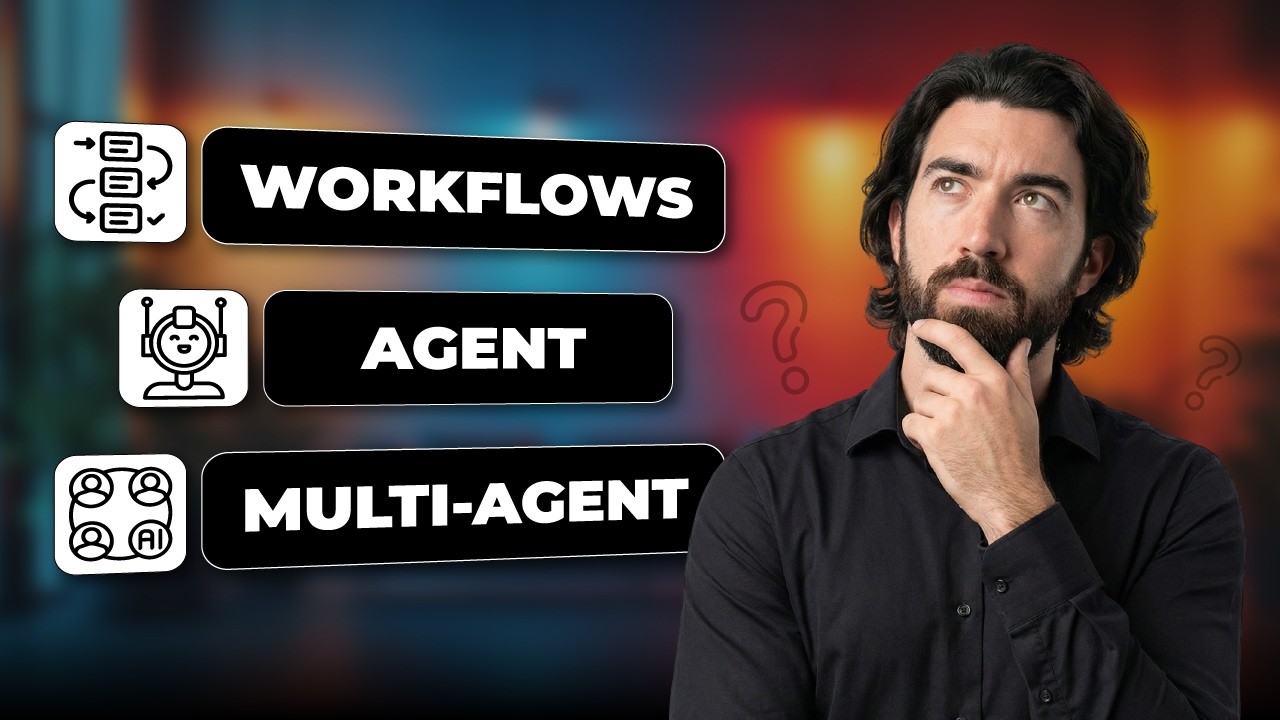
Think of automation architectures as a slider from maximum control to maximum autonomy:
- Workflows - Fixed sequences of LLM calls and functions
- Single Agent + Tools - One decision-maker with capabilities
- Multi-Agent Systems - Coordinated teams of specialists
Your goal should always be to stay as far left as possible while still solving the problem. Each step right increases:
- Cost (3-5x more LLM calls)
- Latency (sequential decision-making)
- Debugging complexity (harder to trace failures)
- Scaling challenges (coordination overhead)
When Workflows Are the Right Choice
Workflows dominate when processes are stable and predictable. Consider a support ticket system:
- Classify incoming ticket
- Route to appropriate team
- Draft response from templates
- Validate against policy
- Send to customer
This sequence never changes based on ticket content. Building it as an agent would waste tokens having the model "decide" to classify before routing - when that order is always fixed.
Workflow benefits: Predictable costs (~$0.01/execution), deterministic testing, clear error tracing, and no wasted tokens on unnecessary decision-making.
The Power of Single Agent Systems
Agents shine when the path isn't predetermined. A marketing content generator we built initially planned for 7 specialized agents (analyzer, generator, validator etc.). We consolidated to one agent with tools because:
- Tasks were tightly coupled (output of one affected the next)
- Global context mattered across all steps
- Only the output format varied - not the core process
Each tool maintained its own specialization (validation LLMs, personalization systems), but the single agent preserved context across the entire workflow. This reduced token usage by 40% versus the multi-agent design.
When Multi-Agent Systems Make Sense
Only consider multiple agents when hitting these constraints:
- True parallelism needed - Independent tasks that must run simultaneously
- Context overload - Too many tools (>20) degrading selection quality
- Modular requirements - Integrating with external agent systems
- Security boundaries - Sensitive data isolation requirements
Our technical content generator switched to two agents (research + writing) because:
- Research needed exploratory flexibility
- Writing required constrained focus
- Combining both contexts exceeded token limits
Real-World Architecture Examples
Workflow Case: Invoice processing where steps (extract → validate → categorize → route) never change order. Cost: $0.008 per invoice.
Single Agent Case: Dynamic customer research tool that pivots queries based on initial findings. Cost: $0.03 per research session.
Multi-Agent Case: Parallel document analysis across legal, financial, and technical domains. Cost: $0.12 per document set.
Rule of thumb: Each architecture jump right multiplies costs by 3-5x. Only pay for autonomy you actually need.
Cost and Complexity Comparison
| Metric | Workflows | Single Agent | Multi-Agent |
|---|---|---|---|
| Cost per execution | $0.01-0.02 | $0.03-0.05 | $0.10-0.15+ |
| Debugging ease | ⭐️⭐️⭐️⭐️⭐️ | ⭐️⭐️⭐️ | ⭐️ |
| Development time | 1-2 weeks | 3-4 weeks | 6-8 weeks+ |
| Best for | Predictable processes | Adaptive sequences | Parallel specialists |
Watch the Full Tutorial
See live examples of workflow vs agent implementations, including how we reduced a client's marketing content system from 7 proposed agents to just 1 (at 3:45 in the video).
Key Takeaways
The simplest architecture that solves your problem is usually the best. Most teams overestimate how much autonomy their processes actually need.
In summary: Start with workflows, move to a single agent only when steps aren't predictable, and consider multi-agent only for true parallelism or context overload. This approach saves months of development time and thousands in unnecessary LLM costs.
Frequently Asked Questions
Common questions about workflows and AI agents
The key difference is autonomy. In workflows, you control the exact sequence of steps. In agents, the AI model decides what to do next based on the goal you give it and what it sees in the environment.
Workflows are like cooking from a recipe - you follow predetermined steps. Agents are like telling a chef "make me something delicious" and letting them decide the ingredients and techniques.
- Workflows excel for predictable, repeatable processes
- Agents handle dynamic situations requiring adaptation
- 80% of business processes work better as workflows
Use workflows when the process steps are known and stable. If you can write down the exact sequence in advance (like "first classify, then route, then respond" for support tickets), a workflow will be more reliable and cost-effective.
Classic workflow candidates include data processing pipelines, content moderation systems, and most back-office automation. These follow the same steps regardless of input variations.
- 3-5x cheaper than agent equivalents
- Easier to debug (deterministic execution)
- Faster to implement (no decision logic needed)
Agents excel when the execution path isn't fixed in advance. They dynamically adapt to what they discover during processing, which is invaluable for exploratory tasks.
For example, a customer research agent might start with a web search, discover the need for technical documentation, then pivot to GitHub scraping - all based on what it finds. This adaptability comes at the cost of higher token usage and debugging complexity.
- Handle API failures gracefully by trying alternatives
- Adjust approach based on data quality issues
- 35-50% more tokens per execution than workflows
A single agent works best with 10-20 tools. Beyond that, tool selection quality degrades as the context window fills with tool definitions, leaving less room for actual task execution.
Each tool requires its name, description, and schema to be included in the context. With 30+ tools, the agent may spend more tokens understanding its capabilities than solving your problem.
- Ideal range: 5-15 tools per agent
- Critical threshold: ~20 tools
- Performance drops 40% beyond 25 tools
Four clear indicators suggest multi-agent may be justified:
1) True parallelism: Independent tasks that must run simultaneously for efficiency. 2) Context overload: Too many tools degrading single-agent performance. 3) Modular requirements: Integrating with external agent systems. 4) Security boundaries: Needing hard isolation between components.
- Adds 2-3x development time over single agent
- Increases token usage by 50-100%
- Only 12% of projects truly need this complexity
The most effective pattern is the orchestrator-worker model. One main agent (orchestrator) maintains global context and delegates specific tasks to worker agents through well-defined interfaces.
Agents communicate through explicit artifacts like documents or structured data rather than direct conversation. This avoids the complexity of all agents talking to each other while preserving necessary context.
- Reduces coordination overhead by 60%
- Maintains audit trails through artifact passing
- Example: Research agent → Document → Writing agent
Each architecture jump right (workflow → agent → multi-agent) increases costs by 3-5x due to additional LLM calls, debugging complexity, and coordination overhead.
Simple workflows often cost under $0.01 per execution. Single agents typically run $0.03-0.05. Multi-agent systems frequently exceed $0.10-0.15 per execution due to inter-agent communication and specialized models.
- Workflow: $300/month for 30,000 executions
- Single agent: $1,500/month for same volume
- Multi-agent: $4,500+/month equivalent
GrowwStacks specializes in designing and implementing the right automation architecture for your specific needs. We start by analyzing your processes to determine whether workflows, single agents, or (rarely) multi-agent systems provide the optimal balance of capability and cost.
Our team then builds, tests, and deploys your solution with:
- Custom workflows for predictable processes
- Efficient single-agent systems when adaptation is needed
- Multi-agent coordination only when absolutely necessary
- Free 30-minute consultation to assess your requirements
Get the Right Architecture for Your Automation Project
Most teams waste months and thousands building overly complex AI systems. Let us help you implement the simplest solution that actually solves your problem - whether that's efficient workflows, focused single agents, or (when truly needed) coordinated multi-agent systems.