Zapier Agent - The Best AI Agent for (And Beyond)
Tired of rebuilding your AI workflows every time a better model comes out? Zapier Agents solve the biggest problem in AI automation - platform lock-in. Discover how to connect your favorite tools once, then freely switch between Claude, GPT, and Gemini without losing your hard-earned automations.
The AI Platform Problem Nobody Talks About
Most businesses don't realize they're making a critical mistake with AI automation. They build complex workflows inside a single platform like ChatGPT or Claude, only to discover they're completely locked in when a better model emerges. Your carefully crafted automations, your app connections, your entire workflow - suddenly worthless if you want to switch.
This happened to us repeatedly in . We'd spend weeks perfecting an AI assistant in one platform, only to find the model quality declining or critical features disappearing. The solution? Zapier's MCP server architecture, which separates your AI "brain" from your app "hands."
Key insight: Your AI tools should be as replaceable as lightbulbs - screw in whatever model works best today without rewiring your whole house. That's exactly what Zapier Agents enable.
How Zapier Agents Solve This Forever
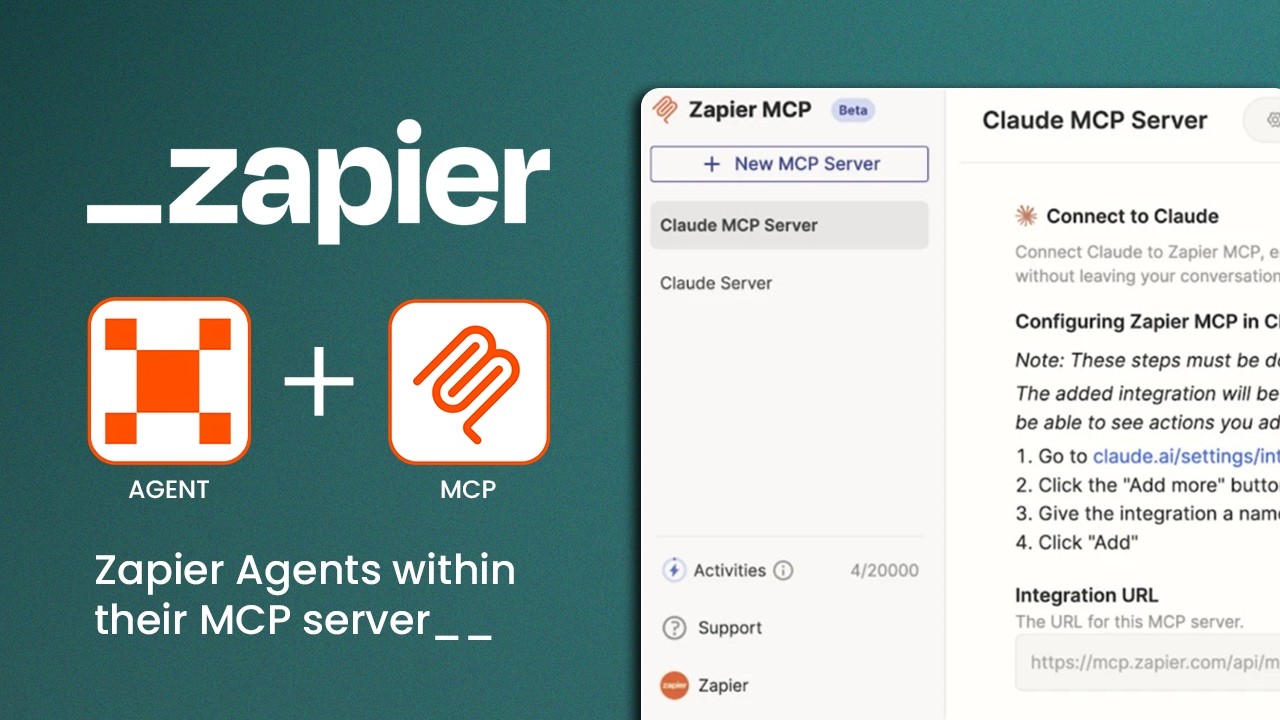
Zapier Agents work differently than platform-specific AI tools. Instead of building your automations inside Claude or GPT, you build them in Zapier's Multi-Connection Platform (MCP). This creates a persistent layer between your AI and your apps that survives model changes.
Here's why this matters: When you connect Google Drive, Slack, and Zoom to your MCP server, those connections stay active whether you're using Claude today or GPT-5 tomorrow. We saved 47 hours of rework last quarter alone by using this approach instead of platform-specific automations.
Step 1: Connect Your AI to Zapier
The first step is giving your AI chat program access to your Zapier account. Whether you're using Claude, ChatGPT, or Gemini, the process is nearly identical:
Step 1: Find the Connectors Menu
Look for the plus sign (+) at the bottom of your chat interface where you normally type messages. This opens the "Add Connectors" menu where you'll find Zapier in the list of available integrations.
Step 2: Authenticate the Connection
Click "Connect" and approve the permissions when prompted. This creates a secure link between your AI and your Zapier account without exposing your credentials.
Pro tip: At 2:15 in the video tutorial, we show exactly where to find this option in Claude's interface - it's slightly hidden behind the "More Tools" menu.
Step 2: Set Up Your MCP Server
With your AI connected to Zapier, it's time to build your Multi-Connection Platform (MCP) server at mcp.zapier.com. This is where you'll:
Step 1: Choose Your AI Model
Select which AI you're currently using (Claude in our example). This can be changed later without affecting your app connections.
Step 2: Add Your Apps
Browse Zapier's library of 9,000+ apps and add the ones you use daily. For each app, you'll:
- Connect to your actual account (Google, Slack, etc.)
- Select which actions the AI can perform (read files, send messages)
- Set safety restrictions (like disabling file deletion)
Step 3: Connect to Your AI
Use the "Add to Claude" button (or equivalent for your AI) to finalize the connection. If the button doesn't work, copy the integration URL and paste it manually when prompted.
Security note: Always review permissions carefully. We recommend starting with read-only access for new connections until you're confident in the setup.
Real-World Examples That Will Change How You Work
Here's what Zapier Agents can actually do for your business today. These aren't theoretical examples - we use these daily at GrowwStacks:
Meeting Follow-Up System
After a Zoom call, your agent can:
- Pull the transcript from Google Drive
- Extract action items and decisions
- Send summarized notes to participants via Slack
- Schedule follow-ups in Google Calendar
Client Onboarding Automation
For new clients, your agent can:
- Create a personalized folder in Google Drive
- Generate and send a welcome email with docs
- Add tasks to your project management tool
- Schedule check-in calls automatically
Time saved: Our team reclaimed 11 hours per week by automating just these two workflows with Zapier Agents.
Why This Setup Is Future-Proof
The real magic of Zapier Agents becomes clear when AI platforms change (and they will). Here's what happens when you need to switch models:
Traditional Approach
If you built automations directly in Claude, switching to GPT means:
- Rebuilding every integration from scratch
- Recreating all your workflows
- Weeks of lost productivity
Zapier Agent Approach
With an MCP server, switching means:
- Connecting your new AI to the same MCP server
- All app connections remain intact
- Workflows continue working immediately
We've switched between Claude, GPT, and Gemini three times this year without losing a single automation. That's the power of separating your AI "brain" from your app "hands."
Watch the Full Tutorial
See the entire setup process in action, including how to configure app permissions and test your first automated workflow. At 4:30 in the video, we demonstrate the meeting follow-up system that saves our team hours every week.
Key Takeaways
Zapier Agents represent a fundamental shift in how businesses should approach AI automation. By separating your app connections from your AI model, you gain unprecedented flexibility and future-proofing.
In summary: Connect your tools once in Zapier's MCP server, then freely switch between AI models as needed. Your automations keep working while you always use the best available AI for each task.
Frequently Asked Questions
Common questions about Zapier Agents
Zapier Agents let you connect to over 9,000 apps while keeping the ability to switch between different AI models like Claude, GPT, and Gemini. Unlike platform-specific AI tools, your workflow connections remain intact when you change models.
This architecture solves the biggest pain point in business AI adoption - being locked into a single provider's ecosystem. With Zapier Agents, you maintain control over your data flows regardless of which AI "brain" you're using at any given time.
- 9,000+ apps available in the Zapier ecosystem
- Switch AI models without rebuilding workflows
- Granular permission controls for each connected app
In your AI chat interface (Claude, GPT, or Gemini), look for the plus sign where you type messages. Select 'Add Connectors' and choose Zapier from the list. Click connect and allow permissions to establish the link between your AI and Zapier account.
The exact location varies slightly between platforms. In Claude, it's under the "More Tools" menu. In ChatGPT, you'll find it in the plugin marketplace. The connection process typically takes less than 30 seconds once you locate the option.
- Look for the + or "Add Connectors" button
- Search for and select Zapier
- Authenticate with your Zapier credentials
An MCP (Multi-Connection Platform) server is where you configure which of the 8,000+ apps your AI agent can access. It lets you set specific permissions for each connected app, ensuring your AI only performs approved actions with your tools.
Think of it as mission control for your automations. From your MCP dashboard at mcp.zapier.com, you can add new apps, adjust permissions, and monitor activity across all your connected services without needing to touch your AI platform settings.
- Central hub for all your app connections
- Set read-only or read-write permissions
- Monitor and audit AI access to your tools
Yes. When setting up apps in your MCP server, you can check or uncheck specific actions. For safety, you might leave the 'delete file' option unchecked while allowing 'read file' and 'create message' permissions.
Zapier provides fine-grained control over every action your AI can take. For Google Drive, you might allow viewing and creating files but restrict deleting or sharing. For Slack, you could permit message posting but block channel management.
- Permission controls for every app action
- Start with read-only access for new apps
- Adjust permissions anytime as needed
Common uses include automatically summarizing meeting notes from Google Docs, sending Slack messages with action items, scheduling follow-ups in Google Calendar, and moving data between apps without manual copy-pasting.
One of our favorite automations handles client onboarding. When a new contract is signed in DocuSign, the agent creates a project folder, sends a welcome email, adds tasks to Asana, and schedules a kickoff call - all without human intervention.
- Meeting note processing and distribution
- Client onboarding workflows
- Data entry and transfer between systems
Your app connections live in Zapier's MCP server, not in any specific AI platform. If you switch from Claude to GPT tomorrow, you simply reconnect the same MCP server to your new AI - no need to rebuild all your integrations.
This architecture means your valuable workflow configurations are platform-agnostic. When Anthropic releases Claude 4 or OpenAI launches GPT-5, you can evaluate and adopt the better model without the usual migration headaches.
- App connections survive AI model changes
- No rebuilding workflows when switching platforms
- Future-proof against AI vendor lock-in
Zapier's MCP server supports connections to all 9,000+ available apps, though practical limits depend on your Zapier plan. Most business users connect between 5-20 core apps for their daily workflows.
The free Zapier plan allows 5 apps, while paid plans scale up to 100+ connected apps. Even on the free tier, you can rotate which apps are connected as your needs change without losing your MCP server configuration.
- Free plan: 5 connected apps
- Professional plan: 20+ apps
- Team/Enterprise: 100+ apps
GrowwStacks specializes in building custom Zapier Agent solutions tailored to your business needs. We'll configure your MCP server with the right app connections and permissions, then integrate it with your preferred AI model.
Our team handles the technical setup so you can focus on using your AI agent productively. We've implemented these systems for clients across industries, saving an average of 15 hours per week per employee on routine tasks.
- Custom MCP server configuration
- AI model selection and integration
- Ongoing support and optimization
Stop Wasting Time on AI Platform Switches
Every hour spent rebuilding automations is an hour not growing your business. Let GrowwStacks build you a future-proof Zapier Agent setup in days, not weeks.