The Problem
Many businesses struggle with manual invoice management, spending countless hours uploading and organizing invoices. This process is not only time-consuming but also prone to human errors, leading to misplaced documents and potential compliance issues. The lack of a streamlined system results in inefficient workflows and increased administrative costs.
Without automation, companies face challenges in maintaining an organized document repository. Finding specific invoices becomes a tedious task, hindering timely decision-making and financial reporting. The need for a reliable and automated solution to streamline invoice processing and ensure accurate record-keeping is critical for operational efficiency.
The Solution
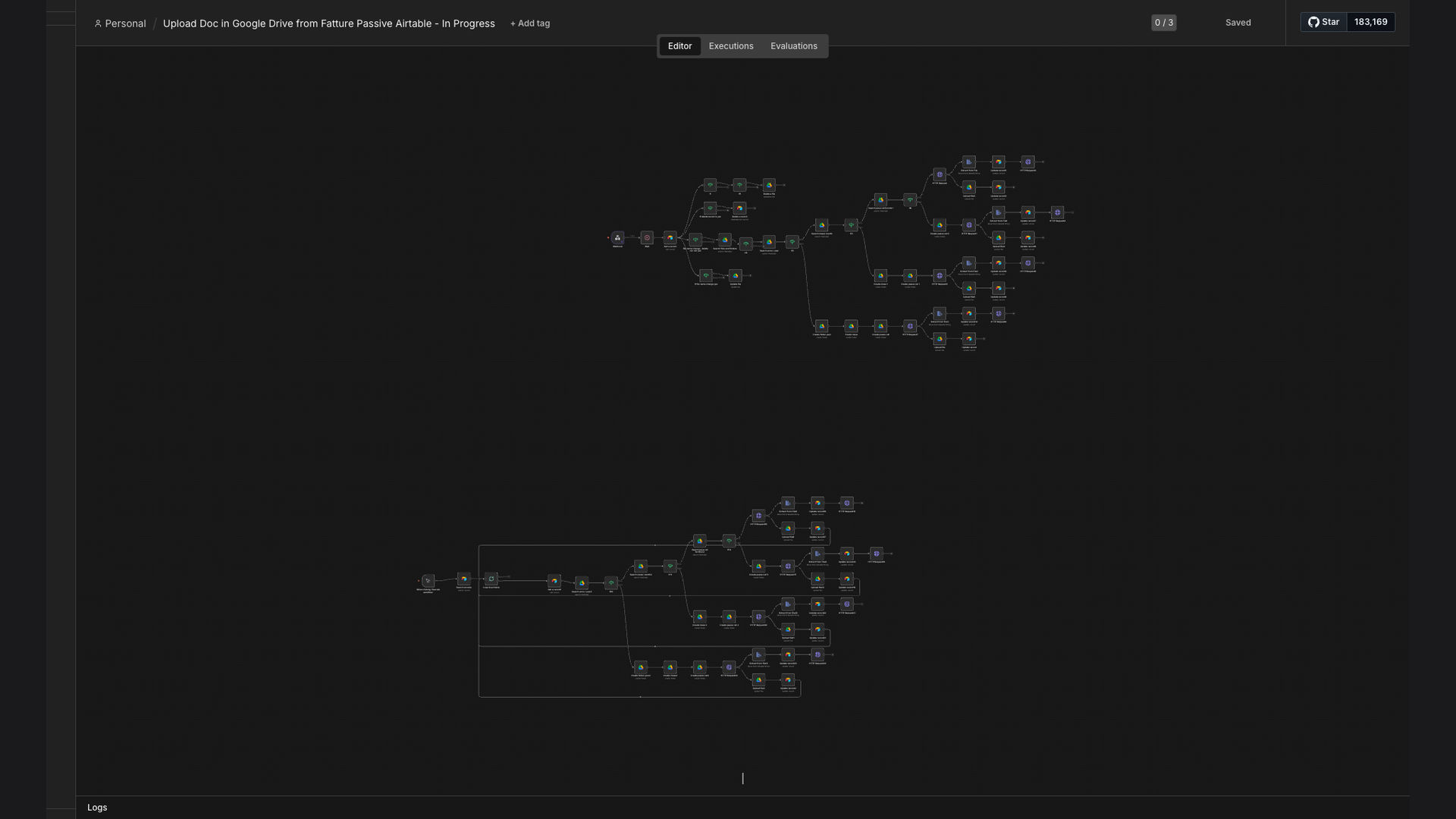
We developed an n8n workflow that automatically uploads PDF invoices from Airtable to Google Drive, creating an organized folder structure based on year, month, and supplier. This system dynamically handles file updates, deletions, and folder creation, ensuring that the Google Drive repository always reflects the latest information from Airtable.
The choice of n8n was strategic, providing a flexible and scalable platform to integrate Airtable and Google Drive seamlessly. This automation eliminates manual data entry, reduces errors, and saves significant time, allowing businesses to focus on core activities. The workflow ensures accurate and efficient invoice management, improving overall operational efficiency.
How It Works — Automated Invoice Organization
This n8n workflow automates the process of uploading and organizing invoices from Airtable to Google Drive. Here's a step-by-step breakdown of how it works:
- Airtable Trigger: The workflow starts when a new invoice record is created or updated in Airtable.
- Fetch Invoice Data: n8n retrieves the necessary invoice data, including the invoice PDF file, supplier name, and invoice date.
- Create Folder Structure: The workflow dynamically creates a folder structure in Google Drive based on the year, month, and supplier name.
- Check for Existing Folders: Before creating new folders, the workflow checks if the year, month, and supplier folders already exist.
- Upload Invoice PDF: The invoice PDF file is uploaded to the appropriate folder in Google Drive.
- Handle File Updates: If an invoice with the same name already exists, the workflow updates the existing file with the new version.
- Log Activity: The workflow logs all activities, including file uploads, updates, and folder creations, for auditing purposes.
- Error Handling: The workflow includes error handling to manage any issues that may arise during the process, such as missing files or connection errors.
💡 Dynamic Folder Creation: The workflow automatically creates and manages the folder structure in Google Drive, ensuring that invoices are always organized correctly.
What This System Does That Manual Invoice Management Can't
Time Savings
Automated invoice uploads eliminate manual data entry, saving hours of administrative work each week.
Accuracy
Automated processes reduce the risk of human errors, ensuring accurate and consistent invoice management.
Organization
Dynamic folder creation ensures that invoices are always organized correctly by year, month, and supplier.
Real-Time Updates
The workflow automatically updates existing invoice files, ensuring that the Google Drive repository always reflects the latest information.
Compliance
Automated logging and error handling improve compliance and audit readiness.
Scalability
The n8n workflow is scalable and can handle a large volume of invoices without any performance issues.
Before vs. After: Streamlined Invoice Management
Before: Manually uploading and organizing invoices took approximately 10 hours per week, with a 5% error rate leading to misplaced documents.
After: Automated invoice uploads reduce processing time to near zero, eliminating manual errors and ensuring accurate document management.
Implementation: Live in 2 Weeks
- Discovery and Planning: We start by understanding your current invoice management process and defining your specific requirements.
- Workflow Design: Our team designs the n8n workflow, mapping out the data flow between Airtable and Google Drive.
- Development and Testing: We develop and test the workflow to ensure it meets your requirements and performs optimally.
- Deployment: The workflow is deployed to your n8n instance, and we provide training to your team.
- Ongoing Support: We offer ongoing support and maintenance to ensure the workflow continues to meet your needs.
The Right Fit — and When It Isn't
This solution is ideal for businesses that use Airtable to manage invoices and need a streamlined way to upload and organize them in Google Drive. It's particularly beneficial for companies looking to reduce administrative overhead and improve document management.
However, this solution may not be the best fit for businesses that don't use Airtable or have very simple invoice management needs that can be easily handled manually. In such cases, a simpler solution may be more appropriate.