The Problem
Many businesses struggle with the time-consuming process of creating social media graphics for multiple platforms. Each platform requires different dimensions and specifications, leading to a fragmented and inefficient workflow. This often results in inconsistent branding and missed opportunities to engage with their audience effectively.
The manual effort involved in resizing, optimizing, and uploading graphics to various platforms can be overwhelming, especially for small teams. This can lead to burnout, delays in content publishing, and a general lack of strategic focus on social media marketing. The need for a streamlined, automated solution is critical for maintaining a strong online presence.
The Solution
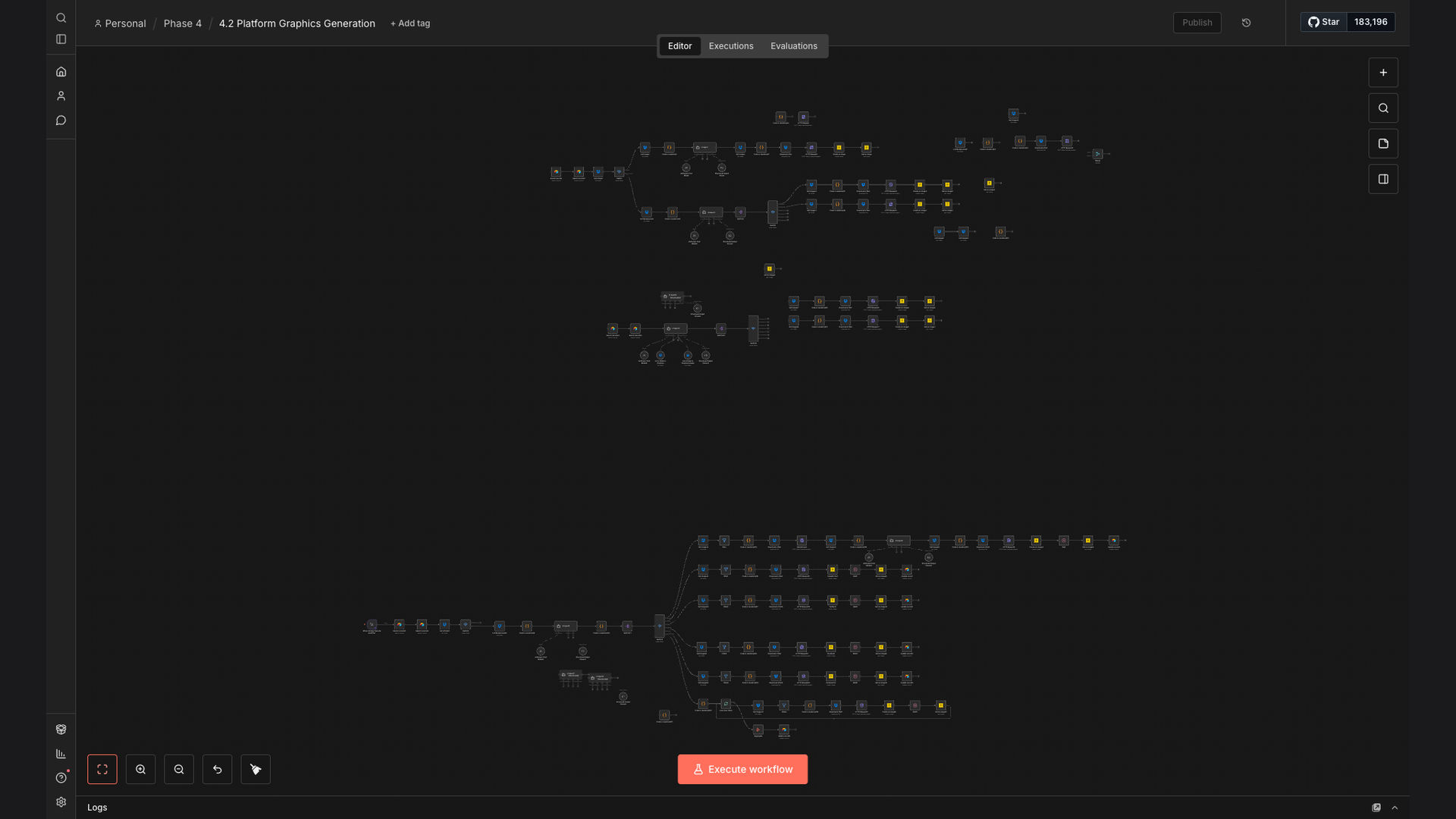
The solution is a fully automated workflow that leverages n8n to orchestrate the creation and distribution of social media graphics. This system pulls content ideas and data from Airtable, selects relevant background images from Dropbox, uses Bannerbear to generate platform-specific designs, and then uploads the final graphics to ImageKit for optimized delivery.
This tech stack was chosen for its flexibility, scalability, and ease of integration. n8n acts as the central hub, connecting all the different services and ensuring a seamless flow of data. The combination of Airtable, Dropbox, Bannerbear, and ImageKit provides a robust and cost-effective solution for automating social media graphic creation.
How It Works — Automated Graphic Creation Process
The workflow begins by retrieving content ideas and associated data from Airtable. It then selects a relevant background image from a Dropbox folder based on the content topic. Bannerbear then generates the graphic using pre-defined templates optimized for each social media platform. Finally, the generated graphic is uploaded to ImageKit.
- Content Retrieval: The workflow starts by fetching new content ideas and associated data (e.g., title, description, call to action) from an Airtable base.
- Image Selection: Based on the content topic, the workflow selects a relevant background image from a designated Dropbox folder.
- Template Selection: The workflow chooses the appropriate Bannerbear template based on the target social media platform (e.g., LinkedIn, Instagram, Twitter/X).
- Graphic Generation: Bannerbear generates the social media graphic using the selected template, content data, and background image.
- Image Optimization: The generated graphic is optimized for web delivery using ImageKit's image optimization features.
- Platform Upload: The optimized graphic is automatically uploaded to the specified social media platform via its API.
- Airtable Update: The Airtable record is updated with the URL of the generated graphic and the status of the upload.
💡 Consistent Branding: By using pre-defined templates and automated processes, the system ensures consistent branding across all social media platforms.
What This System Does That [Manual Process] Can't
Time Savings
Automates the entire graphic creation process, saving significant time compared to manual methods.
Consistent Branding
Ensures consistent branding across all social media platforms with pre-defined templates.
Scalability
Easily scales to handle a large volume of content and multiple social media platforms.
Reduced Errors
Eliminates manual errors associated with resizing and optimizing graphics for different platforms.
Data-Driven Insights
Provides data-driven insights into content performance and audience engagement.
Cost-Effective
Reduces the need for manual labor and expensive design tools, resulting in cost savings.
Before vs. After: [descriptive subtitle]
Before: Manually creating social media graphics took approximately 2 hours per day, resulting in inconsistent branding and delayed content publishing.
After: The automated workflow reduced graphic creation time to just 15 minutes per day, ensuring consistent branding and timely content publishing.
Implementation: Live in 4 Weeks
- Planning & Design: Defining the scope of the automation, identifying the required integrations, and designing the workflow architecture.
- Template Creation: Creating the necessary Bannerbear templates for each social media platform, ensuring they align with the brand guidelines.
- Workflow Development: Building the n8n workflow, configuring the integrations with Airtable, Dropbox, Bannerbear, and ImageKit.
- Testing & Optimization: Thoroughly testing the workflow, identifying and resolving any issues, and optimizing the performance.
The Right Fit — and When It Isn't
This automated workflow is ideal for businesses that want to streamline their social media graphic creation process, maintain consistent branding, and save time and resources. It's particularly well-suited for companies that manage multiple social media accounts and publish a high volume of content.
However, this solution may not be the right fit for businesses that require highly customized or unique graphics for each social media post. In such cases, a manual design process may be more appropriate.