The Problem
Sales and marketing departments often operate in silos, leading to disconnected customer data. When sales representatives add new contacts or update contact details in Microsoft Outlook, those changes do not automatically transfer to MailerLite. Conversely, when marketing leads register via newsletter opt-ins or MailerLite landing pages, their details are missing from the sales team's Outlook database. Manually copying contact data is slow, introduces duplicate profiles, and leads to marketing emails sent to obsolete addresses.
Without an automated bidirectional sync, companies spend valuable time on manual database administration, which increases errors and causes campaign delays. Discrepancies between tools lead to missed opportunities, poor sales communication, and lower email engagement rates.
The Solution
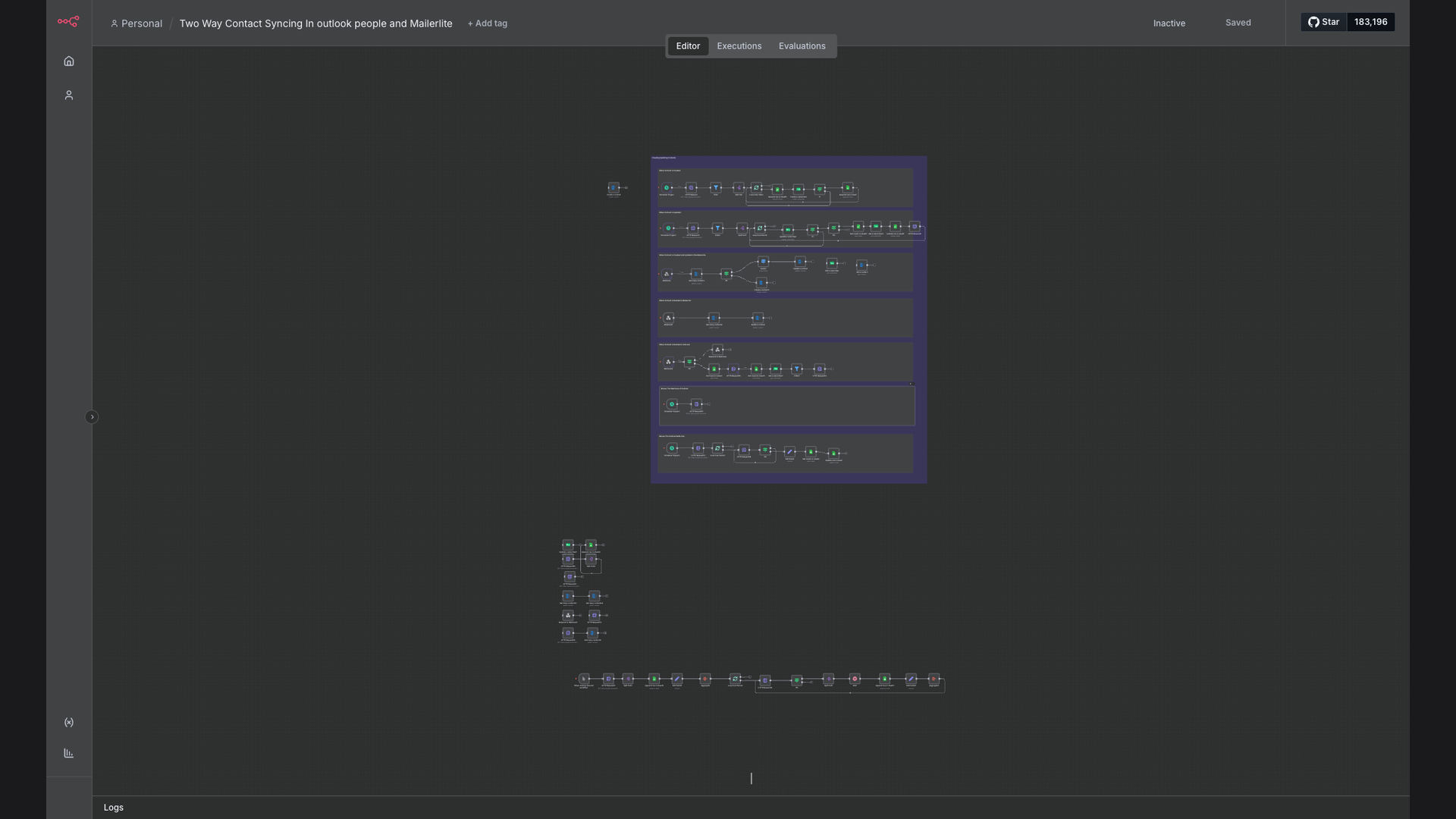
An automated two-way synchronization pipeline designed on n8n bridges the gap between Microsoft Outlook and MailerLite in real-time. The workflow actively monitors both applications. When a new contact is added or modified in Outlook, n8n instantly processes the update, checks for duplicates, and updates MailerLite subscriber segments. Similarly, if a subscriber updates their info or options in MailerLite, n8n writes the changes directly back to the Outlook contact card, preserving a single, unified source of truth.
By automating the contact synchronization process, sales and marketing teams can work with absolute confidence in their data, ensuring campaign alignment, prompt sales outreach, and zero data entry overhead.
How It Works — Bidirectional Sync Engine
The n8n workflow manages updates from both directions, handling conflict resolution and deduplication automatically.
- Listen to Events: Webhook nodes trigger the workflow instantly upon new or updated contacts in Microsoft Outlook or MailerLite.
- Format Data: The sync engine cleans and formats names, email addresses, phone numbers, and custom values.
- Deduplicate & Match: n8n queries both databases by email address to match existing cards and prevent creating duplicate contacts.
- Outlook to MailerLite Path: New sales contacts are subscribed to MailerLite, and metadata updates sync across immediately.
- MailerLite to Outlook Path: Changes made by marketing subscribers are written to the corresponding sales contacts card in Outlook.
- Resolve Conflicts: If changes occur in both systems simultaneously, pre-defined business logic determines which update is master.
- Alert on Failures: In the rare event of API errors or formatting issues, n8n logs the error and posts an alert to the admin dashboard.
💡 Operational Alignment: Bidirectional synchronization removes duplicate processes, ensuring both sales and marketing teams view the exact same customer details in real-time.
What This System Does That Manual Process Can't
Instant Updates
Changes propagate in seconds, ensuring databases are always in sync across departments.
Intelligent Deduplication
Deduplication rules prevent mismatched profiles and multiple emails to the same subscriber.
Flexible Field Mapping
Syncs names, emails, phone numbers, job titles, and custom marketing variables seamlessly.
Conflict Resolution
System automatically resolves simultaneous edits based on timestamp and master rules.
Campaign Alignment
Guarantees sales contacts are immediately enrolled in the correct marketing campaign tags.
Reliable Logging
Maintains detailed logs of every sync action, enabling simple audit checks.
Before vs. After: Real Numbers
Before: Sales and marketing administrators spent 10+ hours a week manually syncing contact spreadsheets, resulting in outdated lists and frequent campaign bounces.
After: Synchronizations are completed within 90 seconds, database accuracy is maintained at 99%, and team efficiency has dramatically increased, saving a full day of admin work weekly.
Implementation: Live in 3 Weeks
- Data Mapping: Audit of custom fields in Outlook and MailerLite to define the mapping structure.
- Flow Development: Building bidirectional triggers and conflict resolution pathways in n8n.
- Dry-Run Testing: Simulating database updates in sandbox environments to verify sync paths and error codes.
- Deployment & Handover: Moving the workflow to production and providing simple tracking guides.
The Right Fit — and When It Isn't
This automated sync is a perfect fit for sales teams that rely on Outlook for daily communication and marketing teams that run campaigns on MailerLite. It's ideal for businesses needing a unified customer directory with no administrative overhead.
However, it might be excessive for small operations with very few leads where manual contacts updates can be handled easily without causing data discrepancies.