The Problem
Logistics managers and shipping coordinators face significant challenges in manually tracking ocean freight shipments. This process is often time-consuming, error-prone, and lacks real-time visibility, leading to inefficiencies and potential delays. Without an automated system, it's difficult to proactively manage exceptions and keep stakeholders informed.
The reliance on manual tracking methods results in delayed responses to critical events, such as shipment delays or customs holds. This lack of timely information can disrupt supply chains, increase costs, and negatively impact customer satisfaction. The need for a more efficient and transparent tracking solution is evident to mitigate risks and optimize logistics operations.
The Solution
The solution involves building an automated workflow that integrates Monday.com with Terminal49's API to streamline ocean freight shipment tracking. This system automatically creates tracking requests, fetches container and shipment details, and updates Monday.com boards with real-time status information. Additionally, it sends email alerts to relevant stakeholders, ensuring everyone stays informed about critical events.
This tech stack was chosen for its ability to provide a centralized and automated tracking solution. N8N serves as the primary automation platform, orchestrating the data flow between Monday.com and Terminal49. Monday.com provides a collaborative workspace for managing shipment data, while Terminal49's API offers access to real-time tracking information. Email integration ensures timely notifications, creating a seamless and efficient tracking process.
How It Works — Real-time Shipment Status Updates
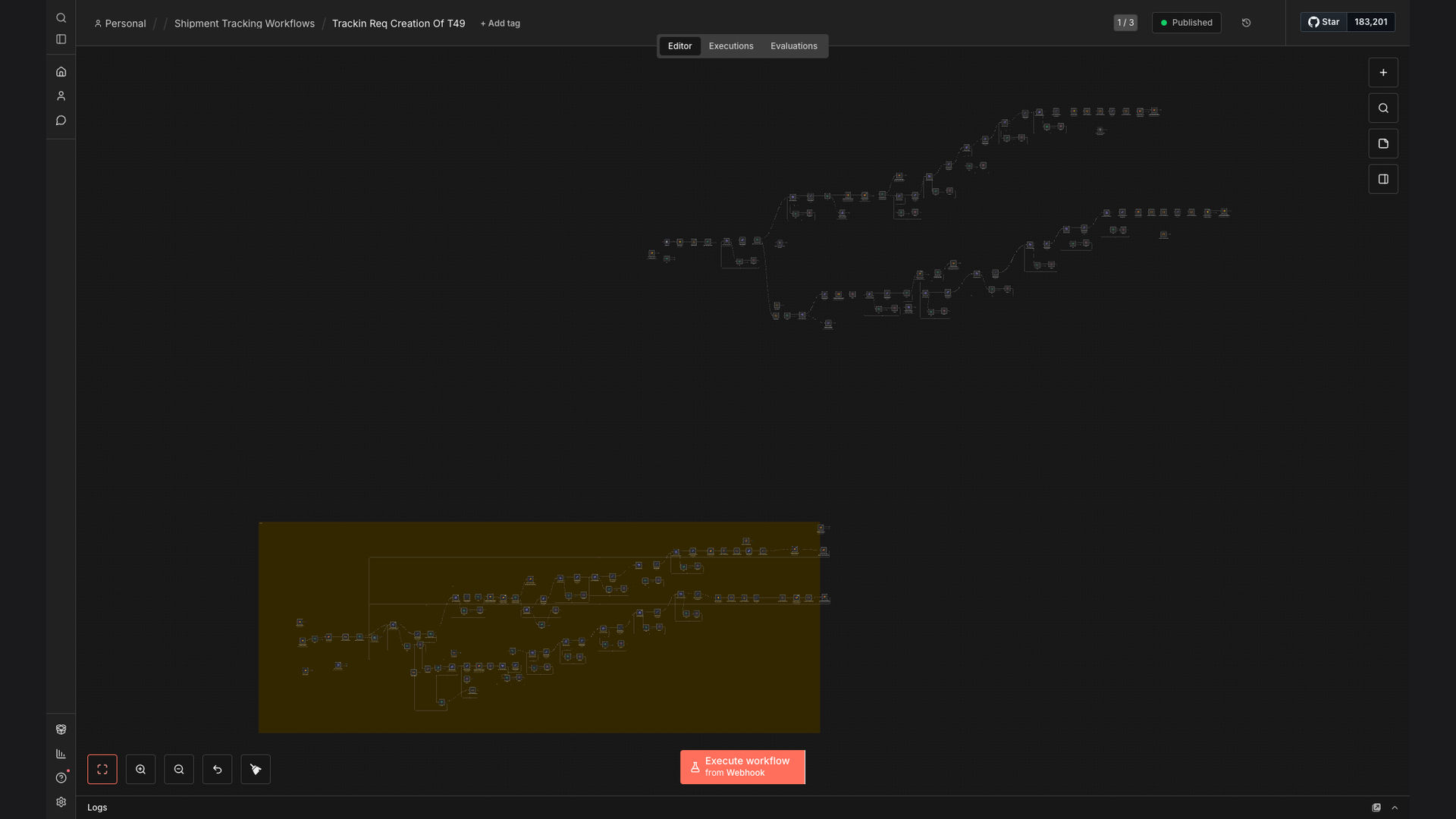
The automated workflow efficiently tracks ocean freight shipments, providing real-time status updates and notifications.
- New Shipment Trigger: A new shipment is added to a Monday.com board, triggering the workflow.
- Create Tracking Request: The workflow creates a tracking request using the Terminal49 API with the shipment details.
- Fetch Container Details: The Terminal49 API provides container details, including current location and status.
- Update Monday.com Board: The Monday.com board is updated with the latest shipment status and location information.
- Check for Delays: The workflow checks for any potential delays or exceptions in the shipment status.
- Send Email Alert: If a delay or exception is detected, an email alert is sent to the logistics manager and relevant stakeholders.
- Continuous Monitoring: The workflow continuously monitors the shipment status until it reaches its final destination.
- Completion Notification: Once the shipment is delivered, a final notification is sent to confirm completion.
💡 Proactive Exception Management: By automatically detecting and alerting stakeholders to potential delays, the system enables proactive exception management, minimizing disruptions and improving overall supply chain performance.
What This System Does That [Manual Process] Can't
Real-time Updates
Provides instant updates on shipment status, eliminating delays in information dissemination.
Automated Notifications
Sends automated email alerts for critical events, ensuring stakeholders are promptly informed.
Centralized Tracking
Offers a centralized platform for tracking all shipments, improving visibility and control.
Reduced Manual Effort
Minimizes manual data entry and tracking tasks, freeing up resources for other activities.
Improved Accuracy
Reduces the risk of errors associated with manual tracking, ensuring data accuracy.
Seamless Integration
Integrates seamlessly with existing systems, such as Monday.com and Terminal49, for a streamlined workflow.
Before vs. After: [descriptive subtitle]
Before: Logistics managers spent 2-3 hours daily manually tracking shipments, leading to delayed responses and potential errors.
After: Real-time automated tracking reduced manual effort by 95%, providing instant updates and proactive exception management.
Implementation: Live in 4 Weeks
- Planning and Design: Define the scope of the automation, identify key stakeholders, and design the workflow architecture.
- Integration Setup: Configure the integration between Monday.com and Terminal49's API, ensuring seamless data flow.
- Workflow Development: Develop the automated workflow in N8N, including error handling and exception management.
- Testing and Refinement: Conduct thorough testing to identify and resolve any issues, refining the workflow for optimal performance.
- Deployment and Training: Deploy the automated workflow and provide training to logistics managers and shipping coordinators.
The Right Fit — and When It Isn't
This automated shipping container tracking solution is ideal for logistics companies, shipping coordinators, and supply chain managers who need real-time visibility and control over their ocean freight shipments. It's particularly beneficial for organizations that rely on Monday.com for project management and collaboration.
However, this solution may not be the right fit for very small businesses with minimal shipping volume or those that do not use Monday.com. In such cases, a simpler tracking solution or manual tracking methods may be more appropriate.