The Problem
Many businesses struggle with keeping their customer data synchronized between Stripe and their CRM systems like Airtable. This often leads to inaccurate reporting, delayed insights, and increased manual effort. The lack of real-time updates means that sales and customer service teams are not always working with the most current information, which can negatively impact customer interactions and revenue recognition.
Manually updating customer subscription data, pricing details, and invoice information is time-consuming and prone to errors. This is especially challenging for companies with a large number of subscriptions or frequent changes to their product offerings. The need to ensure data consistency across systems is critical for accurate financial forecasting and compliance.
The Solution
The solution is an automated workflow built using n8n that seamlessly synchronizes Stripe subscription data with Airtable CRM in real-time. This workflow monitors Stripe for new subscriptions, updates to existing subscriptions, and subscription cancellations, and then automatically reflects these changes in Airtable. This ensures that the CRM data is always current and accurate.
n8n was chosen for its flexibility, scalability, and ability to integrate with both Stripe and Airtable. The workflow handles the synchronization of product and price information, as well as customer matching using tax IDs or metadata. This eliminates the need for manual data entry and ensures that all relevant customer information is readily available in Airtable.
How It Works — Real-Time Data Synchronization
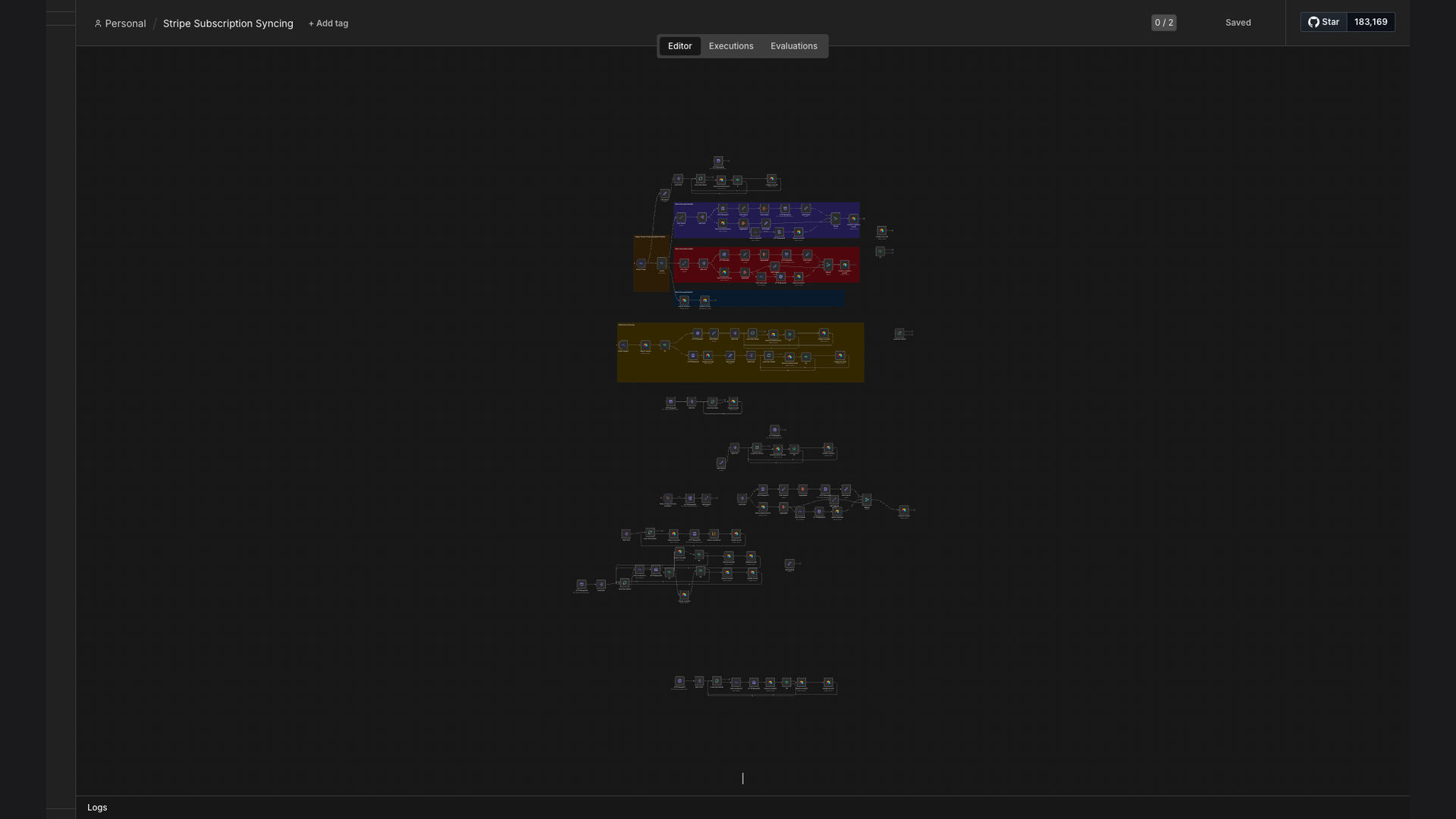
This n8n workflow monitors Stripe for subscription events and automatically updates Airtable CRM. Here's how it works:
- Stripe Event Trigger: The workflow is triggered by new, updated, or canceled subscriptions in Stripe.
- Fetch Subscription Data: The workflow retrieves detailed subscription data from Stripe, including customer details, pricing, and status.
- Fetch Product/Price Data: The workflow retrieves product and pricing information from Stripe to ensure accurate data in Airtable.
- Match Customer in Airtable: The workflow searches for the corresponding customer in Airtable using tax IDs or metadata.
- Update Airtable Record: If a matching customer is found, the workflow updates the customer's record in Airtable with the latest subscription data.
- Create Airtable Record (if needed): If no matching customer is found, the workflow creates a new customer record in Airtable with the subscription data.
- Handle Errors: The workflow includes error handling to log any issues and prevent data loss.
- Log Activity: The workflow logs all synchronization activity for auditing and troubleshooting purposes.
💡 Real-Time Insights: By automating the synchronization of Stripe subscription data with Airtable, businesses gain real-time insights into their recurring revenue, customer behavior, and overall business performance.
What This System Does That Manual Process Can't
Real-Time Updates
Automatically syncs subscription changes in Stripe to Airtable CRM instantly, eliminating delays.
Data Accuracy
Ensures that customer data, pricing, and invoice information are always accurate and up-to-date.
Increased Efficiency
Reduces manual data entry and frees up valuable time for sales and customer service teams.
Improved Reporting
Provides real-time insights into recurring revenue, customer behavior, and overall business performance.
Better Customer Service
Enables sales and customer service teams to work with the most current information, improving customer interactions.
Data Consistency
Maintains data consistency across systems, ensuring accurate financial forecasting and compliance.
Before vs. After: Real-Time Data at Your Fingertips
Before: Manually updating subscription data took 10 hours per week, with a 15% error rate leading to inaccurate reporting and delayed insights.
After: Real-time automated sync reduces manual updates by 80%, achieving 95% data accuracy and providing instant access to customer subscription details.
Implementation: Live in 3 Weeks
- Planning and Design: Defining the scope of the integration, identifying the data fields to be synchronized, and designing the workflow in n8n.
- Workflow Development: Building the n8n workflow to connect to Stripe and Airtable, fetch subscription data, and update the CRM.
- Testing and Refinement: Thoroughly testing the workflow to ensure data accuracy and reliability, and refining the workflow based on test results.
- Deployment: Deploying the workflow to a production environment and monitoring its performance.
- Training and Documentation: Training the team on how to use the new system and providing documentation for troubleshooting.
The Right Fit — and When It Isn't
This solution is ideal for businesses that rely on Stripe for subscription management and use Airtable as their CRM. It's particularly beneficial for companies with a large number of subscriptions or frequent changes to their product offerings. The automated workflow ensures that customer data is always current and accurate, improving efficiency and reducing errors.
However, this solution may not be the right fit for businesses that do not use Stripe or Airtable, or for companies with very simple subscription models that do not require real-time data synchronization. In these cases, a simpler solution or manual data entry may be sufficient.