
Digital agencies juggle countless tasks daily - from lead generation to client communication, project delivery to financial tracking. Managing this complexity requires robust systems that eliminate chaos and create seamless workflows.
ClickUp has emerged as a powerful project management solution for agencies, but its true potential is unlocked when integrated with other tools in your tech stack. These integrations automate repetitive tasks, reduce errors, and help your team focus on delivering exceptional client work rather than administrative overhead.
Pro tip: Before setting up integrations, map out your agency's core workflows to identify which processes would benefit most from automation. Focus on high-volume, repetitive tasks first.
ClickUp Integrations for Sales Processes
Client acquisition is the lifeblood of any agency, but the sales process often involves multiple tools and manual data transfers. These ClickUp integrations streamline your sales pipeline from first contact to closed deal.

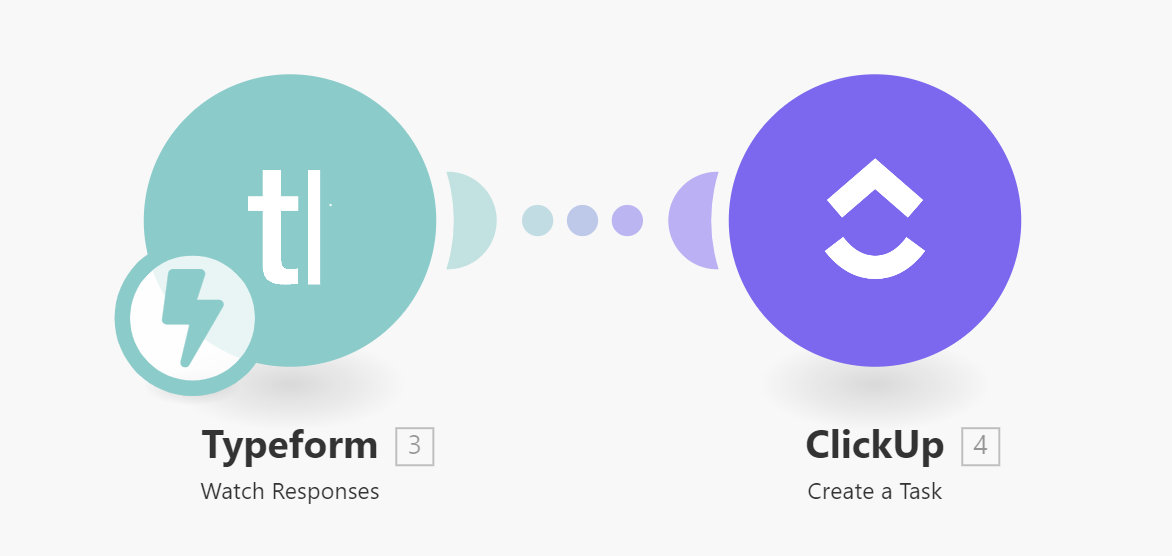
Connect ClickUp to Typeform to Organize Your Leads
Typeform excels at collecting lead information through beautiful, conversational forms. However, manually transferring these leads into your project management system creates bottlenecks and potential errors.
By connecting Typeform to ClickUp, each new form submission automatically creates a task in your designated ClickUp list. The integration can map form fields to ClickUp custom fields, ensuring all lead information is captured accurately and made immediately available to your team.
Connect Clearbit to ClickUp to Pursue the Right Leads
Not all leads are created equal. The Clearbit integration enriches your Typeform submissions with valuable company and contact information, helping your team prioritize high-value opportunities.
When a lead submits a Typeform, Clearbit automatically appends firmographic data (like company size, industry, and funding) before creating the ClickUp task. This gives your sales team context before they even make first contact.
Connect Mailchimp to ClickUp to Follow Up on Contacts Individually
Email marketing generates leads, but personal follow-up converts them. The Mailchimp-ClickUp integration transforms email subscribers into actionable tasks.
When a contact meets certain criteria in Mailchimp (like opening specific emails or reaching a score threshold), the integration automatically creates a personalized follow-up task in ClickUp. Your team gets notified to reach out while the lead is warm, with all their engagement history readily available.
Connect ClickUp to Your CRM to Accelerate Service Delivery
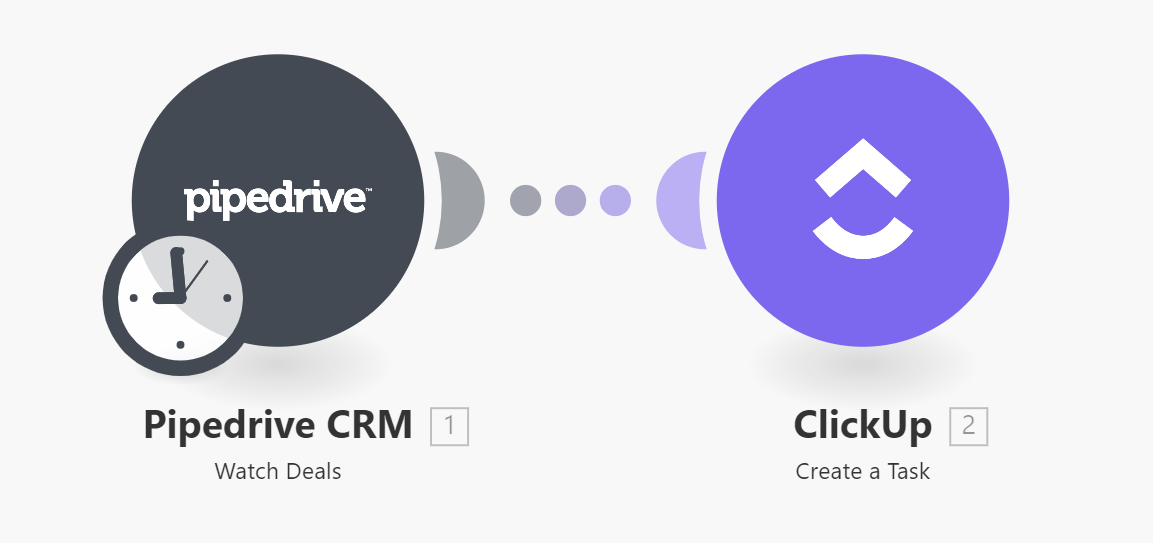
The handoff from sales to delivery is critical. Integrating your CRM (like Pipedrive or Salesforce) with ClickUp ensures seamless project kickoffs when deals close.
When a deal moves to "Closed-Won" in your CRM, the integration automatically creates a project in ClickUp with all relevant client information, scope details, and assigned team members. This eliminates manual project setup and gets your team working faster.
Pro tip: Configure your CRM-ClickUp integration to include custom fields for project scope, budget, and key contacts. This prevents information gaps during handoffs.
ClickUp Integrations for Client Management
Client satisfaction depends on consistent communication and timely delivery. These integrations help your team manage client relationships efficiently at scale.

Connect Zendesk to ClickUp to Offer Timely Client Query Responses
Client support tickets often require coordination across teams. The Zendesk-ClickUp integration turns support requests into tracked tasks.
When a new ticket arrives in Zendesk, the integration creates a ClickUp task with the complete ticket history and client information. As your team resolves the task in ClickUp, status updates sync back to Zendesk, keeping clients informed.
ClickUp Integrations for Communication
Clear communication keeps projects on track. These integrations ensure information flows seamlessly between your team and clients.

Connect ClickUp to Google Forms to Start Client Onboarding
Client onboarding forms collect essential project information but often create data silos. The Google Forms-ClickUp integration bridges this gap.
When a client submits an onboarding form, the integration creates a ClickUp task with all responses mapped to custom fields. This automatically populates your project workspace with the information teams need to begin work.
Connect ClickUp to Slack to Stay on Top of Tasks
Slack is where work happens, but tasks can get lost in conversations. The ClickUp-Slack integration brings task management into your communication flow.
The integration allows you to create ClickUp tasks directly from Slack messages, ensuring action items don't slip through cracks. You can also receive ClickUp notifications in Slack and update task statuses without leaving your chat platform.
ClickUp Integrations for Project Management
These integrations enhance ClickUp's core project management capabilities, helping your team work more efficiently.
Connect ClickUp to Calendly to Document Meetings
Scheduling client meetings is easy with Calendly, but follow-up actions often get forgotten. The Calendly-ClickUp integration ensures meetings translate into tasks.
When a meeting is scheduled, the integration automatically creates a ClickUp task with the meeting details, attendee information, and any pre-meeting questionnaire responses. After the meeting, your team can easily convert notes into actionable next steps.
Connect Google Drive to ClickUp and Slack
Creative assets are the lifeblood of digital agencies. The Google Drive-ClickUp-Slack integration streamlines file management.
When files are added to designated Google Drive folders, the integration creates corresponding ClickUp tasks and notifies relevant team members in Slack. This ensures assets are reviewed and acted upon promptly.
ClickUp Integrations for Invoicing
Financial workflows are often disconnected from project work. These integrations bridge that gap.
Connect Stripe to ClickUp to Begin Services Upon Payment
Delays between payment and project kickoff hurt cash flow and client satisfaction. The Stripe-ClickUp integration eliminates these delays.
When a client payment processes in Stripe, the integration automatically triggers the next phase of work in ClickUp. This might include creating tasks for onboarding, assigning team members, or notifying account managers to schedule kickoff meetings.
ClickUp Integrations for Analytics
Data-driven agencies need to connect insights to action. These integrations help turn analytics into operational improvements.
Connect Google Analytics to Google Sheets and ClickUp
Website performance data should inform marketing strategies. The Google Analytics-Sheets-ClickUp integration closes this loop.
The integration periodically exports key metrics to Google Sheets, analyzes trends, and creates ClickUp tasks when specific conditions are met (like traffic drops or conversion rate changes). This ensures data insights lead to timely optimizations.