The Problem
Many businesses frequently encounter the need to collect acknowledgments, approvals, or agreements from clients, partners, or employees. Traditionally, this process involves printing documents, physically signing them, and then scanning or mailing them back. This method is not only time-consuming and inefficient but also prone to errors and delays, especially when dealing with a high volume of documents or geographically dispersed parties.
Beyond just obtaining a signature, businesses also face challenges in managing these signed documents. They need a reliable system to store copies of all signed agreements, along with critical data about the signees. This ensures compliance, facilitates auditing, and provides a clear record of all transactions. Without an organized digital system, retrieving specific documents or data can become a cumbersome task, hindering operational efficiency and potentially leading to legal complications.
The Solution
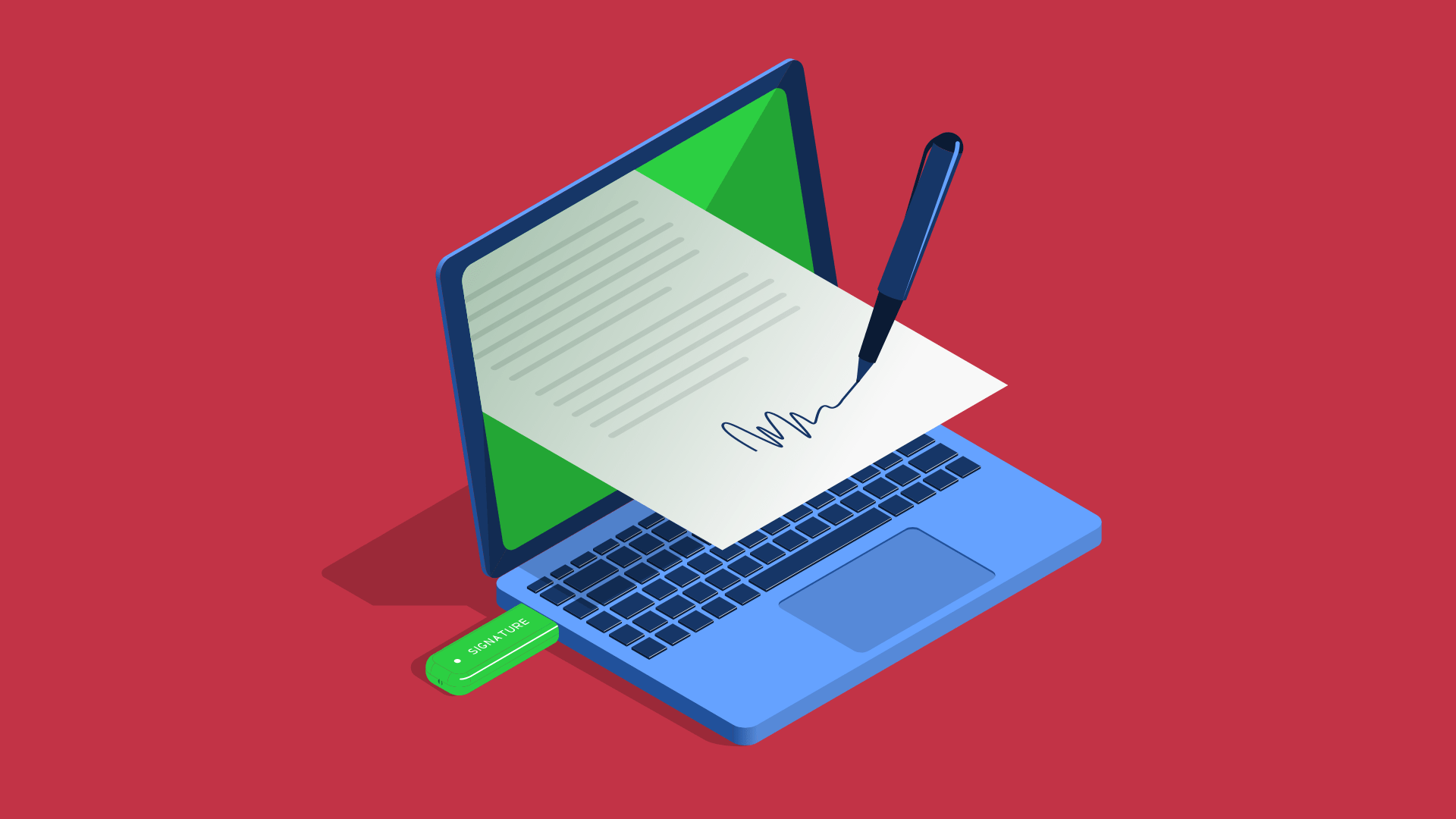
This guide presents a streamlined digital signature solution leveraging Cognito Forms and Make.com. Cognito Forms offers a user-friendly and responsive platform where individuals can easily fill out details and provide their signature directly on screen. A key feature of Cognito Forms is its ability to generate a PDF copy of the completed and signed form, which is essential for record-keeping.
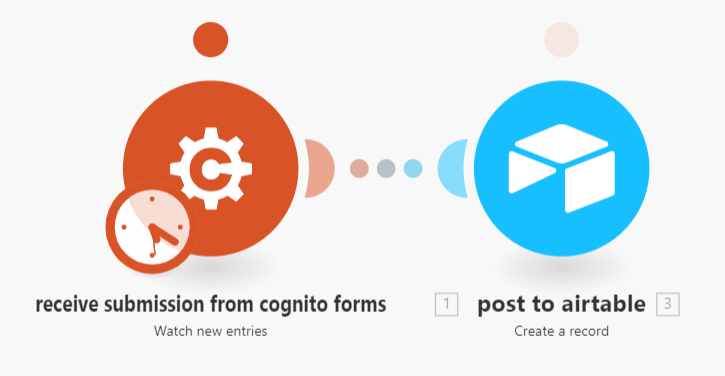
By integrating Cognito Forms with Airtable using Make.com, we can automate the entire workflow. This automation ensures that once a form is submitted and signed, the system automatically extracts the signee's information and creates a new record in Airtable. Furthermore, the signed PDF copy of the form is then attached to this Airtable record, providing a centralized, organized, and easily accessible repository for all your digitally signed documents and associated data.
Pro tip: When designing your Cognito Form, ensure all necessary fields for data extraction are clearly labeled and set up for easy mapping in Make.com. This will simplify the automation setup and reduce potential errors in data transfer to Airtable.
The Benefits
Implementing a digital signature solution like this offers a multitude of advantages for businesses of all sizes. Firstly, it significantly reduces operational costs by eliminating the need for printing, paper, ink, and physical storage. This not only saves money but also contributes to a more environmentally friendly workflow by reducing paper waste.
Secondly, the solution is designed to be completely responsive, meaning it functions flawlessly across various devices, including desktops, tablets, and smartphones. This flexibility allows signees to complete and sign documents from anywhere, at any time, enhancing convenience and accelerating the overall process. The ease of use also improves the experience for your clients and partners, reflecting positively on your business.
Finally, the system is simple and quick to set up, adjust, and deploy. With intuitive interfaces and pre-built templates, businesses can get started with minimal technical expertise. This agility allows for rapid adaptation to changing needs and ensures that your digital signature process remains efficient and effective without requiring extensive development resources.
Apps Used
This digital signature solution relies on the seamless integration of two powerful applications, orchestrated by Make.com. Each app plays a crucial role in ensuring a smooth and efficient workflow from signature collection to secure data storage.
The primary tools involved are:
- Cognito Forms: This platform serves as the front-end for collecting information and digital signatures. It's chosen for its user-friendly interface, responsiveness across devices, and its ability to generate PDF copies of completed forms.
- Airtable: Acting as the central database, Airtable is where all the collected signee data and the signed PDF documents are securely stored. Its flexible database structure allows for easy organization and retrieval of records.
Make.com is the automation platform that connects these two applications, enabling the automatic transfer of data and documents, thus eliminating manual intervention.
Templates
To help you get started quickly, several templates are available for the components of this digital signature solution. These templates provide a foundational structure that you can customize to fit your specific requirements, saving you time and effort in the setup process.
The available templates include:
- Form template - Cognito Forms: This pre-designed form provides a starting point for collecting necessary information and digital signatures. You can modify fields, add branding, and adjust the layout to match your specific document needs.
- Storage and record template - Airtable: This Airtable base is structured to efficiently store signee details and link to the signed PDF documents. It includes predefined fields that can be adapted to capture all relevant data points for your records.
- Send data from Cognito Forms to Airtable - Make: This Make.com template outlines the automation scenario that connects Cognito Forms and Airtable. It demonstrates how to trigger the workflow upon form submission, extract data, and create/update records in Airtable, including attaching the signed PDF.
These templates are designed to be flexible, allowing you to easily adapt them to your unique business processes and data requirements. By utilizing these resources, you can rapidly deploy a robust digital signature solution.