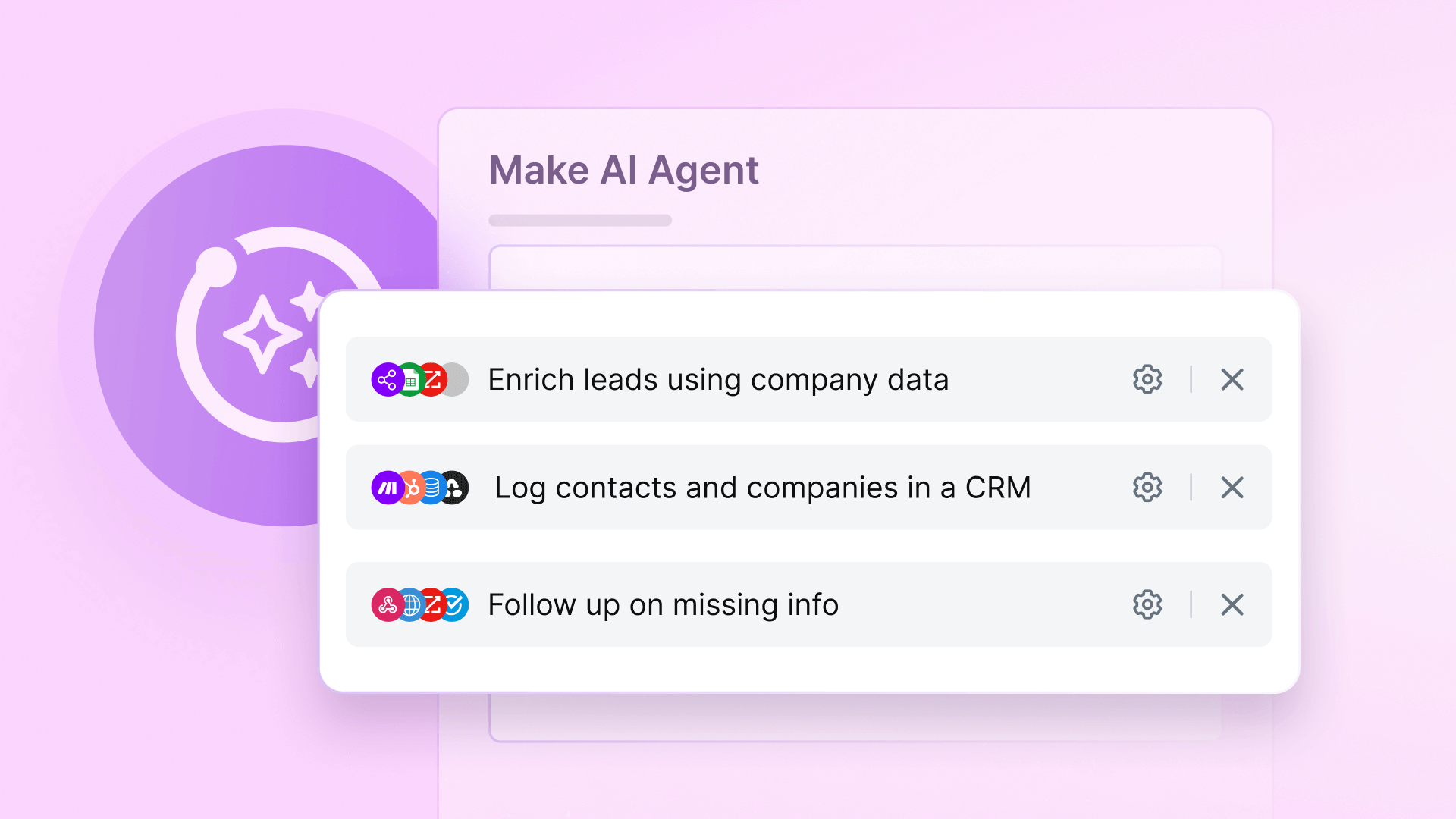
What is an AI Sales Agent?
An AI sales agent is a goal-driven automation that handles parts of your outreach process independently. Instead of manually switching between tools to research leads, compose emails, or update CRMs, the agent executes these tasks based on your predefined instructions and business rules.
In Make (formerly Integromat), you create these agents by defining their objectives (like "qualify inbound leads" or "schedule follow-ups") and equipping them with specialized tools - essentially mini-automations that perform specific functions like data enrichment or email composition.
Pro tip: Think of your AI agent as a virtual sales assistant that knows which tools to use and when, rather than a linear automation that follows rigid "if-this-then-that" rules.
What Your AI Sales Agent Will Do
This particular agent automates the complete lifecycle of inbound lead management. Sales teams typically spend hours each week on these repetitive tasks, which is exactly what automation excels at handling.
Here's the full scope of what we'll build:
- Monitor a dedicated sales inbox for new inquiries
- Send personalized first responses within minutes
- Pull company details from enrichment services
- Create complete contact and company records in your CRM
- Follow up automatically if key information is missing
- Optionally schedule meetings with qualified leads
Apps Used in This Example
The beauty of Make's platform is that you can swap out any of these apps for alternatives that better fit your existing tech stack. Here's what we're using in our example implementation:
Gmail
Monitors your [email protected] inbox for new inquiries. The agent triggers when it detects emails matching your lead criteria. You could easily substitute Outlook, Front, or any IMAP-compatible email service.
ZoomInfo
Enriches lead data by looking up company information based on the sender's email domain. Alternatives include Clearbit, Apollo, or any data enrichment API that provides firmographic details.
HubSpot
Creates and updates contact records with all collected information. The same logic works with Salesforce, Pipedrive, Copper, or virtually any modern CRM with API access.
OneSub
Handles meeting scheduling when a lead is ready to talk. This could be replaced with Calendly, SavvyCal, or your preferred scheduling tool.

Key Automation Scenarios
Your AI agent will rely on several specialized "tool" scenarios that handle discrete parts of the outreach process. These become the agent's capabilities that it can deploy as needed.
1. Initial Response Generator
This tool crafts the first reply to new inquiries. It introduces your company, thanks the lead for reaching out, and asks key qualification questions tailored to your sales process. The tone and structure follow your brand guidelines.
You'll configure it to include specific product details and common questions that help qualify leads. For example: "What's your timeline for implementing a solution?" or "What challenges are you hoping to solve?"
2. Company Data Enricher
Takes the lead's email domain and queries ZoomInfo (or alternative) for firmographic data. Returns details like industry, employee count, funding status, and technologies used - all valuable context for tailoring follow-ups.
The enricher helps prioritize leads and provides talking points. Knowing a company just raised funding or uses a competing product changes your approach.
3. CRM Logger
Creates or updates contact records with all collected information. It structures the data according to your CRM's fields and adds notes about the interaction. You can configure it to set lead scores, apply tags, or trigger internal notifications.
Step-by-Step Build Process
Now let's walk through constructing this automation in Make. We'll break it into logical phases that you can implement incrementally.
Phase 1: Email Monitoring Setup
Create a scenario that watches your designated sales inbox using Gmail's "Watch Emails" module. Configure filters to only trigger for emails sent to your sales alias (like [email protected]) that meet your lead criteria.
Important filters include:
- Only new, unread messages
- From domains not in your blocked list
- Not from known competitors or spam addresses
Phase 2: Agent Integration
Add the "Run an agent" module to your email monitoring scenario. Map the incoming email content into the agent's "Message" field, which provides context about the inquiry. This is what enables the agent to make decisions about how to respond.
The agent will analyze the message and determine which tools to activate - whether that's sending a reply, enriching data, or both.
Pro tip: Start simple with just the initial reply tool, then gradually add enrichment and CRM logging once the basic flow works. This incremental approach makes debugging easier.
Prompt Design Best Practices
Your agent's effectiveness depends heavily on how you structure its instructions. Well-crafted prompts produce more relevant, on-brand responses.
Be Specific About Tone and Structure
Define exactly how responses should sound. For example: "Write professional but friendly replies that thank the sender, explain our product's value in 2-3 sentences max, and ask 3 qualification questions in bullet points."
Include examples of good responses so the agent learns your preferred style. The more concrete examples you provide, the more consistent the output.
Real-World Workflow Example
Let's see how this works in practice when a new lead emails your sales address:
- The monitoring scenario detects the new email and passes it to your agent
- The agent analyzes the content and activates the "Initial Reply" tool
- Simultaneously, it triggers the "Company Enrichment" tool using the email domain
- The crafted reply goes back to the lead while enrichment data flows to your CRM
- If the lead doesn't answer key questions within 48 hours, the follow-up tool activates
Customization Options
This workflow is highly adaptable to different sales processes and tool stacks. Here are common variations we implement for clients:
- Lead routing: Add rules to assign leads to specific reps based on territory, company size, or product interest
- Multi-channel: Trigger the agent from web forms, chat widgets, or voicemails instead of just email
- Tiered responses: Send different follow-up sequences based on lead quality scores
- Localization: Automatically respond in the lead's language if their email contains non-English text