HR Onboarding Automation Basics
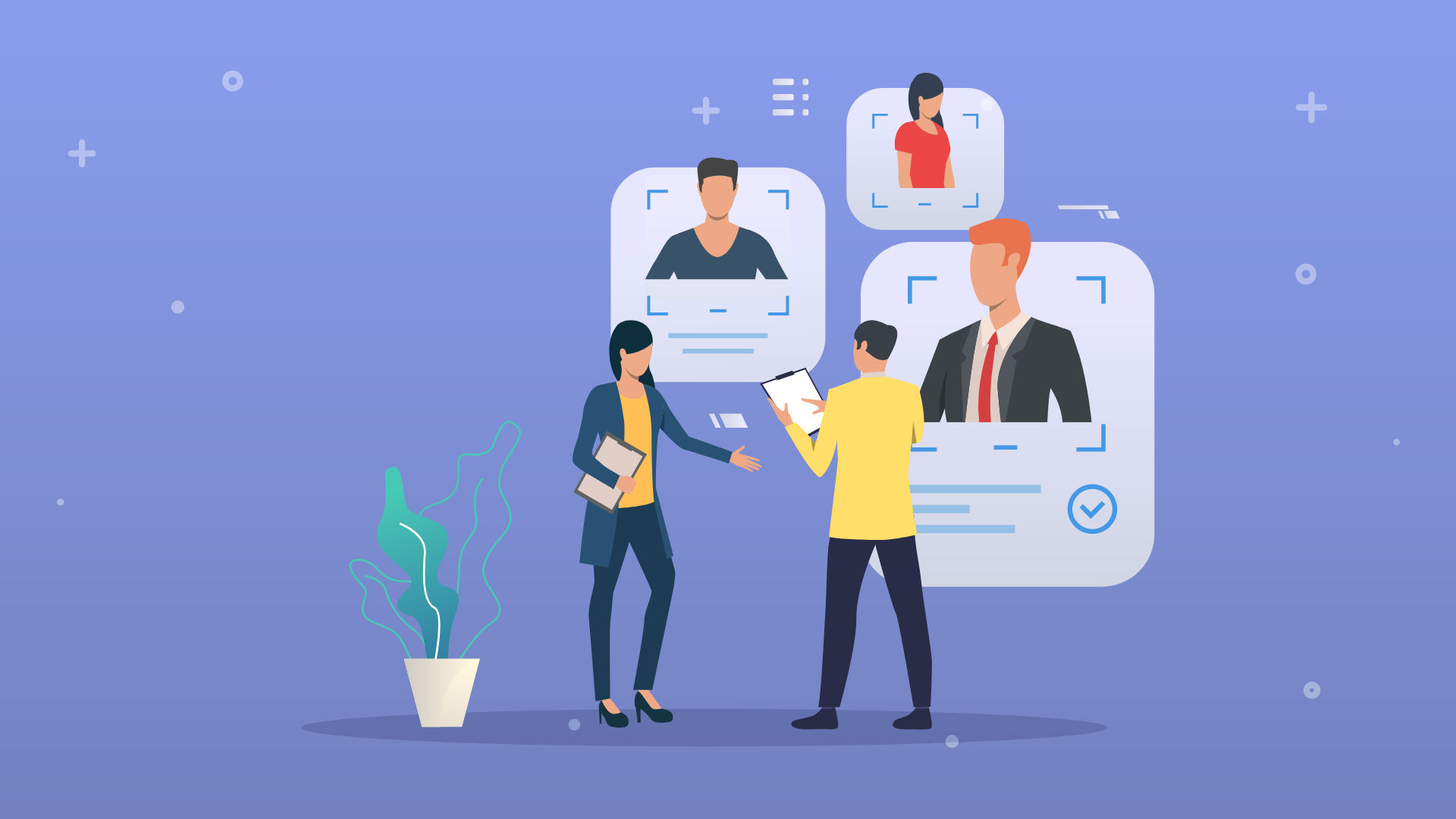
Employee onboarding is a critical but often time-consuming process that HR teams manage regularly. Traditional manual onboarding presents several challenges that can negatively impact both new hires and the organization.
New employees frequently feel overwhelmed during their first days, bombarded with information while trying to adapt to a new environment. Meanwhile, companies risk creating poor first impressions when onboarding lacks structure and consistency.
Pro tip: The most effective onboarding automations focus on repetitive, predictable tasks that follow standard procedures across all new hires.
Typical onboarding workflows include:
- Creating employee records in company databases
- Collecting personal information through forms
- Processing signed contracts and documents
- Scheduling orientation meetings
- Providing access to systems and resources
Automating Employee Onboarding Tasks
Automating onboarding requires establishing connections between your HR systems and the tools new hires interact with. This creates a seamless flow of information without manual data entry.
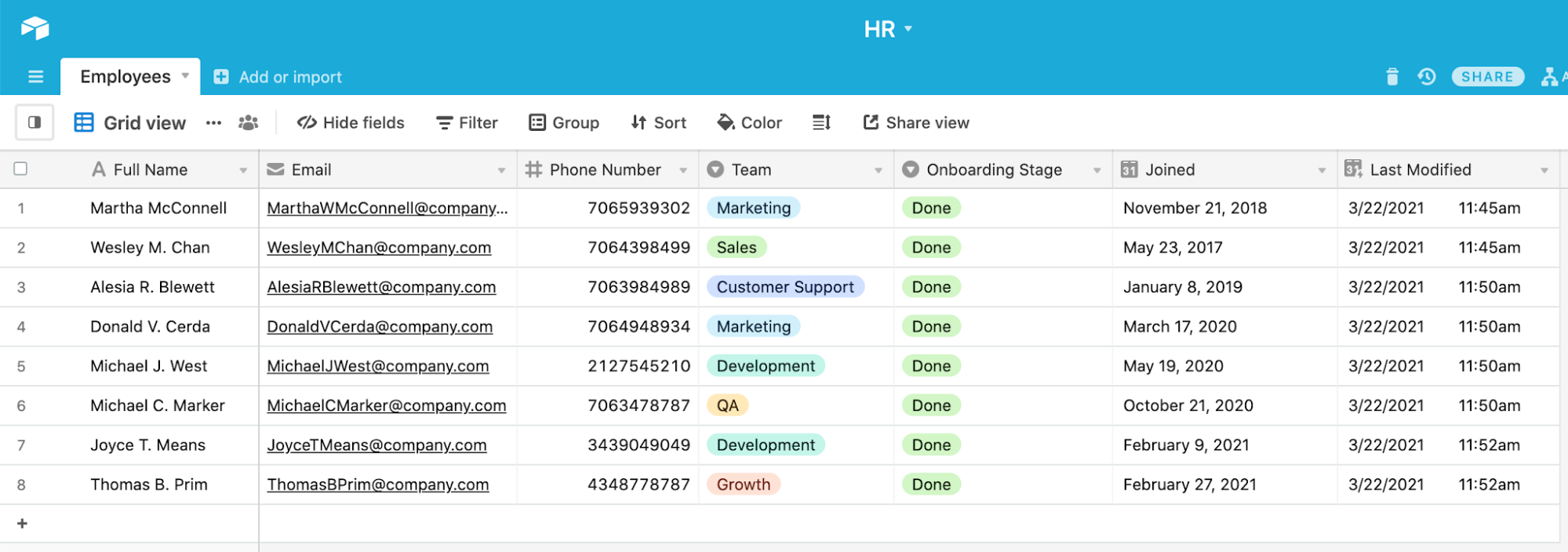
For our example implementation, we'll use Airtable as the central employee database. Its flexibility makes it ideal for structuring onboarding workflows with different stages and statuses.
Setting Up Your Airtable Database
The foundation of our automated onboarding system is a properly structured Airtable database. This will serve as the single source of truth for all new hire information.
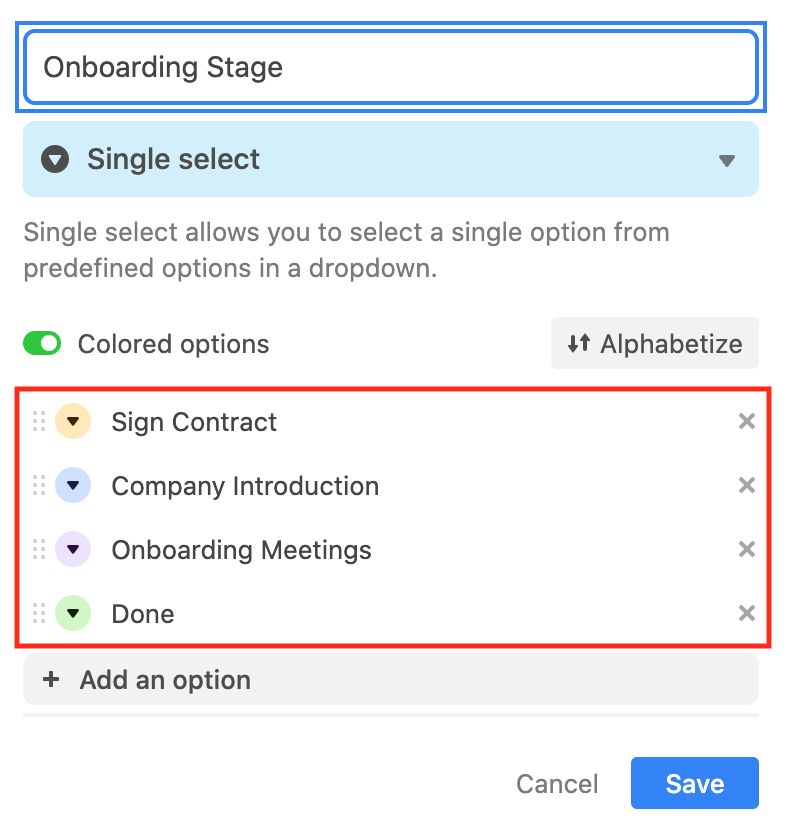
Key components include fields for employee details, onboarding stage status, documents received, and task completion tracking. The "Onboarding Stage" field acts as the primary trigger for automation workflows.
1. Create an Employee Record and Collect Information
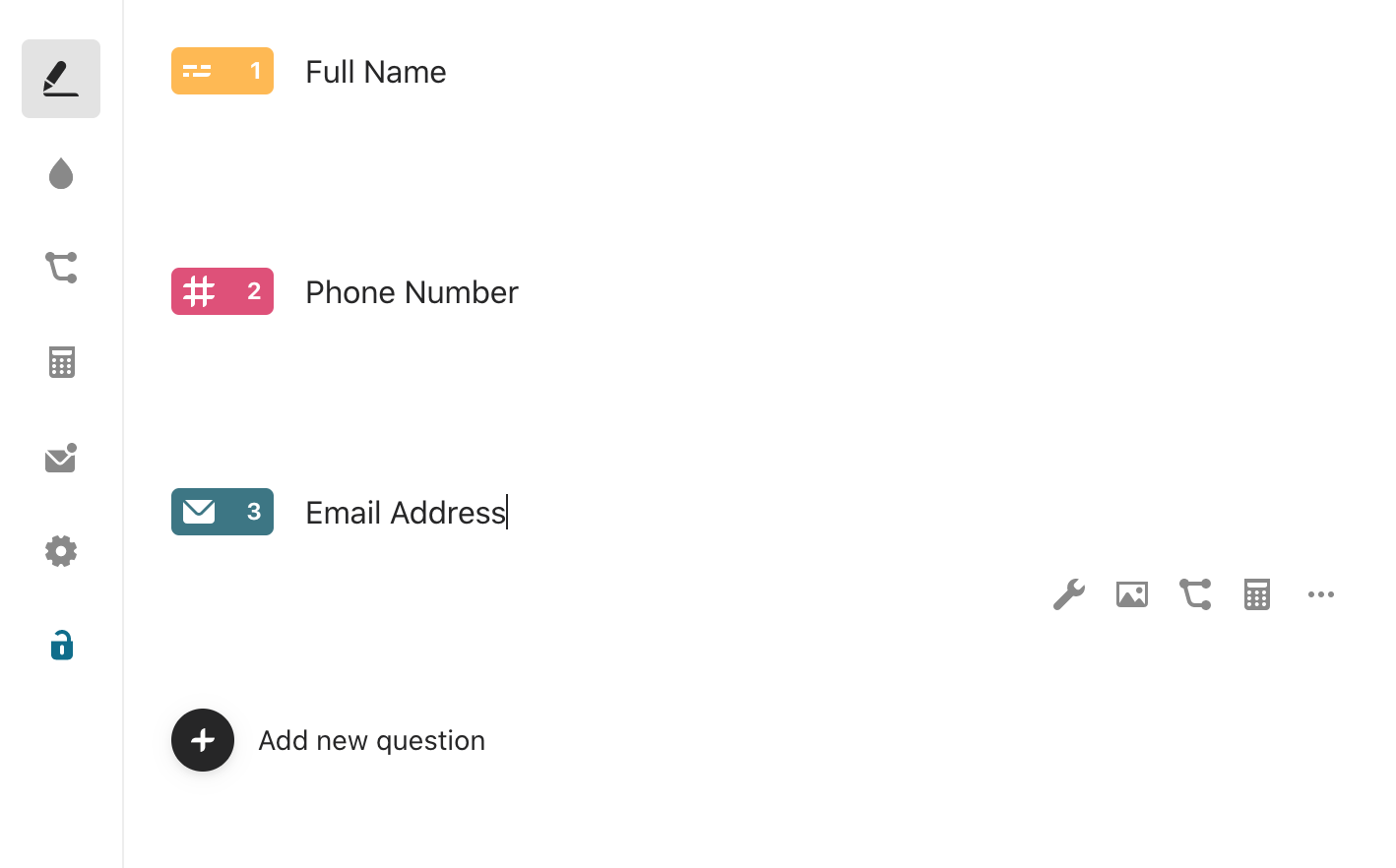
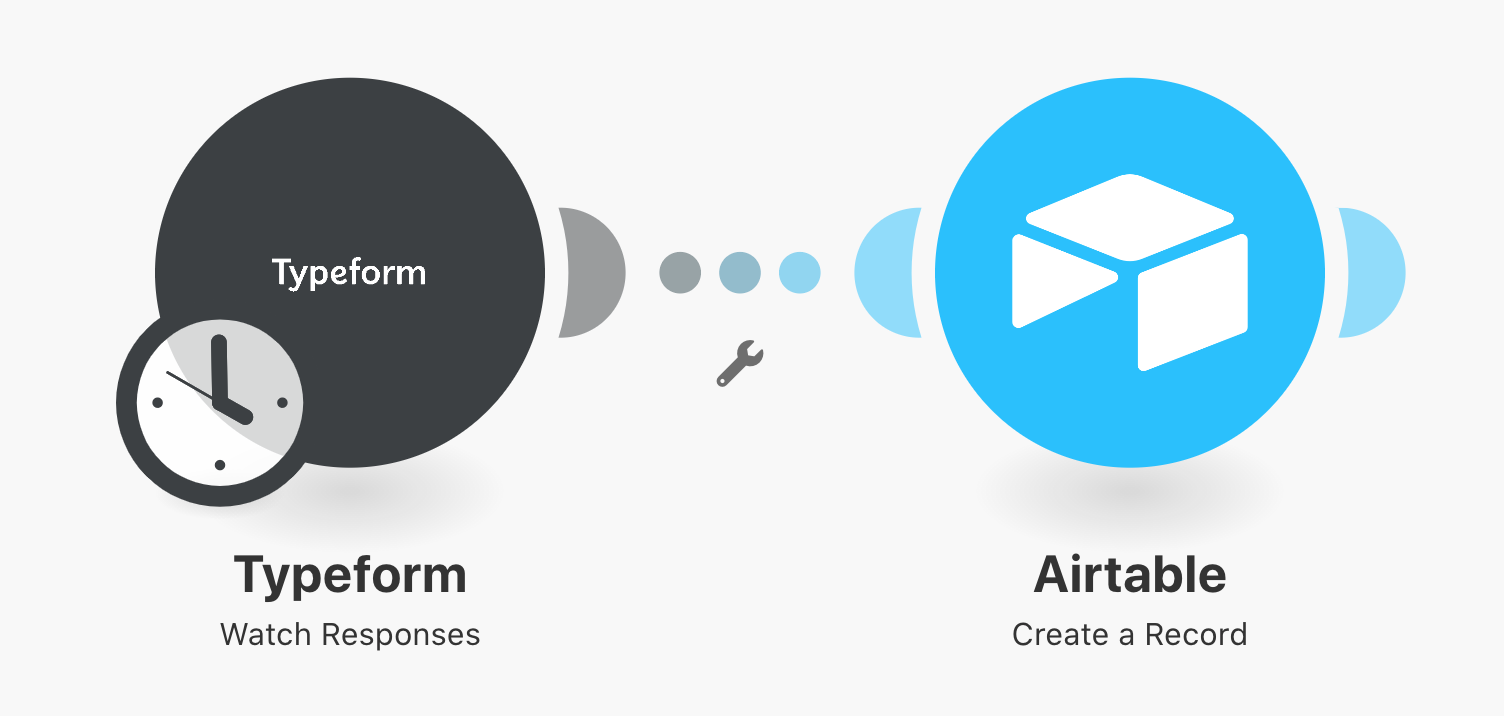
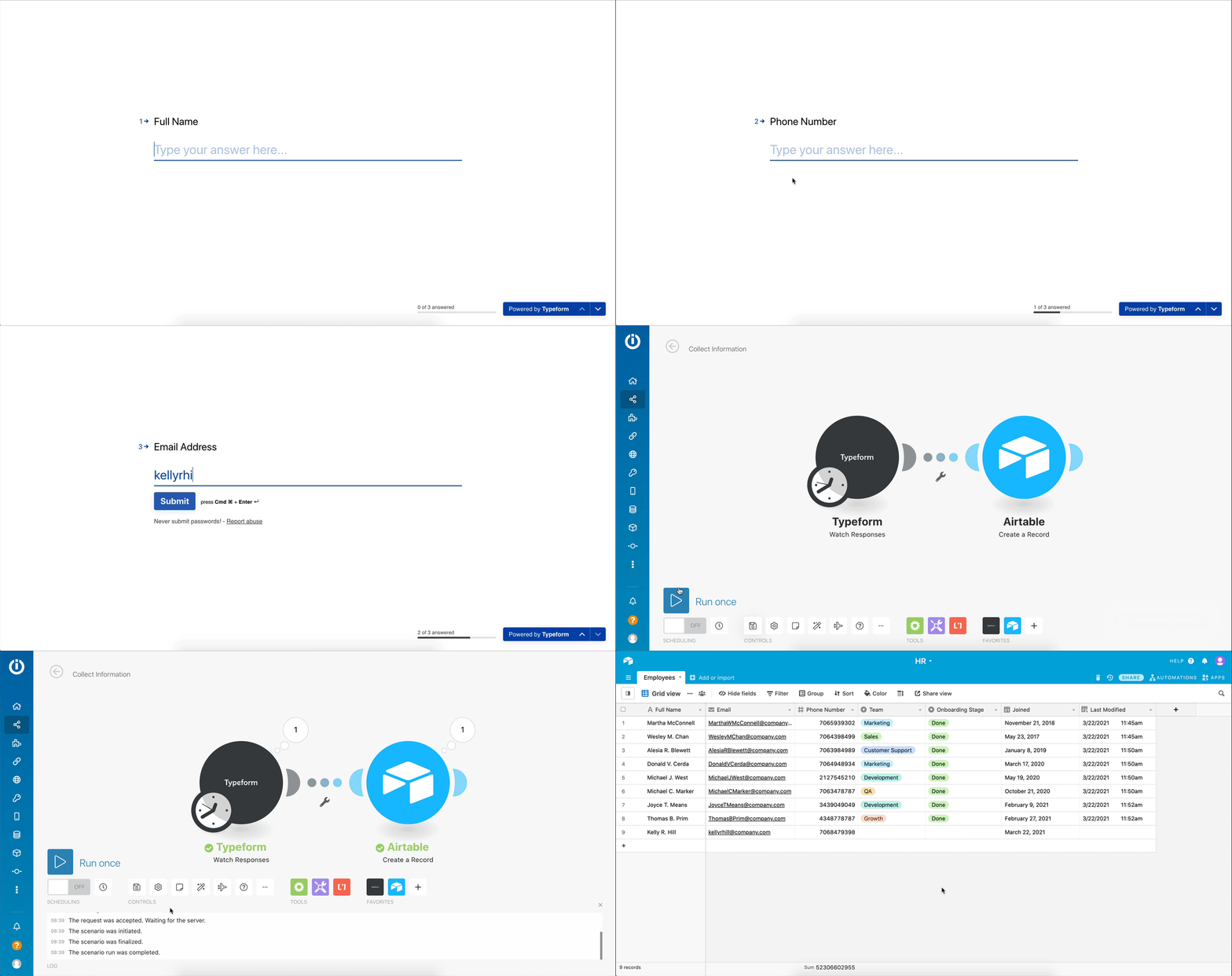
The first automation creates employee records automatically when new hires submit their information through a Typeform. This eliminates manual data entry while ensuring accuracy.
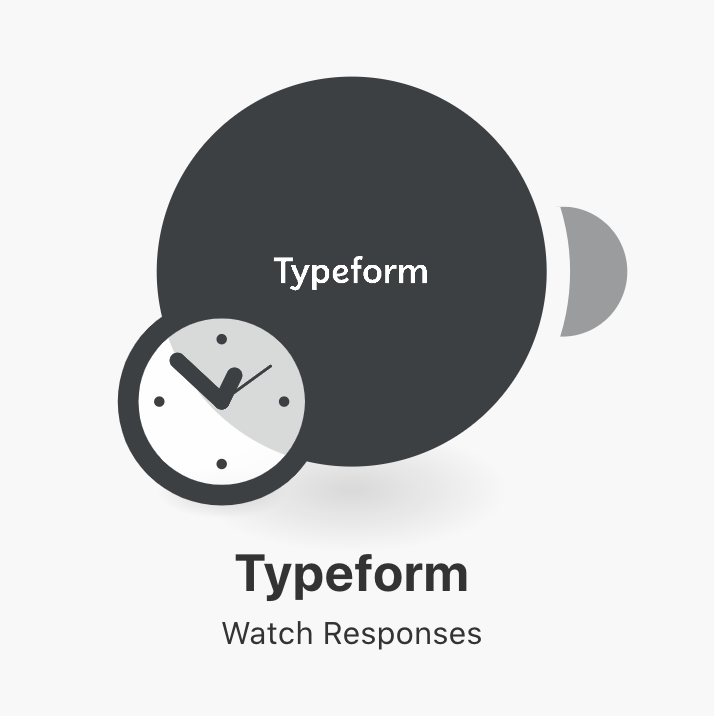
The workflow begins when a candidate accepts an offer and completes the new hire form. Make watches for form submissions and creates corresponding records in Airtable with all collected details.
2. Getting Contracts Signed
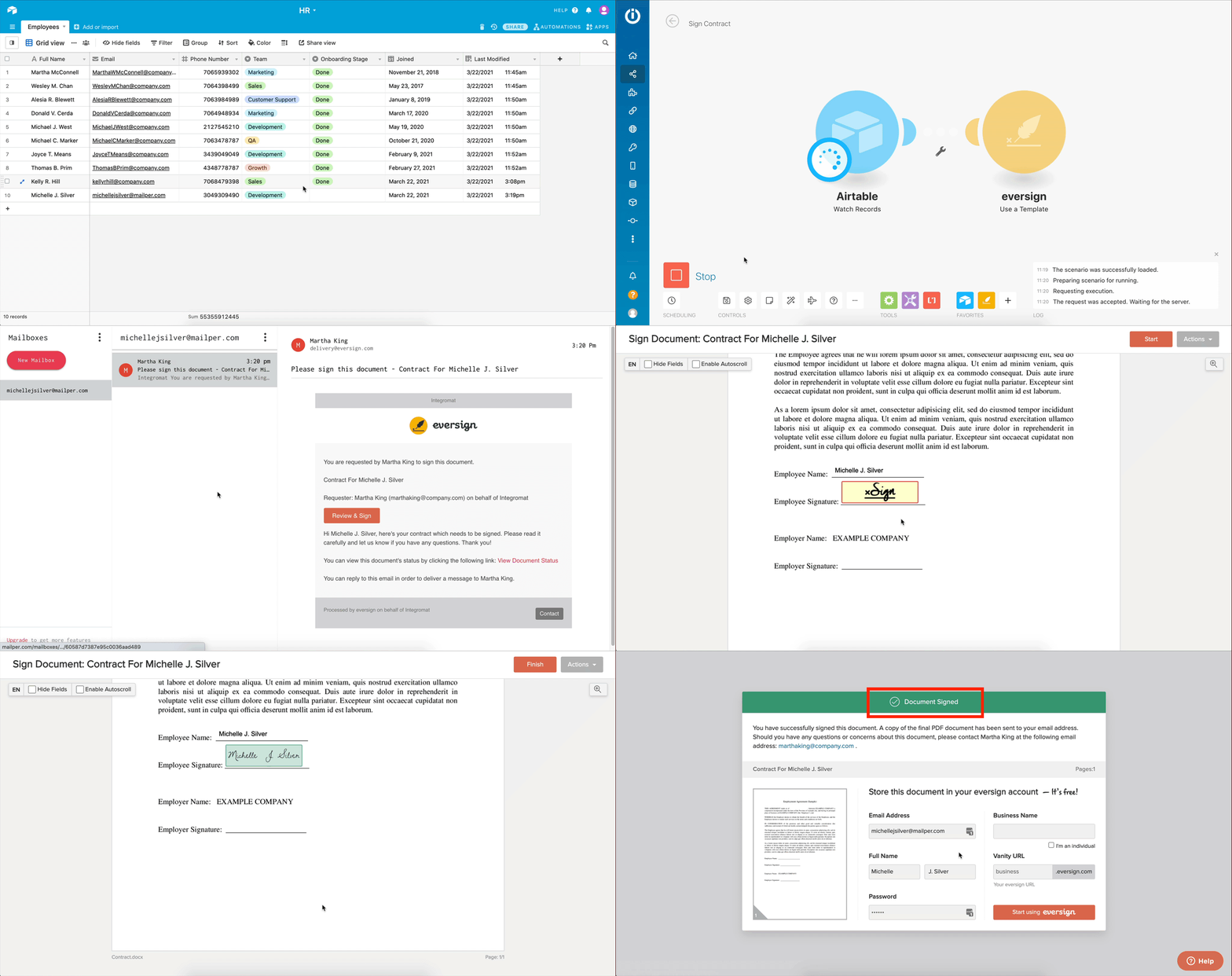
Once the employee record exists, we automate contract generation and signing using Eversign. The workflow triggers when the onboarding stage changes to "Sign Contract" in Airtable.
Make retrieves the employee's details from Airtable, populates a contract template in Eversign with their specific information, and sends it for electronic signature. Signed documents are automatically stored back in Airtable.
3. Sharing Information and Documents
New hires need access to company resources, policies, and team information. This automation sends personalized welcome packets when their onboarding stage advances to "Company Information".
The workflow compiles relevant documents based on the employee's role and department, then delivers them via email with customized messaging that addresses them by name.
4. Setting Up Onboarding Meetings
This automation schedules introductory meetings when the onboarding stage changes to "Schedule Meetings". It coordinates availability between new hires and their assigned onboarding buddies.
The workflow creates Zoom meetings, sends calendar invites to both parties, and follows up with meeting details and preparation materials via email.
5. Assign Tasks to New Employees
Integrating new hires into team workflows begins with their first assigned tasks. This automation creates starter assignments when their onboarding stage reaches "Assign Tasks".
The workflow generates tasks in project management tools like ClickUp, assigning them based on department and role while including all necessary context and resources.
6. Send Welcome Message
The final automation introduces new team members company-wide via Slack when their onboarding stage reaches completion. This ensures everyone knows about the new hire.
The workflow posts a formatted message in the appropriate channels, including the employee's name, role, department, and fun facts to help break the ice.