Make.com Zendesk AI Automation Customer Support

How to Automatically Categorize Zendesk Tickets With AI

Learn how to automatically categorize Zendesk tickets using AI-powered automation with Make and ChatGPT for efficient customer support workflows.

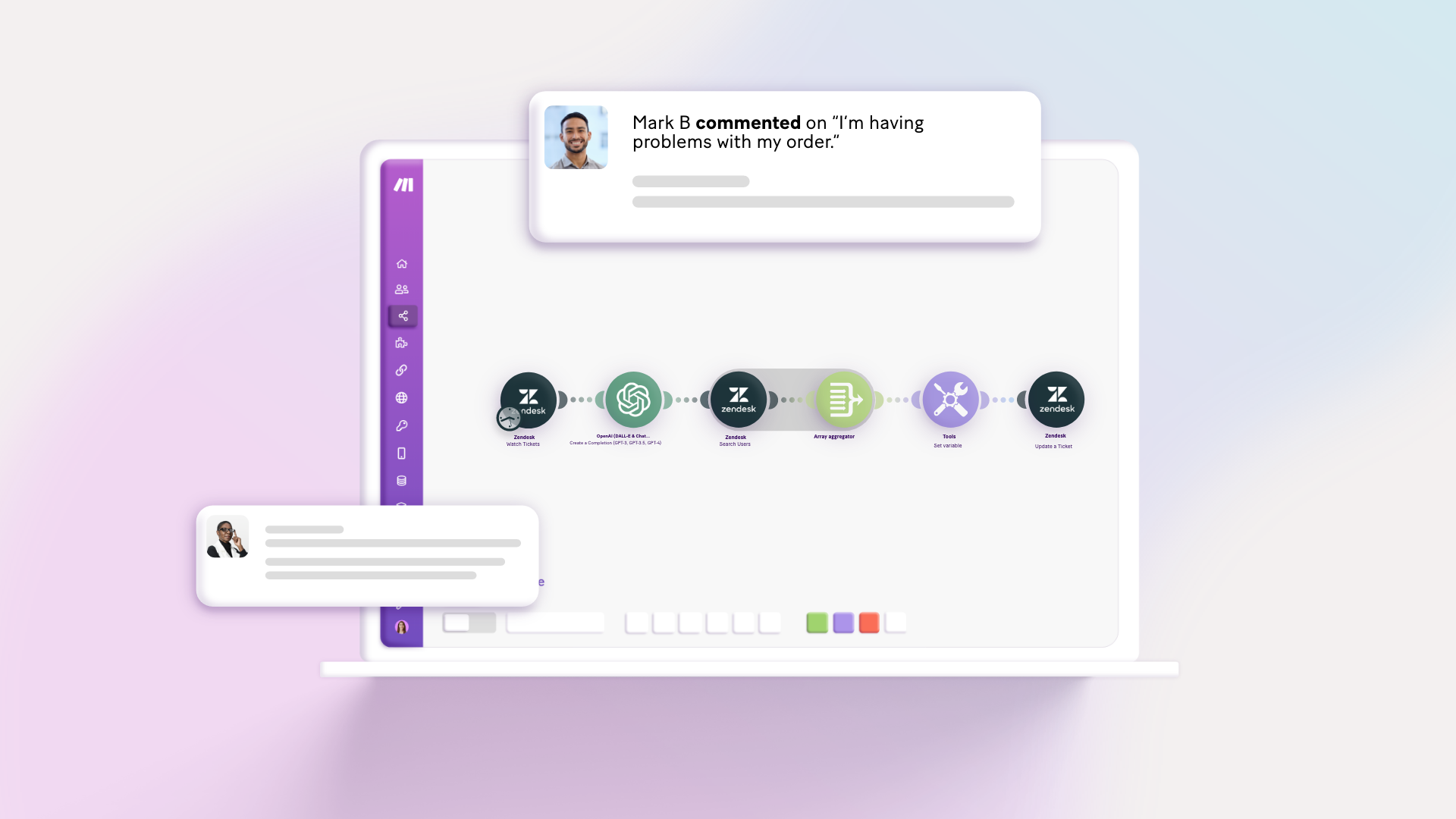
AI-powered Zendesk ticket categorization workflow diagram

Solution overview: Automatic ticket allocation based on agent expertise

Ticket categorization remains one of the biggest bottlenecks for customer support teams worldwide. Traditional approaches either require manual review (slow but accurate) or rely on keyword matching (fast but context-blind). This AI-powered solution combines the speed of automation with the contextual understanding of ChatGPT to deliver accurate categorization at scale.

The Make scenario we'll build performs three key functions: monitoring new Zendesk tickets, analyzing their content with ChatGPT's natural language processing, and assigning them to the most appropriate support agent based on category. This eliminates the trade-off between speed and accuracy that plagues traditional approaches.

Pro tip: Before building this automation, ensure your Zendesk groups are named to match your intended ticket categories exactly (e.g., "Billing", "Technical Support").
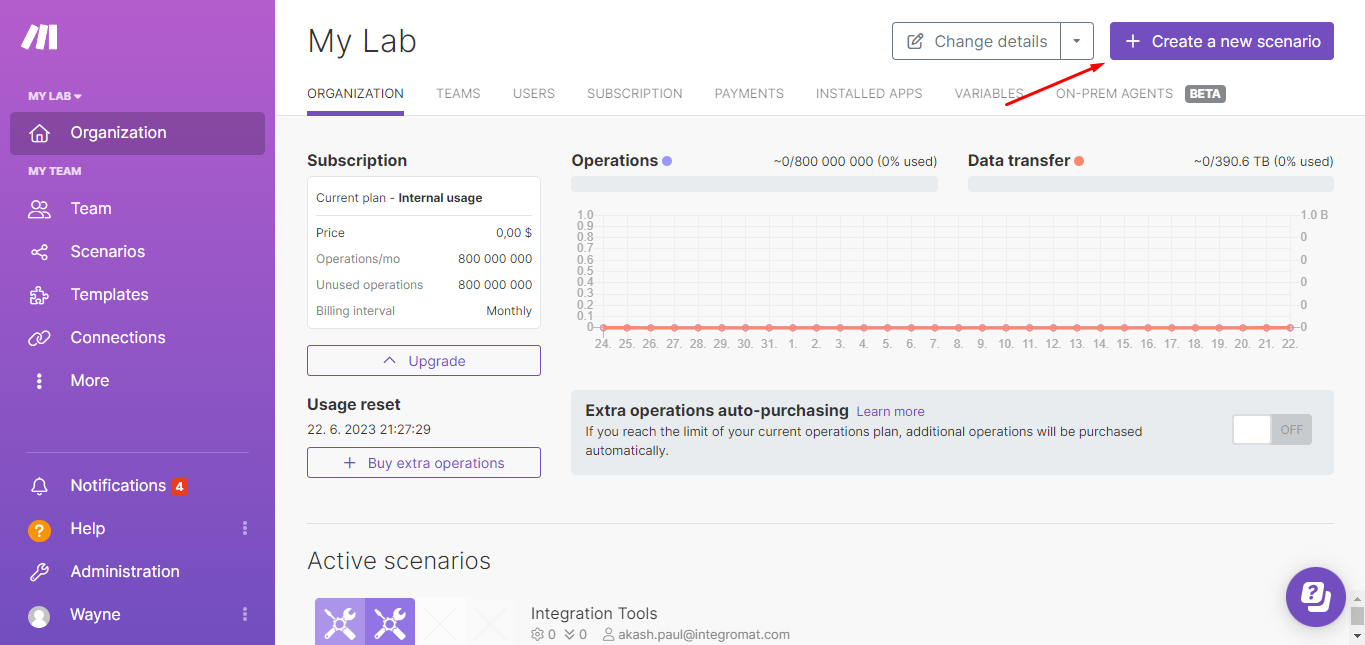
Zendesk ticket categorization setup in Make
Initial setup of Zendesk integration in Make scenario builder

Step 1: Configuring the Zendesk trigger

The workflow begins with the Zendesk "Watch Tickets" module configured to monitor for new tickets. Set the trigger to "Only New Tickets" with a high limit (50-100) to ensure no tickets are missed between scenario executions. The module will pass the ticket ID, description, and other metadata to subsequent steps.

When connecting your Zendesk account to Make, ensure you have admin privileges or sufficient API access. The connection requires your Zendesk subdomain and API token. Test the connection immediately to verify permissions before proceeding.

Step 2: Implementing AI categorization with OpenAI

The OpenAI "Create a Completion" module analyzes each ticket's content using a carefully crafted prompt. The prompt should list your specific categories and instruct ChatGPT to classify the ticket based on its understanding of the request's intent and context, not just keyword matching.

For optimal results, use the latest GPT model available in Make and set a moderate temperature (0.5-0.7) to balance creativity with consistency. The prompt should include examples of how tickets should be categorized to guide the AI's decision-making process.
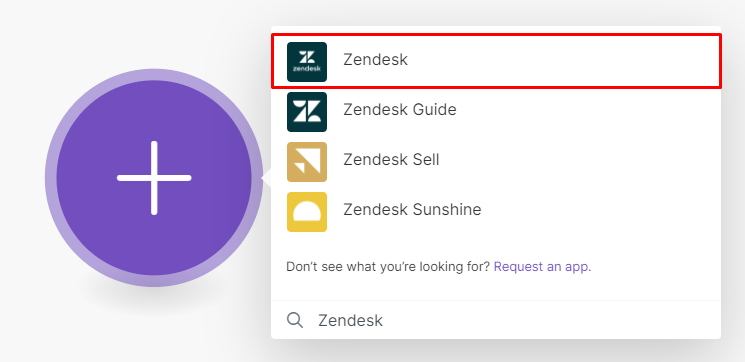
OpenAI module configuration for ticket categorization
Configuring the OpenAI module with categorization prompt

Step 3: Intelligent agent assignment

After categorization, the workflow searches Zendesk for agents belonging to the group matching the assigned category. An array aggregator compiles eligible agent IDs, which are then randomized using the shuffle() function to distribute tickets evenly across available support staff.

The final step updates the Zendesk ticket with the assigned category and routes it to the selected agent. This ensures specialists handle tickets matching their expertise while maintaining fair distribution of workload across team members.

Pro tip: Add a 15-30 minute delay between scenario executions to balance responsiveness with API rate limits and operational efficiency.
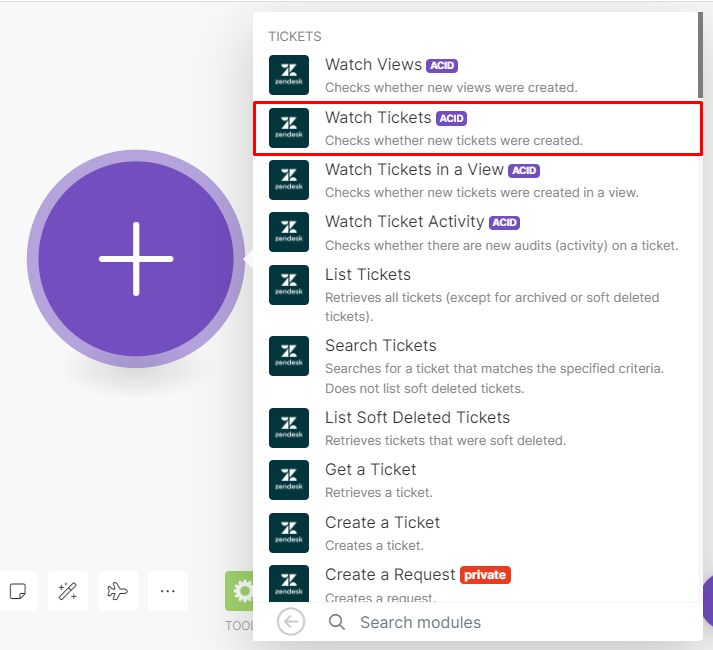
Final Zendesk ticket update module configuration
Ticket update module mapping the assigned agent

Optimization tips for peak performance

Monitor your categorization accuracy for the first 100-200 tickets and refine your prompt as needed. Common improvements include adding more category examples, clarifying edge cases, or adjusting the temperature parameter for more/less creative classifications.

Consider adding a fallback category ("General" or "Review Needed") for tickets where the AI's confidence is below a certain threshold. These can be routed to senior staff for manual review while still automating the clear-cut cases.

Frequently Asked Questions

Common questions about AI-powered ticket categorization

AI-powered categorization using ChatGPT achieves 85-95% accuracy by understanding context and meaning, compared to 60-70% for keyword-based automation and 98% for manual review but much faster.

The accuracy depends on your prompt quality and category definitions. Well-structured prompts with clear examples can match human-level accuracy for most routine tickets while processing them in seconds rather than minutes.

Distinct categories like billing, technical support, feature requests, and account management work best. Avoid overlapping categories for optimal results.

The system performs best with 5-10 clearly differentiated categories. Too few categories reduce the value of specialization, while too many may confuse the AI. Each category should represent a distinct type of inquiry requiring different expertise.

Yes, the same approach works with Freshdesk, HubSpot Service Hub, and other platforms with API access and agent group functionality.

The core AI categorization logic remains identical across platforms. Only the trigger and ticket update steps need adjustment for each platform's specific API endpoints and data structures.

Costs average $0.002-$0.005 per ticket categorization, making it affordable for most support teams processing hundreds to thousands of tickets monthly.

The exact cost depends on ticket length and complexity. At scale, this typically represents a 70-90% cost reduction compared to manual categorization while maintaining similar accuracy levels.

Absolutely. The prompt can be tailored to your exact ticket categories, terminology, and business rules for optimal performance.

Effective customization includes adding industry-specific terminology, examples of common ticket types, and clear instructions about how to handle ambiguous cases. Periodic refinement based on actual ticket data further improves accuracy.

The workflow can be configured to route uncertain tickets to a General queue or manager review for human classification.

You can set confidence thresholds - for example, requiring at least 80% confidence in the assigned category. Tickets below this threshold get special handling while still automating the majority of clear-cut cases.

Yes, our team specializes in building tailored AI-powered support workflows. Book a free consultation to discuss your specific requirements.

We can create custom solutions that integrate with your existing systems, incorporate your business rules, and handle edge cases specific to your industry or use case.

  • Custom confidence thresholds
  • Multi-language support
  • Integration with internal knowledge bases

Need Custom Automation Help?

This guide is a starting point. Our team builds fully tailored automation systems for your specific workflow needs.