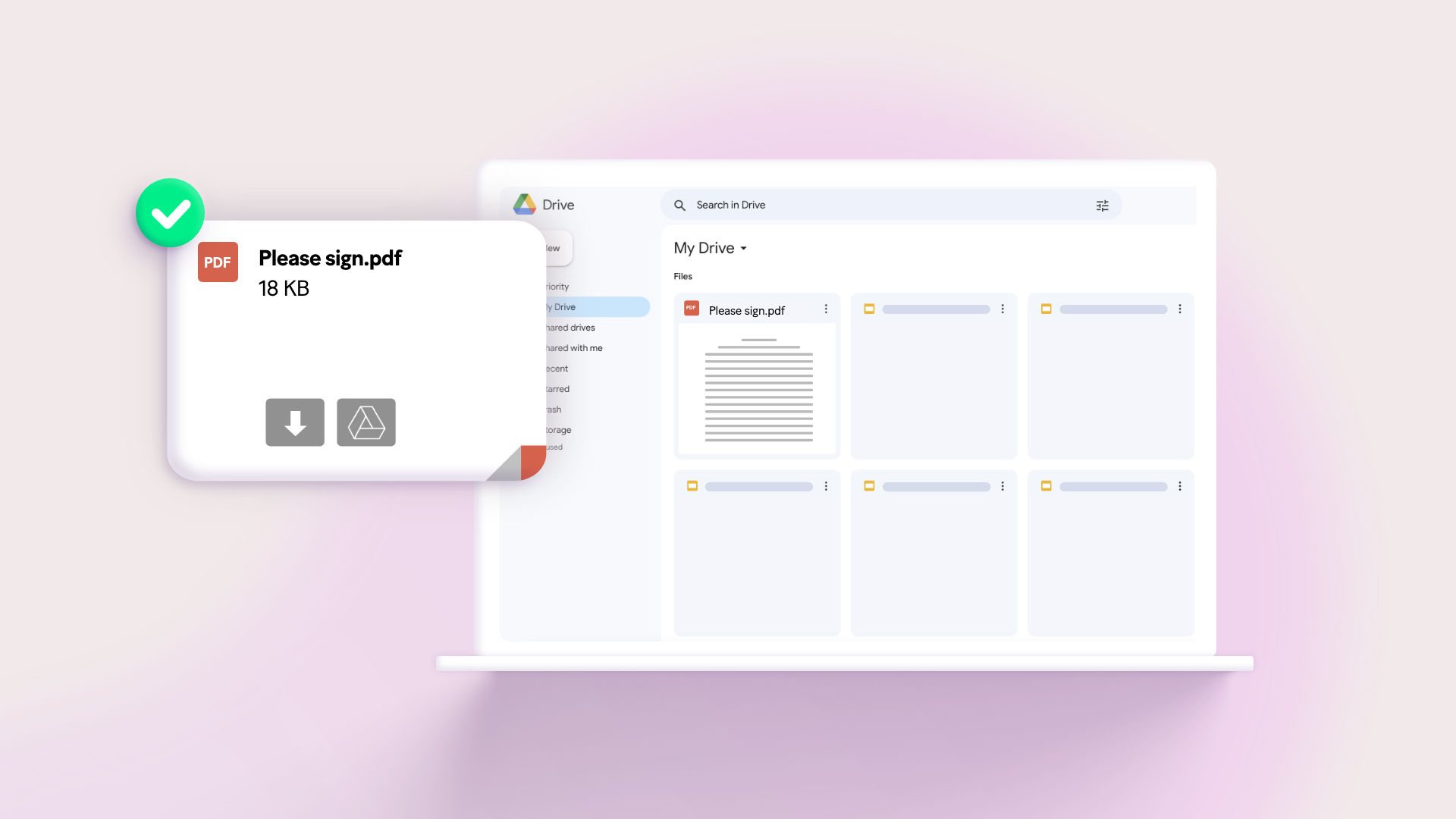
Step 1: Deploy the template
Make provides a visual platform to build automations without coding, offering two primary approaches: creating custom workflows from scratch or using pre-built templates. For saving Gmail attachments to Google Drive, Make offers a ready-made template that eliminates the need for manual setup.
The template called "Save new Gmail attachments to Google Drive" handles all the complex parts automatically. After creating your Make account, you can deploy this template with one click, instantly setting up the complete workflow structure. This approach saves hours compared to building from scratch.
Pro tip: Before deploying, ensure you have admin access to both your Gmail and Google Drive accounts. The automation needs permissions to read emails and write files.
Step 2: Configure the template
Configuration involves connecting your accounts and setting preferences. First, in the Gmail module, click "Add" to authenticate your Google account. You'll need to grant Make permission to access your emails and attachments - this uses Google's secure OAuth protocol.
Next, specify which email folder to monitor (typically your inbox) and set filtering criteria. You can choose to process all attachments or only those from unread emails. The system also lets you retroactively process past emails if needed.
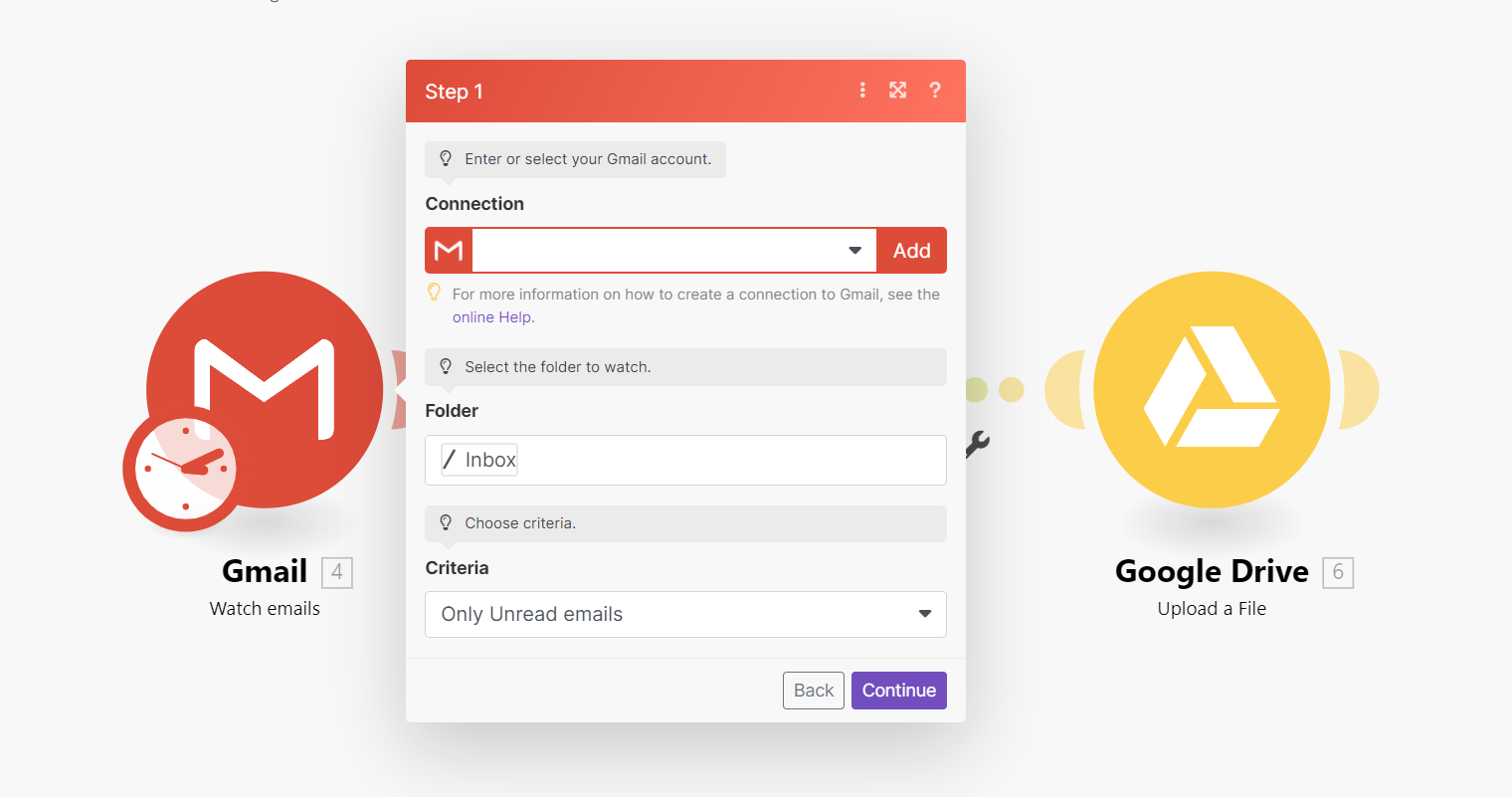
The Google Drive module requires similar authentication. Select your preferred destination folder where attachments will be saved. Make automatically handles the file transfer process, including the iterator module that processes multiple attachments from a single email.
Finally, set the schedule by clicking the clock icon on the Gmail module. Choose how frequently Make should check for new emails - options range from every minute to daily. For most users, checking every 15-30 minutes provides a good balance between timeliness and system load.
Pro tip: For mission-critical attachments, combine this with Gmail filters that label important emails, then have Make watch only that labeled folder for near-instant processing.