Make.com ChatGPT Ecommerce Automation

How to Build a Product Description Generator with ChatGPT

Learn how to create an AI-powered product description generator using Make and ChatGPT for your ecommerce business.

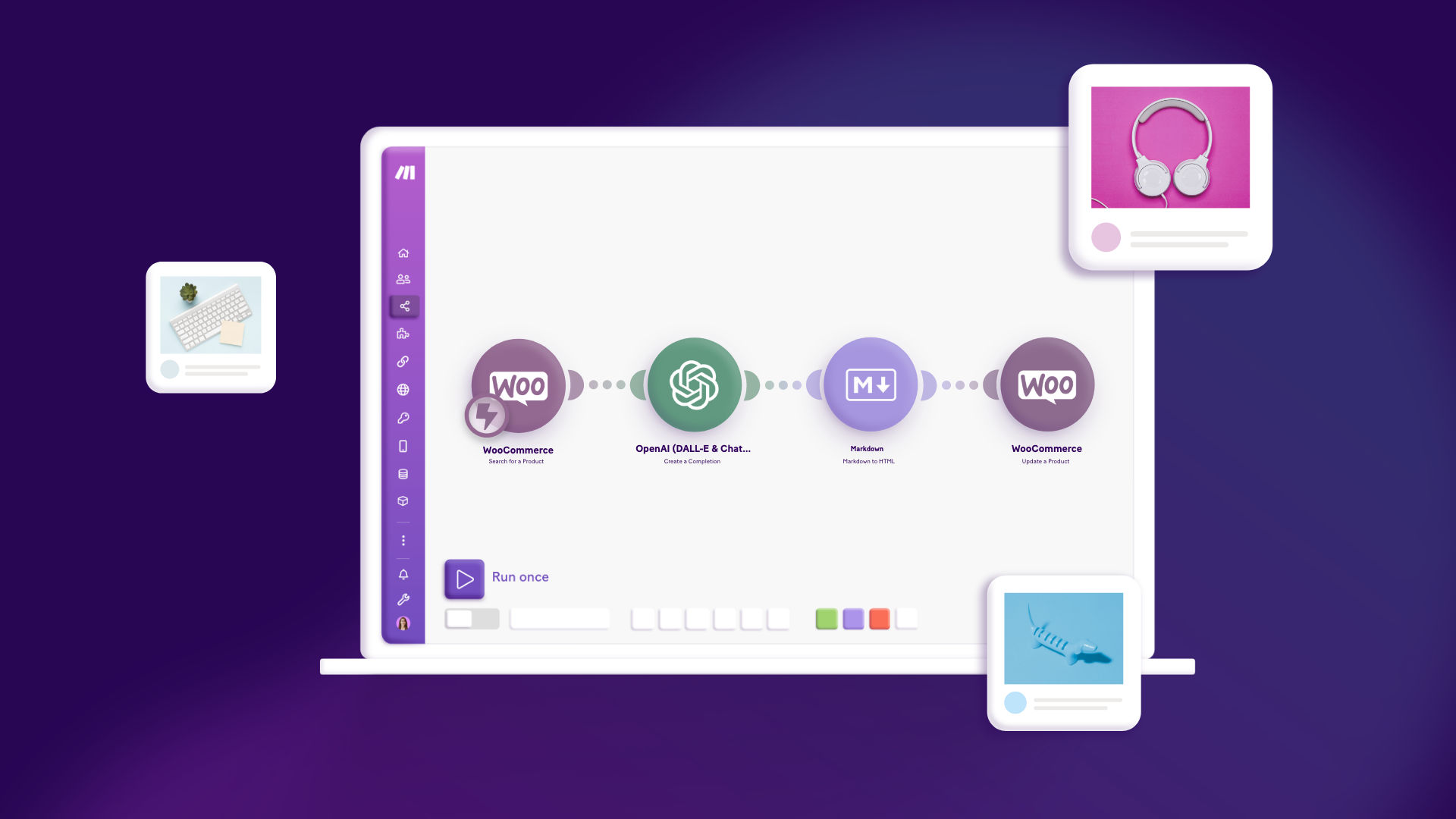
AI-powered product description generator workflow

Generating product descriptions automatically with Make and ChatGPT

Ecommerce businesses know the pain of writing unique product descriptions for every item in their catalog. Many resort to outsourcing this time-consuming task, sacrificing both quality and budget. With Make and ChatGPT, you can automate this process while maintaining high-quality, SEO-friendly content.

The solution we'll build retrieves products from your store, generates professional descriptions using AI, converts them to proper HTML formatting, and updates your product listings automatically. You'll need:

  • A paid OpenAI account (API access required)
  • A Make account (Core plan or higher)
  • An ecommerce platform (we use WooCommerce but others work too)

Pro tip: Create a dedicated "Update Description" tag in WooCommerce to mark products needing refreshed content without affecting your entire catalog.

Step 1: Create the Make scenario and add the first WooCommerce module

Begin by creating a new scenario in Make. Click the "Create a new scenario" button in your dashboard to access the visual workflow builder. This is where we'll construct our automation from modular components.

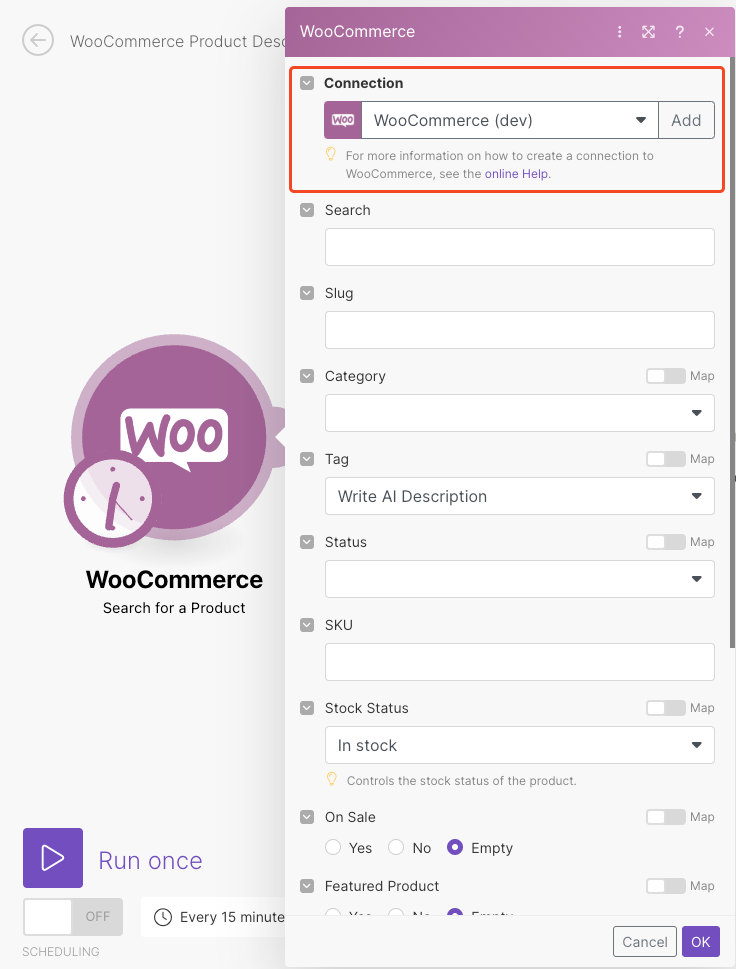
Add the "WooCommerce > Search for a Product" module as your starting point. This module will retrieve products matching your criteria from your online store. Configure it by first establishing a connection to your WooCommerce installation using your store's API credentials.
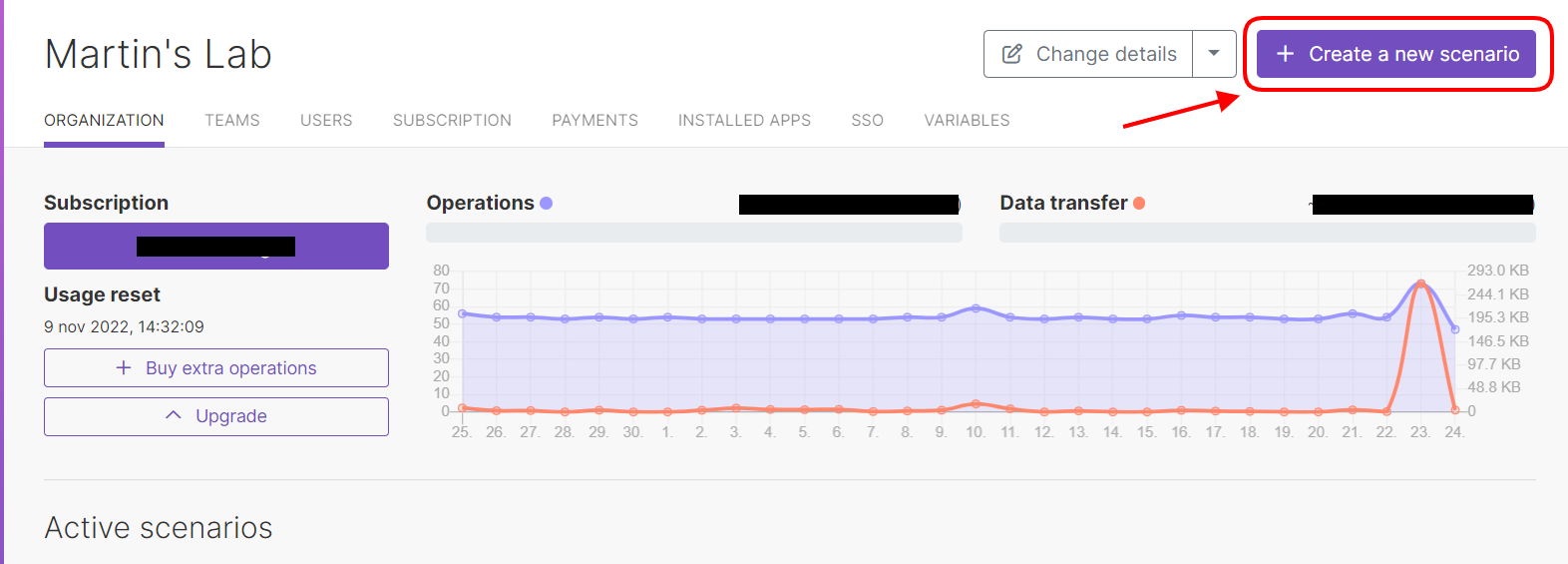
Make scenario creation interface
Creating a new scenario in Make's visual workflow builder

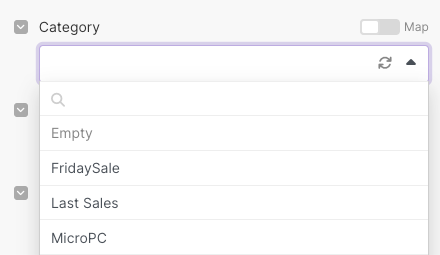
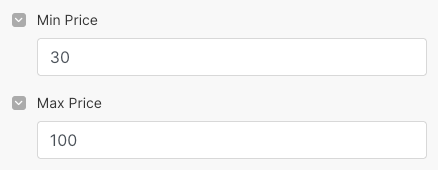
Set filters to identify which products need descriptions. You might filter by category, price range, or a custom tag you create specifically for this purpose. The tag approach works well for updating existing products while allowing new products to be processed automatically.

Step 2: Add the OpenAI module

Connect the "OpenAI > Create a Completion" module to process each product. This is where ChatGPT generates your descriptions. Configure it by selecting "Create a Chat Completion" method and the "gpt-3.5-turbo" model (or newer if available).

The key to quality output is crafting an effective prompt. Use this structure:

You are an ecommerce specialist writing SEO-friendly product descriptions. Describe [Product Name] with these features: [Key Features]. Use a [Tone] tone, highlight [Unique Selling Points], include [Keywords], and limit to [Word Count]. Format with clear paragraphs and bullet points where appropriate.

Map product data from WooCommerce to the prompt variables. Set temperature to 0.7 for balanced creativity, and max tokens to 300-400 for adequate length without verbosity.
OpenAI module configuration in Make
Configuring the OpenAI module with product-specific prompts

Step 3: Add the Markdown module

ChatGPT outputs descriptions in Markdown format, but WooCommerce requires HTML. Add Make's native "Markdown > Markdown To HTML" module to convert the AI-generated content.

Simply connect the OpenAI module's output to the Markdown module's input. No additional configuration is needed - Make handles the conversion automatically while preserving your formatting like headings, lists, and emphasis.

This step ensures your product pages display properly formatted content with correct paragraph spacing, bullet points, and other HTML elements that enhance readability.
Markdown to HTML conversion in Make
Converting markdown to HTML for proper ecommerce display

Step 4: Add the final WooCommerce module

Complete the workflow by adding a "WooCommerce > Update a Product" module. This pushes your AI-generated descriptions back to your store.

Configure it to:

  • Match products by ID from the initial search
  • Map the HTML content from the Markdown module
  • Optionally preserve other product fields

Set the scenario to run on a schedule (daily works well) or trigger manually when you add new products. Test with a few products first to refine your prompt and verify output quality before scaling to your entire catalog.
WooCommerce product update configuration
Final step updating WooCommerce products with AI-generated content

Frequently Asked Questions

Common questions about AI-powered product description generation

The cost depends on your Make subscription plan and OpenAI API usage. A Make Core plan starts at $9/month, while OpenAI API costs vary based on usage but typically run pennies per description for GPT-3.5-turbo.

Compared to hiring copywriters at $50-$200 per product, this solution offers massive savings. A medium-sized store with 500 products could save thousands annually while maintaining quality.

Yes, you can fully customize the AI prompt to specify tone, style, word count, and formatting requirements. The tutorial includes an example prompt you can modify to match your brand voice.

For best results, provide examples of your preferred writing style in the prompt. You can specify:

  • Formal vs. conversational tone
  • Technical detail level
  • Emoji usage preferences
  • Specific terminology to include/avoid

Make supports Shopify, Squarespace, Etsy, BigCommerce, and many others. The workflow structure remains similar - just replace the WooCommerce modules with your platform's equivalent.

The key requirements are API access to retrieve products and update descriptions. Most modern ecommerce platforms provide this functionality. Some may require additional apps or plugins for full integration capabilities.

Include SEO requirements in your prompt (like using target keywords naturally) and consider adding a secondary module to analyze content with an SEO tool before publishing.

Effective strategies include:

  • Listing your target keywords in the prompt
  • Requesting semantic keyword variations
  • Specifying header structure (H2/H3 tags)
  • Asking for natural keyword density (1-2%)

Yes, simply specify the target language in your OpenAI prompt. ChatGPT supports dozens of languages with high quality output.

For multilingual stores, you can extend this workflow to:

  • Generate descriptions in multiple languages simultaneously
  • Store translations as product metadata
  • Automatically publish the correct version based on customer language

The WooCommerce module can retrieve variant details which you can pass to ChatGPT with specific instructions for handling variations in your descriptions.

For products with multiple variants (like colors/sizes), you might:

  • Generate a base description for the product
  • Create variant-specific supplemental content
  • Highlight unique features of each option
  • Maintain consistent branding across all variants

Our team builds tailored automation solutions for ecommerce businesses. We can customize this workflow for your specific platform, product catalog, and branding requirements.

Custom implementations might include:

  • Integration with your specific ecommerce platform
  • Brand-aligned prompt engineering
  • Quality control workflows with human review steps
  • Advanced features like automatic image alt text generation

Need Custom Automation Help?

This guide is a starting point. Our team builds fully tailored automation systems for your specific workflow needs.