What Are AI Agents in Make?
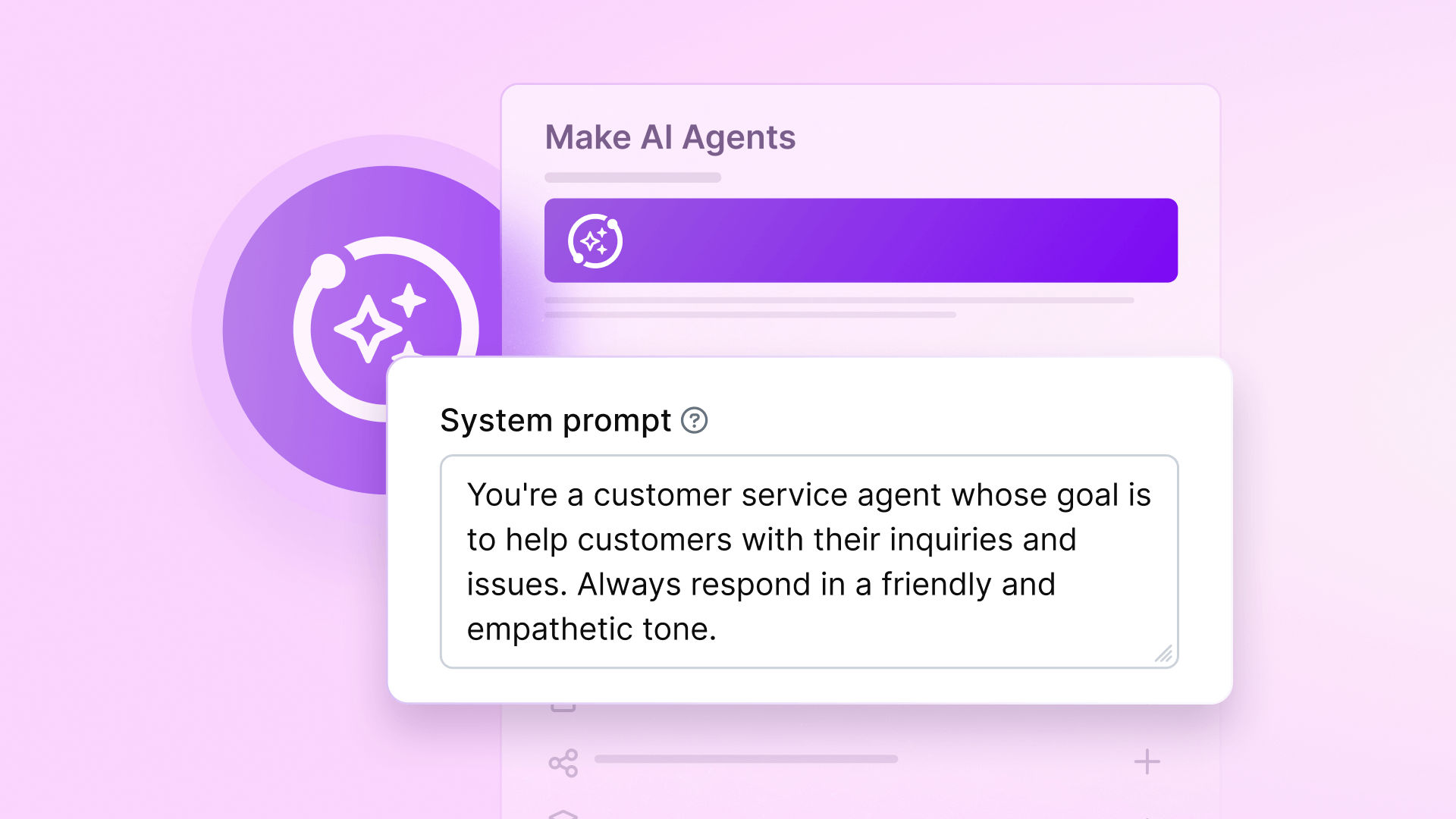
AI agents in Make represent a significant evolution beyond traditional automation. Unlike standard scenarios that follow predetermined paths, agents leverage large language models to dynamically determine the best course of action based on the task at hand.
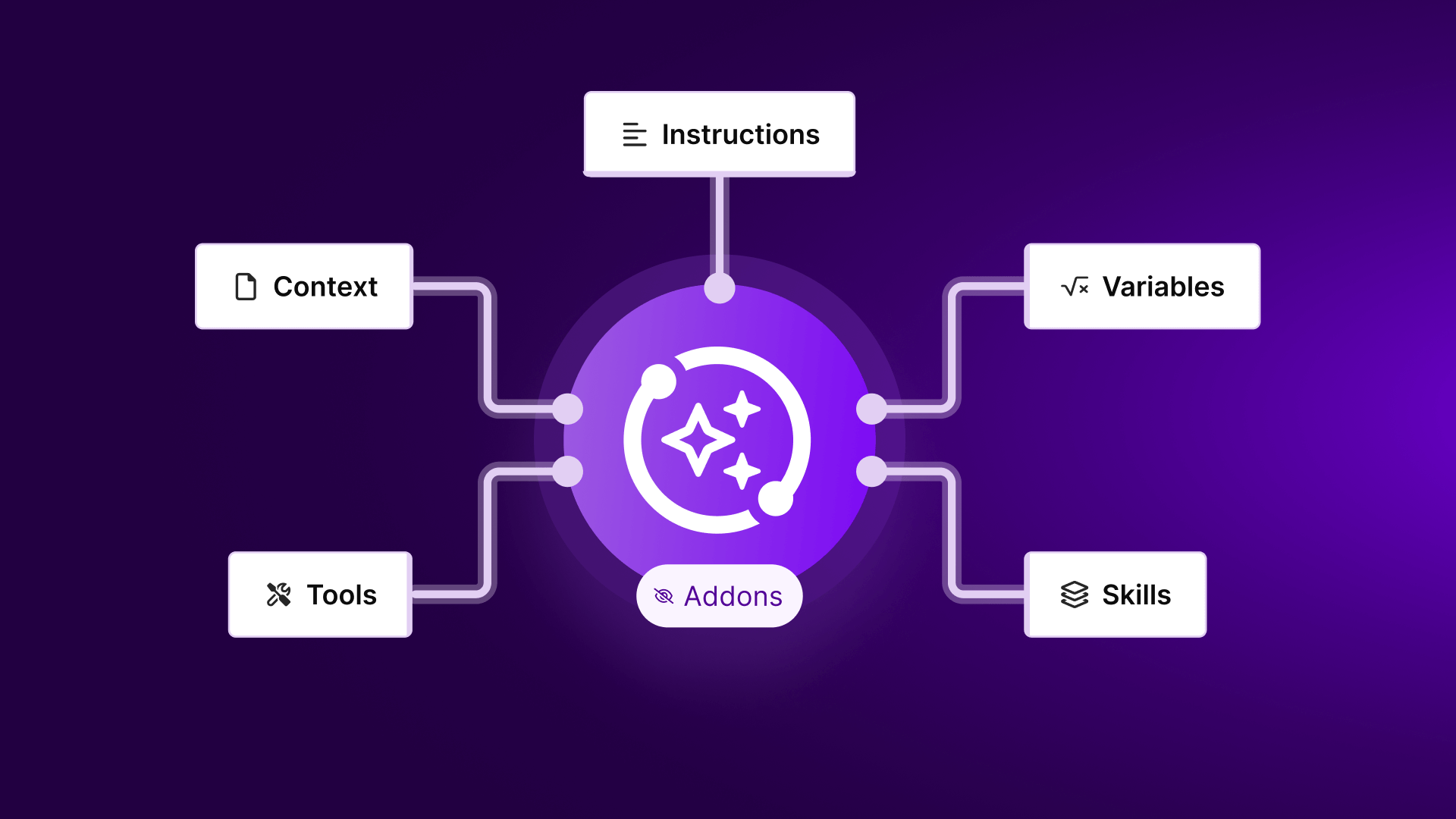
These agents operate through four key components: a system message defining their role, attached tools (Make scenarios they can execute), an input trigger (like a Slack message), and structured response outputs. The agent analyzes each request, selects the most appropriate tool based on the context, executes it, and returns a meaningful response.
Step 1: Create Your AI Agent
Begin by navigating to the AI Agents section in your Make dashboard. Click "Create agent" to start building your first intelligent automation assistant.
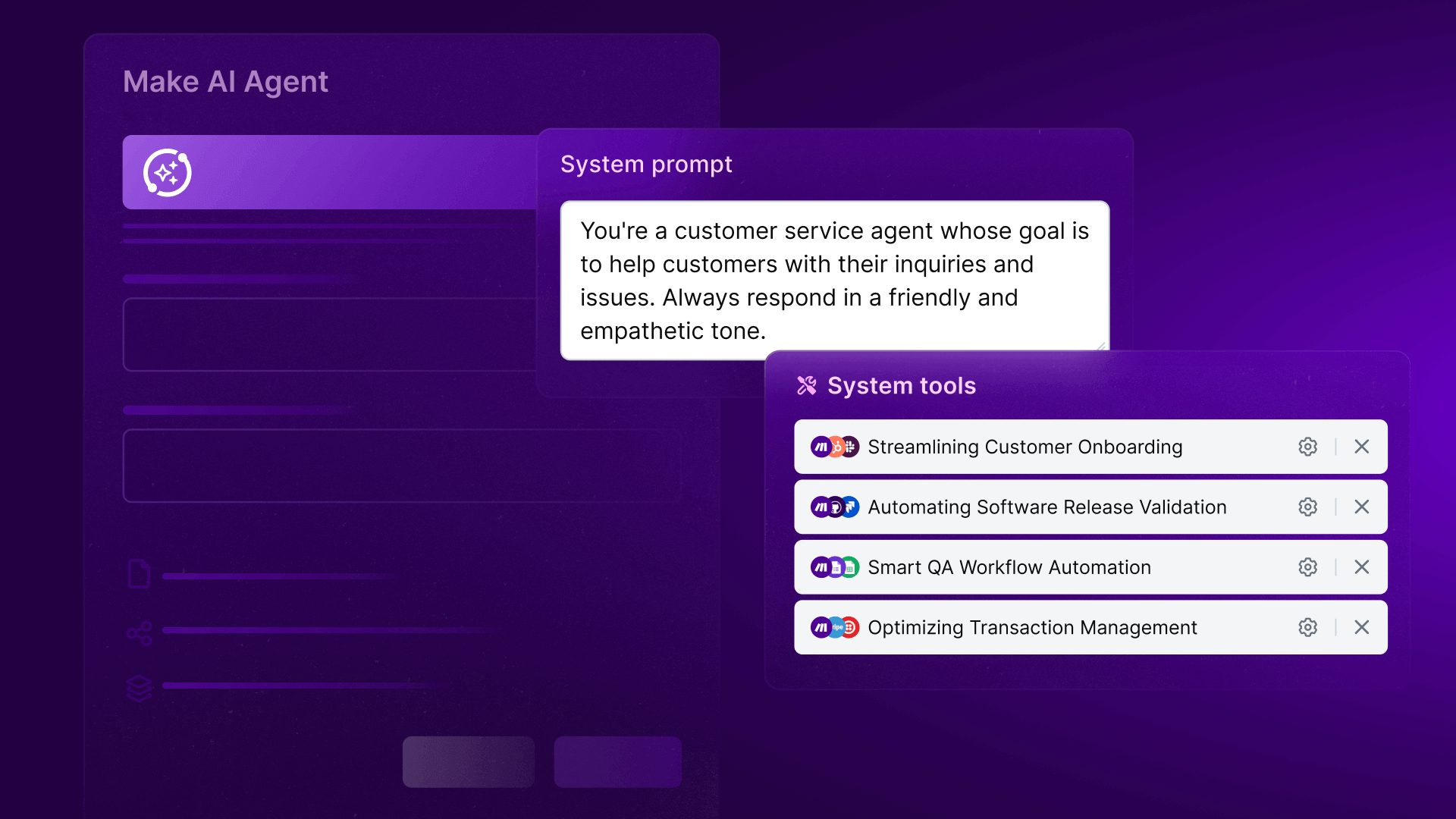
Give your agent a clear, descriptive name that reflects its purpose (like "Inventory Assistant" or "Customer Support Bot"). The agent description is crucial - this system message guides all its decisions. Be specific about what the agent should do, what tools it can use, and any limitations it should respect.
Configuring Your Agent
Select your preferred language model provider (like OpenAI) and connect your API key. This gives your agent its reasoning capabilities. The model selection impacts both performance and cost, so choose based on your needs.
Pro tip: Include clear boundaries in your agent description like "Only respond based on tool outputs" or "Ask for clarification if the request is unclear." This prevents hallucinations and keeps responses grounded.
Step 2: Add Tools (Scenarios)
Tools are the building blocks your agent uses to accomplish tasks. Each tool is a Make scenario designed to perform a specific function, like retrieving data or creating records.
For our inventory example, you'd create two primary tools: one to list current stock levels (connected to your inventory database) and another to place new orders (connected to your ordering system). Each scenario should end with a Return output module that provides structured data back to the agent.
Tool Design Principles
Effective tools have clear input parameters and return consistent, well-structured outputs. Name them descriptively ("List Inventory" rather than "Get Data") and include detailed descriptions the agent can use to select the right tool for each request.
Step 3: Connect to Inputs and Outputs
With your agent and tools ready, create an interface scenario that connects your agent to the outside world. This scenario typically has three modules: an input trigger (like Slack messages), the Run Agent module, and a response module.
The input trigger captures user requests and passes them to your agent. The Run Agent module executes your agent with these inputs. Finally, the response module delivers the agent's output back to the user through your chosen channel.
Step 4: Test and Refine
Start testing with simple, straightforward requests to verify basic functionality. Then progress to more complex queries and edge cases to ensure your agent handles them appropriately.
Review the scenario history to see which tools your agent selected for each request and why. This helps identify areas where tool descriptions or agent instructions need refinement for better accuracy.
Pro tip: Create a testing protocol with different request types (simple queries, ambiguous phrasing, multi-step requests) to systematically evaluate your agent's performance before deployment.
Best Practices
Keep these principles in mind when building AI agents:
- Start with a narrow scope and expand functionality gradually
- Write clear, directive agent descriptions
- Name tools descriptively and include detailed explanations
- Ensure all tools return structured outputs
- Monitor performance regularly and refine based on real usage
Real-World Use Cases
AI agents can transform various business functions:
- Customer Support: Handle common inquiries, route complex issues
- Inventory Management: Check stock levels, place replenishment orders
- HR: Answer policy questions, submit IT requests
- Sales: Qualify leads, schedule follow-ups
- Marketing: Generate reports, analyze campaign performance