Make.com AI Automation Chatbots No-Code

How to Create AI Chatbots with Make

Step-by-step guide to building AI chatbots for Slack, WhatsApp, Telegram and Teams using Make's no-code automation platform.

AI chatbot interface showing conversation flow

AI Chatbot Fundamentals

AI chatbots are computer programs designed to simulate conversations with users. Unlike basic chatbots that follow fixed rules, AI chatbots use technologies like Natural Language Processing (NLP) to understand what users are saying, interpret intent, and generate relevant responses. This makes the conversation feel more natural and allows the chatbot to handle more types of questions, even if they're asked in different ways.

The key advantage of AI chatbots over traditional rule-based systems is their ability to handle unstructured conversations. Where rule-based bots fail when users deviate from expected phrases, AI chatbots can maintain context and provide coherent responses across diverse interaction patterns.

Pro tip: When planning your chatbot, consider whether you need simple Q&A functionality or more complex conversational flows. AI chatbots excel at handling open-ended questions while rule-based systems work better for structured processes like form filling.

Building AI Chatbots with Make

Make's visual automation platform allows you to connect AI models to popular messaging platforms without writing code. The process involves creating scenarios that listen for incoming messages, process them through AI, and return intelligent responses.

1. Plan Your Chatbot

Before building, clarify your use case and technical setup:

  • Purpose: Customer support, lead qualification, internal FAQs
  • Platform: Slack, WhatsApp, Telegram or Microsoft Teams
  • AI Model: OpenAI GPT, Claude, or other LLM providers
  • Response Type: Immediate replies, scheduled summaries, or hybrid

Planning chatbot use cases and architecture
Diagram showing different chatbot use case scenarios

2. Create a Scenario in Make

Log into your Make account and create a new scenario:

  1. Navigate to the Scenarios section
  2. Click "+ Create a new scenario"
  3. Name it descriptively (e.g., "Slack Support Bot")

3. Connect Your Chat Platform

Add the appropriate trigger module based on your platform:

  • Slack: Use "Watch Messages" module
  • WhatsApp: Configure "Watch Events" module
  • Telegram: Set up through BotFather integration
  • Teams: Utilize Microsoft Graph API

Pro tip: For platforms like WhatsApp Business, you'll need to register your number and obtain API credentials first. Make's documentation provides step-by-step guides for each integration.

4. Process Messages with AI

Add an AI module (like OpenAI's "Create Completion") to handle message processing:

  1. Configure your model (GPT-3.5-turbo or GPT-4 recommended)
  2. Design a system prompt that defines the bot's personality
  3. Map the incoming message as the user prompt
  4. Set temperature and max tokens for response control
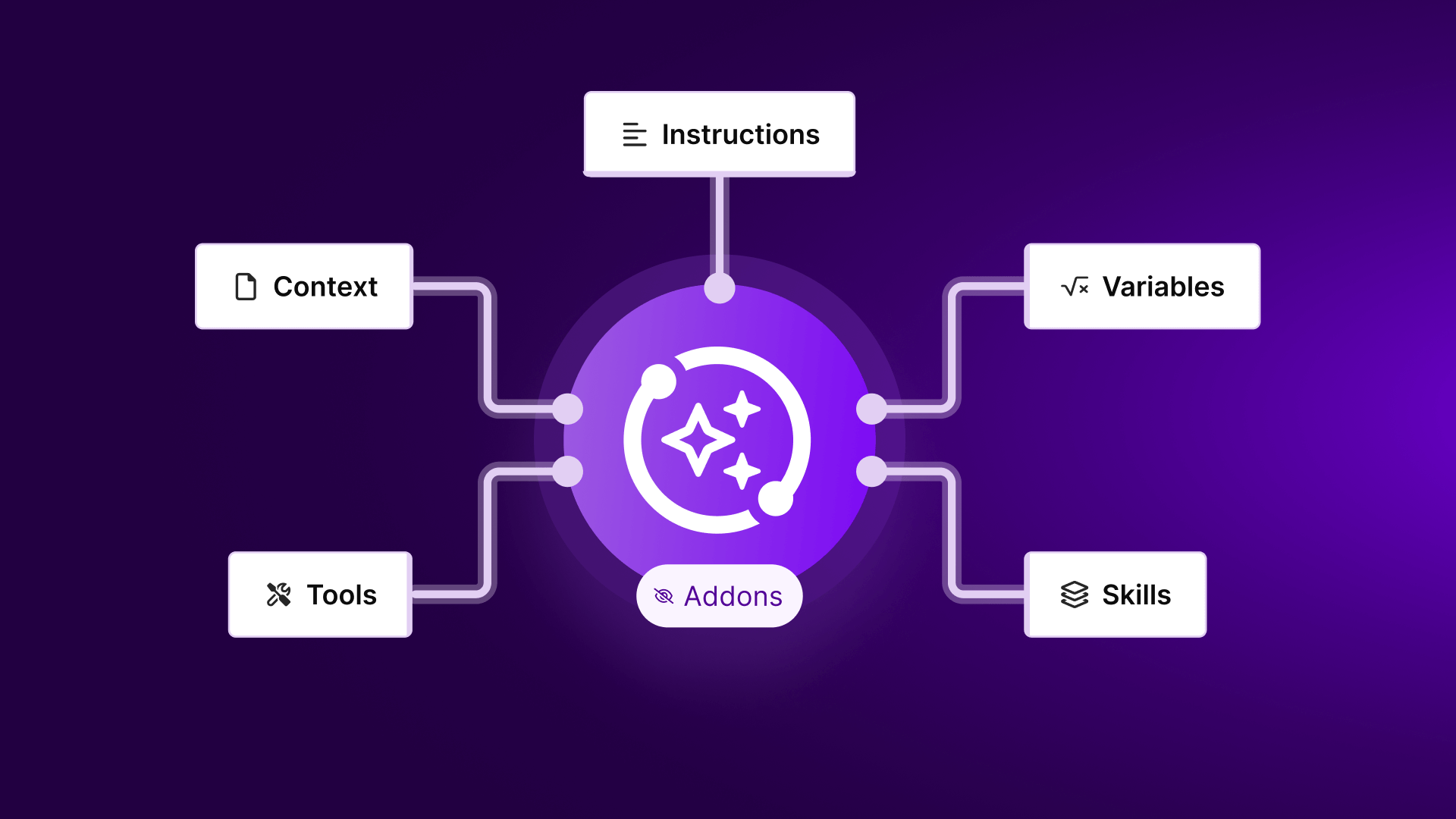
AI response configuration in Make interface
Configuring AI response parameters in Make's visual editor

5. Return Responses to Users

Complete the loop by sending AI-generated responses back to the original platform:

  • Use platform-specific "Send Message" modules
  • Map the AI output to the message content field
  • Preserve original conversation/thread references
  • Add typing indicators for human-like pacing

AI Chatbot Best Practices

To create effective AI chatbots that users love interacting with:

Conversation Design

  • Design clear conversation flows with logical branching
  • Create friendly error handling for misunderstood queries
  • Implement escalation paths to human agents
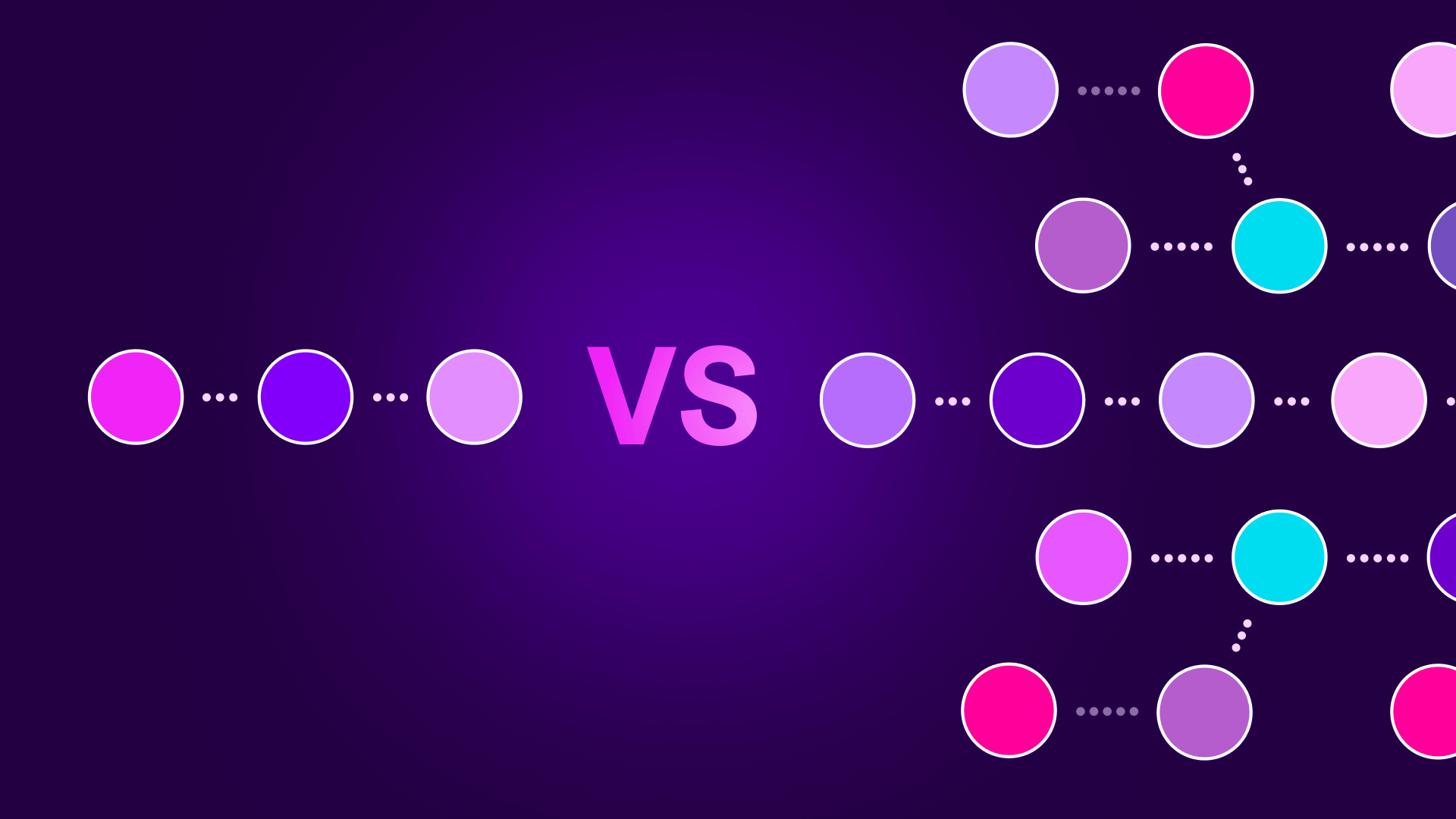
Chatbot conversation flow diagram
Example conversation flow with multiple response paths

Performance Optimization

  • Monitor response times and optimize workflows
  • Implement caching for frequent queries
  • Use Make's error handling for API failures

Ethical Considerations

  • Clearly disclose bot interactions to users
  • Implement content moderation filters
  • Follow platform-specific automation policies

Frequently Asked Questions

Common questions about building AI chatbots with Make

Rule-based chatbots follow predefined scripts with limited responses, while AI chatbots use natural language processing to understand intent and generate dynamic responses. Rule-based systems excel at structured workflows but struggle with open-ended questions.

AI chatbots can handle unpredictable conversation flows by analyzing the meaning behind user messages rather than just matching keywords. This allows them to provide relevant answers even when questions are phrased differently than expected.

Make supports Slack, WhatsApp, Telegram and Microsoft Teams equally well, with dedicated modules for each platform's API. The choice depends on where your audience is most active.

Slack and Teams are ideal for internal business chatbots, while WhatsApp and Telegram better serve customer-facing applications. All platforms integrate seamlessly with Make's automation capabilities.

No coding required - Make provides visual drag-and-drop tools to connect AI models to chat platforms. The interface allows you to design complex conversation flows without writing any code.

While technical knowledge helps with advanced configurations, beginners can create functional chatbots using Make's pre-built modules and templates. The platform handles all the API complexities behind the scenes.

Use Make's router modules to create decision trees based on keywords, sentiment analysis or AI output classifications. Routers allow your chatbot to take different actions depending on the conversation context.

For advanced branching, combine multiple routers with data stores that remember conversation history. This enables multi-turn dialogues where the bot's response depends on previous interactions.

Continuously refine your AI prompts, log conversations for analysis, and implement user feedback loops. Quality improves through iterative testing and optimization.

Make's execution logs provide visibility into how your chatbot responds to different inputs. Use this data to identify areas needing improvement and adjust your prompts accordingly.

Yes - Make allows you to chain different AI services or switch models based on conversation context. This enables specialized responses for different query types.

For example, you might route technical questions to Claude while using GPT-4 for general conversations. Make's router modules can direct traffic between AI services based on content analysis.

Our team builds tailored chatbot solutions integrating with your specific business systems and workflows. We handle complex implementations requiring custom logic or enterprise-scale deployments.

Whether you need a simple FAQ bot or a sophisticated virtual assistant, we can design automation solutions that match your exact requirements and integrate seamlessly with your existing tech stack.

Need Custom Automation Help?

This guide is a starting point. Our team builds fully tailored automation systems for your specific workflow needs.