
In the world of online work, data rarely comes in a perfectly structured format that seamlessly integrates with every application. This often means that beyond simply transferring information between services, we frequently need to manipulate and reshape it. This is precisely where Make.com's powerful Iterator and Array Aggregator tools become indispensable.
Imagine a scenario where you need to extract specific pieces of information from one platform, combine them with data from another, and then send different subsets of this compiled data to various destinations. Or, consider the common task of processing email attachments individually while discarding the email body itself. These are complex challenges that traditional data transfer methods struggle with, but Make.com's advanced features are built to handle them.
Workflow automation is designed to streamline operations and free up valuable time by connecting disparate systems. However, true automation often requires more than just moving data; it demands the ability to transform it. The Iterator and Array Aggregator modules in Make.com provide this crucial capability, allowing users to precisely dissect and reassemble data bundles to fit any integration requirement.
To help users master these powerful tools, Make.com has developed a comprehensive three-part course. This educational series guides you through the fundamental concepts and practical applications of Iterators and Array Aggregators, demonstrating how to build increasingly complex and efficient workflows. Whether you're new to Make.com or looking to enhance your existing automation skills, this course offers valuable insights for every stage of your automation journey.
Iterators
The first part of the course focuses on understanding and utilizing Iterators. An Iterator is a specialized module within Make.com that enables you to break down a larger data bundle into multiple smaller, individual bundles. This function is exclusively designed to work with arrays, which are structured collections of items.
When an Iterator processes an array, it converts each element or collection of items within that array into its own distinct bundle. This granular separation allows you to process each individual element independently, applying specific operations, filters, or transformations as needed. For example, if you have a list of tasks within a single project bundle, an Iterator can create a separate bundle for each task, letting you update each one individually in a project management tool.
The accompanying video tutorial provides a detailed walkthrough on how to set up an Iterator within your Make.com scenarios. It also demonstrates the various ways you can leverage the output of an Iterator to achieve precise control over your data flow and ensure that each piece of information is handled exactly as your workflow requires.

You can watch the first video, "Introduction and Iterator Demo," to get started with this fundamental data transformation tool.
Array Aggregators
Following the introduction to Iterators, the course moves on to Array Aggregators. As their name suggests, Array Aggregators perform the exact opposite function of Iterators. Instead of splitting data, they are designed to consolidate multiple individual data bundles back into a single, cohesive array containing collections of specified items.
This module is incredibly useful for reassembling data after it has been processed individually. For instance, if an Iterator has split a list of items, and you've performed operations on each item separately, an Array Aggregator can then collect all these modified items and combine them into a single array. This ensures that the data is correctly structured and ready for its final destination, whether that's updating a single record in a database, sending a compiled report, or creating a single document with all the processed information.
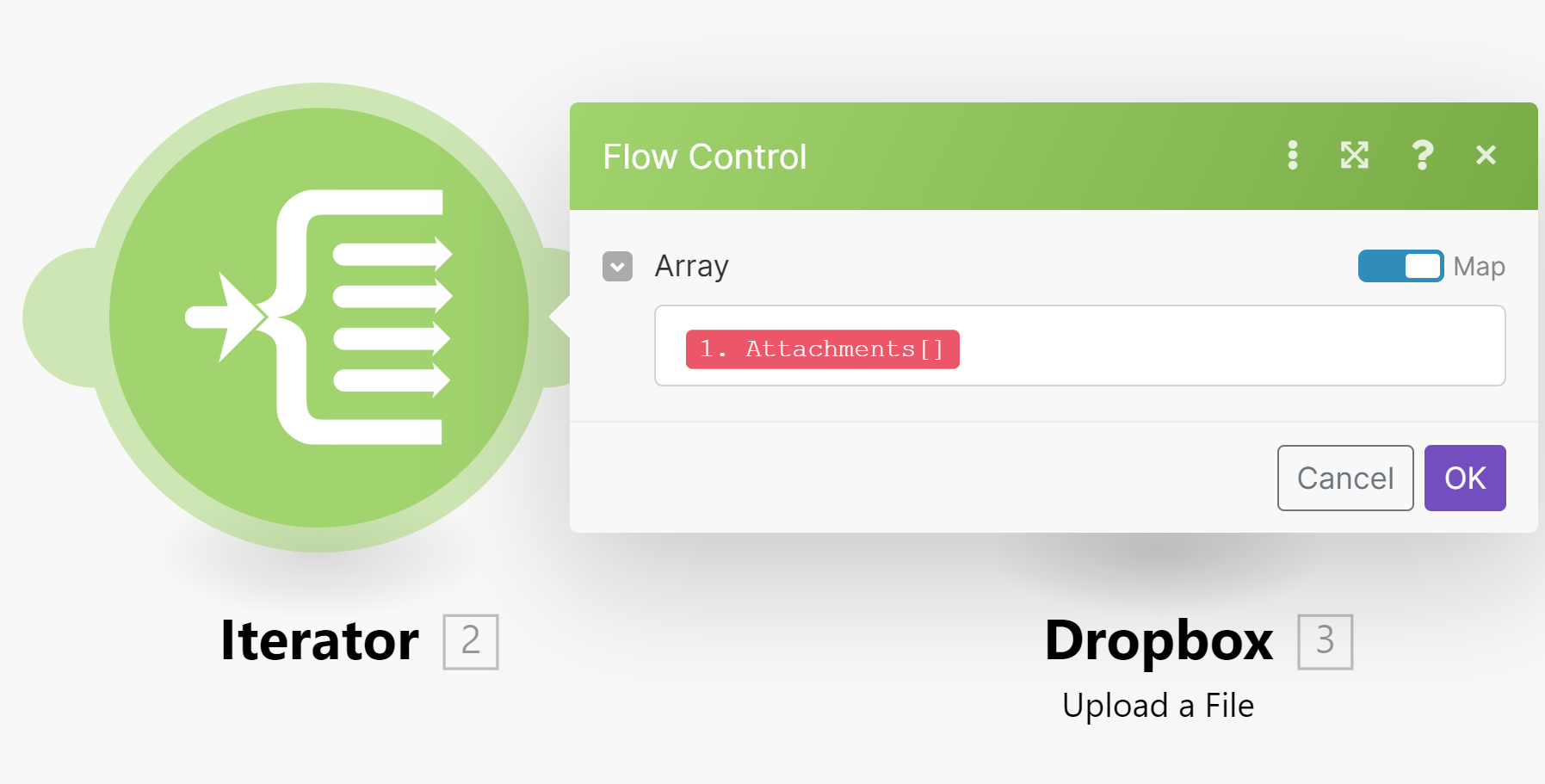
The second video in the course, "Array Aggregator Demo," provides a practical demonstration of how to configure and use this tool to recompile data effectively within your Make.com scenarios.
Array Aggregators and Target Structure
The third and final video in the series offers an in-depth exploration of Array Aggregators, specifically focusing on how to define their target structure. This is a critical aspect, as it dictates how your newly aggregated data will be presented and organized in the designated destination application.
Make.com provides two primary methods for defining this target structure. You can either manually create a custom target structure, giving you complete control over the output format, or, depending on the specific modules involved, you might be able to select a predefined structure that is automatically available for the subsequent mapped module. This flexibility ensures that your aggregated data perfectly aligns with the requirements of the next step in your workflow.
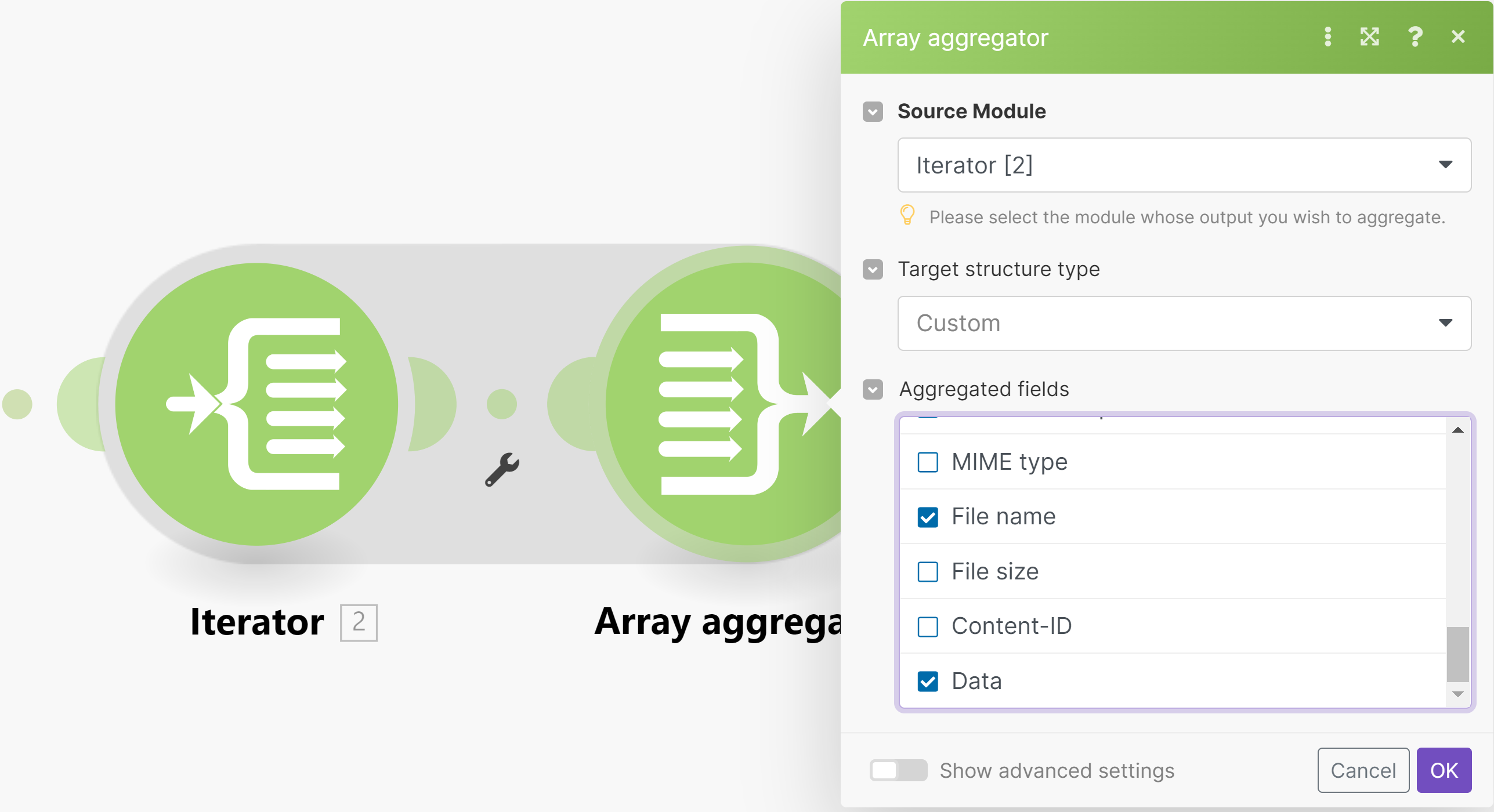
The "Array Aggregator — Target Structure" video is designed to clarify these options, helping you choose the most appropriate method for your automation needs. Completing this entire 12-minute course will equip you with the knowledge to effectively use Iterators and Array Aggregators in your Make.com scenarios, ultimately saving you significant time and effort in the long run.
Pro tip: Always test your scenarios thoroughly after implementing Iterators or Array Aggregators. Data transformation can be complex, and testing helps ensure that your data is being split and re-aggregated exactly as intended, preventing unexpected errors in downstream applications.