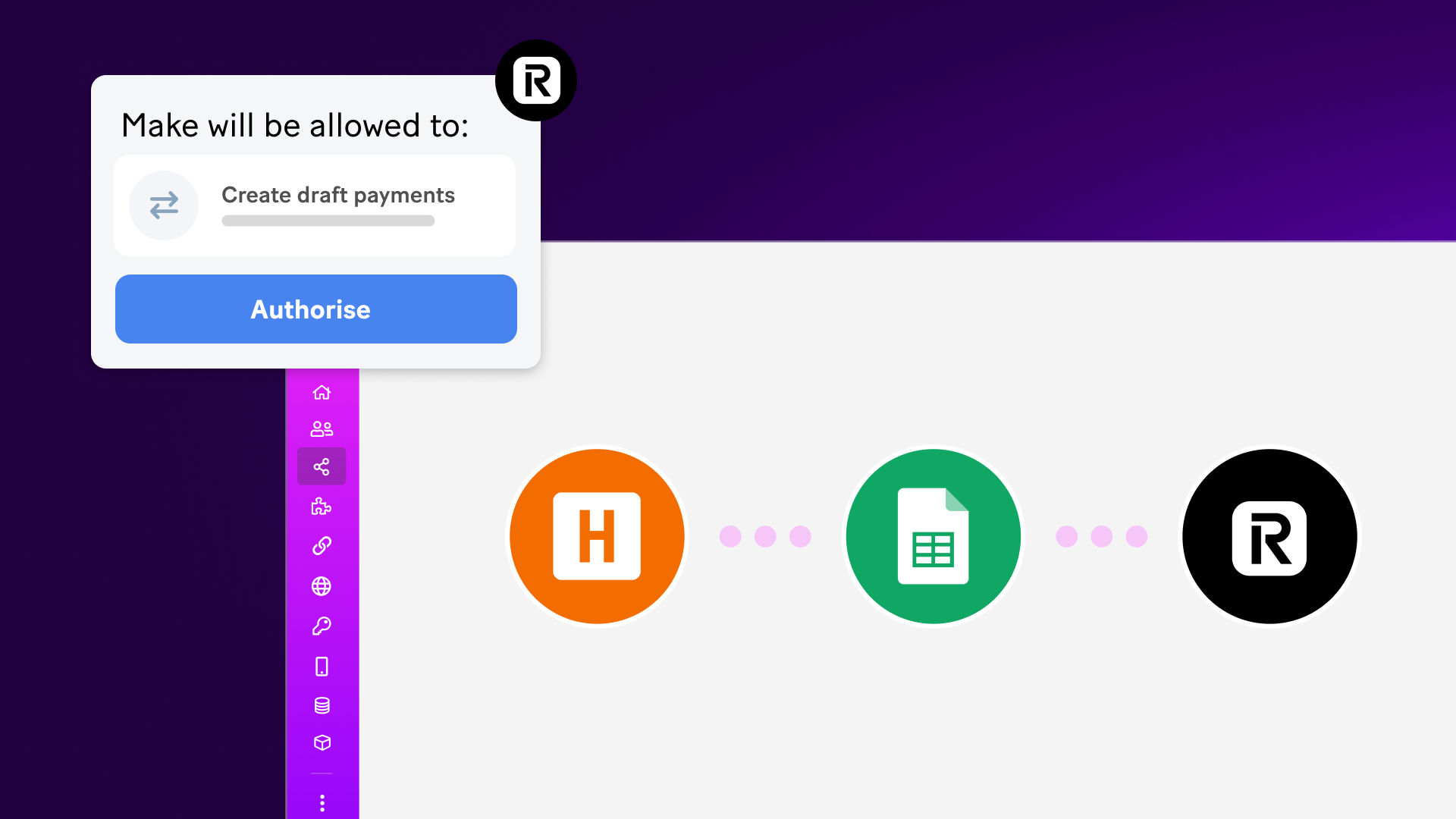
Revolut Business is now fully integrated with Make, offering powerful automation capabilities for your financial operations. This collaboration aims to enhance efficiency and improve your business's bottom line by streamlining payment workflows.
Revolut Business, recognized as a leading fintech in the UK, provides comprehensive online banking solutions to over half a million users worldwide. Its services cover transactions, payments, subscriptions, and detailed reporting. The new partnership with Make extends these capabilities, allowing businesses to manage their finances with unprecedented speed and precision through robust integrations.
Managing payments often involves intricate data transfers between various applications, such as processing orders from e-commerce platforms, communicating with suppliers, and feeding data into accounting software. Make's integration with Revolut Business is designed to simplify these complex processes, transforming them into highly efficient, automated workflows.
A Faster, Better Way to Manage Your Draft Payments
The initial phase of this integration introduces several powerful Make modules specifically designed for Revolut Business users. These modules enable you to automate various aspects of draft payment management, significantly reducing manual effort and freeing up valuable resources.
With these new modules, you can connect your Revolut Business account to Make and automate numerous workflows involving draft payments. This means less time spent on repetitive administrative tasks and more time available to focus on core business strategies and growth initiatives.
- Watch draft payments
- Watch draft payment transfers
- List draft payments
- Get a draft payment
- Create a draft payment
- Delete a draft payment
- Delete a draft payment transfer
As an added benefit, all Make users are eligible for a special offer: two months of the Revolut Grow Plan (valued at £25/month) for free. This exclusive offer can be accessed by signing up through a dedicated link, providing an excellent opportunity to experience enhanced financial management tools.
Let's explore some practical applications of these new Revolut Business modules within Make, demonstrating how they can transform your payment processes.
3 Ways to Automate Revolut Draft Payments with Make
Draft payments are a critical component of the Revolut Business ecosystem. For busy business owners, every moment counts, and manual handling of draft payments can be a significant drain on time and productivity. Automating these tasks is essential for maintaining efficiency and focusing on strategic priorities.
To help you leverage these new capabilities, we've outlined three practical ways to utilize the newly released Revolut Business modules within Make. These examples illustrate how you can streamline common payment-related workflows, saving time and reducing the potential for errors.
1. Automated Employee Draft Payments with Data from a Time-Tracking App
Many companies, especially those employing freelancers or remote workers, frequently use Revolut for employee payments. While convenient, manually drafting these payments can become a time-consuming and repetitive task as your team grows.
Fortunately, this process is ripe for automation. By integrating your time-tracking application with Revolut Business via Make, you can eliminate the need for manual data entry and payment creation.
A typical automation scenario involves Make retrieving time-tracking data from an app like Harvest (or any other compatible time-tracking solution), storing the details in a Google Sheet for record-keeping, and then automatically creating draft payments in Revolut Business. This seamless workflow transforms the often tedious task of payroll into a quick and efficient operation, ensuring timely and accurate payments to your employees and contractors.

2. Send Notifications About New Draft Payments
Draft payments often require review and approval from one or more stakeholders before they can be finalized. While sending a single notification via Slack or email might seem insignificant, the cumulative time spent on hundreds of such notifications annually can be substantial.
Automating this notification process can dramatically improve efficiency. Make allows you to set up a scenario that monitors your Revolut Business account for new draft payments. Once detected, it can instantly notify the relevant approvers through their preferred communication channels, such as Slack, Microsoft Teams, or email.
This automated system not only saves your team valuable time but also eliminates the "I forgot" factor, ensuring that no payment approval falls through the cracks. Imagine the impact of a supplier waiting for payment because an approval notification was missed – automating this step prevents such costly oversights and maintains professional relationships.
Pro tip: Customize your notification messages to include all necessary details, such as payment amount, recipient, and due date, directly in the alert. This ensures approvers have all the information they need at a glance, speeding up the approval process.
3. Automatically Create Tasks in Your Project Management App for New Draft Payments
Disorganization can be a major productivity drain, especially when dealing with a high volume of draft payments. Missing a single draft payment can trigger a cascade of related issues, leading to missed deadlines, late fees, and other complications for your business.
A simple yet powerful workflow can prevent these issues: automatically creating a task in your project management tool for every draft payment that requires review and approval. This ensures that no payment is overlooked and that accountability is clearly assigned.
Instead of letting draft payments languish in email inboxes, you can configure Make to automatically generate a task in your preferred project management application (e.g., Asana, Trello, or Monday.com). This task can be pre-assigned to the appropriate stakeholder, complete with all relevant payment details and a clear deadline, ensuring a structured and efficient approval process.
Bonus: Automatically Store Every Draft Payment in Excel
Accurate record-keeping and financial analysis are crucial for the health of any business, particularly during monthly and quarterly closings. Tracking which draft payments have been created, approved, and paid is essential for comprehensive financial oversight.
You can automate this tracking process effortlessly with Make. A straightforward template can be set up to automatically record every new draft payment from Revolut Business into an Excel workbook. This ensures that all payment data is neatly organized and readily available for analysis whenever needed, without any manual data entry.
For businesses that prefer other tools, similar templates are available for Notion, allowing you to store and manage your Revolut Business draft payment data in your preferred database. This flexibility ensures that your financial records are always up-to-date and accessible for reporting and auditing purposes.