Task automation: A definition
Task automation refers to using software tools to reduce or eliminate manual labor in completing repetitive tasks. While automation concepts date back centuries, digital automation has revolutionized how businesses operate by streamlining workflows across applications.
The modern definition focuses on software solutions that either partially or fully automate digital processes. This includes everything from simple email forwarding rules to complex multi-app workflows that synchronize data across your entire tech stack.
Which are the best task automation tools?
Choosing the right automation tool depends on your specific needs and technical comfort level. There's no one-size-fits-all solution, but rather different tools suited for different scenarios.
Pro tip: When evaluating automation tools, consider your team's technical skills, the complexity of tasks you want to automate, and your budget. No-code platforms like Make offer the best balance of power and accessibility for most businesses.
For those new to automation, we recommend following this evaluation process:
- Identify repetitive tasks that consume significant time
- Note which applications are involved in these tasks
- Evaluate whether native integrations between these apps exist
- Consider whether you need simple automation or complex multi-step workflows
What tasks can be automated with Make?
Make.com enables automation of thousands of tasks across hundreds of applications. Unlike platforms that claim to "automate everything," Make provides specific, actionable templates for real-world business processes.
This guide covers the first 25 of 50 practical automation examples you can implement immediately using Make's template library. Each example represents a fully functional workflow that solves common business challenges.
Email tasks automation
Email remains one of the most time-consuming yet critical business communication channels. These automations help streamline email management for teams of all sizes.
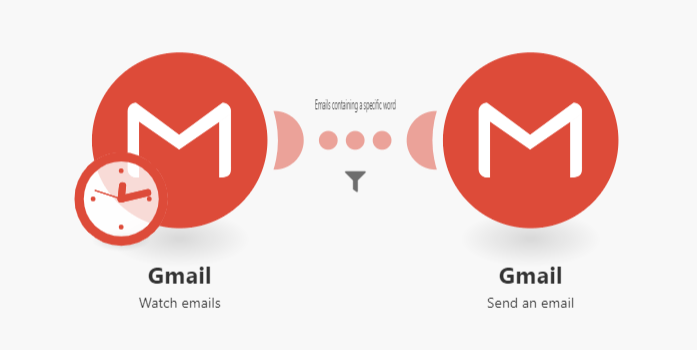
1. Automatically forward emails containing specific keywords
This workflow monitors your inbox for emails containing predefined keywords and automatically forwards matching messages to designated recipients. Ideal for routing customer inquiries, sales leads, or support tickets to the appropriate team members.
The automation runs continuously in the background, eliminating manual forwarding while ensuring important messages never slip through the cracks. You can configure multiple keyword filters and forwarding rules to handle different message types.
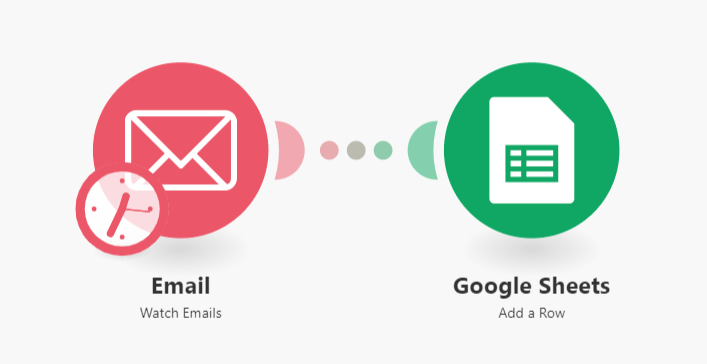
2. Save new emails to Google Sheets
This automation captures key email data (sender, subject, date) and records it in a Google Sheet. Perfect for maintaining contact lists, tracking customer communications, or building marketing databases from inbound inquiries.
The workflow can be customized to extract specific email content or attachments, transforming your inbox into a structured database. This eliminates manual data entry while creating searchable records of all important correspondence.
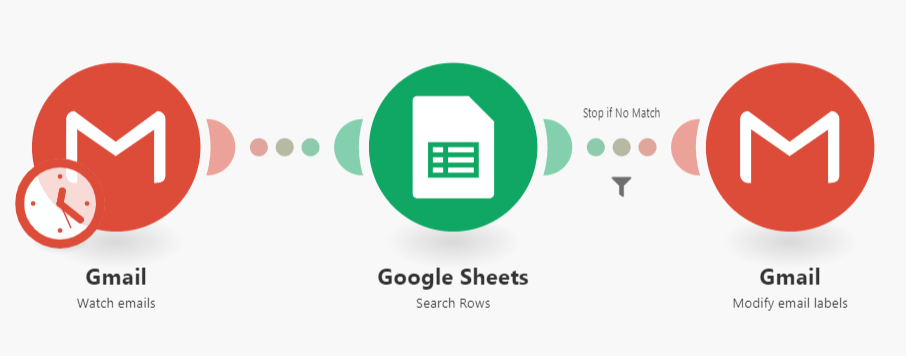
3. Automatically label client emails
This smart labeling system compares incoming emails against your client database and applies appropriate labels automatically. It helps sales and support teams prioritize messages while keeping client communications organized.
The workflow integrates Gmail with Google Sheets, checking each sender against your client list. When a match is found, the email receives a custom label and can be automatically filed in a designated folder.
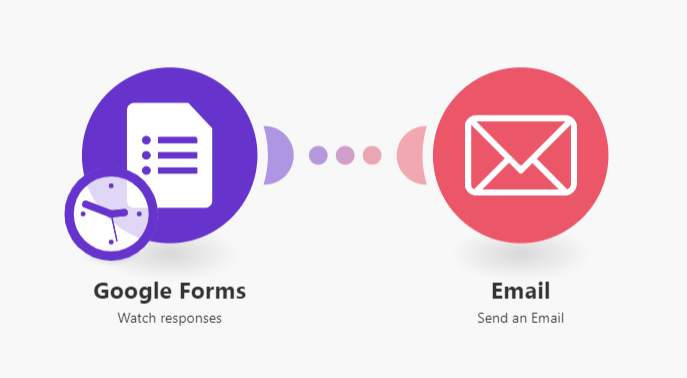
4. Get email notifications for new form submissions
This automation connects Google Forms with your email, sending instant notifications when forms are submitted. Ideal for teams that need real-time alerts about new applications, registrations, or customer feedback.
The workflow captures all form responses and sends detailed email notifications to specified recipients. You can customize the email content to include specific form fields or attachments.
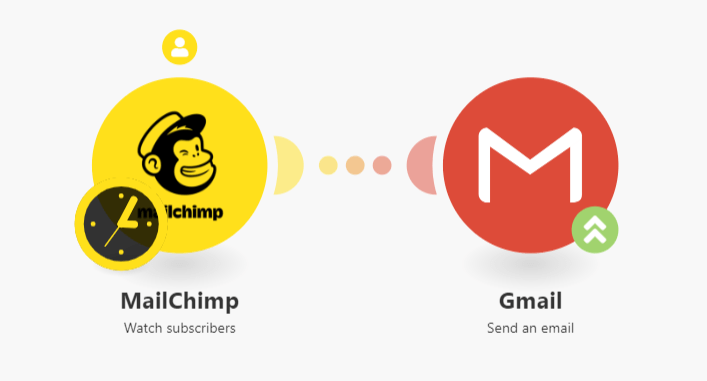
5. Send welcome emails to new Mailchimp subscribers
This automation triggers personalized welcome emails when new contacts join your Mailchimp list. It helps nurture new subscribers immediately after they opt-in, improving engagement rates.
The workflow can incorporate subscriber data into customized email content, creating a personalized onboarding experience at scale. You can set up multiple welcome sequences based on list segmentation.
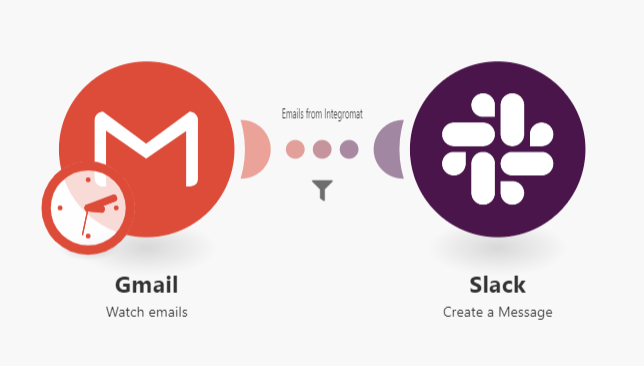
6. Forward important emails to Slack
This workflow monitors your inbox for critical messages and posts them directly to Slack channels. Perfect for teams that need instant visibility into customer communications, order confirmations, or system alerts.
The automation can be configured to watch for specific senders, subjects, or keywords. When triggered, it extracts key message details and shares them with relevant teams in Slack.
Ecommerce tasks automation
Ecommerce businesses can automate numerous order processing, customer management, and marketing tasks using Make. These workflows help scale operations while reducing manual work.
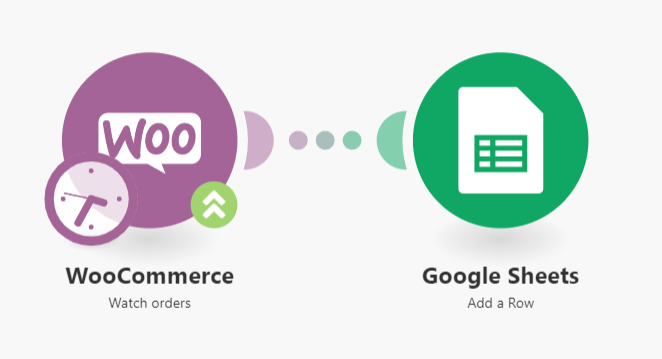
7. Save WooCommerce orders to Google Sheets
This automation captures every new WooCommerce order and records the details in a Google Sheet. It creates a real-time order database that's easily accessible for fulfillment teams, accountants, or marketing.
The workflow extracts all relevant order information including customer details, products purchased, payment status, and shipping information. This eliminates manual order logging while creating a searchable order history.
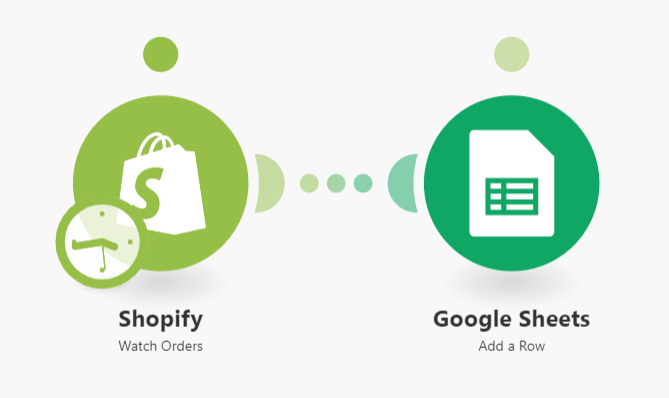
8. Save Shopify orders to Google Sheets
Similar to the WooCommerce integration, this workflow automatically records Shopify orders in a Google Sheet. It helps merchants maintain order records outside Shopify while enabling easy data analysis.
The automation can be customized to capture specific order details and calculate metrics like average order value. This creates a powerful reporting tool without requiring Shopify analytics expertise.
9. Add Stripe customers to Mailchimp
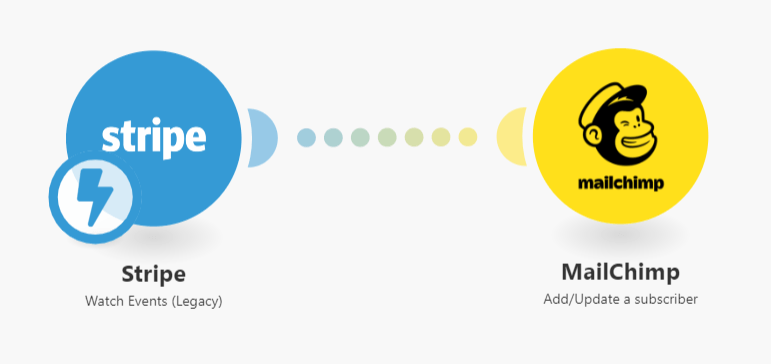
This workflow automatically adds new Stripe customers to your Mailchimp audience, helping ecommerce businesses grow their email lists from transactions.
The integration ensures every customer gets added to your marketing funnel, enabling targeted email campaigns based on purchase history. You can segment lists by product purchased or customer value.
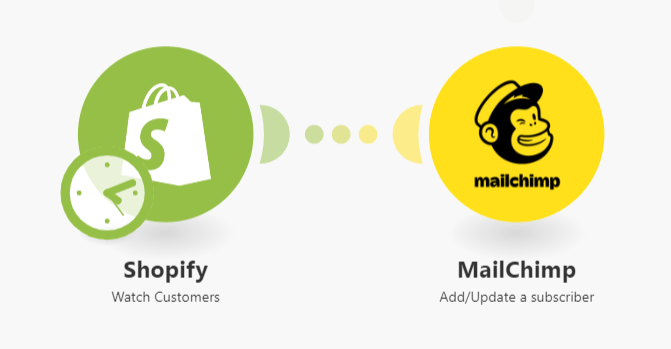
10. Add Shopify customers to Mailchimp
This automation syncs new Shopify customers with your Mailchimp list, ensuring all purchasers receive your email marketing. It helps merchants maintain a clean, updated email list without manual exports.
The workflow can be configured to include customer metadata like purchase frequency or average order value, enabling sophisticated email segmentation.