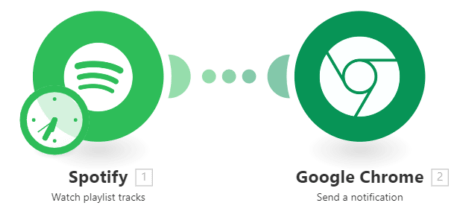
Spotify Integration Basics
With nearly 250 million users worldwide, Spotify dominates the music streaming market. Since its 2006 launch, the platform has revolutionized how we access music through its extensive library of 50 million tracks across web, desktop, and mobile apps.
While Spotify offers various integration methods including SDKs and APIs, we'll focus exclusively on no-code solutions anyone can implement without programming knowledge. These integrations help bridge functionality gaps and create seamless music experiences across devices.
Pro tip: Most Spotify integrations require a Premium account ($9.99/month). The free tier has significant limitations for connected experiences.
Integrate Spotify with Waze
The Waze-Spotify integration creates the perfect driving companion by combining navigation with music control. With both apps installed on your mobile device, Waze automatically detects Spotify and prompts you to connect them.
If the popup doesn't appear, manually enable the integration by going to Waze Settings > Spotify and toggling the connection. Once linked, a Spotify icon appears in Waze giving you playback controls without leaving the navigation interface.
Connect Spotify to Amazon Alexa
Voice control transforms your Spotify experience through Alexa integration. After downloading the Alexa app, navigate to Settings > Music to link your Spotify Premium account. This enables commands like "Alexa, play my Discover Weekly on Spotify."
For hands-free convenience, set Spotify as your default music service in Alexa settings. This eliminates the need to specify "on Spotify" with every request. The integration supports playlists, albums, artists, and even podcast playback through simple voice commands.
Car Audio Integration
Many modern vehicles now support direct Spotify integration through their infotainment systems. Brands like Tesla, Volvo, and Cadillac include native Spotify apps in select models, while BMW/Mini require additional setup through their ConnectedDrive system.
For vehicles without built-in support, Bluetooth audio streaming remains an option. Some car manufacturers offer better integration for either iOS or Android, so check compatibility for your specific model and phone combination.
Slack Notifications for Spotify
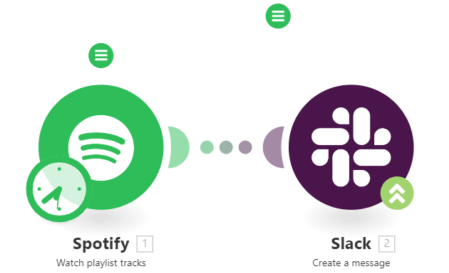
For music professionals or avid playlist followers, connecting Spotify to Slack provides valuable updates. Automation tools can monitor specific playlists and send Slack notifications whenever new tracks are added.
This integration proves particularly useful for tracking:
- Artist release playlists
- Industry-curated collections
- Collaborative team playlists
- Personal discovery queues
Spotify-to-Spotify Automation
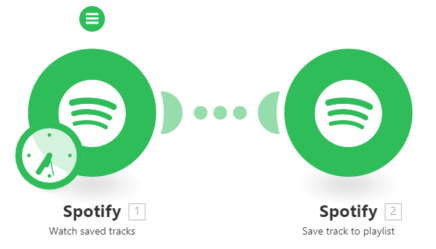
The self-referential Spotify automation solves a common frustration - organizing saved tracks. This workflow automatically adds any song you save to a designated playlist of your choice.
Beyond basic organization, creative uses include:
- Building genre-specific collections automatically
- Creating monthly "Saved Tracks" archives
- Compiling songs for specific moods or activities
- Maintaining a master library of all saved music