Zendesk is an excellent platform for managing customer engagement, but its built-in automation capabilities can often be quite intricate. Many users find themselves navigating through extensive documentation and complex interfaces to set up even basic automations.
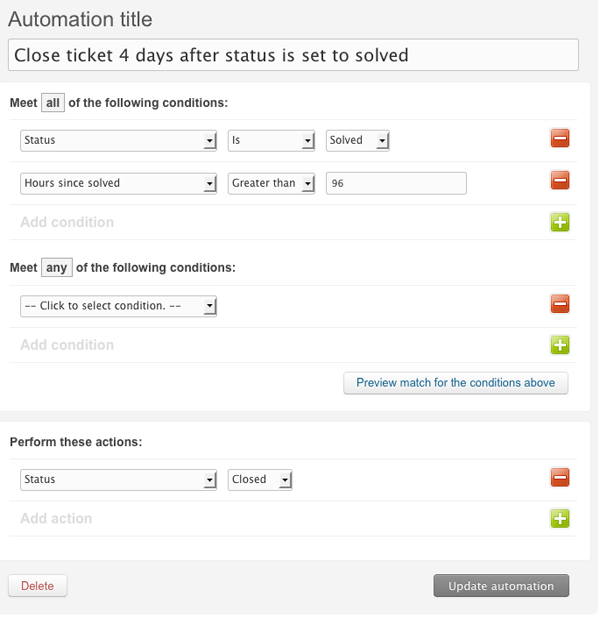
This complexity can manifest in several ways. The documentation, while comprehensive, can be overwhelming and hard to pinpoint specific solutions. The user interface, relying heavily on fields and drop-downs, makes it difficult to visualize the flow of data and logic within an automation. Furthermore, error handling is often rudimentary, leaving users to decipher issues without clear diagnostic tools.
Ultimately, Zendesk's primary strength lies in customer satisfaction, not necessarily in its automation features. Most companies adopt Zendesk for its robust analytics, reporting, and scalability, rather than its native automation system. However, this doesn't mean automation should be overlooked.
There's ample opportunity to automate tasks within Zendesk without getting bogged down by its inherent complexities. This is precisely where Make.com steps in, offering a more intuitive and powerful approach to integrating and automating Zendesk workflows.
Flattening the Learning Curve
Make.com templates serve a dual purpose, making automation accessible and efficient. Firstly, they provide an excellent introduction to how Make operates and how its various app modules interact. This visual, drag-and-drop interface significantly reduces the learning curve compared to Zendesk's native system.
Secondly, these templates are designed for immediate results. They are pre-configured and thoroughly tested before publication, allowing users to deploy functional automations within minutes. This eliminates much of the trial-and-error typically associated with setting up new integrations.
By leveraging Make templates, users can easily begin automating tasks, transforming the learning process into a more intuitive and rewarding experience. This approach empowers businesses to quickly implement solutions that save time and improve efficiency, without needing deep technical expertise.
Pro tip: To test these templates in real-time as you read, consider signing up for a free Make.com account. The free version grants access to all features and modules, including those for Zendesk, allowing you to experiment without commitment.
1. Add New Zendesk Tickets to Google Sheets
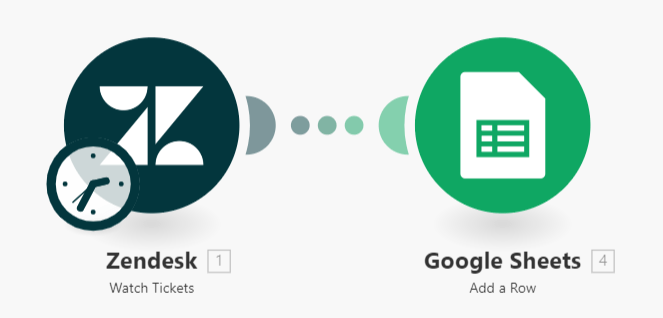
This powerful integration automatically transfers incoming Zendesk tickets, along with all their relevant information, directly into a Google Sheets spreadsheet. This functionality proves invaluable in numerous scenarios, particularly for onboarding new customer service representatives.
While Zendesk offers competitive pricing, starting at $5 per user per month, costs can escalate quickly as customer support teams grow. In this environment, managers often seek ways to evaluate new hires before fully integrating them into the system.
By implementing this Make.com solution, managers can grant new reps access to Zendesk ticket data via Google Sheets. This allows them to monitor performance and assess capabilities in a controlled environment, streamlining the onboarding process and ensuring new team members are ready before full system access is granted.
2. Create Zendesk Tickets from Google Forms Responses
Google Forms are incredibly versatile tools, widely utilized by businesses for a variety of data collection purposes. These include customer registration, gathering feedback on products or services, and conducting satisfaction surveys to gauge customer sentiment.
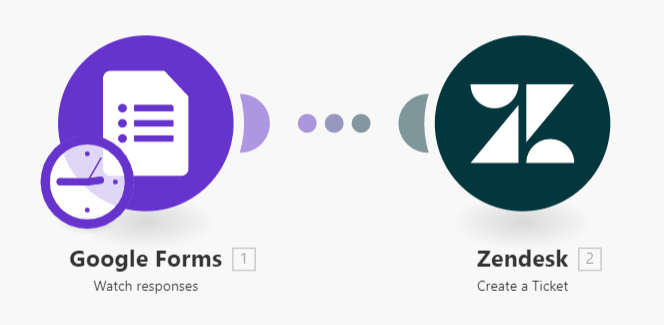
With the seamless integration capabilities of Make.com, responses submitted through Google Forms can be automatically transformed into new Zendesk tickets. This ensures that every piece of customer input, whether it's a new registration or a feedback submission, is immediately routed to the customer satisfaction team.
This automation allows the support team to address inquiries and feedback promptly, without any manual data transfer delays. It streamlines the entire process from data collection to resolution, ensuring that customer needs are met efficiently from the very first interaction.
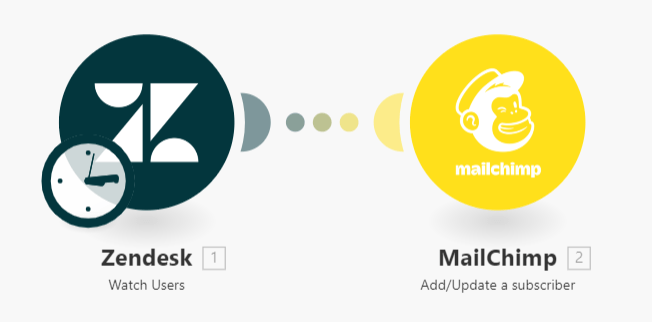
3. Add New Zendesk Users to a MailChimp List
Maintaining up-to-date MailChimp lists with new contacts from Zendesk is a crucial strategy for building high-quality lead lists and nurturing customer relationships. However, this manual task is often time-consuming and frequently falls by the wayside due to other priorities.
The excellent news is that this entire process can be fully automated using Make.com. Given that acquiring new leads is both challenging and costly, automating this integration represents a highly strategic move for organizations of all sizes. It ensures that no potential lead is missed and that your marketing efforts are always based on the most current customer data.
Remember, data is a valuable asset, much like oil. If it remains unprocessed and unutilized, its true worth cannot be realized. Automating the flow of new Zendesk contacts to MailChimp ensures your data is always working for you, driving effective communication and lead nurturing campaigns.
4. Create Zendesk Tickets from New RingCentral Messages
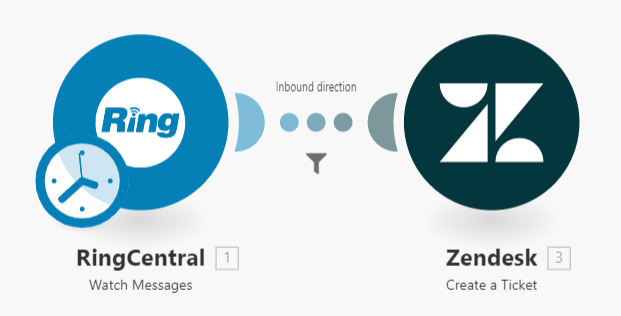
This particular integration is affectionately dubbed "The Dragnet" for its comprehensive ability to capture all customer communications. It automatically generates Zendesk tickets for every voice call, SMS, MMS, and even fax message received through RingCentral. Yes, businesses still use fax, and this integration ensures those communications are not lost!
While RingCentral excels at providing the essential infrastructure for receiving diverse messages, Zendesk is the superior platform for managing customer satisfaction and support workflows. The challenge lies in connecting these two powerful services seamlessly.
With "The Dragnet" template from Make.com, this connection becomes effortless. All customer interactions, regardless of their origin in RingCentral, are automatically converted into actionable Zendesk tickets, ensuring no query goes unaddressed and centralizing all support efforts.
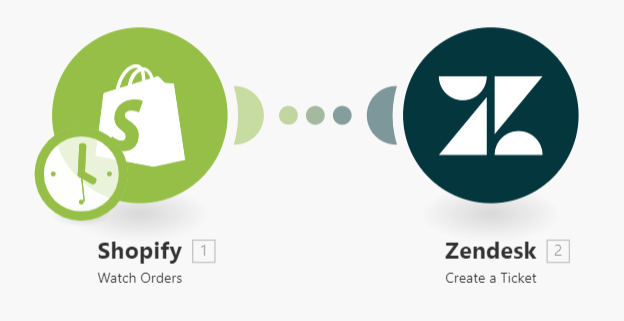
5. Create a New Ticket in Zendesk from New Shopify Orders
Exceptional customer satisfaction often begins long before a problem arises, a fact well understood by savvy e-commerce managers. Proactive customer service can significantly enhance brand loyalty and reduce the volume of reactive support requests.
This integration empowers Shopify store managers to stay ahead of the curve by automating the creation of Zendesk tickets directly from new Shopify order data. This allows support teams to monitor orders and identify potential issues before customers even realize them.
Consider a scenario where a product sold in large quantities is discovered to have a manufacturing defect. With this automation, all affected orders would instantly generate Zendesk tickets. This enables the customer service team to proactively reach out to customers, manage expectations, and offer solutions, thereby preventing a sudden influx of complaints and maintaining customer trust.