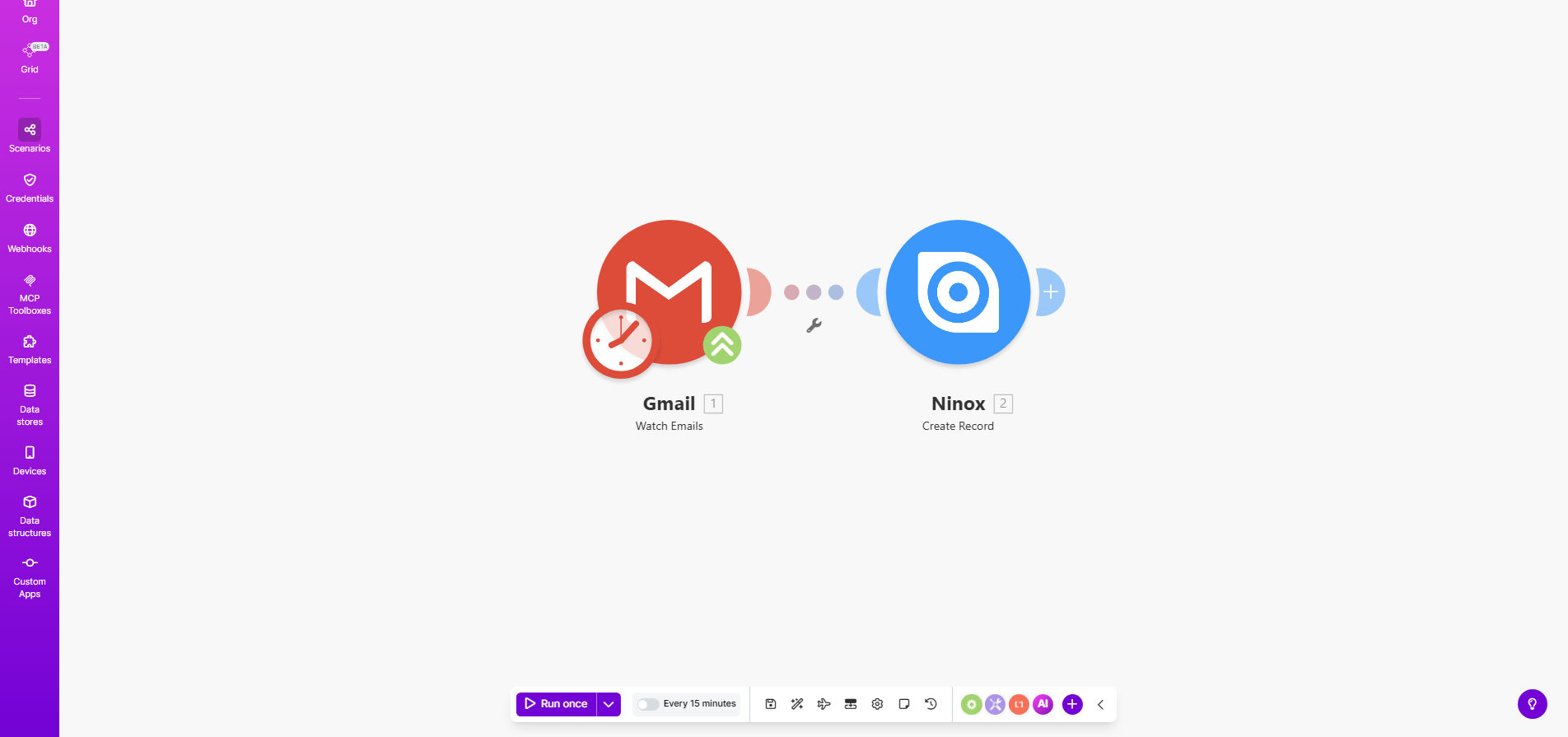
What This Workflow Does
This automation solves the common challenge of tracking and organizing email communications by automatically creating structured records in your Ninox database. Instead of manually copying information or losing important messages in crowded inboxes, every relevant email becomes a searchable, categorized database entry.
The workflow monitors your email account for new messages, extracts key information (sender, subject, body, attachments), and creates corresponding records in Ninox with all relevant metadata. This creates a centralized knowledge base for customer communications, support tickets, or internal correspondence that's easily searchable and reportable.
How It Works
1. Email Trigger
The workflow starts when a new email arrives in your connected email account. You can configure filters to only process emails matching specific criteria (sender, subject keywords, labels).
2. Data Extraction
Key information is extracted from each email including sender details, subject line, body content, timestamps, and any attachments. The system can be configured to parse specific data patterns if needed.
3. Ninox Record Creation
The extracted email data is mapped to corresponding fields in your Ninox database. The workflow creates a new record with all relevant information properly structured and categorized.
Pro tip: Add custom fields in Ninox to categorize emails by department, priority, or status for even better organization and reporting.
Who This Is For
This automation is ideal for:
- Customer support teams needing to track all client communications
- Sales teams wanting to maintain complete records of prospect interactions
- Small businesses that need organized documentation of vendor/supplier emails
- Legal or accounting firms requiring audit trails of important correspondence
- Any team using Ninox that wants to eliminate manual email data entry
What You'll Need
- A Make.com account (free plan sufficient for basic use)
- A Ninox database with appropriate table structure for email records
- Access to the email account you want to monitor (Gmail, Outlook, etc.)
- API credentials for Ninox (available in your account settings)
Quick Setup Guide
- Clone the template in your Make.com account
- Connect your email account in the first module
- Configure your Ninox API connection in the final module
- Map the email fields to your Ninox database structure
- Set your preferred schedule (we recommend every 15-60 minutes)
- Test with sample emails and verify Ninox records appear correctly
Key Benefits
Save 5-10 hours per week by eliminating manual email copying and data entry. What used to be tedious administrative work now happens automatically in the background.
Never lose track of important emails with all communications safely stored in your searchable Ninox database. Quickly find any past conversation using Ninox's powerful filtering.
Improve team collaboration by making email histories accessible to authorized team members in Ninox, without sharing email account credentials.
Create custom reports on email response times, frequent inquiries, or communication trends using Ninox's reporting features on your archived data.
Maintain compliance with automatic documentation of all business communications, including timestamps and complete message histories.