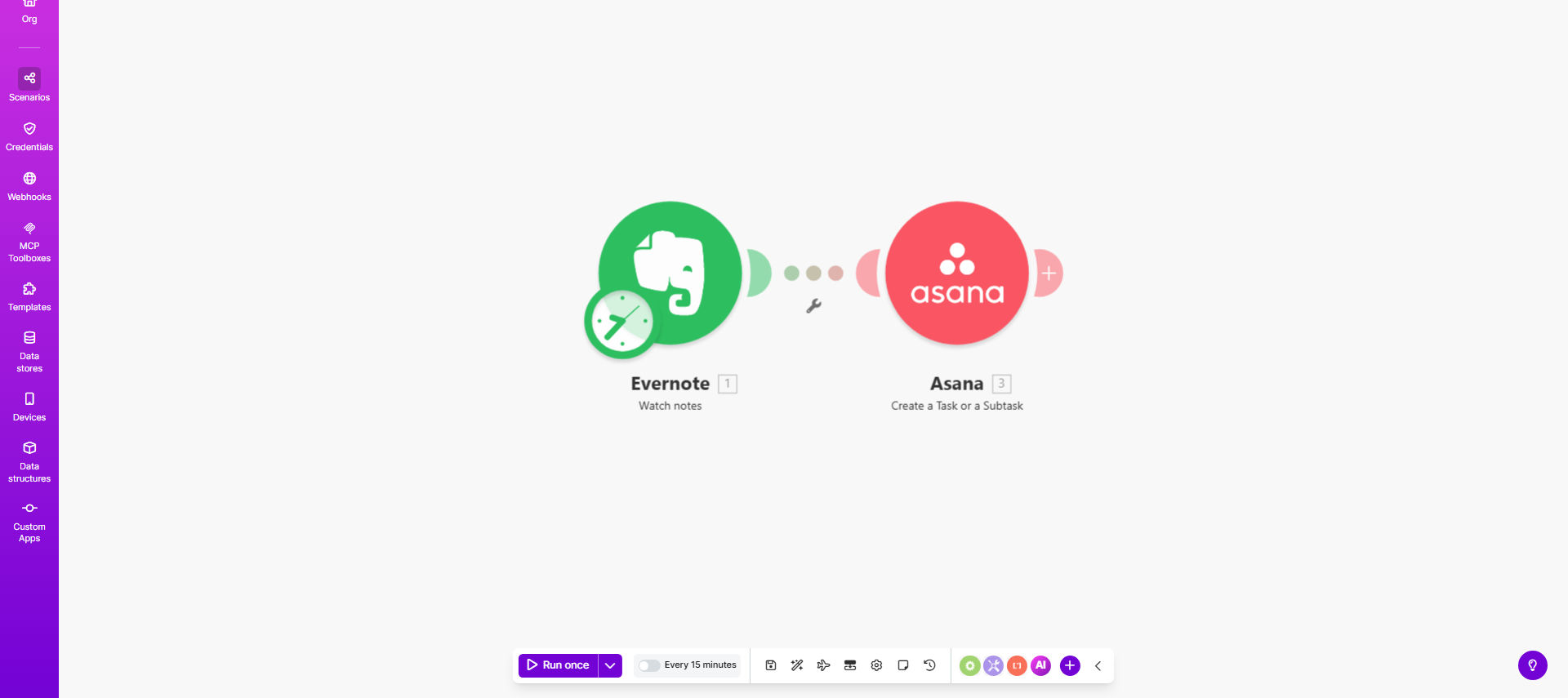
What This Workflow Does
This automation solves the common productivity gap between capturing ideas in Evernote and turning them into actionable tasks in Asana. Many professionals waste valuable time manually recreating notes as tasks, leading to delays and potential missed opportunities.
The workflow automatically detects new notes in your specified Evernote notebooks and converts them into properly formatted Asana tasks. It preserves key details while transforming unstructured notes into trackable action items your team can work on immediately.
How It Works
1. Trigger on new Evernote notes
The workflow monitors your designated Evernote notebooks for new entries. You can specify particular notebooks or tags to filter which notes should become tasks.
2. Extract note content
Key elements like the note title, body text, creation date, and any attachments are extracted. The system intelligently identifies action points within the note content.
3. Format for Asana
The note content is transformed into Asana's task structure. The note title becomes the task name, while the body is formatted with proper line breaks and markdown for readability.
4. Create task in Asana
The formatted content is pushed to your specified Asana project. You can set rules to route different types of notes to different projects based on keywords or tags.
Pro tip: Use Evernote tags to automatically assign Asana tasks to specific team members or add custom fields like priority levels.
Who This Is For
This workflow benefits any team that uses Evernote for capturing ideas and Asana for task management. It's particularly valuable for:
- Creative agencies converting client brainstorming notes into deliverables
- Product managers turning feature ideas into development tasks
- Remote teams collaborating across different time zones
- Executives who capture meeting notes needing follow-up actions
What You'll Need
- Active Evernote account with notes to convert
- Asana account with project management permissions
- Make.com account (free tier works for basic usage)
- Approximately 15 minutes for initial setup
Quick Setup Guide
- Connect your Evernote account in Make.com
- Authorize access to your Asana workspace
- Specify which Evernote notebooks to monitor
- Map note fields to Asana task properties
- Set your default Asana project for new tasks
- Test with a sample note and verify task creation
Key Benefits
Save 5-10 hours per month by eliminating manual task creation from notes. What used to be a tedious copy-paste process now happens automatically.
Reduce human error in task transcription. The automation ensures all key details from notes are preserved exactly in Asana tasks.
Accelerate team response time by converting ideas into actionable items within minutes rather than waiting for manual processing.
Maintain better context with automatic inclusion of relevant note attachments and formatting in the created tasks.
Scale your productivity system as your team grows without adding administrative overhead to your workflow.