What This Workflow Does
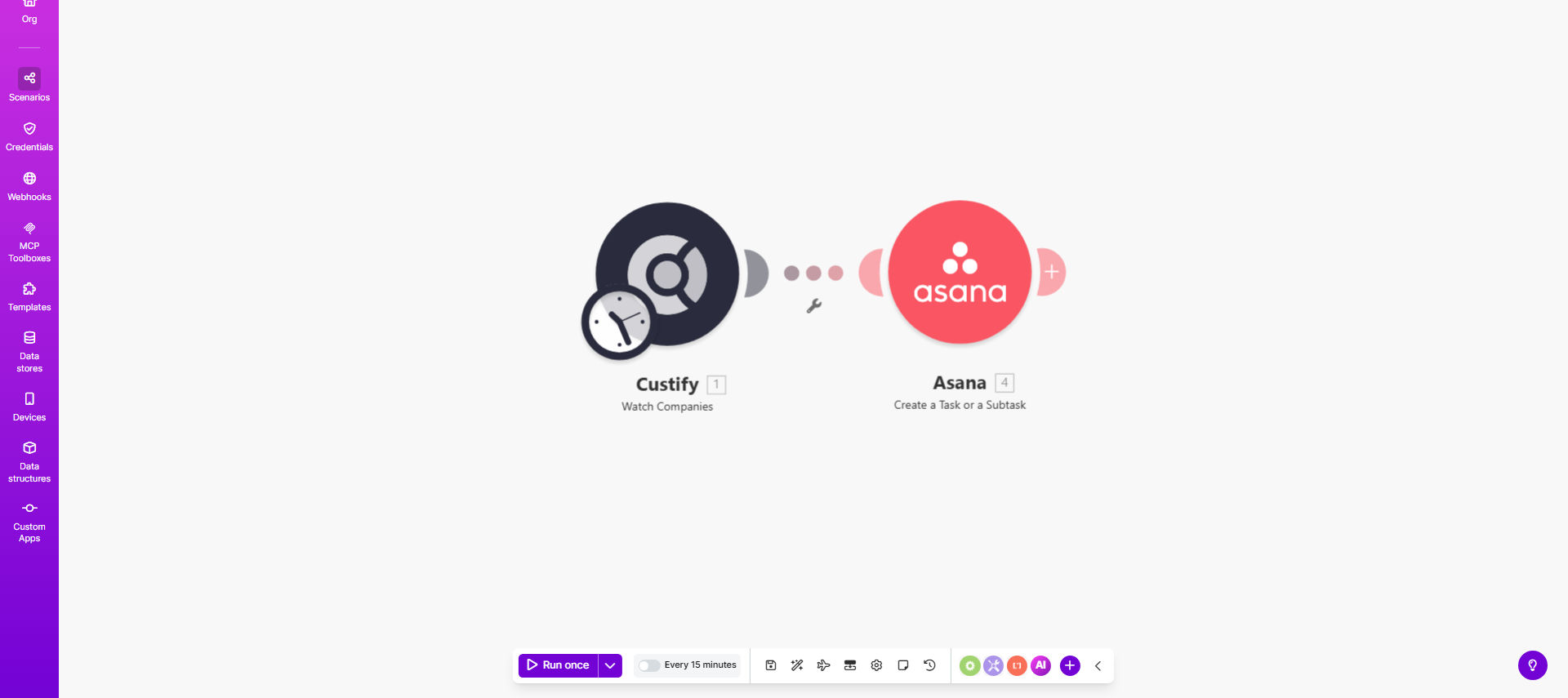
This automation bridges the gap between your CRM (Custify) and project management system (Asana), ensuring that every new company added to your customer database automatically generates relevant tasks for your team. It eliminates manual data entry and reduces the risk of new accounts slipping through the cracks in your workflow.
The workflow triggers whenever a new company record is created in Custify, capturing all relevant company information and using it to create a properly formatted task in Asana. This maintains data consistency between systems while saving your team valuable time that would otherwise be spent manually creating and assigning tasks.
How It Works
1. New company detection
The workflow monitors your Custify account for new company creations using Make.com's Custify trigger. When a new company is added, the workflow immediately captures all available company data.
2. Data transformation
The raw company data from Custify is processed to extract only the relevant fields needed for task creation in Asana. This step ensures clean, properly formatted data flows into your project management system.
3. Task creation in Asana
Using Make.com's Asana module, the workflow creates a new task in your specified Asana project. The task includes relevant company details from Custify and can be assigned to specific team members based on your business rules.
Pro tip: Configure task templates in Asana first, then map Custify fields to pre-defined custom fields in Asana for maximum consistency across your automated tasks.
Who This Is For
This automation is ideal for:
- Sales teams who need to track new prospect outreach
- Customer success teams managing onboarding workflows
- Account managers coordinating multi-step implementations
- Operations teams ensuring smooth handoffs between departments
- Any business using Custify for CRM and Asana for project management
What You'll Need
- A Make.com account (free plan sufficient for basic usage)
- Admin access to your Custify account
- Editor permissions in your Asana workspace
- The Asana project where tasks should be created
- Clear understanding of which Custify fields should map to Asana task fields
Quick Setup Guide
- Click "Get This Workflow" to import the template to your Make.com account
- Connect your Custify account in the first module
- Connect your Asana account in the task creation module
- Select the target Asana project and configure field mappings
- Test with a sample company record in Custify
- Activate the scenario when testing is complete
Key Benefits
Eliminate manual data entry between systems, saving 5-15 minutes per new company that would otherwise be spent creating tasks manually.
Ensure no new accounts are overlooked by automatically generating tasks for every new company added to Custify.
Maintain data consistency between your CRM and project management system by using the same source data across both platforms.
Scale your operations efficiently as your customer base grows, without adding administrative overhead.