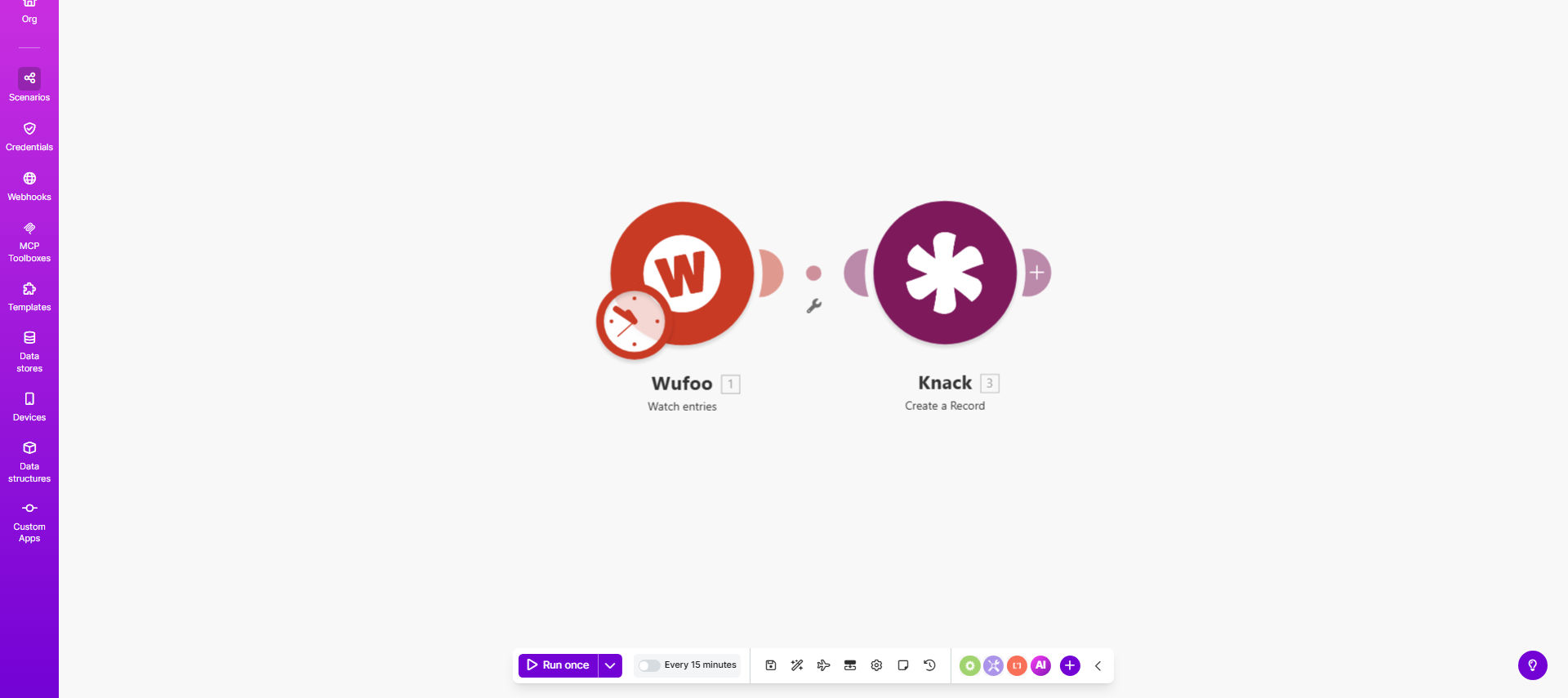
What This Workflow Does
This automation solves the common problem of manual data transfer between form collection systems and databases. Every time someone submits a form through Wufoo, the workflow automatically creates a corresponding record in your Knack database with all the form data properly mapped.
Eliminating manual data entry between these systems saves significant time, reduces human errors, and ensures your Knack database always has the most current information from form submissions. The workflow handles all the technical integration details while you focus on using the collected data.
How It Works
1. New Wufoo form submission trigger
The workflow starts whenever a new form is submitted through your selected Wufoo form. Make.com instantly detects the new submission through Wufoo's API.
2. Data extraction and formatting
The workflow extracts all form field values and prepares them for transfer to Knack. This includes proper data type conversion and field value validation when needed.
3. Knack record creation
Using Knack's API, the workflow creates a new record in your specified Knack application and table. All form fields are mapped to their corresponding Knack fields based on your configuration.
4. Error handling and logging
If any issues occur during the transfer, the workflow includes error handling to retry or notify administrators. All transfers are logged for auditing purposes.
Who This Is For
This workflow is ideal for businesses using Wufoo for form collection that need to:
- Automatically populate customer databases from form submissions
- Streamline lead capture and processing workflows
- Eliminate manual data entry between systems
- Ensure form data is immediately available in Knack for reporting
- Maintain accurate records without transcription errors
What You'll Need
- A Wufoo account with at least one active form
- A Knack account with API access enabled
- A Make.com account (free plan sufficient for basic usage)
- Administrator access to both Wufoo and Knack to configure API connections
Quick Setup Guide
- Clone this template in your Make.com account
- Connect your Wufoo account in the first module
- Select the specific Wufoo form you want to monitor
- Connect your Knack account in the second module
- Map each Wufoo form field to the corresponding Knack field
- Run a test submission to verify the integration works
- Activate the scenario to begin processing live submissions
Pro tip: Create a staging version of your Knack application to test field mappings before applying them to your production database.
Key Benefits
Save 5-10 minutes per form submission by eliminating manual data entry between Wufoo and Knack. For businesses receiving dozens of submissions daily, this adds up to hours of saved labor each week.
Reduce data entry errors by 95% compared to manual transcription. The automated transfer ensures field values are copied exactly as submitted.
Instant database updates mean your team can act on form submissions immediately rather than waiting for manual processing.
Scalable solution that handles increased form volume without additional staff time. The workflow processes 1 or 1000 submissions with equal efficiency.
Audit trail creation with timestamps for when each submission was received and processed in Knack.