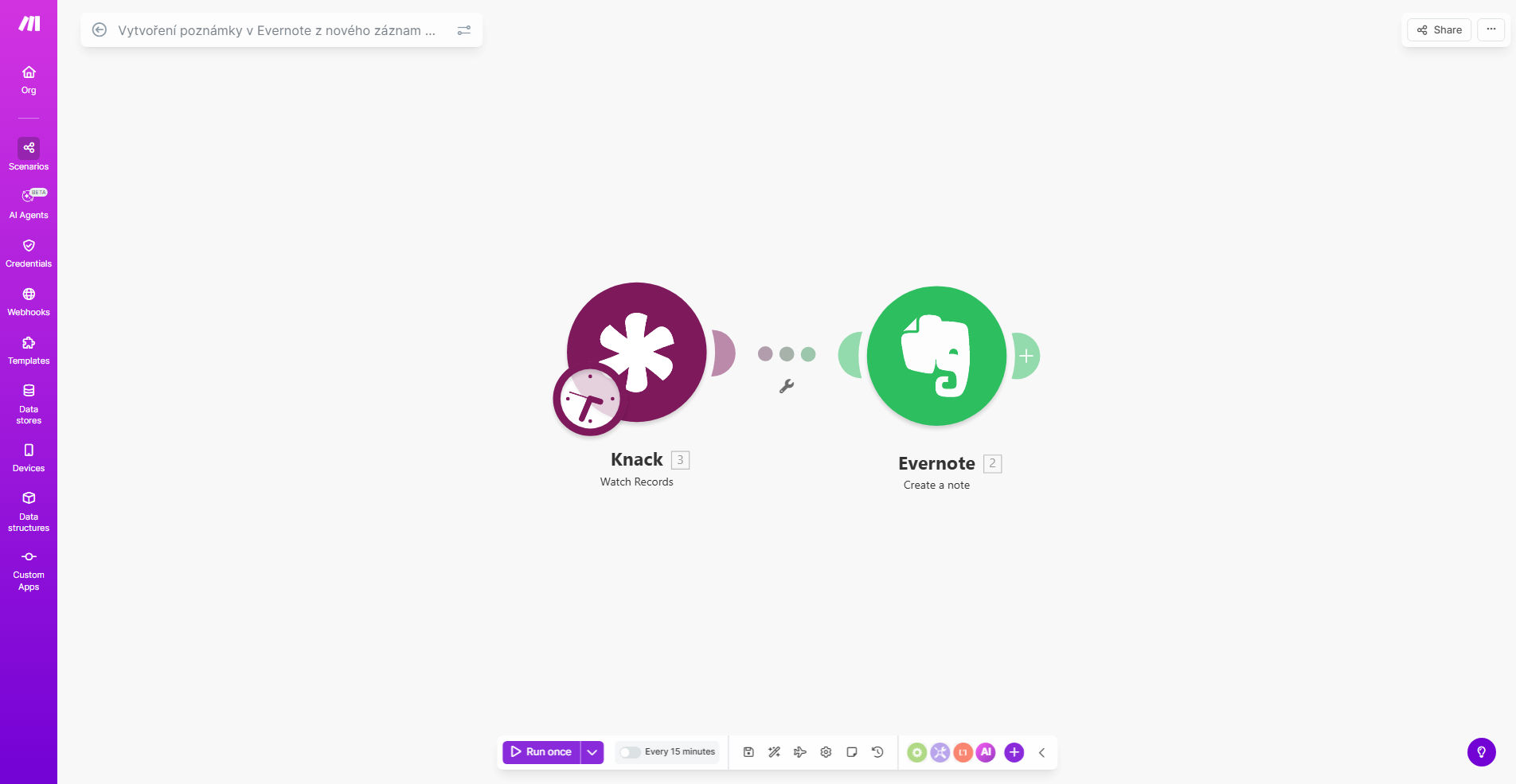
What This Workflow Does
This automation solves the common challenge of maintaining parallel records between your Knack database and Evernote knowledge base. Every time a new record is created in your Knack application, this Make.com workflow automatically generates a corresponding note in Evernote with all the relevant details.
The workflow eliminates manual copy-pasting between systems, ensuring your Evernote archive stays perfectly synchronized with your operational database. It's particularly valuable for businesses that use Knack for CRM, project management, or support ticketing while relying on Evernote for documentation and knowledge retention.
How It Works
1. New record detection
The workflow monitors your Knack database for new record creation events through Make.com's Knack connector. You can specify which tables or object types to watch.
2. Data extraction
When a new record appears, the workflow extracts all specified fields - including text, numbers, dates, and even file attachments from Knack.
3. Note formatting
The extracted data is formatted into a clean Evernote note structure. You can customize the template to include field labels, section headers, and static text.
4. Evernote creation
Make.com's Evernote module creates a new note in your specified notebook, tagged appropriately for easy retrieval. The note includes all mapped Knack fields in your preferred layout.
Pro tip: Add conditional logic to only create Evernote notes for records meeting specific criteria (like priority tickets or key customers) to avoid clutter.
Who This Is For
This workflow benefits any business using Knack as their primary database alongside Evernote for documentation:
- Consulting firms tracking client projects in Knack while maintaining research notes in Evernote
- Support teams logging tickets in Knack who need to archive solutions in Evernote
- Researchers collecting data in Knack who want to preserve raw findings in Evernote
- Small businesses using Knack for CRM who document customer interactions in Evernote
What You'll Need
- A Knack account with API access enabled
- An Evernote account (Premium recommended for larger volumes)
- A Make.com account (free plan works for basic usage)
- Clear mapping of which Knack fields should transfer to Evernote
- Decide which Evernote notebook and tags to use
Quick Setup Guide
- Click "Get This Workflow" to copy the template to your Make.com account
- Connect your Knack account in the Make.com scenario settings
- Connect your Evernote account and specify the target notebook
- Map Knack fields to Evernote note sections in the template
- Test with sample Knack records to verify the output format
- Activate the scenario to begin automatic syncing
Key Benefits
Eliminate duplicate data entry - Save 5-15 minutes per record by automating what was previously manual copy-pasting between systems.
Maintain perfect data parity - Ensure your Evernote knowledge base always matches your operational Knack database.
Create searchable archives - Leverage Evernote's powerful search to instantly find records that would be buried in Knack.
Standardize documentation - Apply consistent note formats automatically rather than relying on individual styles.
Preserve historical data - Maintain an immutable record of Knack records even if they're later modified or deleted.