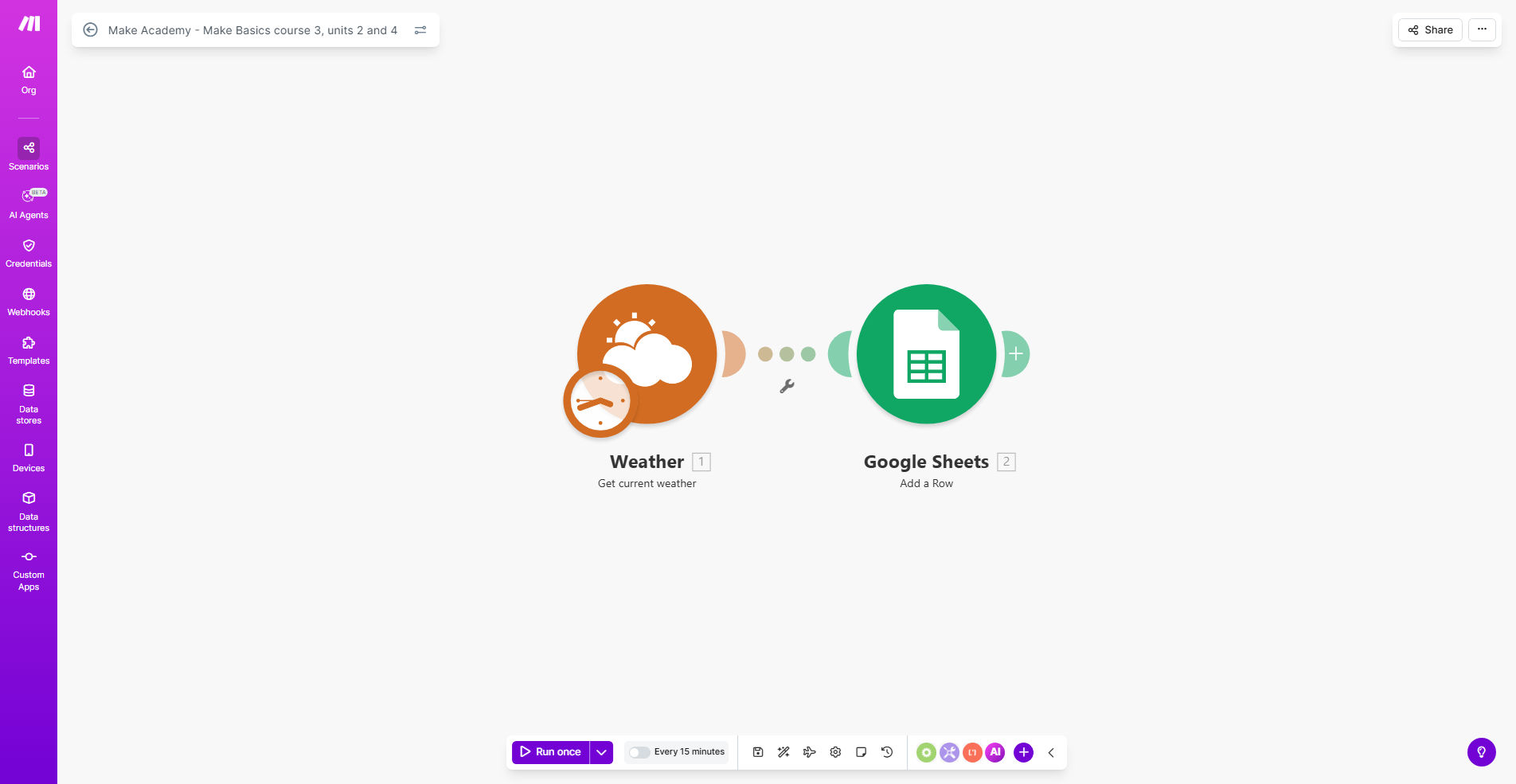
What This Workflow Does
This educational template from Make Academy helps you master data transformation techniques in automation workflows. Specifically designed for Course 3 Units 2 and 4, it teaches you how to manipulate and reformat data using various functions.
The workflow demonstrates practical applications of data transformation functions that you can apply to real business scenarios. You'll learn how to clean, format, and restructure data automatically between different systems - a critical skill for building efficient automations.
How It Works
1. Data Input Setup
The template starts with sample data that needs transformation. This mimics real-world scenarios where data comes in various formats from different sources.
2. Function Application
You'll apply different transformation functions to manipulate the data. These include text formatting, date conversions, mathematical operations, and conditional logic.
3. Output Transformation
The final step shows how the transformed data appears after processing. You can compare before-and-after results to understand the impact of each function.
Who This Is For
This template is ideal for:
- Business owners learning automation to streamline operations
- Marketing professionals needing to transform customer data
- Operations managers handling data between multiple systems
- Beginners in Make who want to master data transformation
What You'll Need
- A Make.com account (free plan works)
- Basic understanding of Make's interface
- Sample data to practice transformations (provided in template)
- About 30-60 minutes to complete the exercises
Quick Setup Guide
- Click "Get This Workflow" to copy the template to your Make account
- Open the scenario in Make's visual editor
- Follow the guided instructions in each module
- Test different function combinations to see their effects
- Modify with your own data once comfortable with the concepts
Key Benefits
Save hours of manual data formatting by learning how to automate transformations between systems. What takes employees hours can be done instantly with proper automation.
Reduce data errors by 80-90% through consistent, automated formatting. Manual data entry and reformatting is a major source of business errors.
Build more sophisticated workflows by mastering functions that handle complex business logic and conditional transformations.
Standardize data across platforms ensuring your CRM, email tools, and analytics all receive properly formatted information.