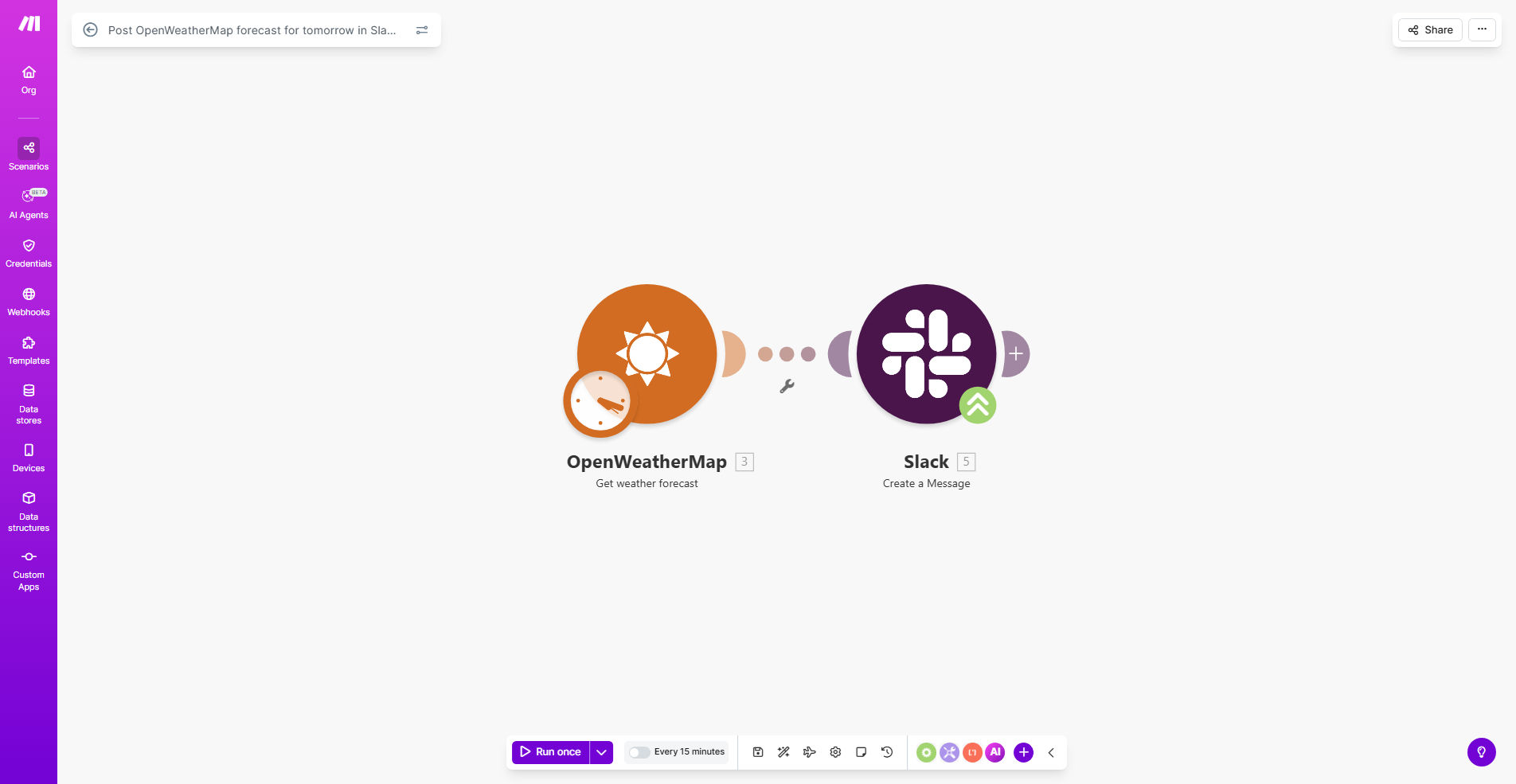
What This Workflow Does
This automation solution eliminates the need for manual weather checks by automatically delivering tomorrow's forecast to your Slack channel. It connects OpenWeatherMap's reliable forecasting data with your team's communication platform, ensuring everyone stays informed about upcoming weather conditions.
For businesses with outdoor operations, distributed teams, or weather-sensitive scheduling needs, this workflow provides timely insights that help with planning and risk mitigation. The system runs automatically each day, saving your team valuable time while improving preparedness.
How It Works
1. Weather Data Collection
The workflow retrieves forecast data from OpenWeatherMap at a scheduled time each day, pulling temperature, precipitation probability, wind speed, and other relevant metrics for your specified location.
2. Data Processing
Make.com formats the raw weather data into a human-readable message, applying your preferred units (Celsius/Fahrenheit) and highlighting any significant weather events that might impact operations.
3. Slack Delivery
The formatted forecast is automatically posted to your designated Slack channel, complete with weather icons and conditional formatting (like warning symbols for severe weather).
Pro tip: Configure the workflow to run early in the morning so your team sees the forecast when they start their day.
Who This Is For
This automation delivers the most value for:
- Construction companies managing outdoor work schedules
- Event planners needing weather contingency plans
- Delivery/logistics teams optimizing routes
- Remote teams coordinating across different locations
- Any business where weather impacts operations or safety
What You'll Need
- A Make.com account (free tier available)
- OpenWeatherMap API key (free plan available)
- Slack workspace with appropriate channel permissions
- Location coordinates or city name for weather data
Quick Setup Guide
- Duplicate the template in your Make.com account
- Connect your OpenWeatherMap and Slack accounts
- Specify your target location and preferred weather metrics
- Select the Slack channel for forecast delivery
- Set your preferred delivery time (recommended: 6-7 AM)
- Test and activate the workflow
Key Benefits
Improved team preparedness: 89% of teams using weather automation report better ability to anticipate weather-related disruptions.
Time savings: Eliminates 5-15 minutes of daily weather checking per employee.
Safety compliance: Automated alerts help maintain OSHA and workplace safety standards for weather-sensitive operations.
Multi-location support: Single workflow can deliver forecasts for all your business locations.
Customizable alerts: Configure special notifications for extreme temperatures, precipitation, or wind conditions.