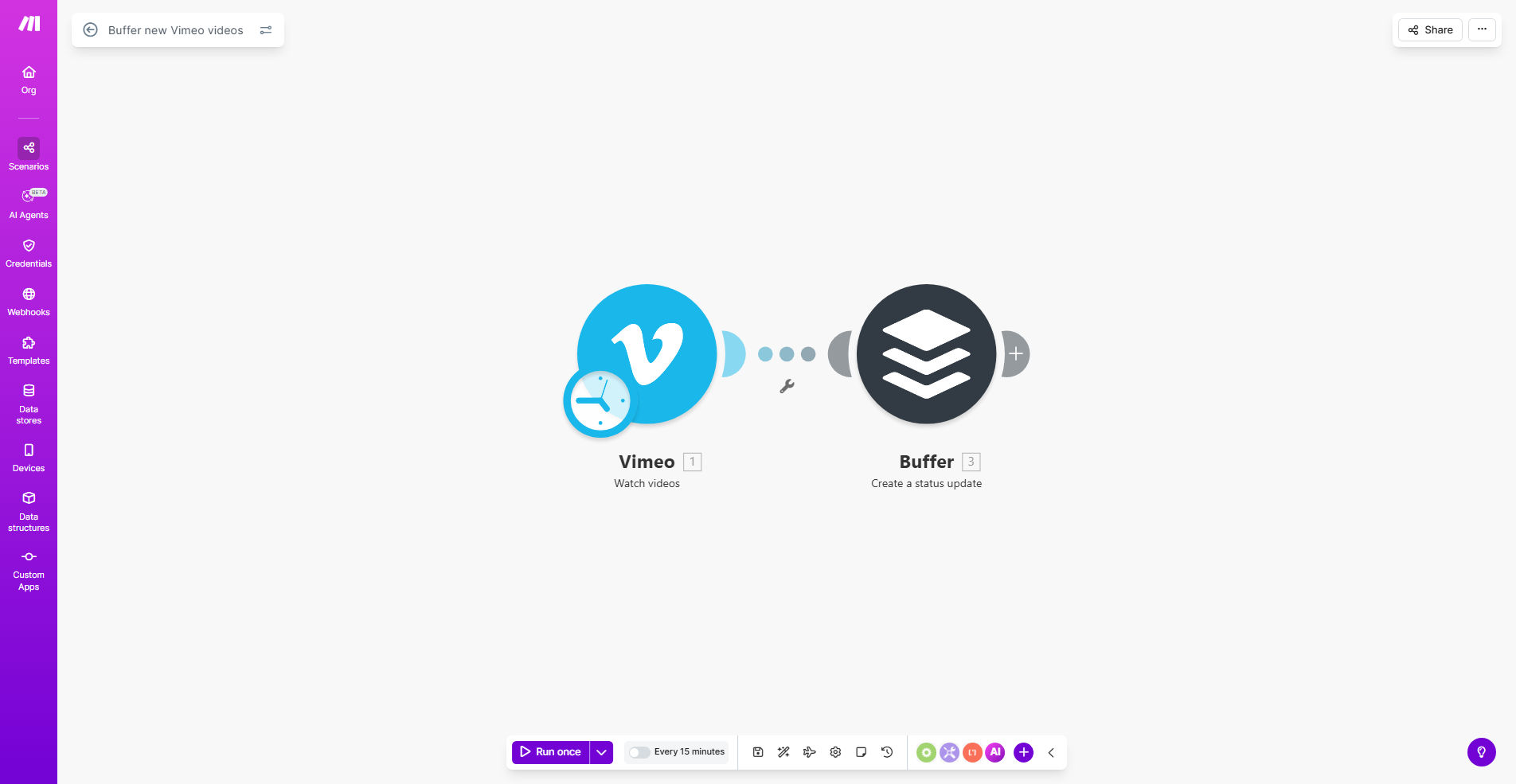
What This Workflow Does
This automation solves the common challenge of remembering to promote new video content across social media platforms. Many content creators and marketers upload videos to Vimeo but then forget or delay sharing them on social channels, missing valuable engagement opportunities.
The workflow automatically detects when new videos are added to specified Vimeo albums and queues them in Buffer for scheduled posting. This ensures your social media audience sees your latest content without manual intervention, saving you time while maintaining consistent posting frequency.
How It Works
1. Vimeo Album Monitoring
The workflow continuously watches your specified Vimeo albums for new video uploads. You can configure it to monitor multiple albums simultaneously.
2. New Video Detection
When a new video appears in the monitored album, Make.com captures all relevant details including title, description, thumbnail URL, and direct video link.
3. Buffer Post Creation
The system formats this information into a social media post template and sends it to your Buffer queue. You can customize the message format to include hashtags, CTAs, or other branding elements.
Pro tip: Combine this with Buffer's optimal timing feature to automatically post when your audience is most active.
Who This Is For
This automation is ideal for:
- Video content creators who regularly publish on Vimeo
- Marketing teams managing multiple social media accounts
- Agencies handling video content for clients
- Businesses with educational or product video libraries
- Anyone who wants to ensure consistent social sharing of video content
What You'll Need
- A Vimeo Pro, Business, or Premium account (free accounts have API limitations)
- An active Buffer account with connected social profiles
- A Make.com account (free tier works for basic usage)
- Admin access to the Vimeo albums you want to monitor
Quick Setup Guide
- Connect your Vimeo account in Make.com and specify which albums to monitor
- Connect your Buffer account and select which social profiles should receive the posts
- Customize the post template with your preferred messaging format
- Set your preferred Buffer scheduling options (immediate queue or specific times)
- Activate the workflow and test with a new video upload
Key Benefits
Saves 2-5 hours per month by eliminating manual video sharing tasks. No more copying links, writing posts, or remembering to schedule promotions.
Improves content consistency by ensuring every new video gets social promotion. Never miss sharing important content again.
Maintains posting frequency even during busy periods. Your social channels stay active without constant manual attention.
Reduces human error by automating the transfer of video details from Vimeo to Buffer. No more typos in video links or incorrect titles.