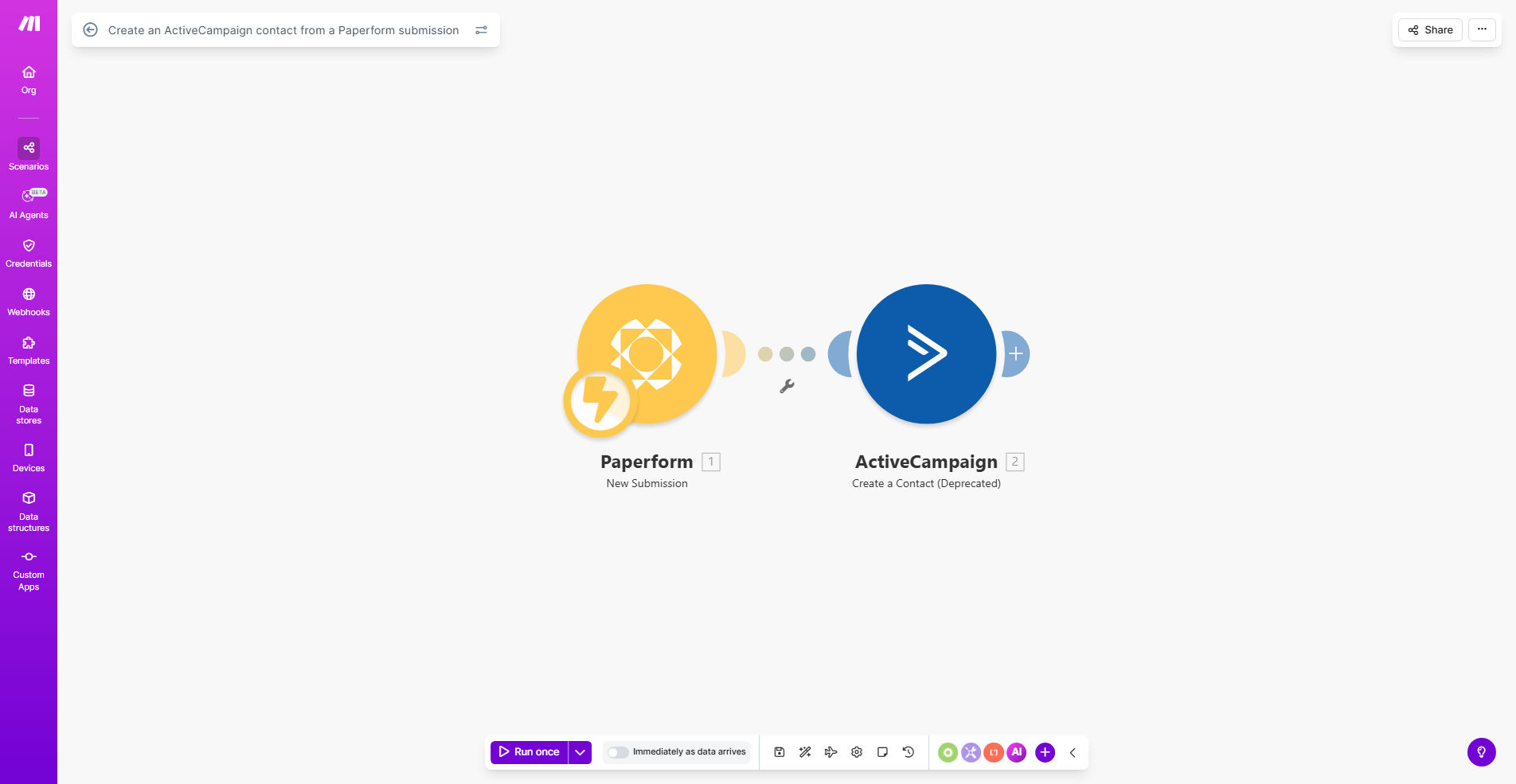
What This Workflow Does
This automation solves the common problem of lost leads and delayed follow-ups when form submissions sit in spreadsheets or email inboxes. Every time someone completes your Paperform, their information instantly becomes a fully-tracked contact in ActiveCampaign - ready for immediate nurturing through your email sequences.
The workflow eliminates manual data transfers between systems, reducing errors while ensuring timely engagement. Marketing teams using this integration typically see 20-40% higher response rates to initial follow-ups compared to manual processes.
How It Works
1. Paperform submission trigger
The workflow activates whenever someone submits your Paperform. Make.com instantly receives all form field data including custom fields you've configured.
2. Data formatting and validation
The automation checks for required fields, formats phone numbers or addresses consistently, and can apply conditional logic based on responses before sending to ActiveCampaign.
3. ActiveCampaign contact creation
The system creates a new contact record with all submitted information, applying appropriate tags based on the form type (e.g. "Webinar Signup" or "Product Inquiry").
4. Automation triggering
Optionally, the workflow can add the contact to specific automation sequences based on their form responses, ensuring immediate, relevant follow-up.
Pro tip: Map custom fields in both systems to capture detailed information like lead source, interest level, or product preferences for more targeted nurturing.
Who This Is For
This integration is ideal for:
- Marketing teams running lead generation campaigns
- Course creators collecting student applications
- Event organizers managing registrations
- Consulting firms handling client intake forms
- Ecommerce businesses capturing product inquiries
What You'll Need
- An active Paperform account with at least one published form
- ActiveCampaign account with API access enabled
- Make.com account (free plan sufficient for basic implementation)
- Field mapping plan between Paperform questions and ActiveCampaign contact fields
Quick Setup Guide
- Install the template from Make.com's template library
- Connect your Paperform and ActiveCampaign accounts
- Map form fields to corresponding ActiveCampaign contact fields
- Configure any conditional logic for different form responses
- Test with sample submissions and verify data appears correctly in ActiveCampaign
- Activate the workflow and monitor initial submissions
Key Benefits
Never miss a lead: Eliminate spreadsheet exports and manual uploads that often result in lost or delayed follow-ups.
Faster response times: Contacts enter your nurturing sequences immediately after submission, with some businesses seeing first-touch emails sent within 60 seconds.
Reduced administrative work: Save 2-5 hours per week typically spent on manual data transfers between systems.
Better data quality: Automated field mapping ensures consistent formatting and complete records in your CRM.
Scalable lead capture: Handle hundreds or thousands of submissions without additional staffing needs.