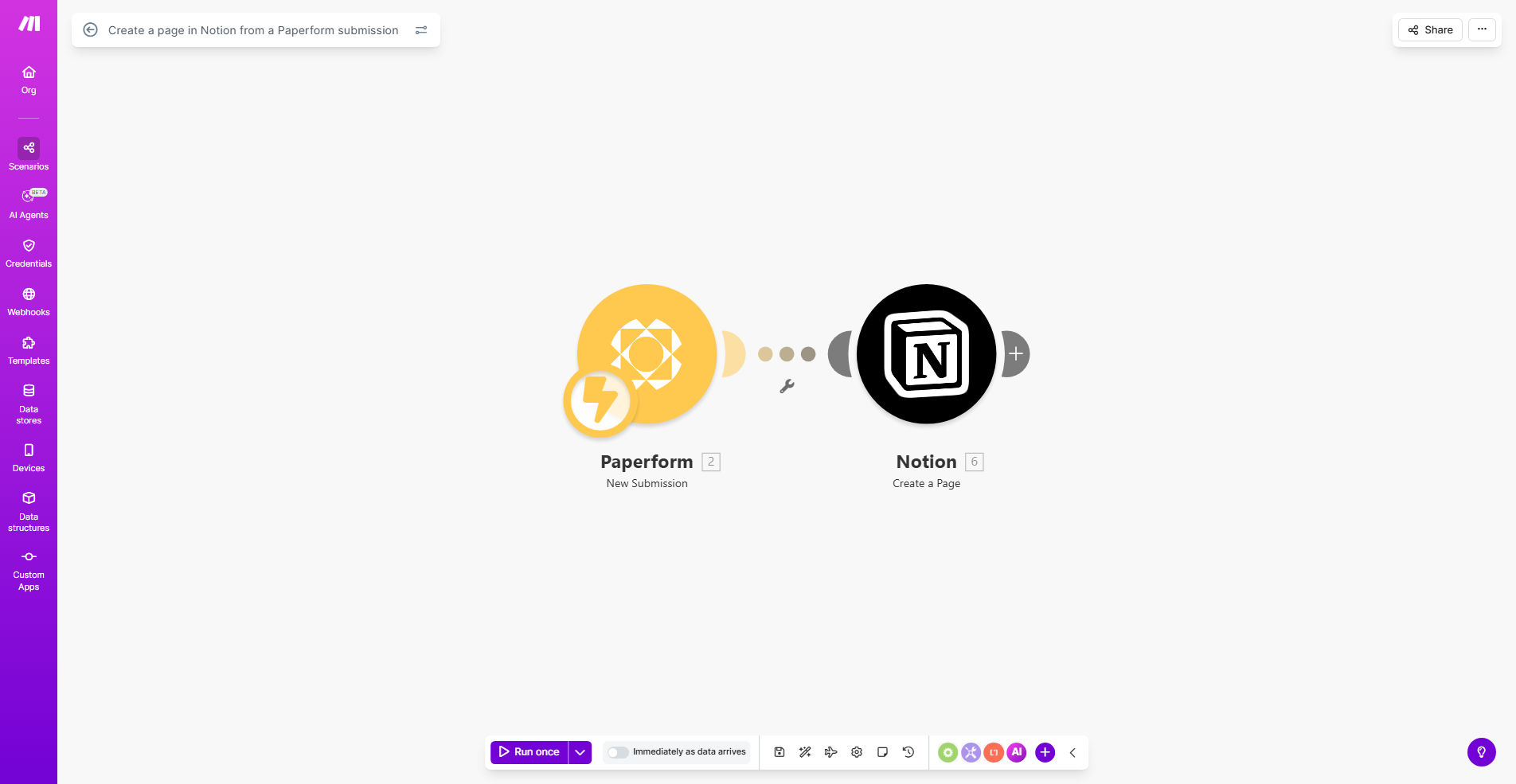
What This Workflow Does
This automation solves the tedious manual process of transferring information from Paperform submissions into Notion. Every time someone completes your Paperform, this workflow automatically creates a new Notion page with all their responses neatly organized.
Businesses using Paperform for client intake, employee onboarding, or event registrations often waste hours copying form data into Notion. This automation eliminates that repetitive work while ensuring no submissions get missed or misplaced. The Notion pages are created instantly with consistent formatting according to your preferred structure.
How It Works
1. Paperform submission trigger
The workflow starts when someone submits your Paperform. The automation immediately captures all their responses including text answers, file uploads, and selection choices.
2. Data processing
The form responses are processed to match your Notion page structure. You can map specific Paperform fields to designated Notion properties, format text, and organize content sections.
3. Notion page creation
The automation creates a new page in your specified Notion database with all the form data properly organized. It can add tags, assign relationships to other pages, and include formatted content blocks.
Pro tip: Use Notion's template button feature to pre-design your page layouts. The automation can then apply these templates to ensure consistent formatting for every new form submission.
Who This Is For
This workflow benefits any business or team using Paperform and Notion together:
- Consulting firms collecting client intake information
- HR departments managing employee onboarding
- Event organizers processing registrations
- Product teams gathering user feedback
- Educators receiving student assignments
What You'll Need
- A Paperform account with at least one active form
- A Notion account with edit permissions to the workspace
- A Make.com account (free tier works for basic automation)
- A Notion database ready to receive the new pages
- API connections between Make.com and both Paperform/Notion
Quick Setup Guide
- Install the template from Make.com
- Connect your Paperform and Notion accounts
- Select which Paperform should trigger the automation
- Choose the Notion database where pages should be created
- Map form fields to Notion properties in the workflow editor
- Test with a sample form submission
- Activate the automation
Key Benefits
Save 5-15 minutes per form submission by eliminating manual data entry between Paperform and Notion. For teams processing multiple forms daily, this adds up to hours of saved time each week.
Reduce human error in transferring information. The automation copies data exactly as submitted, preventing typos or missed fields that happen with manual processing.
Instant documentation means your team has access to form responses immediately in Notion, without waiting for someone to process them.
Standardized formatting ensures every Notion page follows your preferred structure and organization, making information easier to find later.
Scalable workflow handles any volume of form submissions without additional effort from your team.