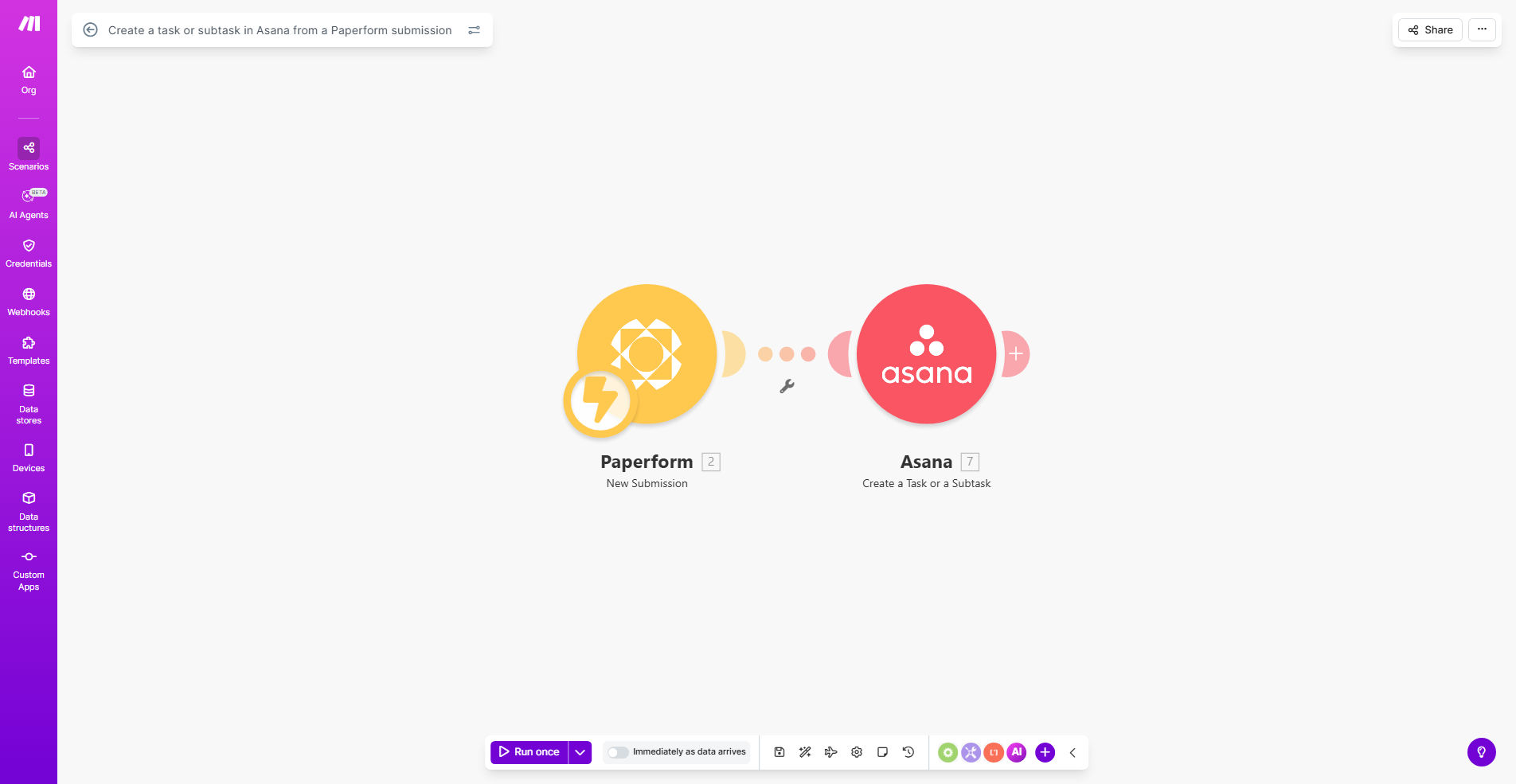
Asana Paperform Task Automation Form Processing

Create a task or subtask in Asana from a Paperform submission

Automatically convert form responses into properly formatted Asana tasks

Get This Workflow → Make.com · Free Template
Asana task creation automation from Paperform submissions

What This Workflow Does

This automation bridges the gap between form submissions and task management. When someone completes a Paperform, the workflow automatically creates a corresponding task in Asana with all the relevant details. It eliminates the manual work of copying information between systems while ensuring nothing gets lost in translation.

The solution is particularly valuable for teams that receive requests, orders, or tickets through forms but manage their work in Asana. It maintains data integrity by mapping form fields to the appropriate task properties, and can even route tasks to different projects or assignees based on the form responses.

How It Works

1. Form Submission Trigger

The workflow starts when a new submission arrives in your Paperform. Make.com detects the new entry and extracts all the form data, including custom fields and metadata.

2. Data Processing

The system parses the form responses, extracting key information needed for task creation. This might include the request type, priority level, due date, and any attachments or comments.

3. Asana Task Creation

Using Asana's API, the workflow creates a new task with the form data properly mapped to task fields. The task includes all relevant details from the form, properly formatted for your team's workflow.

4. Optional Follow-up Actions

The automation can then trigger additional actions like sending confirmation emails, creating subtasks, or notifying team members via Slack - all based on the original form submission.

Who This Is For

This automation delivers the most value for:

  • Service businesses that receive client requests through forms
  • Operations teams managing internal request processes
  • Product teams collecting and tracking feature requests
  • HR departments handling employee onboarding or support tickets
  • Marketing teams processing content or campaign requests

Pro tip: Use Paperform's conditional logic to collect different information based on request type, then have the automation route tasks to appropriate teams in Asana automatically.

What You'll Need

  1. An active Make.com account
  2. Paperform account with forms created
  3. Asana account with appropriate projects set up
  4. API access enabled for both services
  5. Clear understanding of your form-to-task mapping requirements

Key Benefits

Eliminate manual data entry - No more copying and pasting form responses into Asana. The automation handles it all with perfect accuracy every time.

Faster response times - Tasks appear in Asana immediately after form submission, allowing your team to begin work sooner.

Consistent task formatting - Every task follows the same structure with properly mapped fields, making your Asana board more organized and actionable.

Reduced human error - Automated mapping ensures no important details get missed or misassigned during the handoff from form to task.

Frequently Asked Questions

Common questions about form-to-task automation

Automating task creation from form submissions eliminates manual data entry, reduces errors, and ensures no request falls through the cracks. When someone submits a form, the system automatically creates a properly formatted task with all relevant details in Asana.

This approach is particularly valuable for teams handling multiple requests daily. The automation maintains consistency in how tasks are created while freeing up staff time for more strategic work.

This automation works well with service request forms, project intake forms, bug reports, content requests, and any other form where submissions need to become actionable tasks. Paperform's flexible form builder allows for customized fields that map directly to task requirements.

The more structured your form, the better the automation works. Dropdowns for priority levels, assignee selection, and request types make for particularly effective automations.

Teams save 5-10 minutes per form submission by eliminating manual task creation. The automation also ensures consistent task formatting, proper assignment, and immediate visibility in Asana. Managers report 30-50% faster response times to form submissions.

Additional productivity gains come from reduced context switching. Team members no longer need to leave Asana to check form submissions or manually update tasks.

Yes, you can map any Paperform field to specific Asana task properties. Common mappings include: Form title → Task name, Description field → Task notes, Priority selection → Task priority, and Assignee selection → Task assignee.

More advanced configurations can use conditional logic to determine which fields get mapped based on previous responses. This allows for highly customized task creation workflows.

The automation can place tasks in specific Asana projects and sections based on form responses. For example, you could route marketing requests to the Marketing project and development requests to the Dev queue, all automatically.

This routing can be determined by form questions ("What type of request is this?") or even by who submitted the form (different departments get different project assignments).

The integration has 99.9% reliability when properly configured. Make.com monitors the connection and provides error notifications if any issues occur. The system includes safeguards against duplicate tasks and can retry failed operations automatically.

For mission-critical workflows, you can add additional error handling that notifies administrators if task creation fails, ensuring no submission gets lost.

Absolutely! GrowwStacks specializes in building tailored automation solutions. We can create custom workflows that match your exact business processes, integrate with your existing tools, and scale with your operations.

Our team will work with you to understand your specific requirements, design an optimal solution, and implement it with proper testing and documentation. Book a free consultation to discuss your needs.

  • Custom field mappings for your unique forms
  • Advanced routing logic based on your business rules
  • Integration with your complete tech stack

Need a Custom Form-to-Task Automation?

This free template is a starting point. Our team builds fully tailored automation systems for your specific business needs.