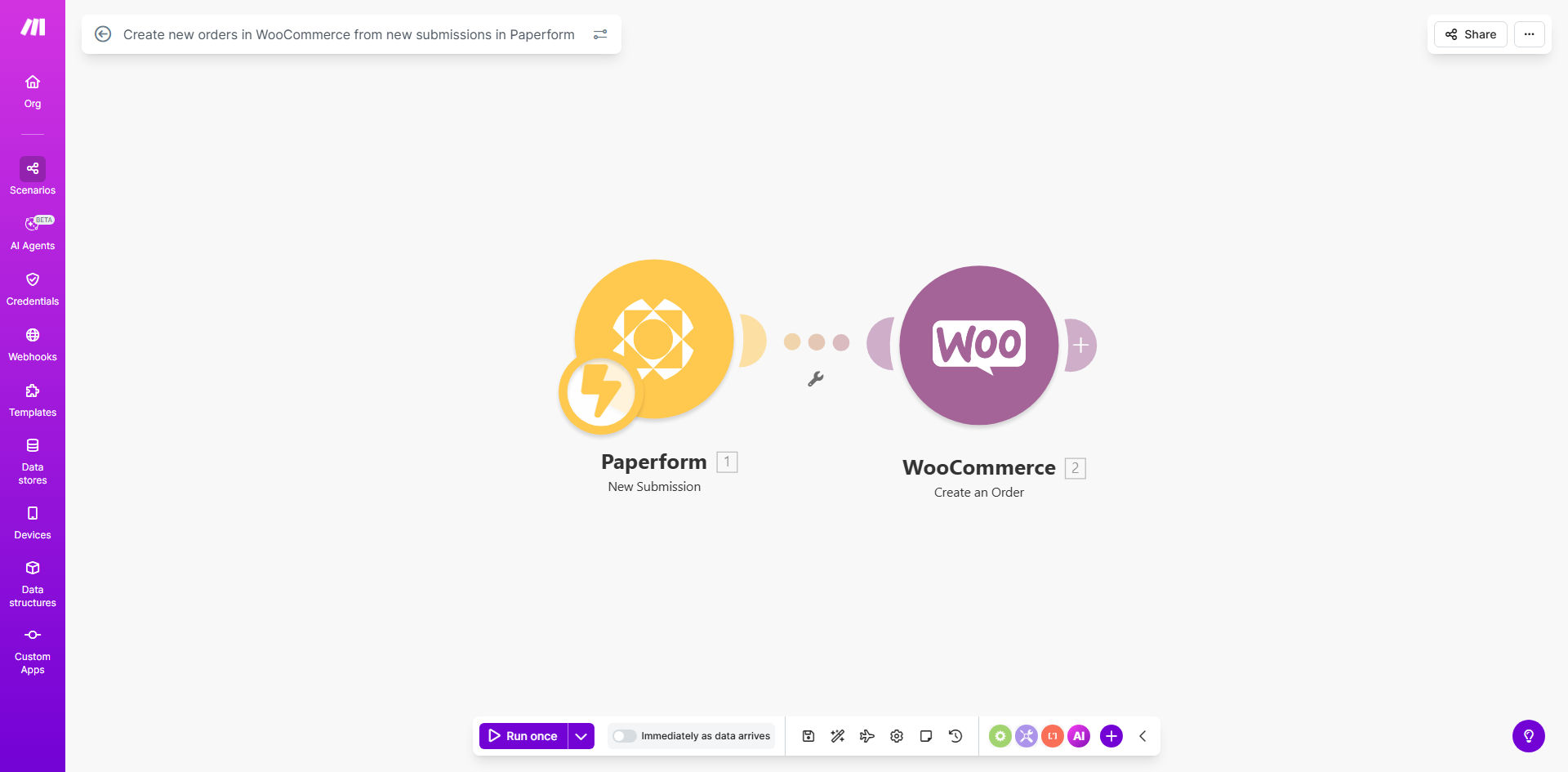
What This Workflow Does
This automation solves a common pain point for businesses that sell products or services through Paperform but need those orders to appear in their WooCommerce store. Instead of manually copying order details from Paperform submissions to WooCommerce, this workflow handles the entire process automatically.
Every time a customer completes your Paperform, the workflow instantly creates a corresponding order in WooCommerce with all the relevant details. This includes customer information, product selections, pricing, and any custom fields you've included in your form. The result is a seamless order processing system that saves hours of manual work while reducing data entry errors.
How It Works
1. New Paperform Submission Trigger
The workflow starts when a customer submits your Paperform. Make.com detects this new submission and immediately begins processing the data.
2. Data Mapping and Transformation
The workflow maps Paperform fields to corresponding WooCommerce order fields. This includes customer details, product information, pricing, and any special instructions or custom options.
3. WooCommerce Order Creation
Using WooCommerce's API, the workflow creates a complete order in your store with all the mapped information. The order appears in your WooCommerce admin just like any manually created order.
4. Confirmation and Error Handling
The workflow can be configured to send confirmation emails, update other systems, or alert your team if any issues occur during order creation.
Pro tip: Use Paperform's conditional logic to collect different product options, then map these to WooCommerce product variations for a fully customized ordering experience.
Who This Is For
This automation is ideal for:
- Service businesses that book appointments or consultations through Paperform but track orders in WooCommerce
- Ecommerce stores selling customizable products that require form-based configuration
- Digital product sellers who use Paperform for order collection
- Membership sites that process signups through forms
- Any business that wants to centralize order management in WooCommerce while using Paperform's superior form capabilities
What You'll Need
- A Paperform account with forms already created
- A WooCommerce store (self-hosted WordPress or WooCommerce.com)
- A Make.com account (free plan available)
- API access to both Paperform and WooCommerce
Quick Setup Guide
- Install the template in your Make.com account
- Connect your Paperform and WooCommerce accounts
- Map your Paperform fields to WooCommerce order fields
- Test with a sample form submission
- Activate the workflow for live processing
Key Benefits
Eliminate manual data entry: Save 5-15 minutes per order by automatically transferring form submissions to WooCommerce.
Reduce order processing errors: Automated data transfer means no typos or missed information from manual copying.
Faster order fulfillment: Orders appear in WooCommerce instantly, allowing your team to begin processing immediately.
Centralized order management: Keep all your orders in WooCommerce regardless of where they originate.
Scalable solution: Handle hundreds of form submissions without additional staff time.