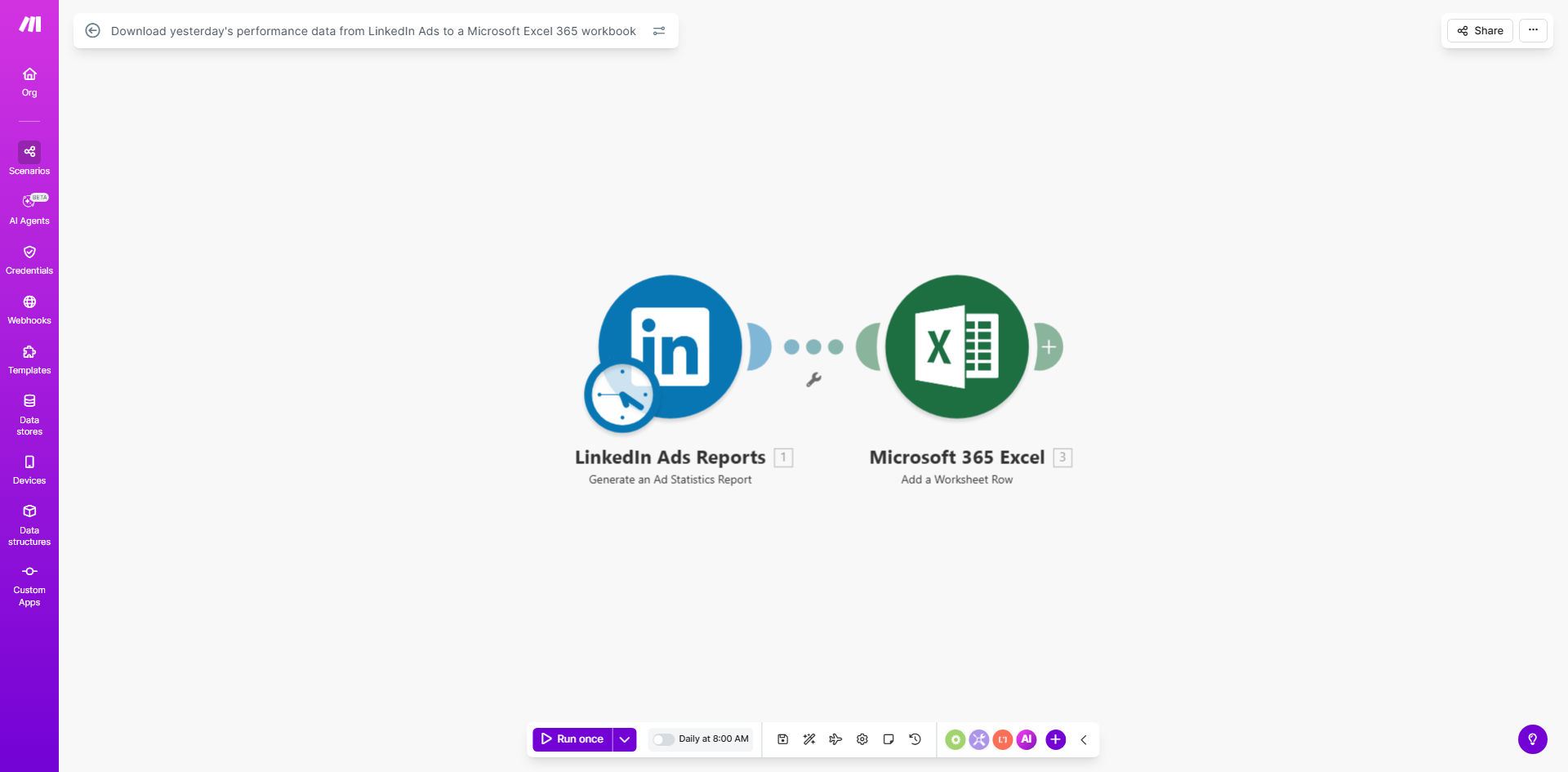
What This Workflow Does
This automation solves the time-consuming process of manually downloading and formatting LinkedIn Ads performance data for daily reporting. Marketing teams often spend hours each week collecting metrics across campaigns, copying them into spreadsheets, and preparing them for analysis.
The workflow automatically retrieves yesterday's performance data from your LinkedIn Ads account and transfers it to a Microsoft Excel 365 workbook with proper formatting. It captures all key metrics including impressions, clicks, conversions, spend, and engagement rates - ready for immediate analysis when your team starts their day.
How It Works
1. Daily Trigger
The workflow activates each morning to collect the previous day's performance data from LinkedIn Ads.
2. Data Retrieval
It pulls comprehensive campaign metrics including CTR, CPC, conversions, and spend across all your active campaigns.
3. Data Transformation
The raw data is formatted for Excel with proper column headers, data types, and consistent structure.
4. Excel Integration
Formatted data is automatically added to your specified Excel 365 workbook, either appending to existing data or creating new sheets as needed.
Who This Is For
This automation is ideal for:
- Digital marketing teams running LinkedIn Ads campaigns
- Agencies managing multiple client accounts
- Marketing analysts who need daily performance data
- Teams that combine LinkedIn data with other marketing metrics in Excel
What You'll Need
- A LinkedIn Ads account with campaign data
- Microsoft Excel 365 (online or desktop version)
- A Make.com account (free tier available)
- Approximately 15 minutes for initial setup
Quick Setup Guide
- Click "Get This Workflow" to open the template in Make.com
- Connect your LinkedIn Ads account
- Connect your Microsoft Excel 365 account
- Specify the target Excel workbook and sheet
- Set your preferred time for daily data transfer
- Activate the workflow
Key Benefits
Saves 3-5 hours per week by eliminating manual data collection and transfer between platforms.
Improves data accuracy by removing human error from the reporting process.
Enables timely optimizations with fresh data available first thing each morning.
Creates consistent reporting with standardized formatting across all your LinkedIn Ads data.
Scales effortlessly to handle multiple campaigns and accounts without additional work.