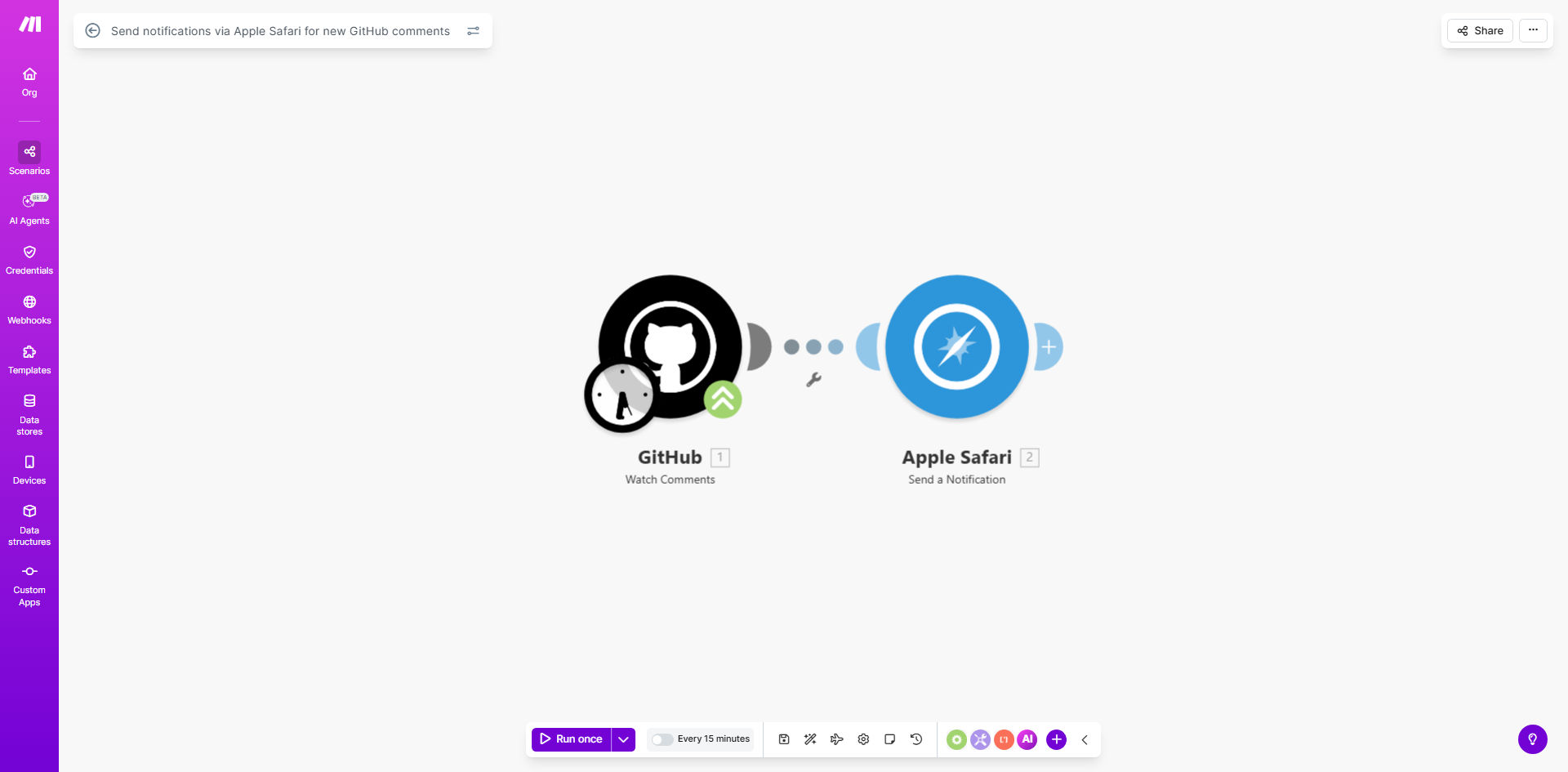
What This Workflow Does
This automation solves the problem of missing important GitHub comments during active development work. Developers often need to constantly check repositories for new feedback, which disrupts workflow and reduces productivity. The workflow automatically detects new GitHub comments and delivers them as native Safari browser notifications on your Mac.
Unlike email notifications that get buried or Slack alerts that require switching contexts, Safari notifications appear unobtrusively while you work. They provide just enough information to decide whether immediate attention is needed, without forcing you away from your current task.
How It Works
1. GitHub Comment Detection
The workflow monitors your specified GitHub repositories through Make.com's GitHub integration. It checks for new comments at regular intervals using GitHub's API.
2. Notification Processing
When a new comment is detected, the workflow extracts key details like the repository name, comment author, and a preview of the comment content. It formats this information for optimal display in Safari notifications.
3. Safari Notification Delivery
Make.com triggers the notification through Safari's web push notification system. The notification appears in your Mac's notification center and optionally plays a sound, depending on your system settings.
Pro tip: Configure the workflow to only notify about specific repositories or when certain team members comment to reduce notification fatigue.
Who This Is For
This workflow is ideal for:
- Development teams collaborating on GitHub projects
- Open-source maintainers who need to track community feedback
- Technical leads monitoring code review discussions
- Freelance developers working with multiple clients on GitHub
- Educators using GitHub for student project feedback
What You'll Need
- A Make.com account (free tier available)
- GitHub account with access to the repositories you want to monitor
- Safari browser on macOS (version 12.1 or later)
- Notification permissions enabled for Safari in System Preferences
Quick Setup Guide
- Clone the template from Make.com
- Connect your GitHub account in the Make.com settings
- Specify which repositories to monitor
- Test the notification flow with a sample comment
- Adjust notification preferences (sound, preview length, etc.)
- Activate the workflow
Key Benefits
Reduce context switching by 80%: Developers report significantly fewer interruptions when using targeted notifications instead of constantly checking GitHub.
Faster response times to critical feedback: Important code review comments get attention immediately rather than waiting for the next manual check.
Customizable notification rules: Only get alerts for specific repositories, comment types, or team members to maintain focus.
No additional apps required: Leverages Safari's built-in notification system that you're already using for other web alerts.
Secure API-based integration: Uses GitHub's official API with your existing credentials - no third-party access to your repositories.