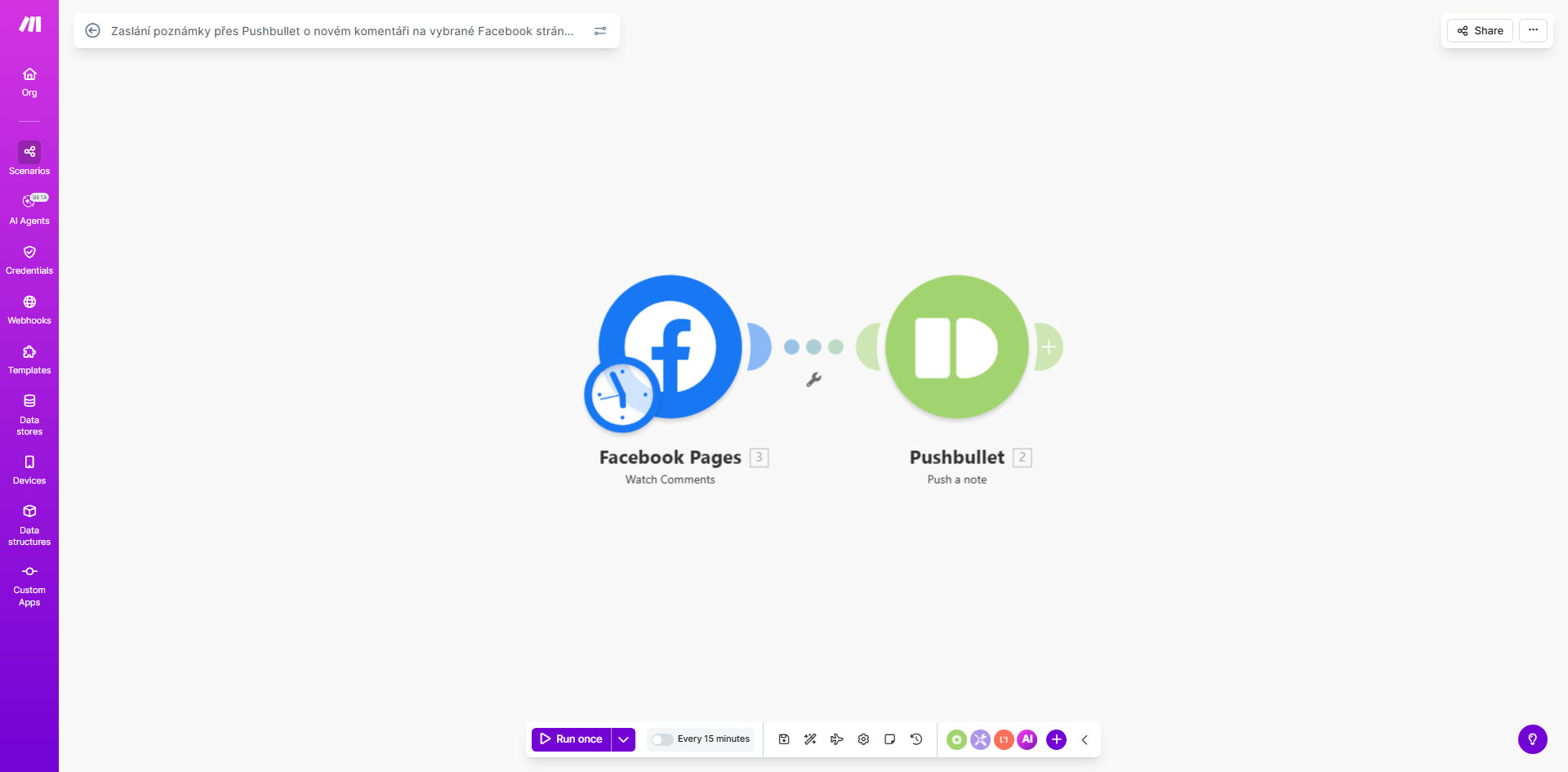
What This Workflow Does
This automation solves the common problem of missing important customer interactions on Facebook Page posts. Many businesses struggle to monitor comments in real-time, especially when managing multiple social channels or during busy periods. The workflow bridges Facebook and Pushbullet to deliver instant, cross-platform notifications whenever someone comments on your business posts.
Unlike Facebook's native notifications that can get buried in the app, Pushbullet delivers prominent alerts across all your devices simultaneously. This ensures you never miss time-sensitive customer inquiries, feedback, or discussions about your brand. The automation runs continuously in the background, requiring no manual checking of your Facebook Page.
How It Works
1. Monitoring Facebook Page Posts
The workflow constantly checks your specified Facebook Page for new comments on selected posts. You can configure it to monitor all posts or specific ones relevant to campaigns or promotions.
2. Detecting New Comments
When a user posts a new comment, Make.com captures the comment details including the text, author, timestamp, and post context. Advanced filters can be applied to only trigger notifications for specific types of comments.
3. Sending Pushbullet Notifications
The system formats the comment information into a concise notification and pushes it through Pushbullet to all your connected devices. Each notification includes actionable details to help you respond appropriately.
Pro tip: Combine this with a CRM integration to automatically log Facebook interactions alongside customer records for complete context.
Who This Is For
This automation is ideal for:
- Social media managers handling multiple business pages
- Customer support teams monitoring Facebook for service inquiries
- E-commerce businesses running promotions through Facebook posts
- Local businesses relying on Facebook for community engagement
- Any organization prioritizing rapid response to customer interactions
What You'll Need
- A Facebook Page with admin access
- Pushbullet account (free tier available)
- Make.com account (free plan sufficient for basic setup)
- Devices where you want to receive notifications (mobile, desktop, etc.)
Quick Setup Guide
- Connect your Facebook Page to Make.com using OAuth
- Authorize Pushbullet integration with your account
- Specify which Facebook posts to monitor (or select "all posts")
- Customize the notification format if desired
- Activate the scenario and test with a sample comment
Key Benefits
Never miss customer inquiries: Receive instant alerts across all devices, reducing response times from hours to minutes.
Improve engagement metrics: Faster responses lead to better interaction rates and customer satisfaction scores.
Reduce manual monitoring: Eliminate constant checking of Facebook notifications, saving 1-2 hours daily for active pages.
Cross-platform reliability: Pushbullet delivers notifications even when you're not actively using Facebook.
Customizable filters: Only get notified about comments that matter most to your business.