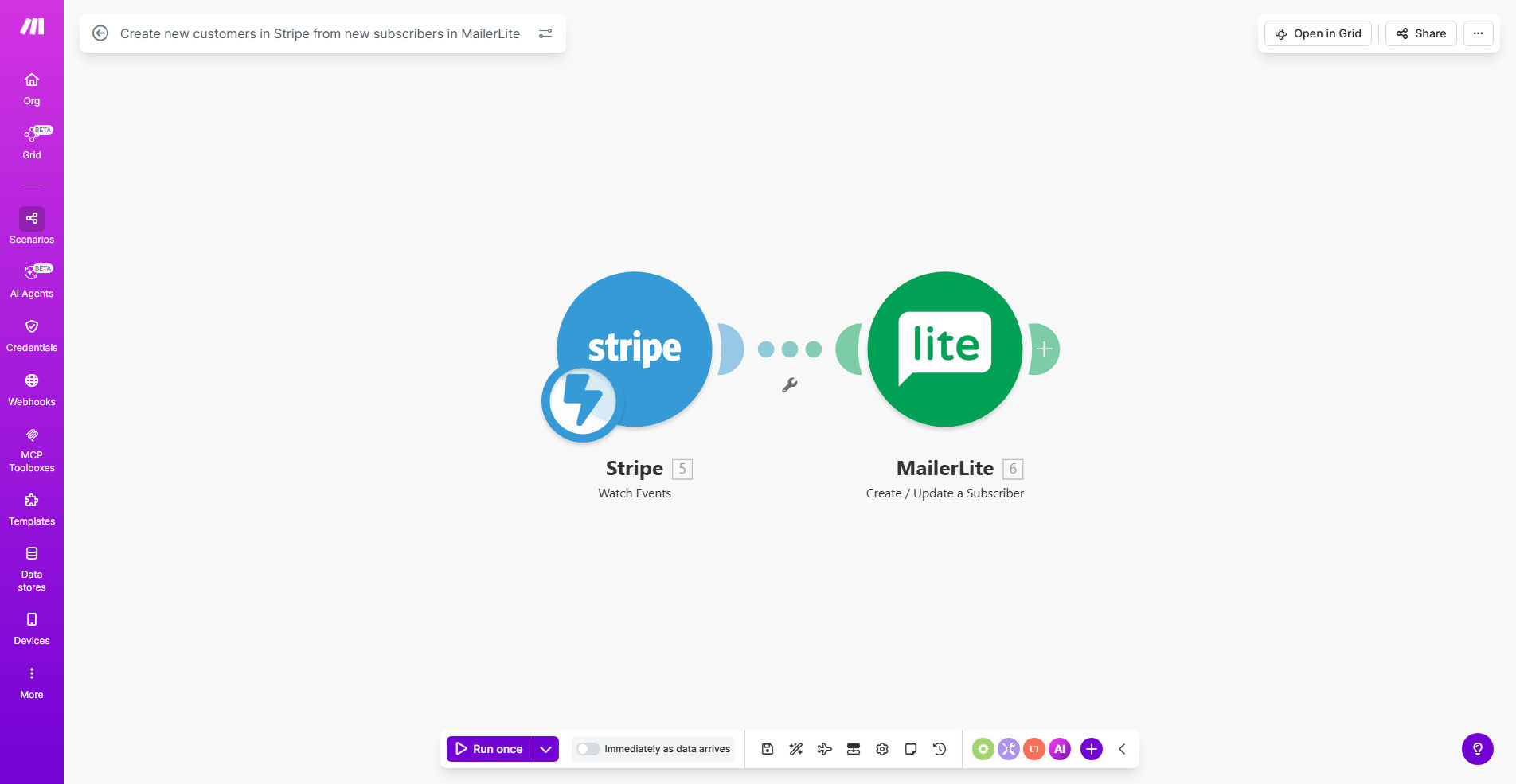
What This Workflow Does
This automation solves a common problem for businesses using both MailerLite for email marketing and Stripe for payments. When you gain new subscribers through forms, lead magnets, or other MailerLite integrations, they aren't automatically added to your Stripe customer database. This creates disjointed customer records and requires manual copying of contact information between systems.
The workflow automatically creates a corresponding customer record in Stripe whenever someone subscribes through MailerLite. It transfers key information like email addresses, names, and any custom fields you configure. This ensures your payment system stays synchronized with your marketing contacts without any manual work.
How It Works
1. New subscriber detection
The workflow continuously monitors your MailerLite account for new subscribers through Make.com's polling mechanism. When a new signup occurs, the automation is triggered.
2. Data preparation
The subscriber's information is extracted from MailerLite and formatted to match Stripe's customer record structure. You can customize which fields get transferred during setup.
3. Stripe customer creation
The workflow uses Stripe's API to create a new customer record with the subscriber's information. The system checks for existing customers with the same email to prevent duplicates.
4. Success confirmation
After successful creation, the workflow can optionally log the transaction or notify your team through email/Slack. Failed attempts trigger automatic retries with error handling.
Who This Is For
This automation is ideal for:
- Ecommerce businesses using MailerLite for marketing and Stripe for payments
- SaaS companies with free-to-paid conversion funnels
- Course creators who want to sync leads with their payment system
- Any business tired of manually copying customer data between platforms
What You'll Need
- A Make.com account (free tier works)
- Active MailerLite account with subscribers
- Stripe account with API access enabled
- Admin access to both platforms for connection setup
Quick Setup Guide
- Clone the template to your Make.com account
- Connect your MailerLite account using API keys
- Connect your Stripe account with developer permissions
- Map MailerLite fields to Stripe customer fields
- Test with a new MailerLite subscriber
- Activate the workflow for automatic processing
Pro tip: Add a custom field in MailerLite to track lead sources, then pass this to Stripe as metadata. This helps with revenue attribution analysis later.
Key Benefits
Eliminate duplicate data entry - No more copying subscriber information from MailerLite to Stripe manually. The automation handles it instantly.
Improve customer experience - When subscribers become paying customers, their information is already in your system, reducing onboarding friction.
Better analytics - Synced data creates a complete customer journey from first contact through purchases in your Stripe reports.
Reduce errors - Automated transfers eliminate typos and omissions that happen with manual data entry.
Scale efficiently - The system handles 10 or 10,000 new subscribers with the same reliability, freeing your team for higher-value work.