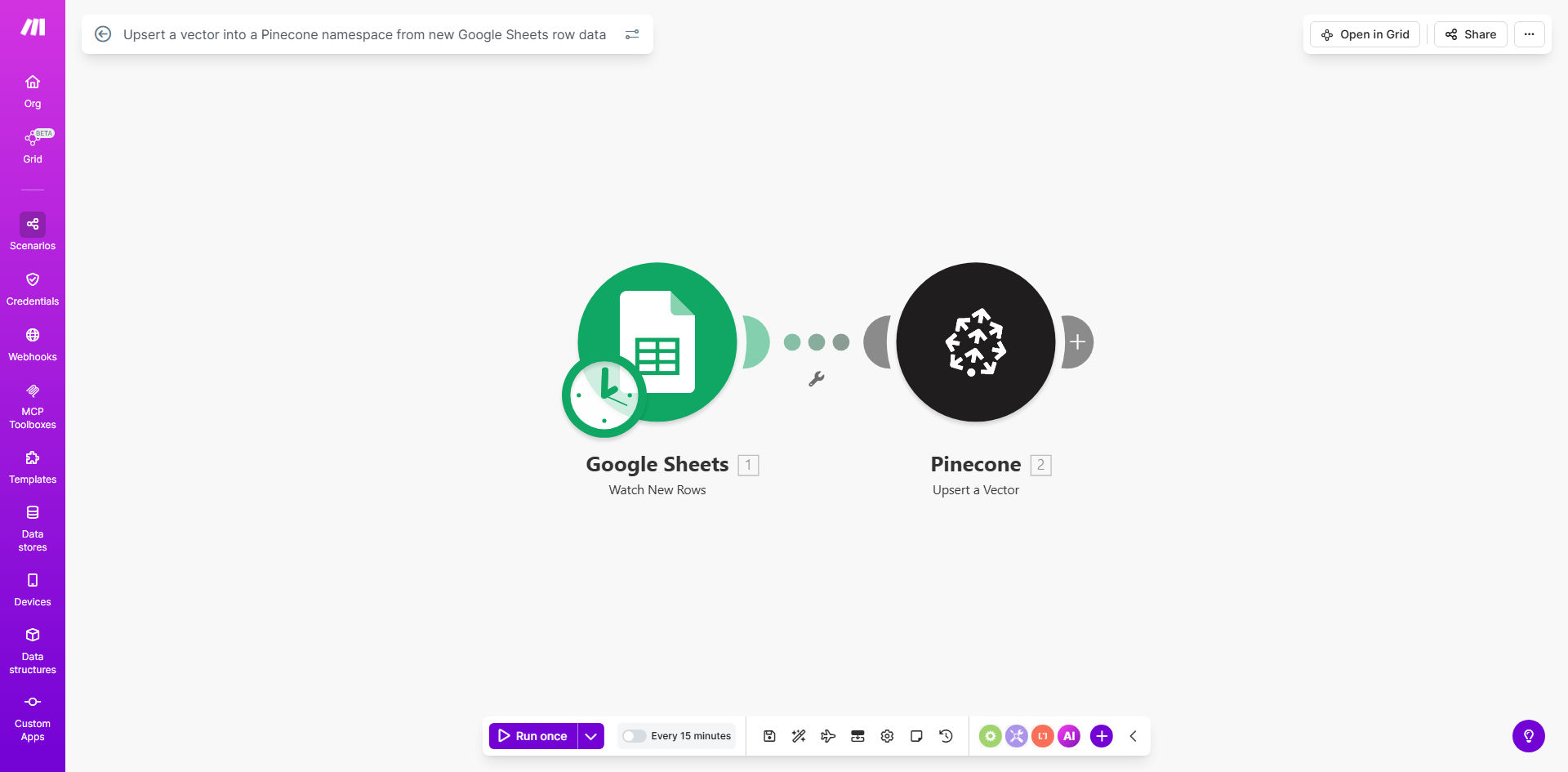
What This Workflow Does
This automation bridges the gap between spreadsheet-based data management and machine learning infrastructure. Whenever new data appears in your Google Sheets, the workflow automatically converts it to vector format and upserts it into your Pinecone namespace.
For ML teams, this eliminates manual data pipeline maintenance while ensuring your vector database always reflects the latest information. The workflow handles the entire process - detecting new rows, formatting the data for Pinecone's API, and managing the upsert operation.
How It Works
1. New row detection
The workflow monitors your specified Google Sheet for new rows or changes. You can configure it to watch specific columns or the entire sheet.
2. Data transformation
Each row's data gets converted into the proper JSON structure Pinecone requires for vector upserts, including optional metadata fields.
3. Namespace targeting
The workflow identifies which Pinecone namespace should receive the vectors based on your configuration, allowing logical separation of different data types.
4. API communication
Make.com handles the secure connection to Pinecone's API, managing authentication and properly formatting the upsert request.
Pro tip: Use separate Google Sheets tabs for different Pinecone namespaces, then create multiple workflow instances pointing to each tab.
Who This Is For
This workflow benefits:
- ML engineers who need to keep vector databases synchronized with source data
- Data teams maintaining recommendation systems or semantic search
- Product managers overseeing ML-powered features with frequently changing data
- Startups building AI applications without dedicated data engineering resources
What You'll Need
- A Google Sheet with properly formatted vector data
- Pinecone account with API access
- Make.com account (free tier sufficient for basic usage)
- Basic understanding of vector database concepts
Quick Setup Guide
- Duplicate the template in your Make.com account
- Connect your Google Sheets account and select the target spreadsheet
- Configure which columns contain vector data and metadata
- Enter your Pinecone API credentials and target index/namespace
- Test with sample data before activating the full workflow
Key Benefits
Eliminate manual updates: Save 5-10 hours per week by automating what was previously a tedious manual process of exporting and importing vector data.
Improve model accuracy: Ensure your ML models always work with fresh data by eliminating update delays between source changes and vector database updates.
Reduce human error: Automated formatting and API calls prevent common mistakes that occur during manual vector database updates.
Scale efficiently: Handle thousands of vector updates daily without additional operational overhead as your data grows.
Cross-team collaboration: Let non-technical team members update vector data through familiar spreadsheet interfaces while maintaining technical integrity.