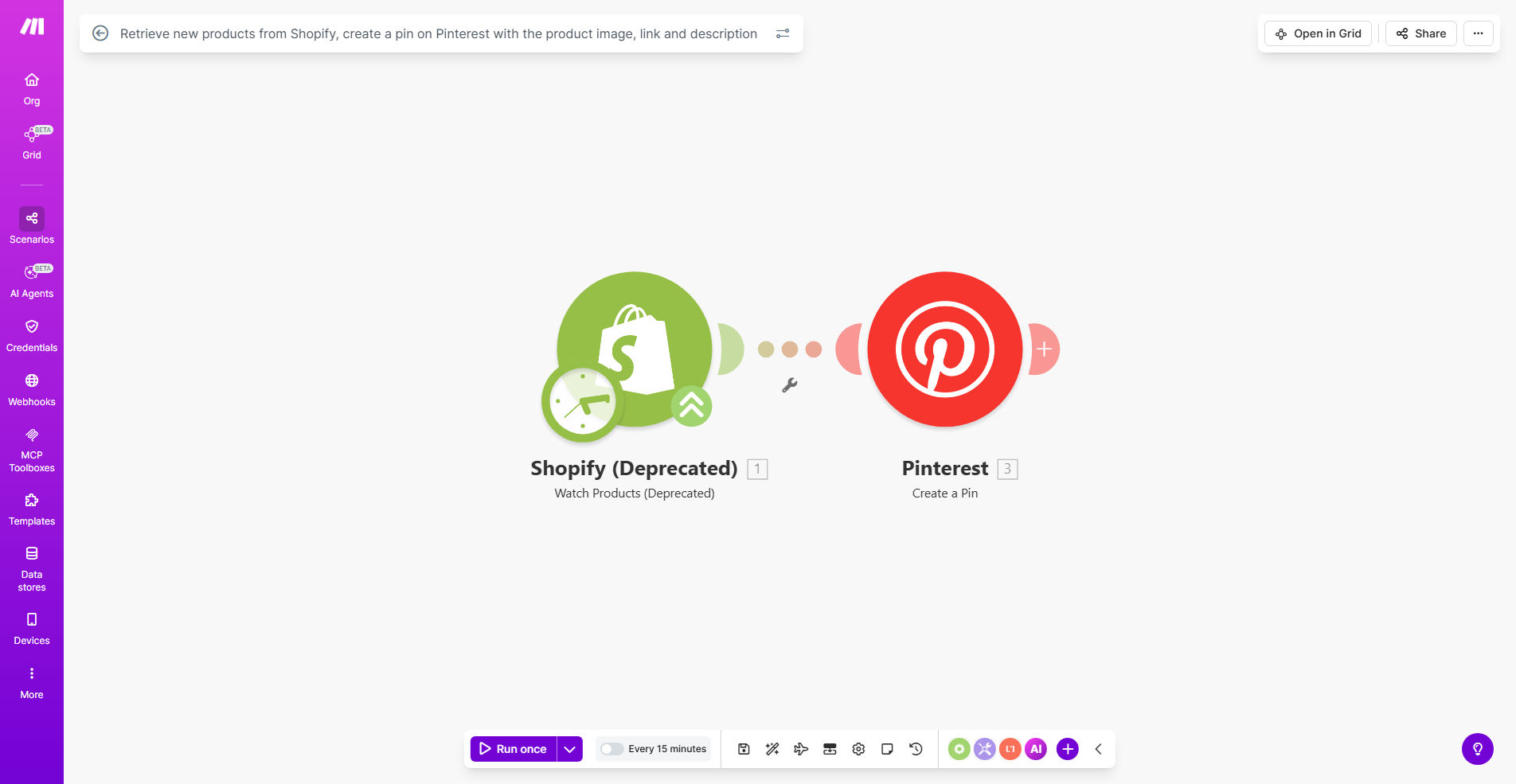
What This Workflow Does
This automation solves a critical challenge for e-commerce businesses - efficiently promoting new products across multiple channels. Every time you add a product to Shopify, the workflow automatically creates an optimized Pinterest pin with the product image, direct link, and description.
Manual pin creation is time-consuming and inconsistent. This system ensures every product gets immediate visibility on Pinterest, where 85% of weekly pinners have made purchases based on content they found. The automation handles image formatting, keyword-rich descriptions, and proper linking - everything needed to drive qualified traffic back to your store.
How It Works
1. New product detection
The workflow monitors your Shopify store for newly added products through real-time webhooks or scheduled checks. It captures all product details including multiple images, variants, pricing and SEO descriptions.
2. Image optimization
Pinterest prefers vertical images with 2:3 aspect ratios. The automation selects the best product image and resizes it appropriately while maintaining quality. For stores with lifestyle shots, it can prioritize those over plain product images.
3. Pin creation
Using your Pinterest business account credentials, the system generates a pin with the optimized image, product title as the pin description, and direct link to the product page. All pins are created under your specified board.
4. Quality validation
Before publishing, the workflow verifies all pin elements meet Pinterest's best practices - checking image dimensions, link functionality, and description length. Failed validations trigger alerts for manual review.
Who This Is For
This automation delivers the most value for:
- Shopify stores adding 5+ new products weekly
- Visual product categories like fashion, home goods or beauty
- Marketing teams spending hours manually creating social content
- Businesses wanting consistent Pinterest presence without daily effort
- Dropshippers needing to promote supplier inventory quickly
Pro tip: Combine this with our Pinterest to Email Marketing workflow to automatically add pin engagers to your Shopify email sequences for complete conversion funnel automation.
What You'll Need
- Active Shopify store with products
- Pinterest business account
- Make.com account (free tier works)
- Admin access to both platforms for API connections
- Designated Pinterest board for product pins
Quick Setup Guide
- Install the template in your Make.com account
- Connect your Shopify store via private app credentials
- Authorize Pinterest access through OAuth
- Specify your target Pinterest board ID
- Test with a sample product to verify pin formatting
- Activate the scenario to begin automatic processing
Key Benefits
Save 5+ hours weekly by eliminating manual pin creation. The automation handles everything from image selection to publishing while you focus on other business priorities.
Increase product visibility with instant Pinterest exposure for every new item. Early pins gain more traction in Pinterest's algorithm compared to delayed posting.
Maintain brand consistency with uniformly formatted pins that follow your aesthetic guidelines and include all necessary product information.
Drive higher-converting traffic by ensuring pins link directly to product pages rather than generic store URLs, reducing bounce rates.
Scale effortlessly as your product catalog grows - the system handles 10 or 10,000 products with equal reliability.